What is Bank Statement Converter?
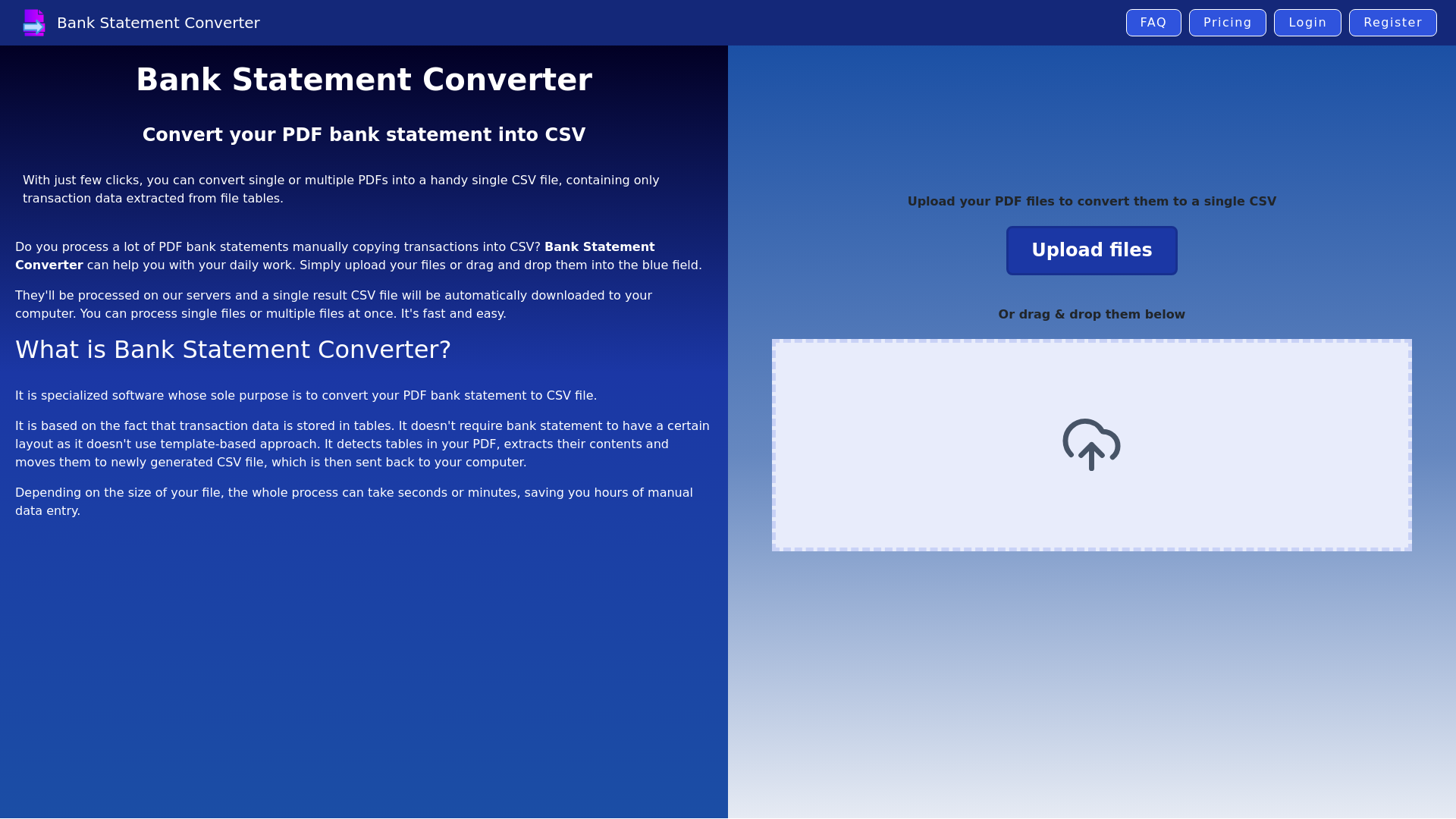
Bank Statement Converter is specialized software designed to convert your PDF bank statements into CSV files effortlessly. This innovative tool focuses on the fact that transaction data is organized in tables within the PDFs. Unlike template-based converters, it automatically detects tables, extracts their content, and generates a CSV file that is sent directly to your device. This process can be completed in mere seconds or minutes, saving you significant time and effort compared to manual data entry.
Key Features of Bank Statement Converter
-
Ease of Use: Simply upload your PDF files, and the resultant CSV will be automatically downloaded to your computer.
-
Multi-File Processing: Upload multiple PDF bank statements simultaneously, resulting in a single comprehensive CSV file.
-
Error Reduction: Automation minimizes human errors that typically arise from manual data entry.
-
Free Trial Options: Experience up to 3 free conversions daily. Register for 20 free conversions monthly or choose from various affordable subscription plans for additional access.
How to Use Bank Statement Converter?
To utilize the Bank Statement Converter:
- Upload your PDF bank statement files either by clicking the upload button or dragging and dropping them into the designated area.
- The server processes your files, extracting the transaction data.
- The automatically generated CSV file will be downloaded on your computer after processing is complete.
Pricing
Bank Statement Converter offers several pricing tiers:
-
Free Version: Up to 3 conversions per day.
-
Monthly Subscription: 20 free conversions per month after registration.
-
Paid Plans: For users needing to convert more pages, various affordable subscription options are available.
Helpful Tips
- For best results, ensure that your PDF bank statements are clear and easy to read.
- If you encounter issues with specific banks, contact customer support through the chat feature available on the website.
- Take advantage of the free trial to assess the converter's compatibility with your bank statements before committing to a subscription.
Frequently Asked Questions
Who can use Bank Statement Converter?
Everyone needing to handle transaction data from PDF bank statements can benefit from this tool, particularly:
-
Accountants: For efficient processing of client bank statements.
-
Finance Specialists: For enhanced analytical reporting.
-
Business Owners: To gain financial insights, improve budgeting, and assist in planning.
Why should I use Bank Statement Converter?
By using this tool, you can save time, reduce costs on hiring data entry specialists, and minimize effort, thereby allowing you to focus on more important tasks.
What if it doesn’t work with my bank statements?
If the converter doesn’t work with your specific bank PDFs, reach out to customer support for assistance. Adjustments can often be made to improve compatibility.