What is the AI Background Blur Tool?
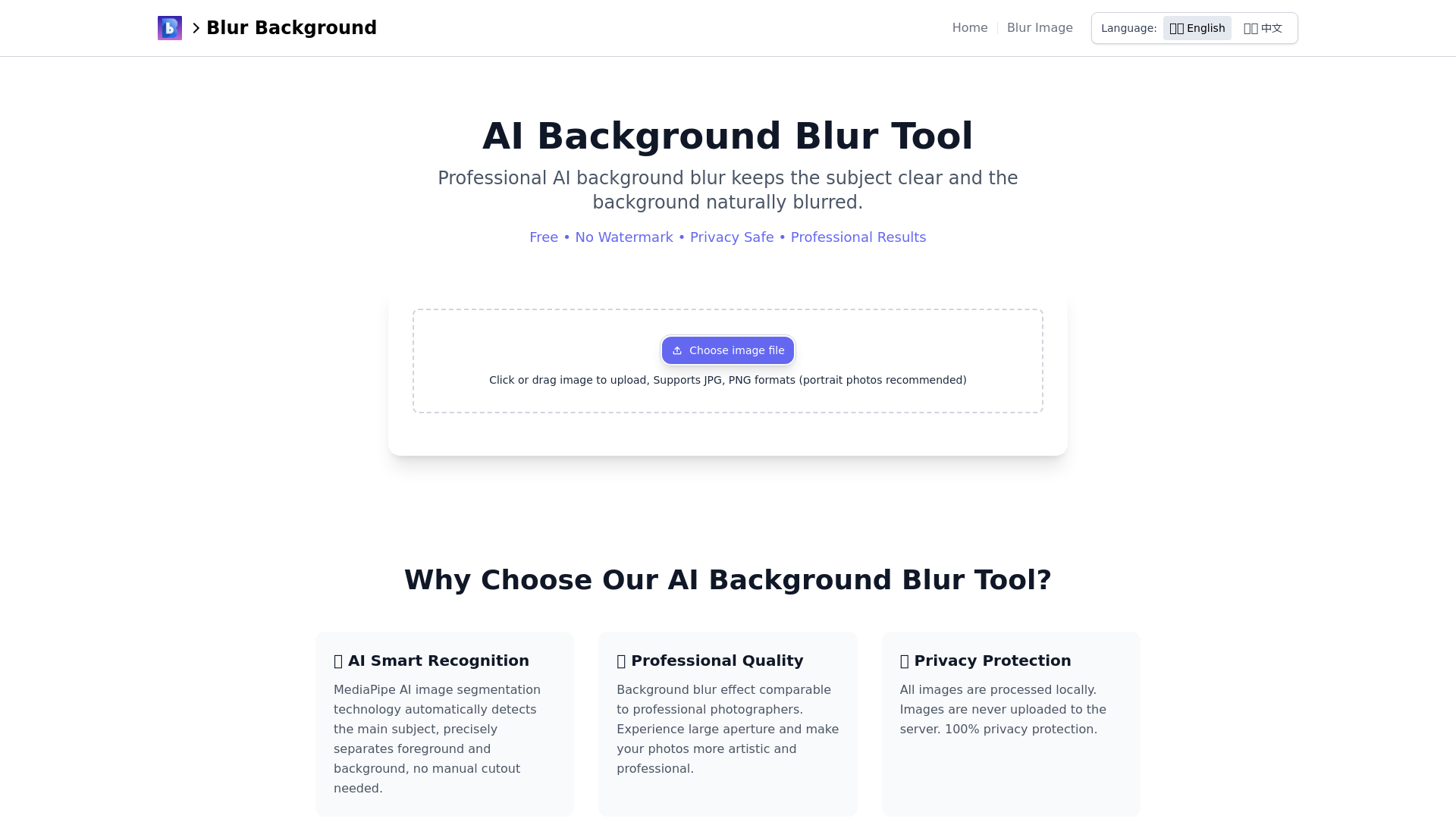
The AI Background Blur Tool is a professional quality, user-friendly application that utilizes advanced AI technology to blur backgrounds in images while keeping the main subject in focus. It offers high-quality results completely free of charge, without the need for registration or payment.
Features of the AI Background Blur Tool
-
Professional Quality: Delivers a background blur effect that rivals that of professional photographers, simulating a large aperture to enhance the artistic quality of images.
-
Smart Recognition: Utilizes MediaPipe AI technology to automatically detect and separate the main subject from the background, eliminating the need for manual cutouts.
-
Privacy Protection: Processes all images locally, ensuring that no personal data is uploaded to the server, thereby maintaining 100% user privacy.
-
Completely Free: No hidden costs or registration required. Users can access and use the tool any time without constraints.
-
Cross-Platform Support: Compatible with all devices, including smartphones, tablets, and computers, allowing users to edit images from anywhere.
-
User-Friendly Interface: Features a simple operation process; just upload your image and click to blur the background.
How to Use the AI Background Blur Tool
-
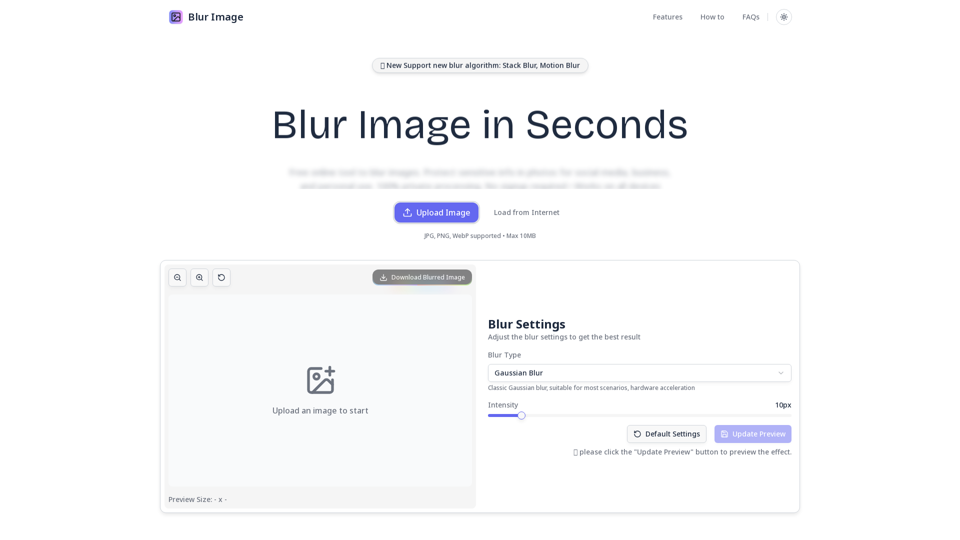
Upload Your Image: Click the "Upload File" button or drag and drop your photo into the designated area.
-
Adjust the Effect: Utilize the slider to set the desired intensity of the blur effect.
-
Process the Image: Hit the "Blur Background" button to apply the effect to your image.
-
Download and Save: Wait a few seconds for the processing to complete, then click the "Download Blurred Image" button to save the high-quality result.
Price of the AI Background Blur Tool
The AI Background Blur Tool is entirely free! There are no registration requirements or hidden fees, making it a cost-effective solution for anyone in need of background editing for their images.
Helpful Tips for Using the AI Background Blur Tool
-
Choose the Right Image: For the best results, portrait photos are recommended as they allow for better subject-background separation.
-
Experiment with Blur Intensity: Adjust the blur levels to find the perfect balance that highlights your subject.
-
Utilize on Multiple Platforms: Use the tool on any device; whether you’re on a laptop or a mobile phone, it’s convenient and accessible.
Frequently Asked Questions
Is this tool free?
Yes, our AI background blur tool is completely free of charge. There are no registration requirements or usage limits.
Are my images uploaded to a server?
No. All image processing is conducted locally in your browser. We prioritize user privacy and do not collect or store any image data.
What image formats are supported?
The tool supports various formats including JPG, JPEG, and PNG, with portrait photos being recommended for optimal results.
What is the quality of the processed images?
We guarantee that the quality of the processed images will be the same as the original.
Can I adjust the blur intensity?
Yes, the tool allows adjustments to the blur intensity using a simple slider for tailored results.
Start Using the AI Background Blur Tool Now
Transform your photos with a fast, free, and professional tool designed to enhance your images by blurring unwanted backgrounds while keeping your subjects in sharp focus. Start processing images today and elevate your photography!