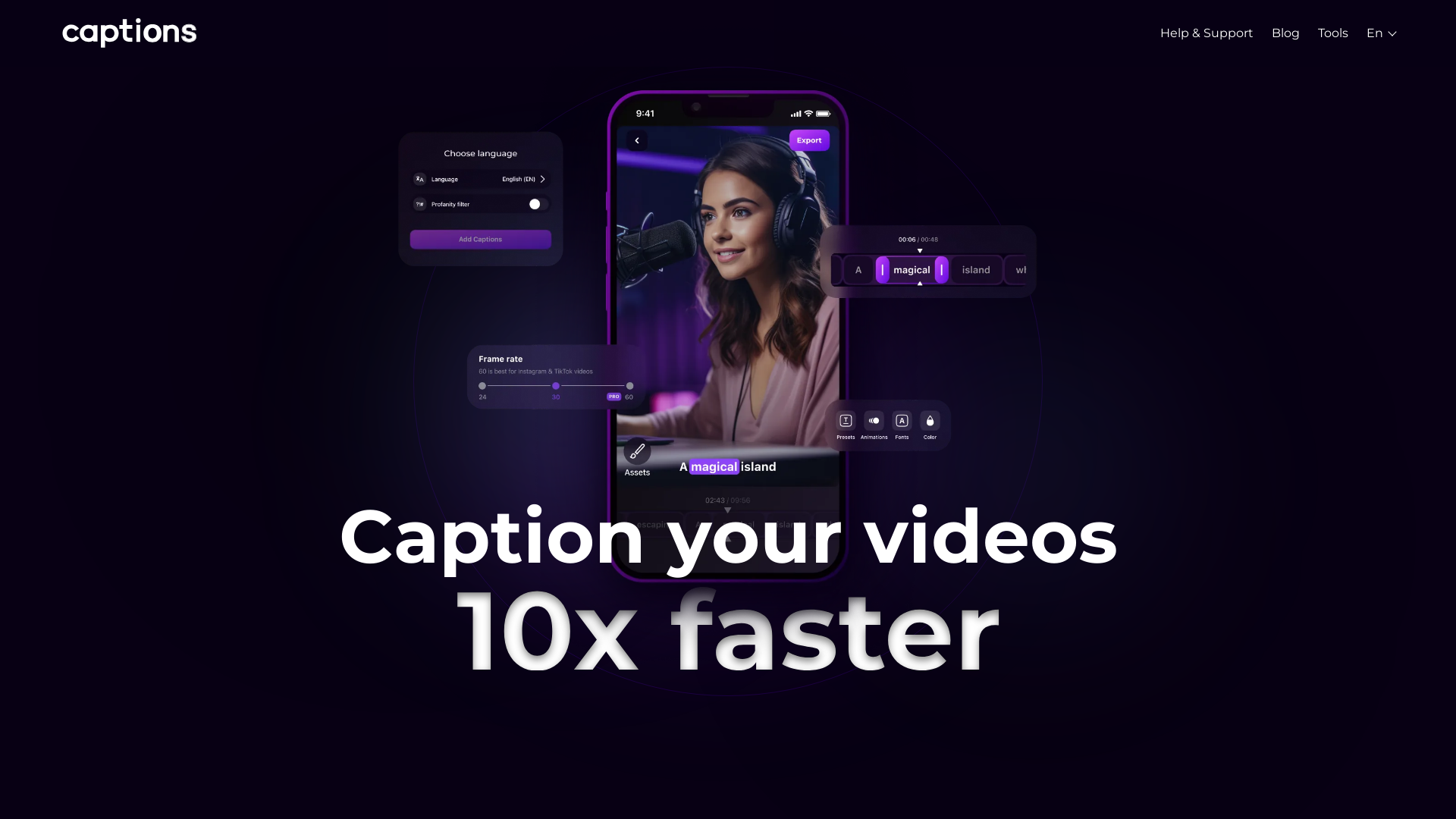
What is Captions App?
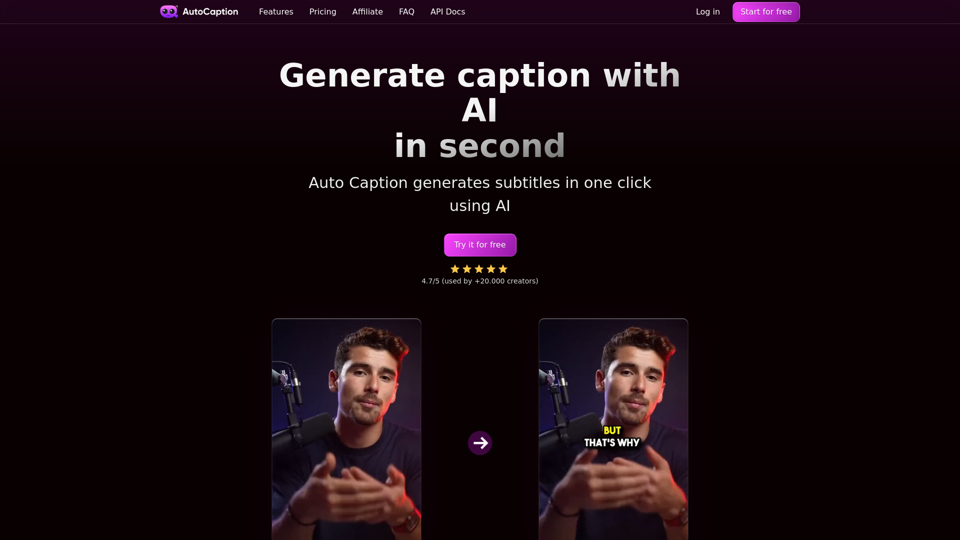
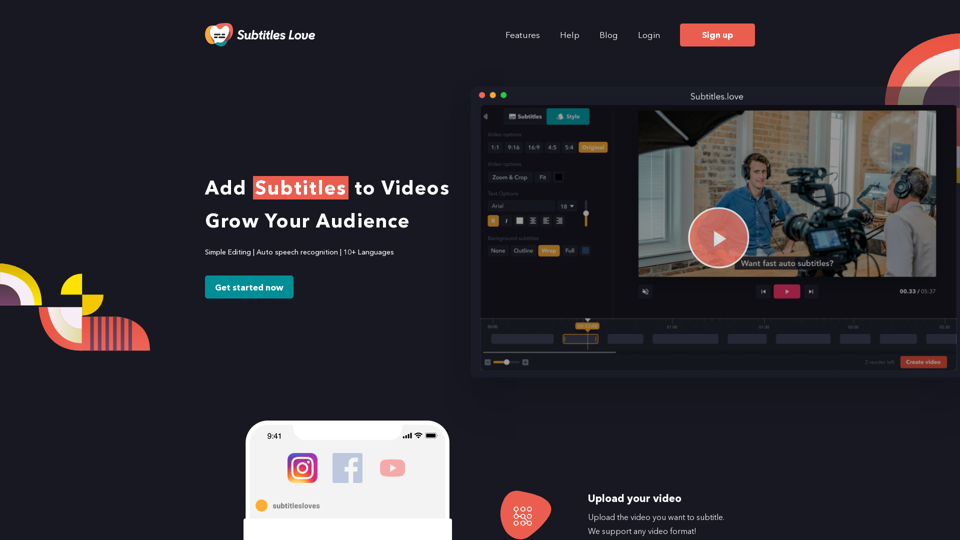
Captions App is a powerful tool designed to help content creators effortlessly add subtitles to their videos. With just a few simple steps, users can upload their video, choose the desired language, and enjoy the finalized product. This app streamlines the captioning process, making it accessible for everyone, from amateur filmmakers to professional video editors.
What are the main features of Captions App?
-
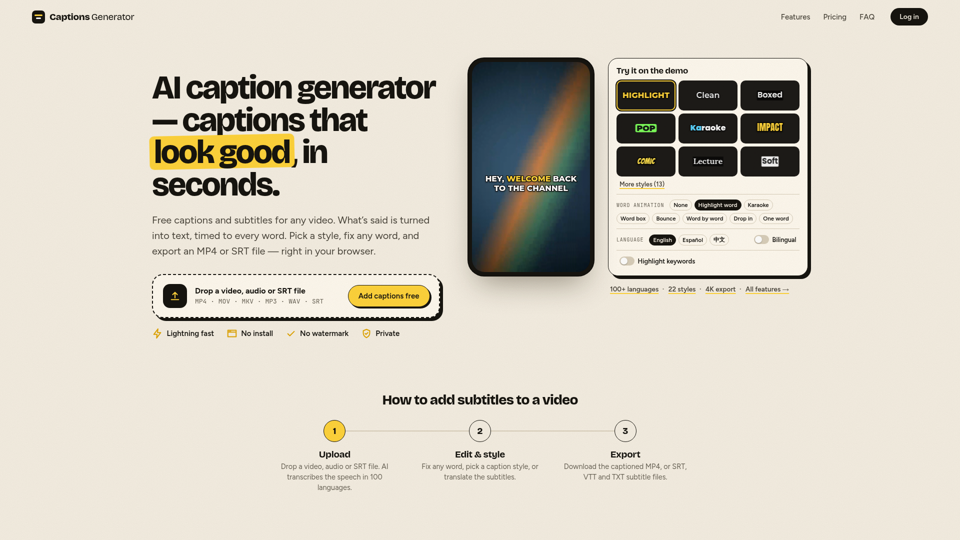
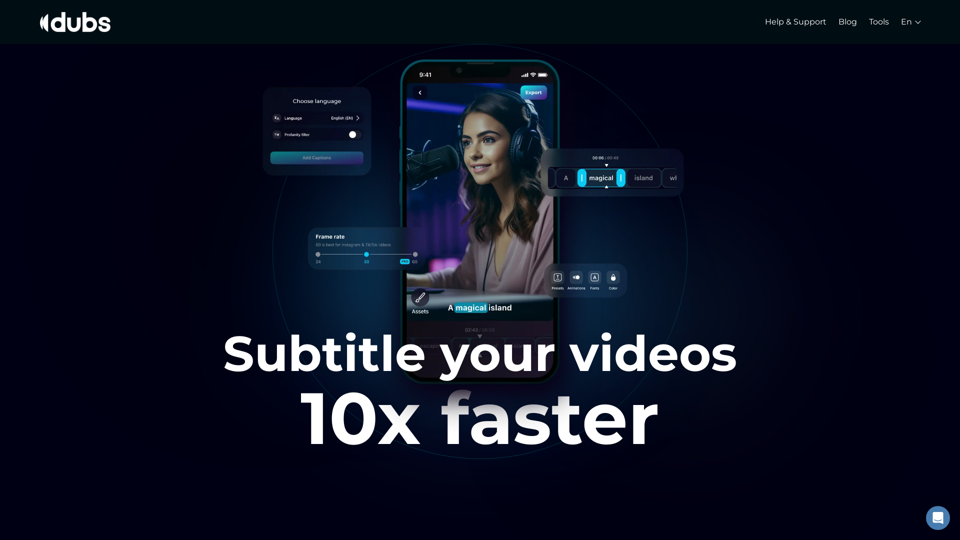
Full Customization: Users can personalize their subtitles with a wide selection of fonts, sizes, colors, and positions, giving each video a unique touch.
-
Dynamic Animations: Captions can be animated to grab the viewer's attention, enhancing the overall engagement of the video.
-
Precision Control: Users have the ability to manually adjust subtitles by dragging and dropping them on the timeline, ensuring they appear exactly when needed.
-
AI Dubbing: The app allows users to dub videos into over 100 languages, greatly expanding the reach of their content to a global audience.
-
Teleprompter Feature: This feature aids content creators in delivering smooth, uninterrupted takes by scrolling text across the screen.
-
AI Scripts: Captions App can generate scripts for your videos, offering everything from sarcastic dialogues to thrilling detective stories in seconds.
How to use Captions App?
Using the Captions App is incredibly straightforward:
- Upload your video to the platform.
- Choose the language you want for your subtitles.
- Enjoy the finished video with professionally added captions.
Pricing
Captions App offers a range of pricing options to suit different needs. Users can start with a free trial to experience the key features and then choose a subscription plan that fits their specific requirements.
Helpful Tips
- Make use of the customization options to match your video’s style and tone.
- Experiment with dynamic animations to maintain viewer interest.
- Always preview your subtitles before finalizing to ensure they sync well with the audio.
- Utilize the teleprompter feature for smoother video shoots.
Frequently Asked Questions
Can I add captions in multiple languages?
Yes, the Captions App supports multi-language dubbing, allowing you to localize your content for various audiences.
Is there a limit on how many videos I can process?
The app supports processing thousands of videos per month. For specific limits, please check your subscription details.
Is the Captions App suitable for beginners?
Absolutely! The user-friendly interface ensures that even those new to video editing can navigate the app with ease.
Will my videos be secure when uploaded?
User privacy and data security are a top priority. All uploads are secured, and you retain ownership of your content.
Can I cancel my subscription at any time?
Yes, subscriptions can be canceled anytime, allowing you to use the app according to your convenience and needs.
Experience the magic of subtitle creation and take your content to the next level with Captions App!