What is Ellie - Your AI Email Assistant?
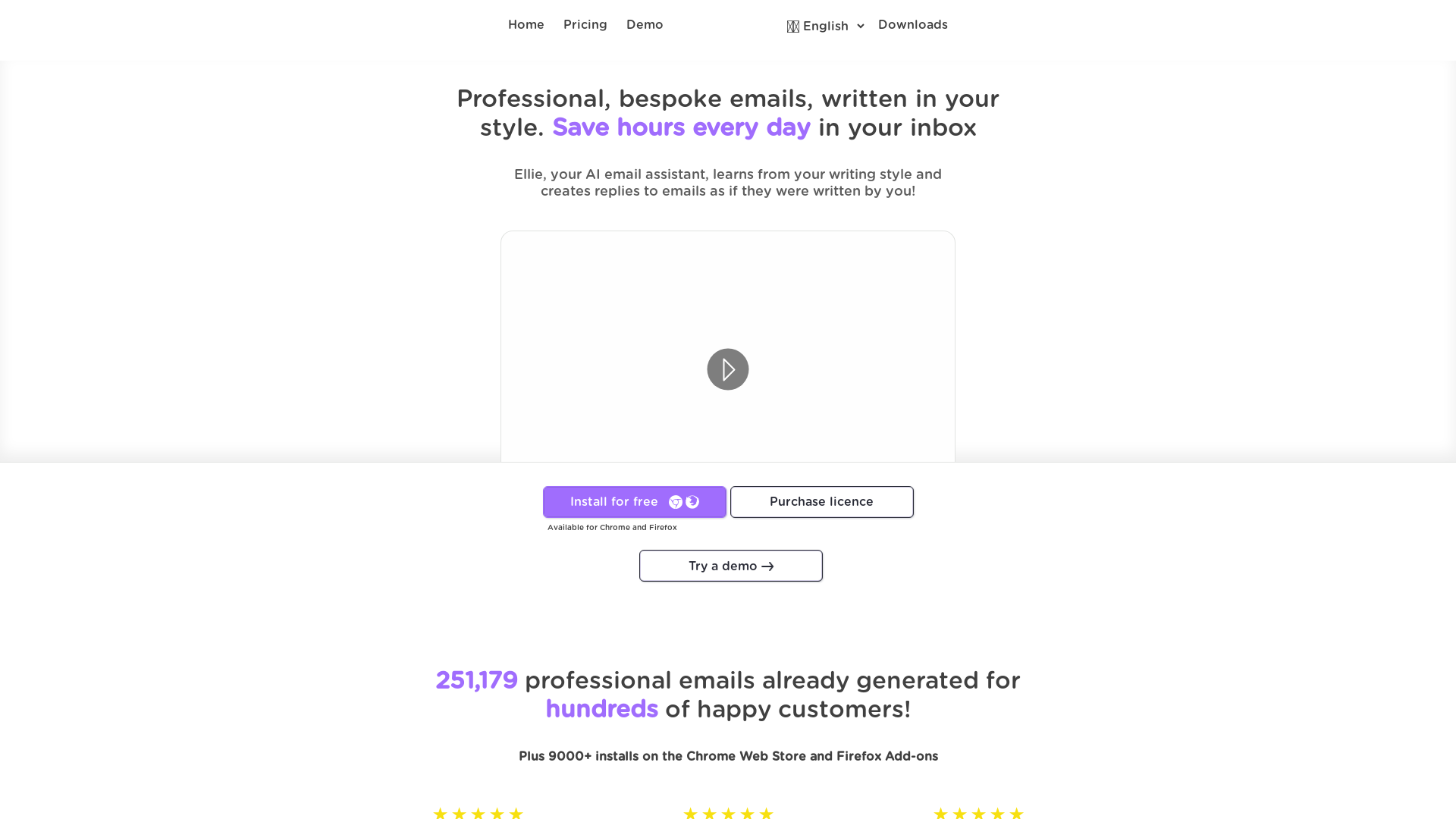
Ellie is your personal AI email assistant that uses advanced machine learning to draft professional and bespoke email responses in your unique writing style. With Ellie, you can save hours daily by automating your email replies, enhancing your productivity and minimizing the strain of email correspondence.
What are the main features of Ellie?
-
Personalized Learning: Ellie learns from your writing style by analyzing your previous sent emails, enabling it to craft replies that resemble your voice.
-
Contextual Understanding: The AI comprehends the context of email threads to generate intelligent replies with a personalized touch.
-
Multilingual Support: Ellie can respond in multiple languages, matching the language of the email being replied to.
-
Role Assignment: Users can assign different roles to Ellie depending on the context of the email, such as Customer Support or Team Member.
-
Advanced Training Mechanism: Teach Ellie any information or context to include in replies, enhancing its accuracy.
How to use Ellie?
Using Ellie is simple and straightforward:
-
Install the Browser Extension: Available for Chrome and Firefox, simply download and install the extension.
-
Sign Up for Free: Create an account and start using Ellie with basic features immediately.
-
Email Integration: Ellie works seamlessly within your inbox, crafting replies as you browse your emails.
-
Training the AI: Provide Ellie with up to 200 of your previous emails for optimal learning on your writing style.
Pricing
Ellie offers flexible pricing plans to suit different needs:
-
Personal Use - Basic: Free usage with up to 3 replies a day, utilizing basic AI capabilities.
-
Casual Plan: At $19/month, allows for 25 replies a day, using an intelligent AI model (GPT-4).
-
Business Plan: Priced at $39/month per seat, with 100 replies a day for small teams.
-
Professional Plan: At $79/month per seat, allowing unlimited replies for large teams, with tailored AI models.
Helpful Tips
-
Experiment with Different Roles: Explore assigning various roles to Ellie to handle different types of emails efficiently.
-
Utilize the Advanced Training Feature: Input documents or URLs to let Ellie learn specific information relevant to your responses.
-
Keep Your Email Data Private: Ellie does not read your emails; you control the training data to maintain your privacy.
Frequently Asked Questions
Does Ellie read my emails?
No, Ellie does not access your emails autonomously. You provide examples for style alignment, and it uses the most recent replies for context only.
What browsers are supported?
Ellie is a browser extension available for Chrome and Firefox.
What email clients are supported?
Currently, Gmail and Fastmail are fully supported. Other web-based clients can interact with Ellie through the toolbar.
Why is there a limit on the number of replies?
Generating content requires resources, and as a small independent team, limits help sustain the service.
Can I trust Ellie with my private information?
Yes, Ellie is designed with user privacy in mind. Your email replies are not stored or shared.
Who are the creators of Ellie?
Ellie was created by Danielle and James, two developers committed to providing a dedicated email assistant while traveling the world.
Start leveraging the power of AI in your email correspondence and try Ellie today!