What is AI Emoji?
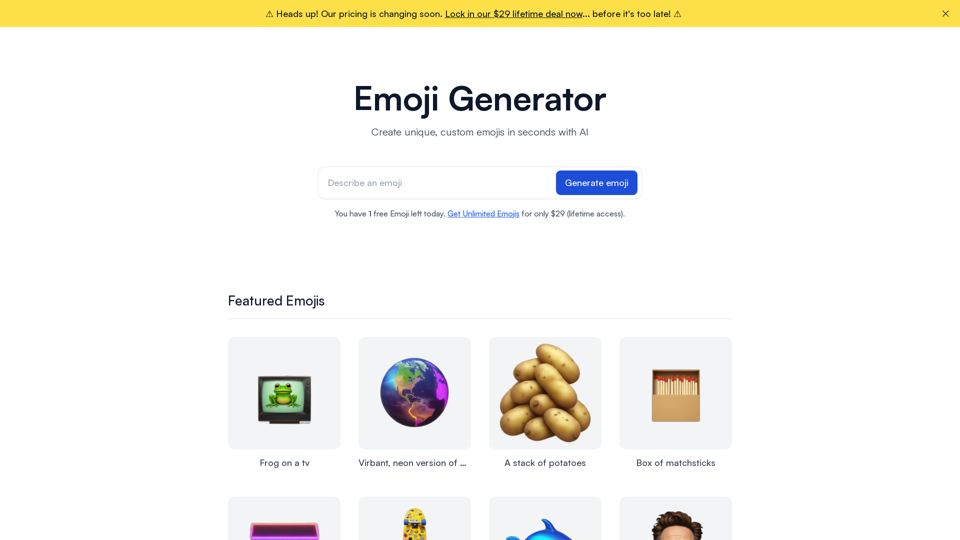
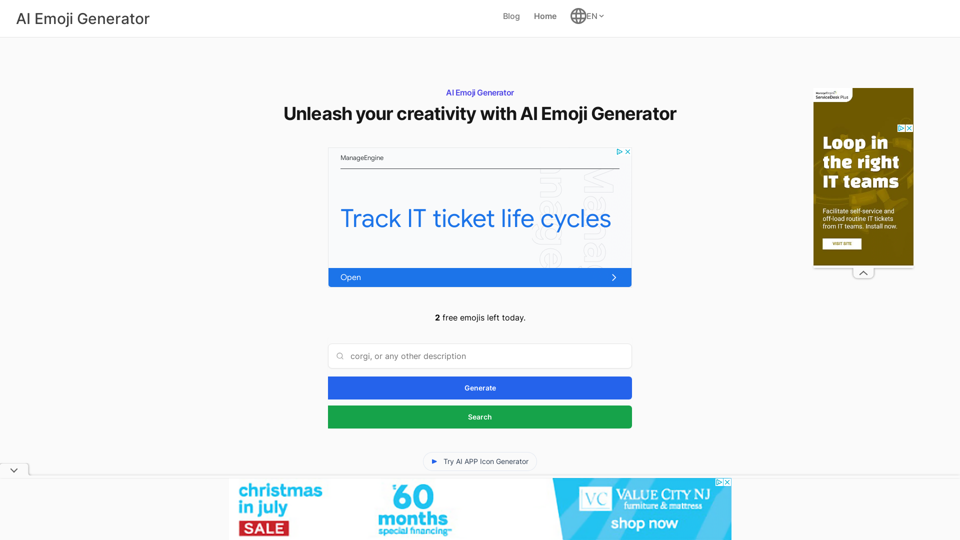
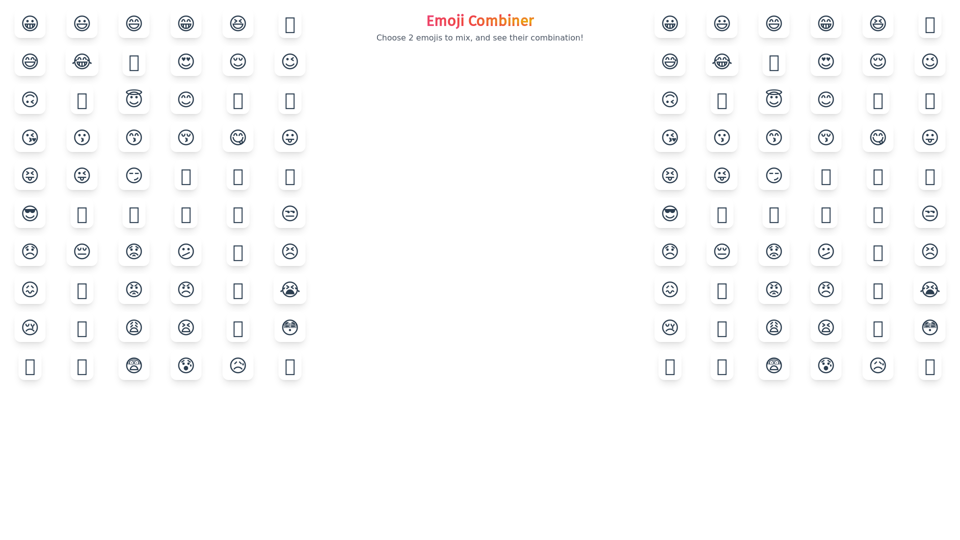
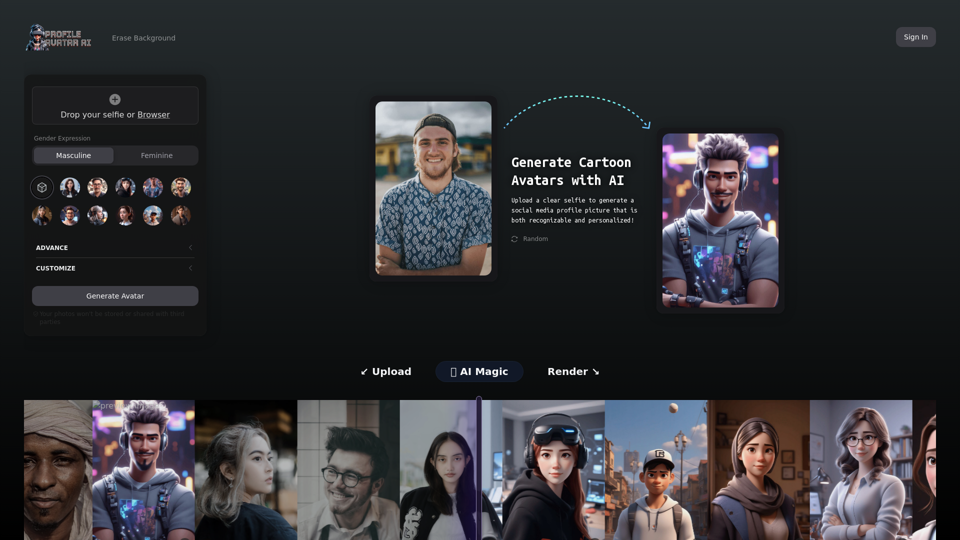
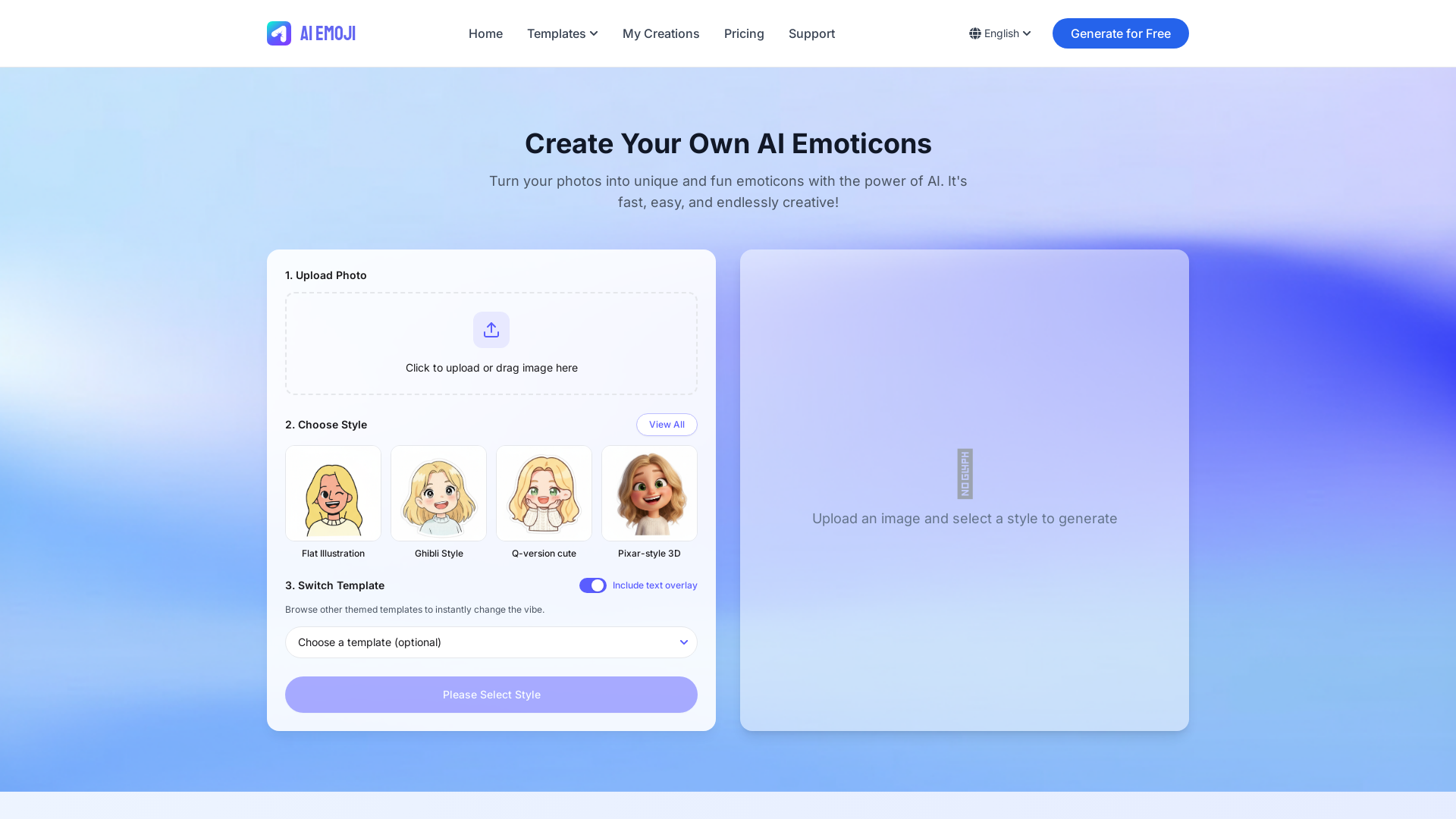
AI Emoji is a cutting-edge, AI-driven platform that allows users to transform their photos into unique and fun emoticons. By leveraging artificial intelligence, the tool creates personalized emojis that capture the essence of your image in a fast and creative manner.
What are the main features of AI Emoji?
-
AI-Powered Magic: Utilizing advanced AI technology, AI Emoji analyzes your photo to generate expressive emoticons tailored to your likeness.
-
Multiple Styles: Choose from a variety of engaging art styles, including flat illustrations, Ghibli style, cute Q-version, and Pixar-style 3D, to match your personal aesthetic.
-
Fast & Easy Process: The user-friendly interface lets you create custom emoticons within seconds, simplifying the emoji creation experience.
-
Template Options: Enhance your emojis further by selecting themed templates, adding overlays or specific vibes to suit different contexts (e.g., Office Work, Party Time, Sports Fan).
How to use AI Emoji?
Using AI Emoji is as simple as following three steps:
-
Upload Your Photo: Start by selecting and uploading a clear image of yourself, supporting multiple formats for best outcomes.
-
Select a Style: Browse through the extensive library of styles and choose one that resonates with your personality and mood.
-
Generate & Download: The AI processes your image, generating your personalized emoji. Once ready, you can conveniently download and use your new emoticon!
What is the pricing for AI Emoji?
AI Emoji provides a free package which includes limited credits for emoji creation. Users can purchase additional credits for more creations, and subscribing to the Creator Monthly Plan removes any watermarks on the images and GIFs generated.
Helpful Tips
-
Best Photo Quality: For optimal results, upload clear and well-lit photos featuring a single subject. Avoid images with extreme angles, sunglasses, or hats.
-
Daily Quota: Remember that the free credits reset at midnight UTC. Unused credits do not carry over, so utilize them wisely!
-
Subscription Benefits: Subscribing not only removes watermarks but also grants enhanced features and unlimited usage, allowing for greater creativity without interruptions.
Frequently Asked Questions
What type of photos work best?
For the best emoji output, use frontal, clear photos in good lighting conditions with one person.
Is my data safe?
Your privacy is important to us. Uploaded photos are only used to create emojis and are not stored or shared post-creation.
How many emojis can I create?
The number of emojis you can create depends on your subscription plan, with the free package offering a limited amount of credits.
Can I remove the watermark after subscribing?
Yes, subscribing to the Creator Monthly Plan will automatically have the watermark removed from all generated images and GIFs.
Can I cancel my subscription at any time?
Certainly! You can cancel your subscription anytime by turning off auto-renewal in your account settings, with benefits remaining active until the end of the current billing cycle.