What is Fixkey?
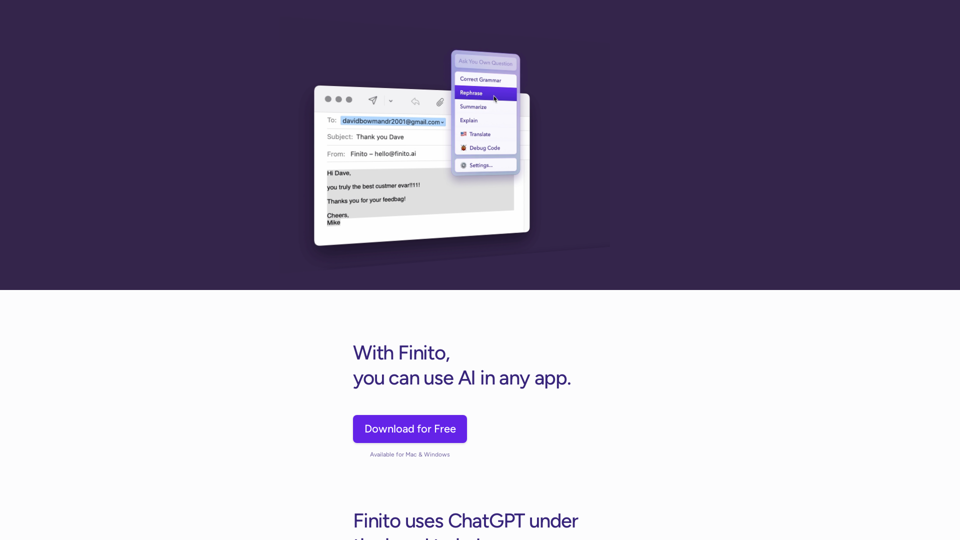
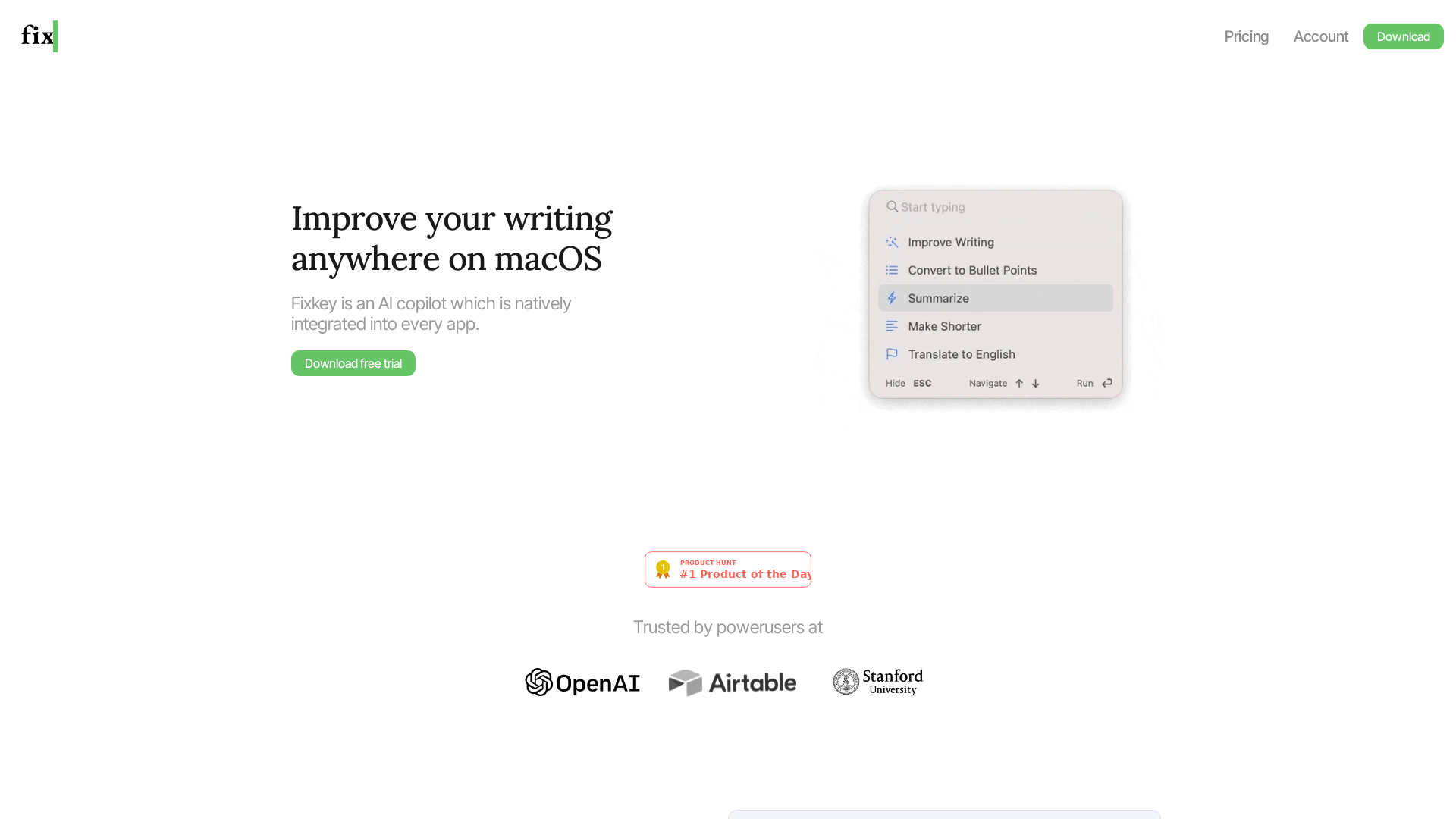
Fixkey is an advanced AI copilot designed specifically for macOS, providing seamless integration into every application. It enhances your writing experience by allowing you to select any text, highlight it, and improve it using AI-powered assistance. This innovative tool aims to streamline your workflow and boost your productivity by making writing corrections easier and faster.
What are the main features of Fixkey?
-
Native MacOS Integration: Fixkey is lightweight and natively built for macOS, ensuring optimal performance across all apps.
-
Language Support: It supports over 200 languages utilizing large language models (LLMs).
-
Custom Prompt Editor: Users can customize prompts in the prompt editor for various use cases, enhancing the flexibility of the tool.
-
Custom Shortcuts: Fully customizable shortcuts enable users to trigger Fixkey's features quickly and efficiently.
-
Universal Compatibility: Fixkey works with virtually any application on macOS, ensuring you can improve your writing anywhere.
-
Quick Response Times: The AI models respond in less than 200 milliseconds, providing instant feedback and assistance.
How to use Fixkey?
To use Fixkey, simply download the application and start your free trial. Once installed, you can highlight any text in any app on macOS and utilize the AI to improve it with a simple keyboard shortcut. Customize your prompts and shortcuts through the settings to tailor the experience to your specific needs and preferences.
What is the pricing for Fixkey?
Fixkey offers various pricing options depending on the level of features you need:
-
Free Trial: Users can experience the full functionality of Fixkey for a limited time at no cost.
-
Subscription Plans: After the trial, users can choose affordable subscription plans tailored to their needs, allowing for continued access to advanced features and updates.
Helpful Tips for Using Fixkey
-
Utilize Shortcuts: Set up custom shortcuts to quickly access Fixkey, reducing the time spent switching contexts while writing.
-
Explore Language Options: If you write in multiple languages, take advantage of Fixkey's support for over 200 languages to ensure your writing is polished everywhere.
-
Experiment with Prompts: Use the prompt editor to experiment with different styles and tones that fit your writing projects better.
Frequently Asked Questions
Can Fixkey be used on other operating systems?
Fixkey is exclusively designed for macOS and is not available on other operating systems at this time.
Is my data safe with Fixkey?
Yes, Fixkey places a strong emphasis on user privacy and data security. Your information will not be shared or used for training purposes without your consent.
Can I receive assistance with specific writing tasks?
Absolutely! Fixkey enhances your writing by providing suggestions, corrections, and improvements based on the text you select, allowing for tailored support in your writing tasks.
How can I contact customer support?
For any inquiries or support requests, you can reach out via the contact options provided on the Fixkey website. They offer dedicated assistance to help with any issues or questions you may have.