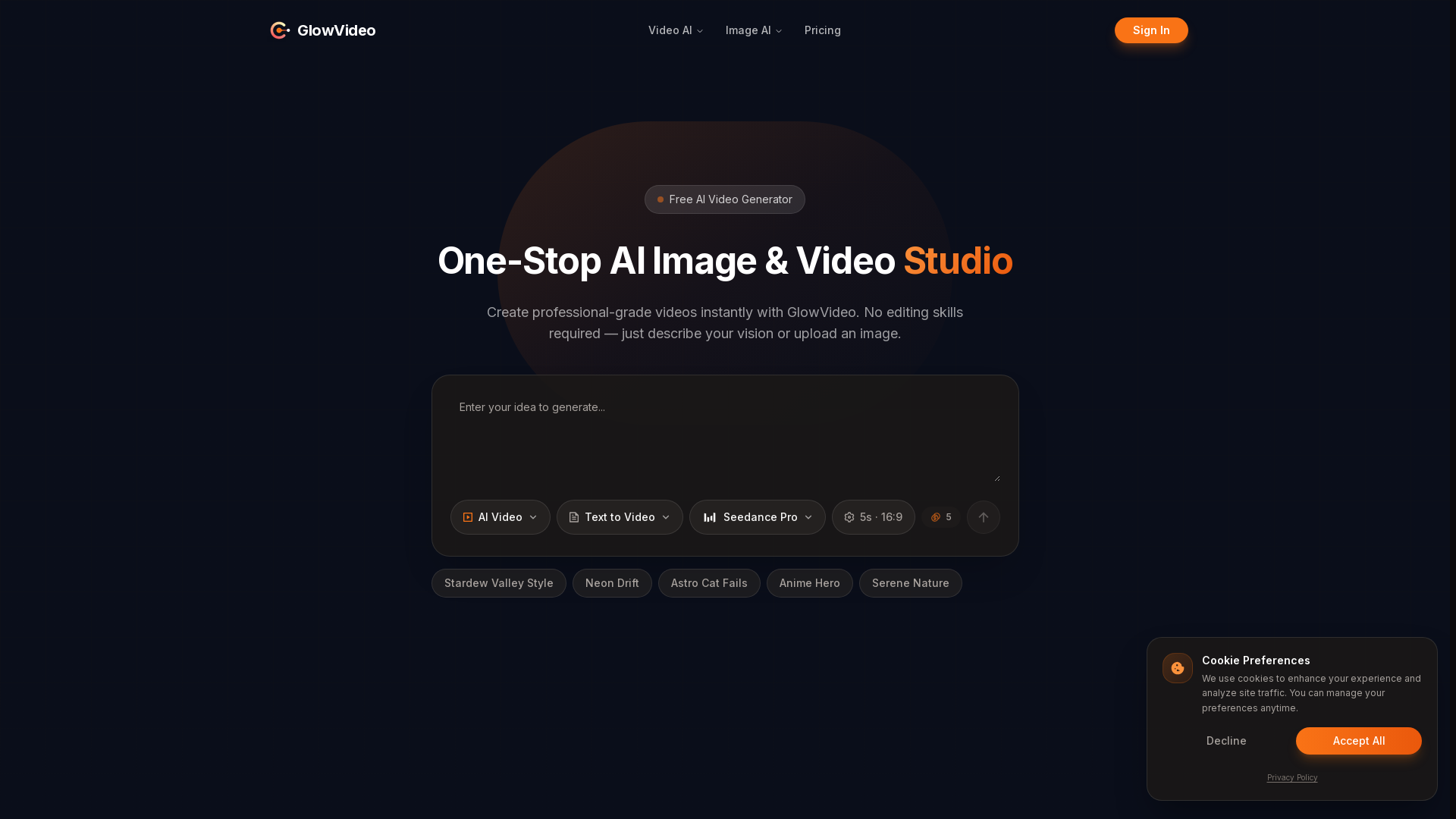
What is GlowVideo?
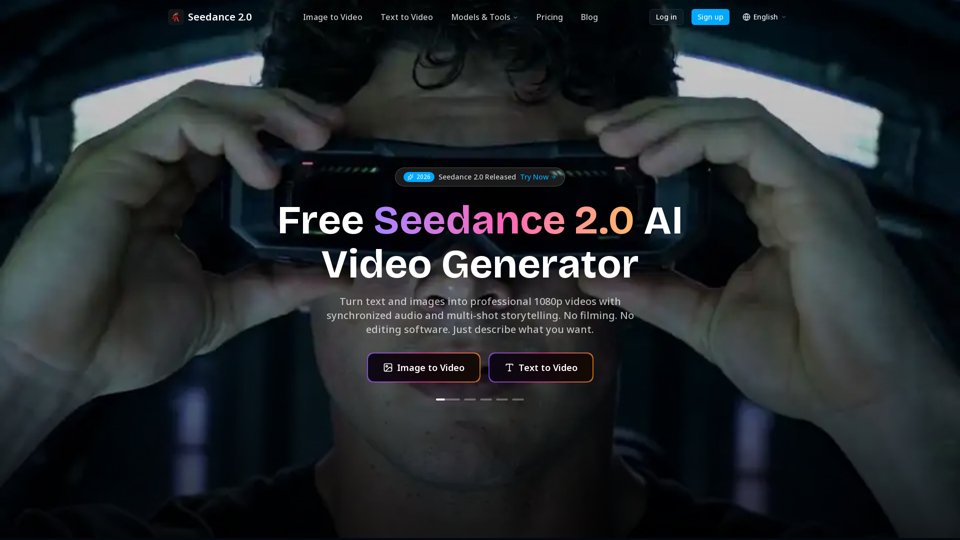
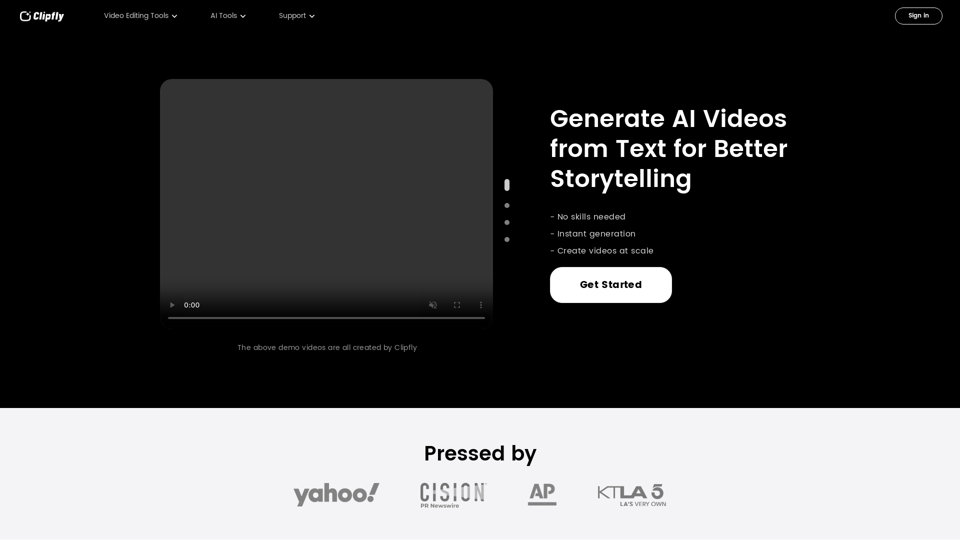
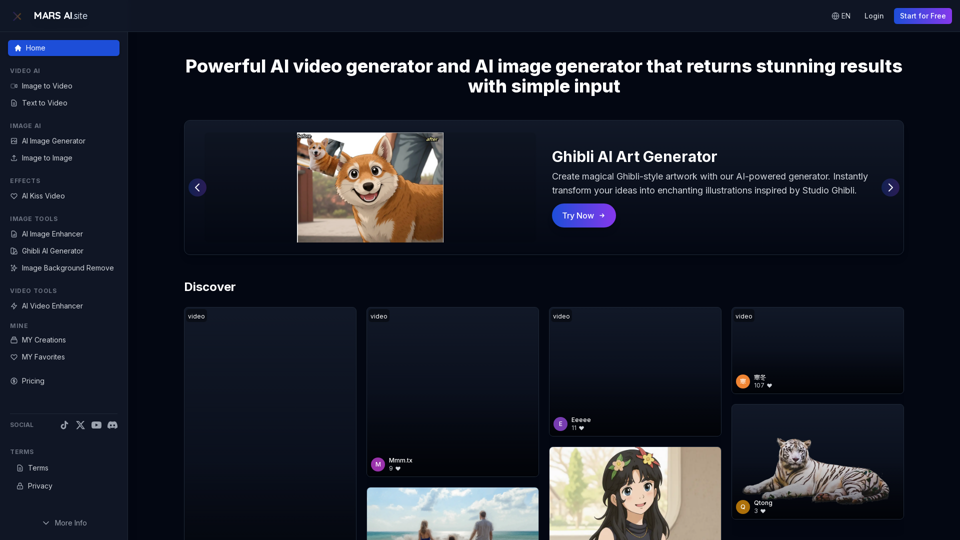
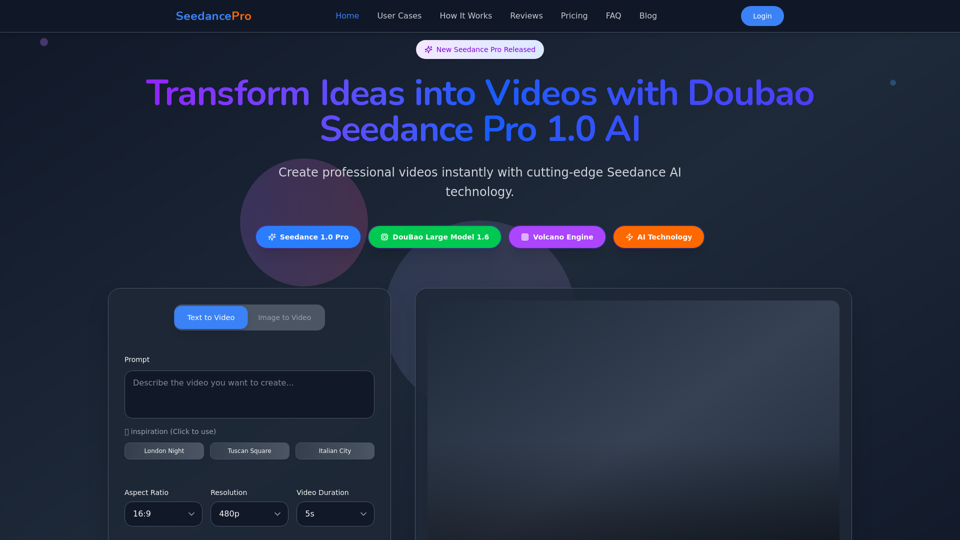
GlowVideo is a revolutionary AI video generator that transforms text prompts and images into high-quality videos in a matter of seconds. With cutting-edge technology, it allows users to create professional-grade videos effortlessly, without the need for any editing skills. Just describe your vision in words or upload an image, and let GlowVideo do the rest.
What are the key features of GlowVideo?
-
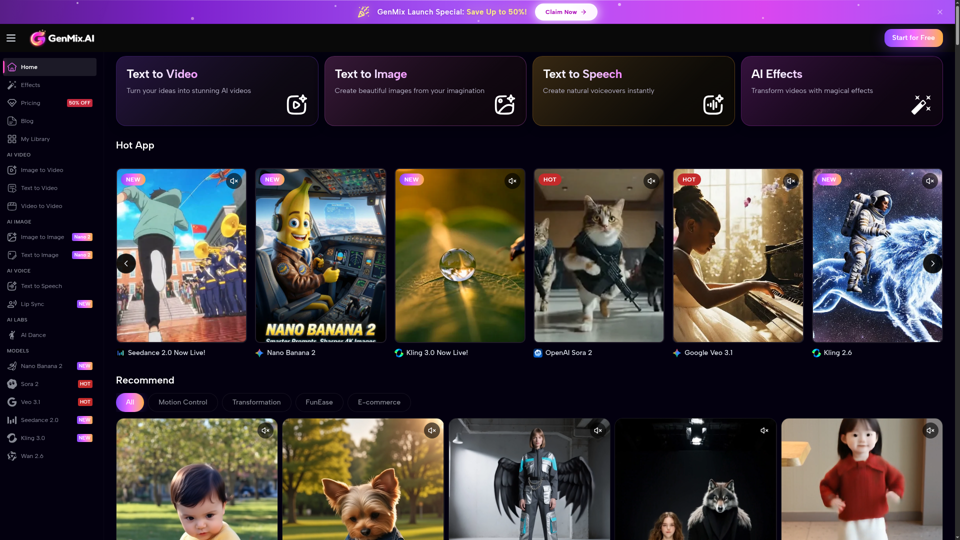
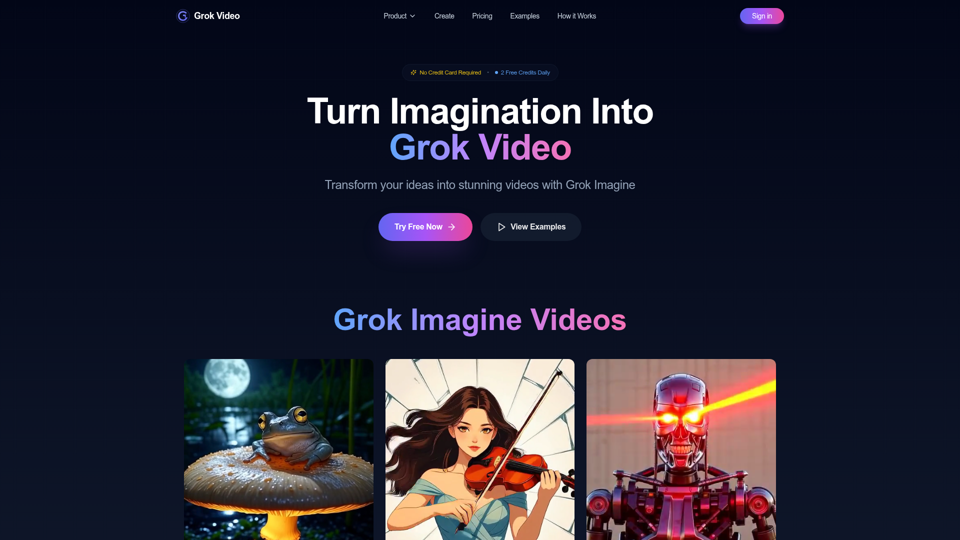
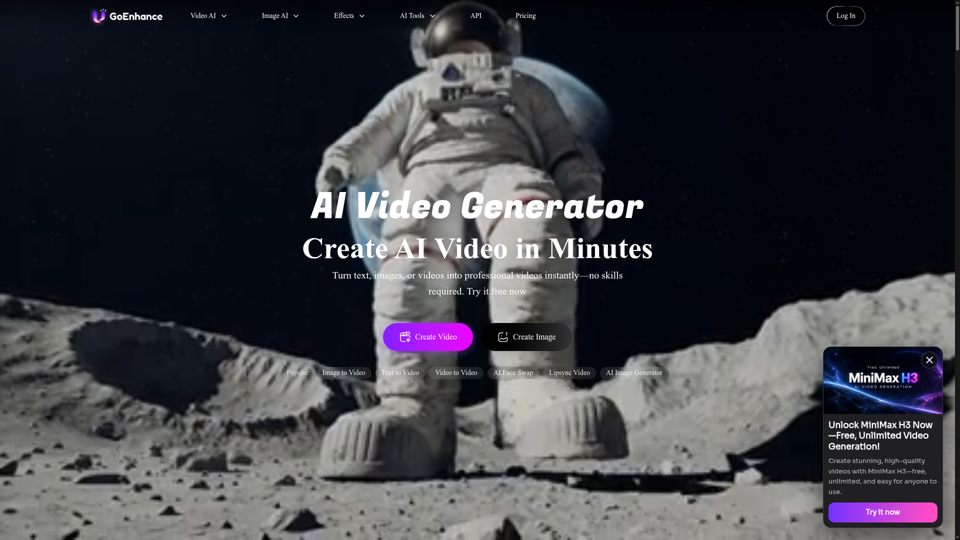
AI Text-to-Video Generation: Instantly convert your text prompts into stunning video content with smooth animations and cinematic effects. No editing required!
-
Image-to-Video Animation: Upload any image and watch as GlowVideo animates it with natural motion effects, creating professional videos from still photos.
-
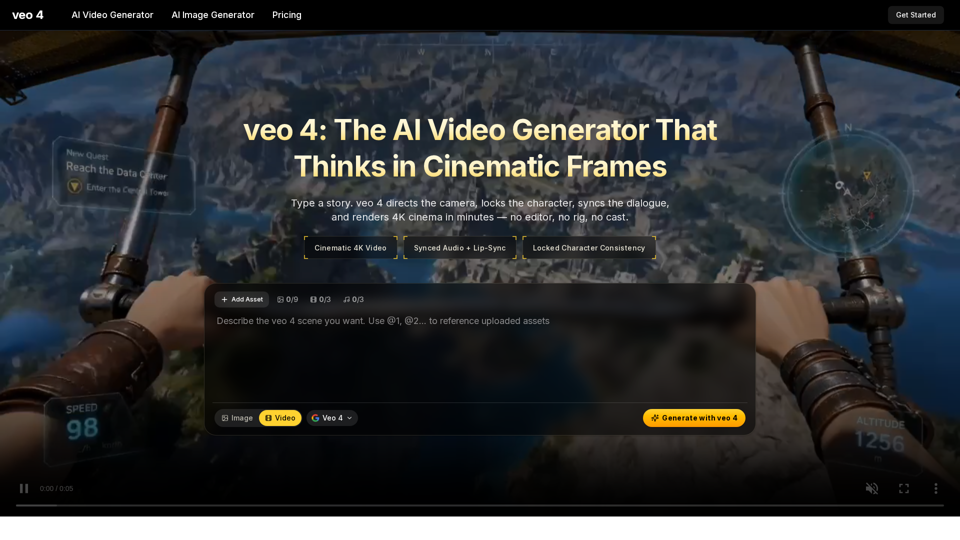
High-Resolution Video Creation: Generate videos in professional 4K quality with cinematic effects and seamless transitions.
-
Access to Leading AI Models: Utilize powerful AI models, including Kling, Runway, and Sora, to create dynamic videos.
-
User-Friendly Interface: Easy-to-navigate design lets anyone—from marketers to content creators—produce videos quickly and efficiently.
-
Instant Video Generation: No waiting time! Experience immediate results with AI-driven video production.
-
Privacy and Security: GlowVideo prioritizes user privacy, ensuring that no personal data is collected, and that all videos are processed securely.
How to use GlowVideo?
Using GlowVideo is simple and straightforward:
-
Start Free: Sign up and create an account without needing a credit card.
-
Choose Your Mode: Decide between the Text-to-Video or Image-to-Video generator.
-
Input Your Content: Either type in your creative text prompt or upload an image.
-
Generate Your Video: Click to create, and in seconds, your video is ready for download.
-
Download & Share: Save your video and share it across platforms.
Price
GlowVideo offers a ### 100% free plan to start, with no hidden fees or credit card requirements. Upgrade options may be available for those who want enhanced features and capabilities as they grow their video production needs.
Helpful Tips
-
Experiment with Different Prompts: For the best results, try varying your text prompts to see how they influence the final video output.
-
High-Quality Images Recommended: When using the image-to-video feature, choose high-resolution images to ensure stunning results.
-
Utilize AI Models Efficiently: Explore different AI models available in GlowVideo to find which best fits your creative style.
-
Stay Updated: Follow GlowVideo’s updates and new features to maximize your video creation experience.
Frequently Asked Questions
What is GlowVideo AI?
GlowVideo is an AI-powered platform that generates videos from text and images, utilizing advanced AI models to create high-quality video outputs quickly and effortlessly.
How does GlowVideo's AI Video Generator work?
The AI analyzes your text prompts or images and applies its machine learning algorithms to generate engaging videos, complete with animations, transitions, and effects.
Do I need video editing skills to use GlowVideo?
No, GlowVideo is designed to be user-friendly, requiring no prior editing experience. Just provide input, and the AI takes care of the rest.
Which AI models does GlowVideo support?
GlowVideo supports various cutting-edge AI models such as Kling, Runway, Sora, and more for optimized video generation.
Text-to-Video vs Image-to-Video: Which should I choose?
If you have a strong idea expressed through words, consider using Text-to-Video; if you have compelling imagery, use Image-to-Video to bring your photos to life.