What is HD Photo Converter Free?
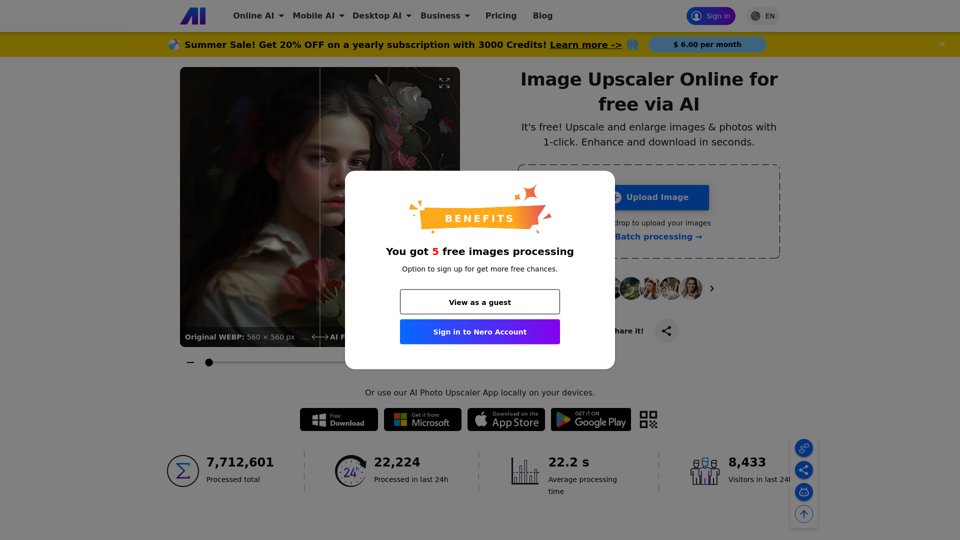
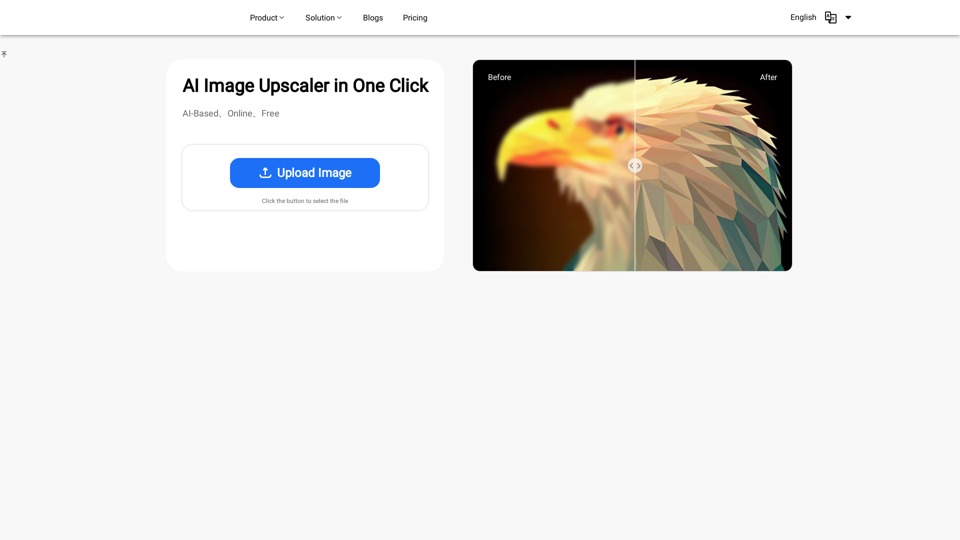
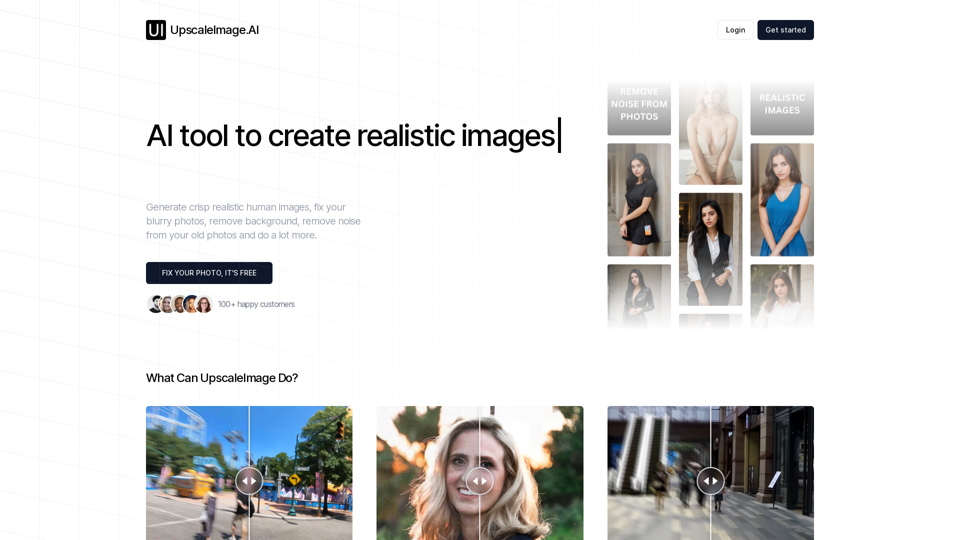
HD Photo Converter Free is an advanced AI-powered platform designed to upscale images to stunning 4K quality. It instantly transforms blurry, pixelated, or low-resolution photos into high-definition masterpieces in seconds, making it perfect for enhancing old photographs, social media images, or product photography.
Features of HD Photo Converter Free
-
AI-Powered Image Enhancement: Utilizes cutting-edge algorithms to analyze and improve the resolution, sharpness, and overall quality of images.
-
Supports Multiple Formats: Allows uploads of JPG, PNG, WEBP, and more, accommodating files up to 10MB for seamless processing.
-
Professional-Grade Quality: Offers crystal-clear 4K outputs suitable for printing, e-commerce, and professional purposes.
-
One-Click Conversion: Enables fast and straightforward image conversion with just a few clicks, ideal for users without technical skills.
-
Privacy-First Approach: Ensures user data security by automatically deleting images post-processing.
How to Use HD Photo Converter Free
-
Upload Your Image: Drag and drop or click to upload any image format supported (JPG, PNG, WEBP, etc.).
-
AI Processing: The converter automatically enhances your image, increasing resolution and removing noise in a matter of seconds.
-
Download HD Result: Once processed, you can download your stunning 4K image for use across various platforms.
Pricing for HD Photo Converter Free
-
Starter Plan: $4.9/month for 100 HD conversions.
-
Professional Plan: $9.9/month for 300 conversions, including specialized portrait modes and priority support.
-
Business Plan: $19.9/month for 1,000 conversions and batch processing capabilities, perfect for commercial use.
Helpful Tips for Using HD Photo Converter Free
-
Optimize Your Images: For best results, use high-quality images as the base.
-
Experiment with Modes: Take advantage of different enhancement modes offered for specific needs, such as portrait optimization.
-
Batch Processing: For photographers and businesses, utilize the batch processing feature for time efficiency.
Frequently Asked Questions
How does the HD Photo Converter work?
The converter employs advanced AI algorithms to analyze and enhance the details and resolution of your images seamlessly.
What image formats does the HD Photo Converter support?
It supports various formats, including JPG, PNG, WEBP, JPEG, and BMP.
How long does it take to convert a photo to HD?
Typically, the conversion is completed in under 30 seconds.
Will I lose image quality when upscaling?
No, the tool is designed to enhance and preserve the essential details while improving resolution.
Is the HD Photo Converter really free?
Yes, it offers free conversions with limitations, and additional features are available through subscription plans.
Are my photos stored on your servers?
No, user privacy is a priority. All images are automatically deleted after processing to ensure data security.
Transform Your Photos Today
Join over 100,000 satisfied users who trust HD Photo Converter Free for professional-quality image enhancement—perfect for both personal and business needs!