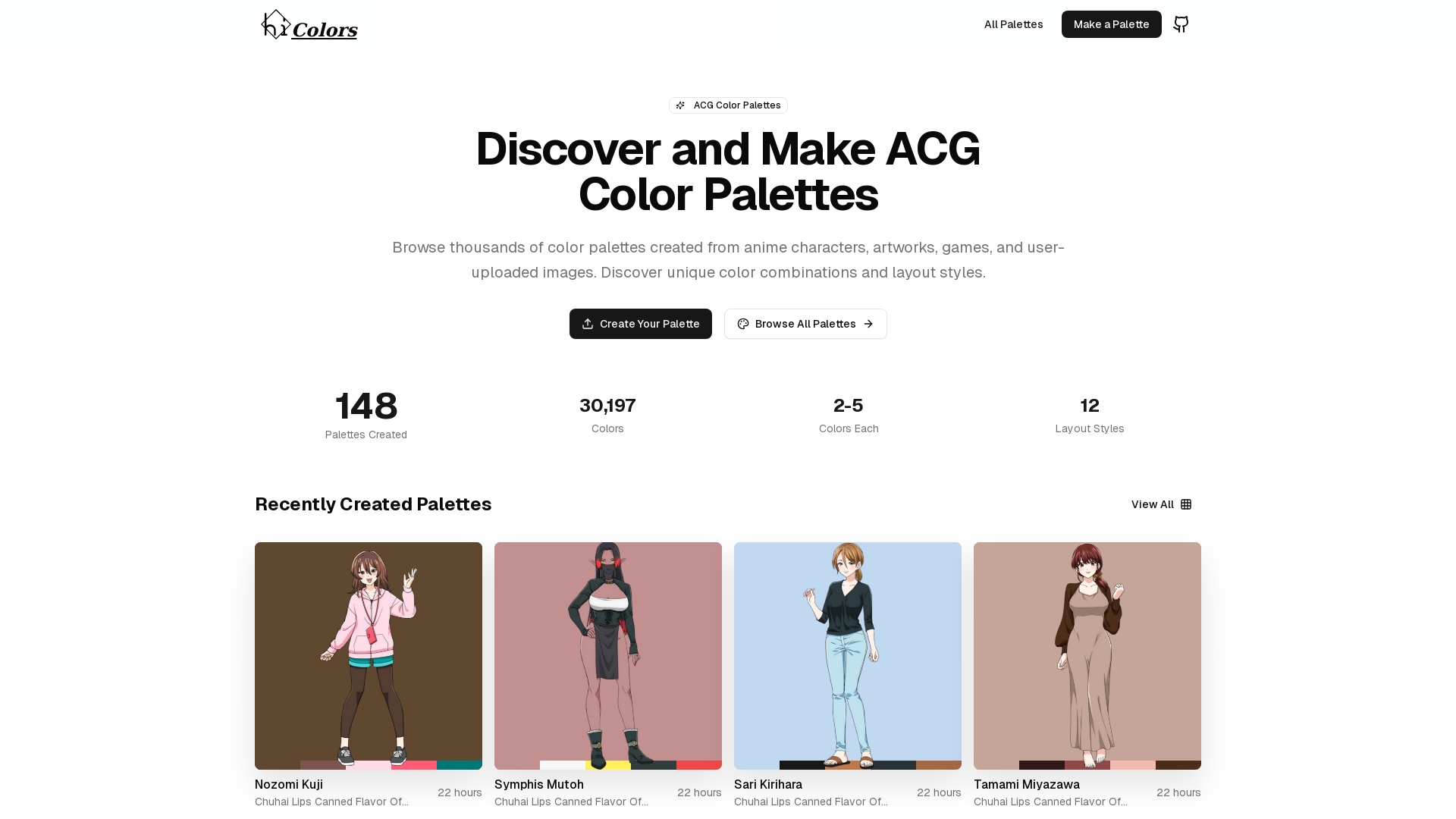
What is HiColors?
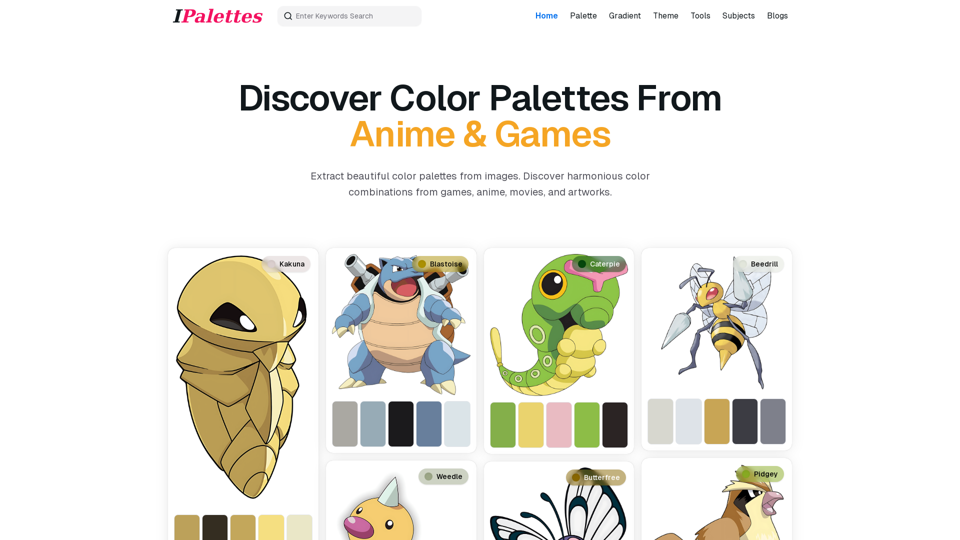
HiColors is a creative platform designed for artists, designers, and anime enthusiasts to discover, create, and share ACG (Anime, Comic, and Games) color palettes. Users can browse through thousands of color combinations derived from anime characters, artworks, games, and user-uploaded images, facilitating a rich palette exploration experience.
Features of HiColors
-
Extensive Palette Library: Search through thousands of color palettes created using popular anime characters and artwork.
-
User-Friendly Palette Creation: Easily create personalized color palettes by uploading images.
-
Diverse Layout Styles: Choose from 12 different layout styles for displaying color palettes to find the ideal presentation.
-
Community Engagement: Join a vibrant community of creators who share their color combinations and artistic inspirations.
How to Use HiColors
Creating and discovering color palettes is simple on HiColors. Users can:
- Browse existing palettes: Explore a wide range of color combinations sourced from community contributions.
- Create new palettes: Upload an image and let HiColors extract beautiful color palettes in seconds.
- Engage with the community: Share your creations and get inspired by others.
Price
HiColors offers free access to its palette creation and browsing features, allowing everyone to enjoy the platform without any upfront costs. While there may be additional premium features in the future, the current services are accessible to all users.
Helpful Tips
-
Experiment with Different Images: Use various images from your favorite anime or games to generate unique color palettes.
-
Save Your Favorites: Keep track of palettes you love by saving them within the platform for quick access in your projects.
-
Engage in the Community: Participate in community forums and discussions to enhance your color mixing skills and discover trends.
Frequently Asked Questions
Can I create my own color palettes on HiColors?
Yes! You can upload any image to generate color palettes and create your own unique combinations.
How many colors can I include in a palette?
HiColors allows palettes to include between 2 to 5 colors, enabling focused and harmonious color schemes.
Are there any costs associated with using HiColors?
Currently, HiColors is free to use, but keep an eye out for potential premium features in the future.
How can I get involved with the HiColors community?
Join discussions, share your palettes, and explore others’ works to become an active member of the HiColors community.
What types of images work best for color palette creation?
High-resolution images with clear colors and distinct features work best for generating accurate and appealing color palettes.