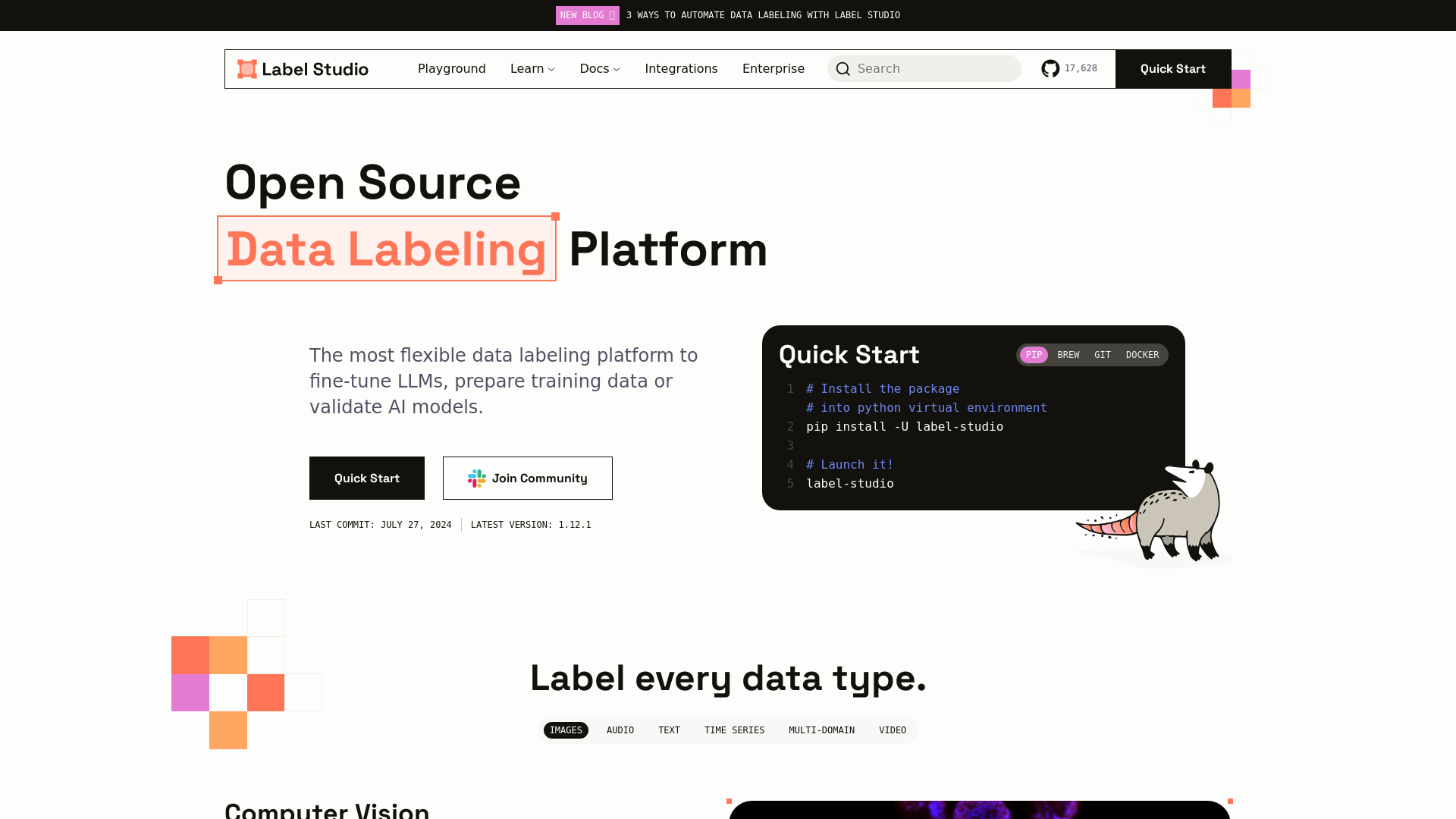
A flexible data labeling tool for all data types. Prepare training data for computer vision, natural language processing, speech, voice, and video models.
Label Studio is an open-source data labeling platform designed to facilitate the annotation of various data types, including images, audio, text, and video. The platform is exceptionally flexible, making it a valuable tool for fine-tuning large language models (LLMs), preparing training data, or validating AI models across diverse applications.
Main Features of Label Studio
Versatile Data Labeling: Supports multiple data formats - images, audio, text, video, and time series.
Customizable Layouts: Offers configurable layouts and templates tailored to specific datasets and workflows.
ML-Assisted Labeling: Integrates machine learning to streamline the labeling process by using predictions to assist human annotators.
Cloud Integration: Connect to cloud storage solutions like S3 and GCP for direct data labeling.
Multiple Projects and Users: Allows the management of various projects, use cases, and data types all within a single platform.
How to Use Label Studio?
To begin using Label Studio, follow these simple steps:
Installation: Install the platform through PIP, Brew, Git, or Docker, depending on your preference.
pip install -U label-studio
label-studio
Or use Docker:
docker run -it -p 8080:8080 -v `pwd`/mydata:/label-studio/data heartexlabs/label-studio:latest
Setup: After installation, launch Label Studio and start a new project.
Data Import: Import your data and start the labeling process using the intuitive interface.
Annotations: Utilize the variety of classification, segmentation, and object detection tools available.
Pricing
Label Studio offers various pricing plans:
Community Edition: Free and open-source, suitable for individual users and small teams.
Enterprise Edition: A subscription-based model that provides advanced features, support, and additional integrations, tailored for larger teams and organizations.
Helpful Tips for Using Label Studio
Utilize Keyboard Shortcuts: Familiarize yourself with keyboard shortcuts to enhance productivity during the labeling process.
Use Templates: Start with built-in templates to save time in setting up your projects.
Take Advantage of Community Resources: Join the Label Studio community for access to tutorials, forums, and shared practices.
Leverage Webhooks and API: Automate tasks and integrate Label Studio with other ML or data processing pipelines using the provided API.
Frequently Asked Questions
Can I label images and audio with Label Studio?
Yes, Label Studio supports a variety of data types, including images, audio, text, and time series data.
Is Label Studio suitable for large-scale projects?
Absolutely! Label Studio allows for multiple projects and user collaboration, making it a powerful tool for large datasets and teams.
How do I get support for Label Studio?
For assistance, you can join the community forums, access the extensive documentation, or engage with the support team if you are using the Enterprise Edition.
Is my data secure while using Label Studio?
Label Studio prioritizes user privacy and data security, especially if you opt for self-hosting on your infrastructure.
What resources are available for learning more about Label Studio?
The community provides a wealth of resources, including blog articles, tutorials, webinars, and a dedicated Slack channel for discussions and support.