What is the Free LaTeX to Image Converter?
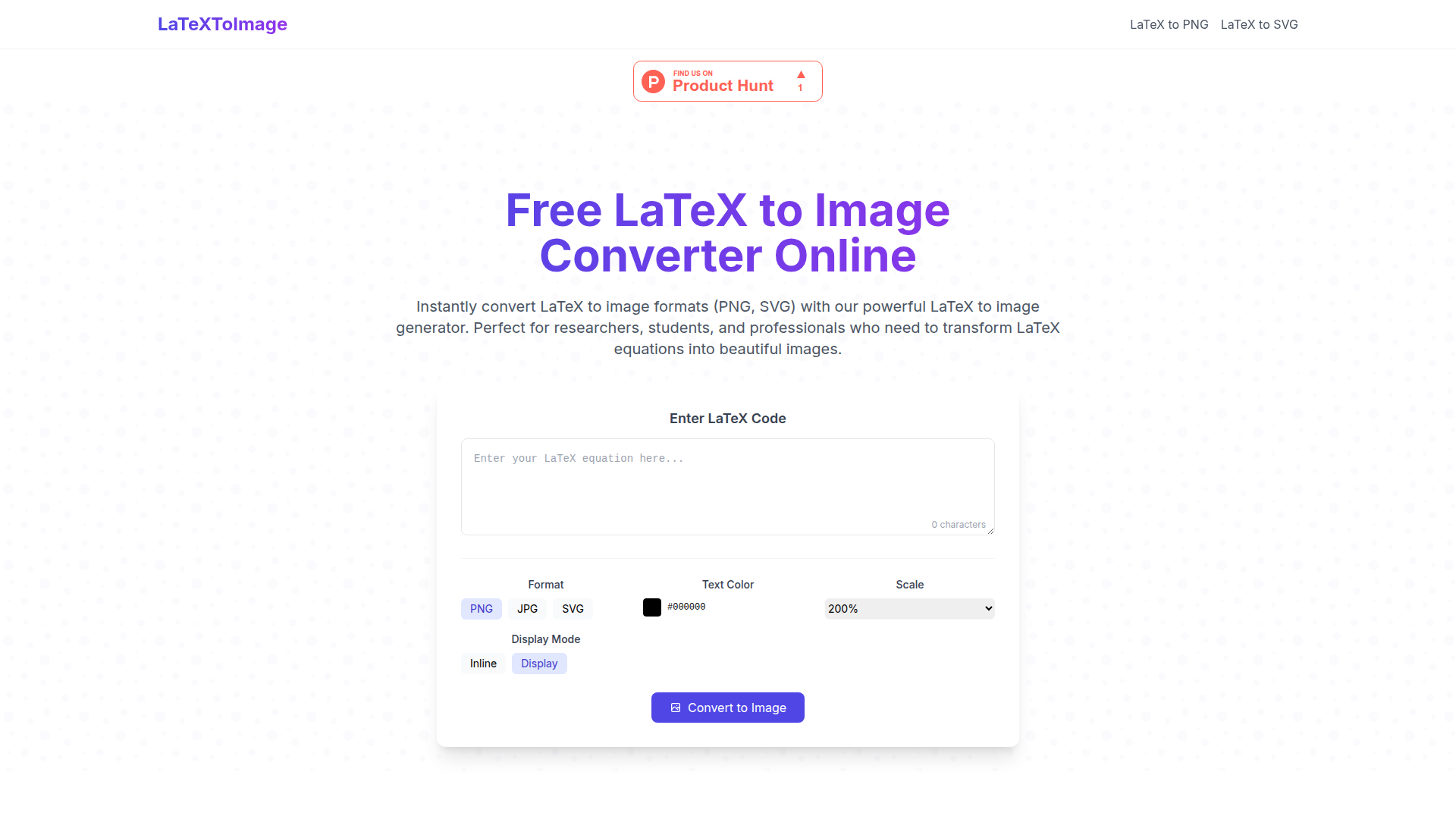
The Free LaTeX to Image Converter is an online tool that allows users to convert LaTeX code into high-quality image formats such as PNG and SVG. This tool is ideal for researchers, students, and professionals who need to create visually appealing representations of LaTeX equations for academic papers, presentations, or web content.
What are the main features of the Free LaTeX to Image Converter?
-
Lightning Fast Conversion: Experience the speed of converting LaTeX equations into images within milliseconds.
-
Multiple Export Formats: Choose between JPG, PNG, and SVG formats based on your needs.
-
Customizable Output: Adjust settings such as color, size, and background transparency for the perfect image fit.
-
No Registration Required: Enjoy quick and hassle-free conversions with no account setup necessary.
How to Use the Free LaTeX to Image Converter?
Using the Free LaTeX to Image Converter is straightforward and can be done in three simple steps:
-
Input Your LaTeX Code: Paste your LaTeX equation into the tool's editor.
-
Preview & Customize: Instantly preview your equation and modify the output settings like size and background.
-
Download Your Image: Get your final image in your desired format with a single click.
Price of the Free LaTeX to Image Converter
The Free LaTeX to Image Converter is completely free to use, making it accessible for everyone in need of quickly converting LaTeX code to images without any cost.
Helpful Tips for Effective LaTeX to Image Conversion
-
Use Proper Syntax: Ensure you are using accurate LaTeX syntax to avoid errors in conversion. For instance, fractions should be formatted as \frac{numerator}{denominator}.
-
Include Special Characters: For Greek letters and mathematical symbols, remember the appropriate commands like \alpha, \int, etc.
-
Select Background Options: Transparent backgrounds are suggested for a seamless blend in various documents.
-
Image Resolution: Opt for higher resolution settings when needed, especially for print materials.
Frequently Asked Questions About the Free LaTeX to Image Converter
How do I transform LaTeX to image files?
Simply paste your LaTeX code into the editor, customize if necessary, and click 'Convert' to generate your downloadable image.
What image formats does the converter support?
Our tool supports JPG, PNG, and SVG formats, meeting diverse requirements for web and print use.
Can I customize the output style when I convert LaTeX to image?
Yes! The tool allows you to modify colors, size, resolution, and background transparency to suit your preferences.
How can I include my LaTeX images in documents?
After conversion, simply download the image and insert it into documents like Word, PowerPoint, and any other format that accommodates images.
Ready to Convert Your LaTeX to Image?
Join countless users in maximizing their productivity by utilizing our Free LaTeX to Image Converter now!
Try PNG/JPG Try SVG