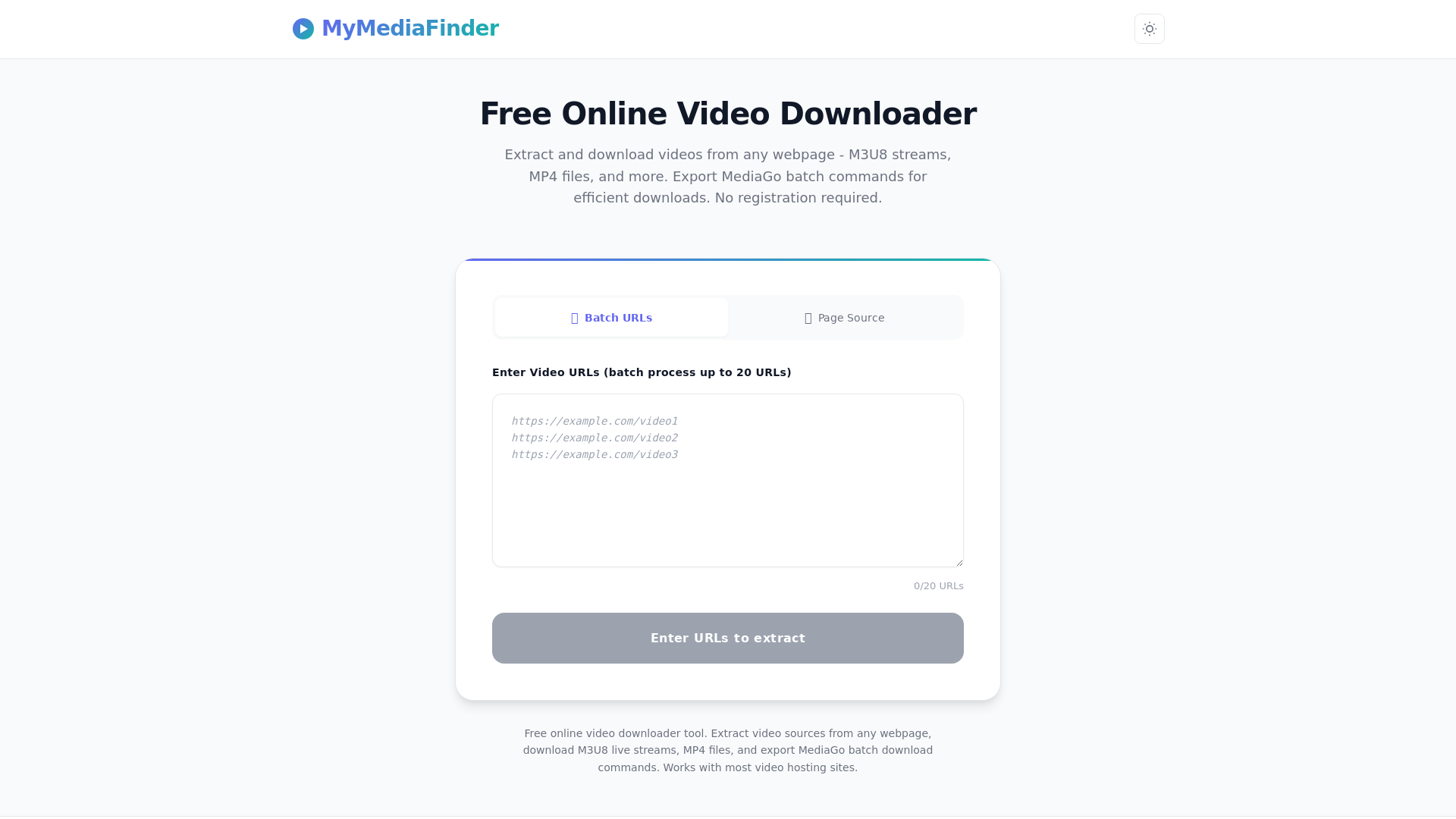
MyMediaFinder是什么?
MyMediaFinder是一款免费的在线视频下载与提取工具,用户可轻松从各类网页下载视频。该平台支持M3U8流、MP4文件等多种格式,无需注册即可无缝提取媒体内容。
MyMediaFinder的主要功能有哪些?
- 多格式支持
- 可下载并提取M3U8流、MP4文件及其他媒体格式的视频。
- 批量URL处理
- 用户可一次性输入最多20个视频URL进行高效下载。
- 页面源码提取
- 直接从网页HTML源码中提取视频,包括需密码登录或受保护的页面。
- 绕过限制
- 可有效应对带有复杂视频播放器或反爬虫保护的流媒体网站。
- MediaGo批量命令导出
- 导出MediaGo命令,便于组织并高效完成下载任务。
如何使用MyMediaFinder?
使用MyMediaFinder非常简单,操作步骤如下:
- 从URL提取:在指定字段中输入最多20个视频URL进行批量处理。
- 从HTML源码提取:
- 在浏览器中打开目标视频页面。
- 右键点击并选择"查看页面源代码"(或按Ctrl+U)。
- 复制全部源代码(Ctrl+A后按Ctrl+C)。
- 将源代码粘贴到MyMediaFinder的指定文本区域。
- 点击下载按钮获取视频链接并开始下载流程。
MyMediaFinder如何收费?
MyMediaFinder完全免费供个人使用,无任何隐藏费用或用户注册要求。但请注意,请负责任地使用该工具,仅限个人用途。
实用技巧
- 善用批量处理
- 为节省时间,建议使用批量URL功能同时下载多个视频。
- 检查访问限制
- 若视频因限制无法下载,可尝试使用HTML源码提取方法。
- 提前准备MediaGo
- 如需导出MediaGo批量命令,请预先安装软件以获得更流畅的下载体验。
- 保持更新
- 定期关注媒体格式与服务更新,可提升视频下载功能的使用效果。
常见问题解答
能否从密码保护网站安全下载视频?
可以,MyMediaFinder能够绕过登录要求并访问受密码保护的内容,确保您安全提取视频。
下载视频数量是否有限制?
通过批量URL功能每次最多可处理20个链接,但总下载次数没有限制。
可下载的视频类型有限制吗?
虽然MyMediaFinder适用于大多数视频托管网站,但某些网站可能存在限制或不支持特定格式。
需要提供个人信息吗?
使用MyMediaFinder无需注册或提供个人信息,充分保障用户隐私。
下载过程中遇到问题怎么办?
若出现问题,请尝试重新提交URL链接,或检查目标视频的格式与可访问性。
免费视频下载与提取工具
免费在线视频下载与提取工具。从网页提取视频源,下载M3U8流媒体,批量处理多个URL,并导出MediaGo批量命令。无需注册。
 Cloudflare
 Google Analytics
 HTTP/3
在此投放广告
每日触达数千访客。立即获取您的位置!
与 免费视频下载与提取工具 类似的工具

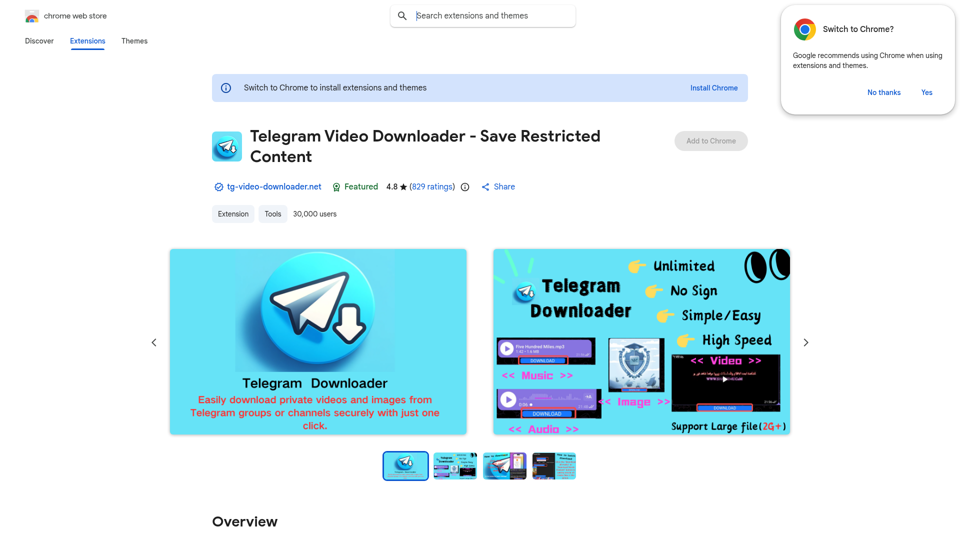
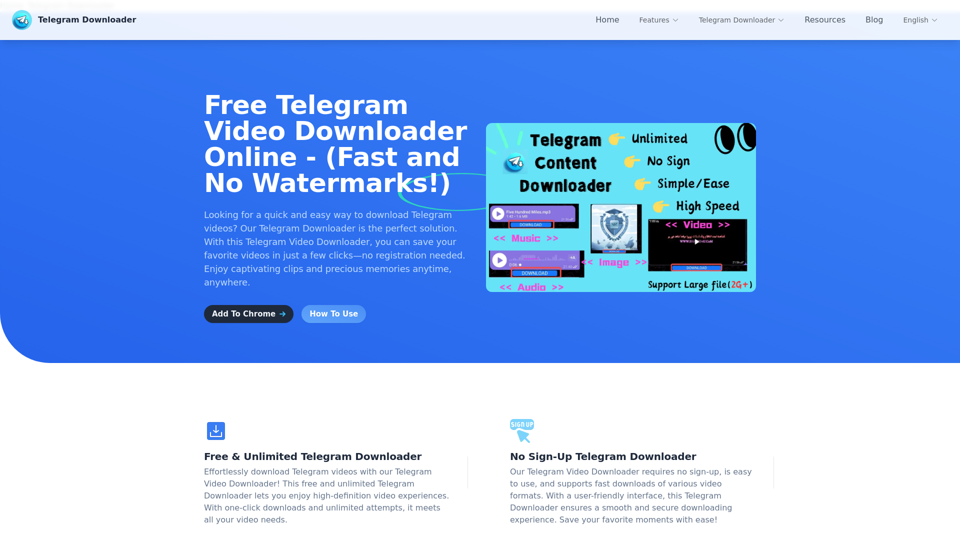
最佳免费Telegram视频下载器,可从Telegram频道和群组下载高清视频——无水印、无需注册、无限制。通过我们的Telegram下载器,享受流畅便捷的下载体验。立即获取!
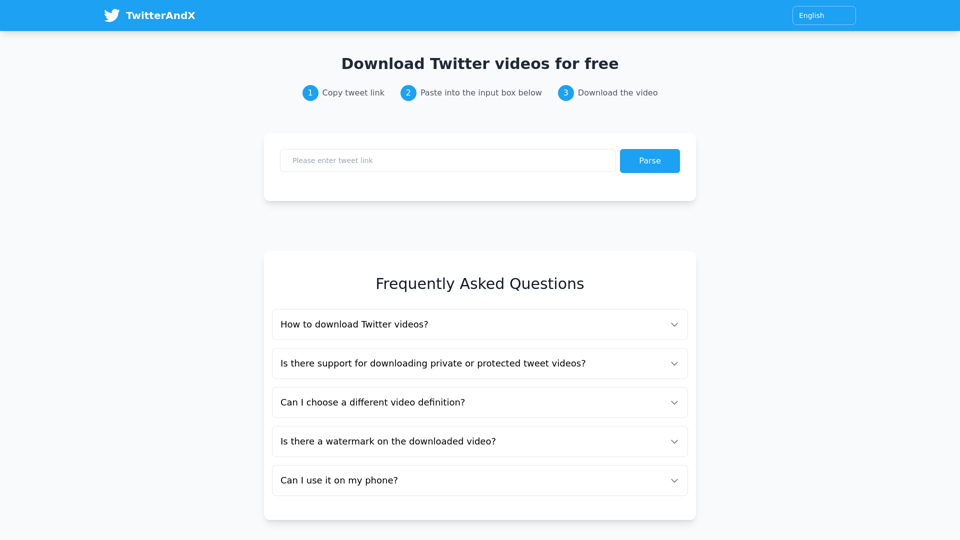
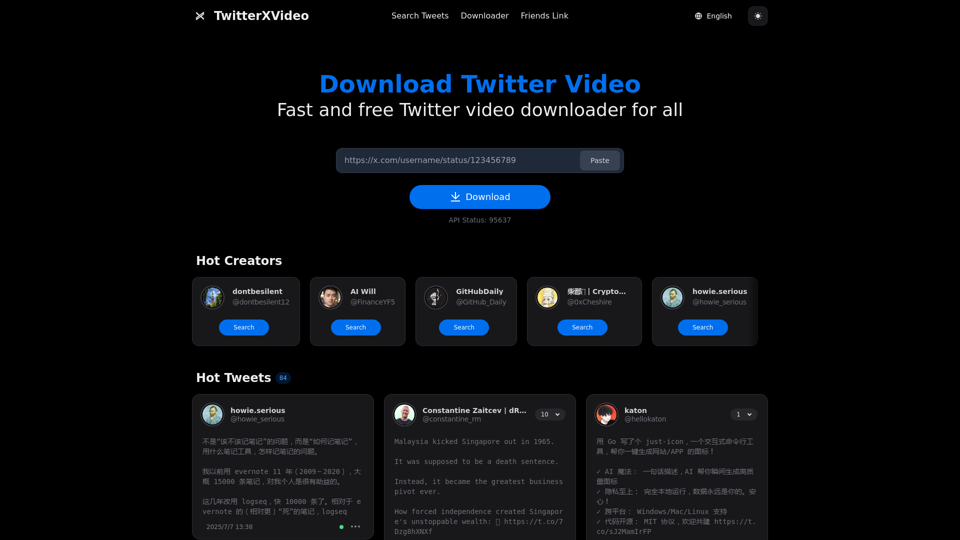
TwitterAndX.com是一款免费在线工具,用户无需注册即可快速下载Twitter(X)平台上的视频。它支持高清无水印的多格式下载,只需粘贴推文链接,视频便能即时解析保存。该工具兼容手机与电脑设备,让您随时随地轻松下载观看推特视频!

使用我们简单易用的在线工具,免费将 YouTube 视频转换为 MP4 格式。无需下载软件。快速、安全,兼容所有设备。享受高质量视频下载,随时随地离线观看您喜爱的内容。立即尝试最佳的 YouTube 转 MP4 转换器!