What is MyMemo?
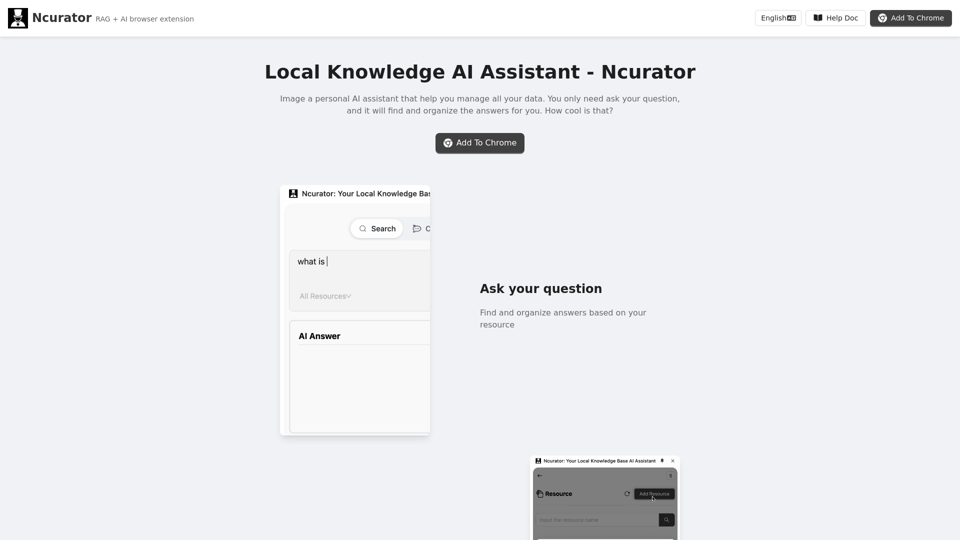
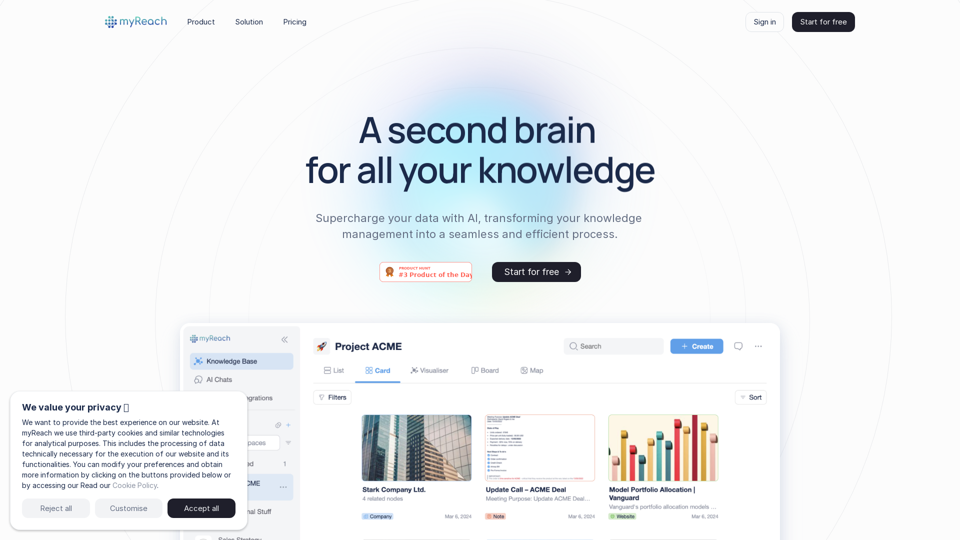
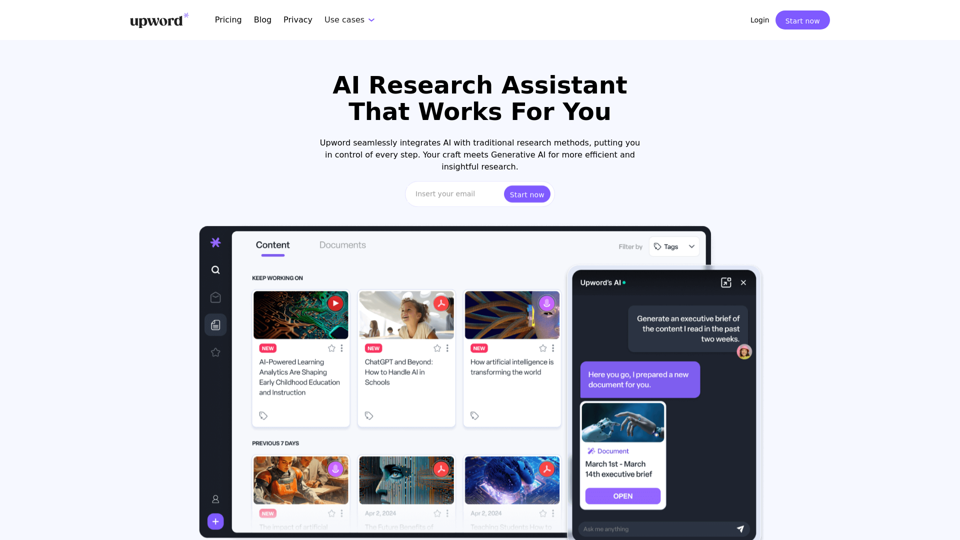
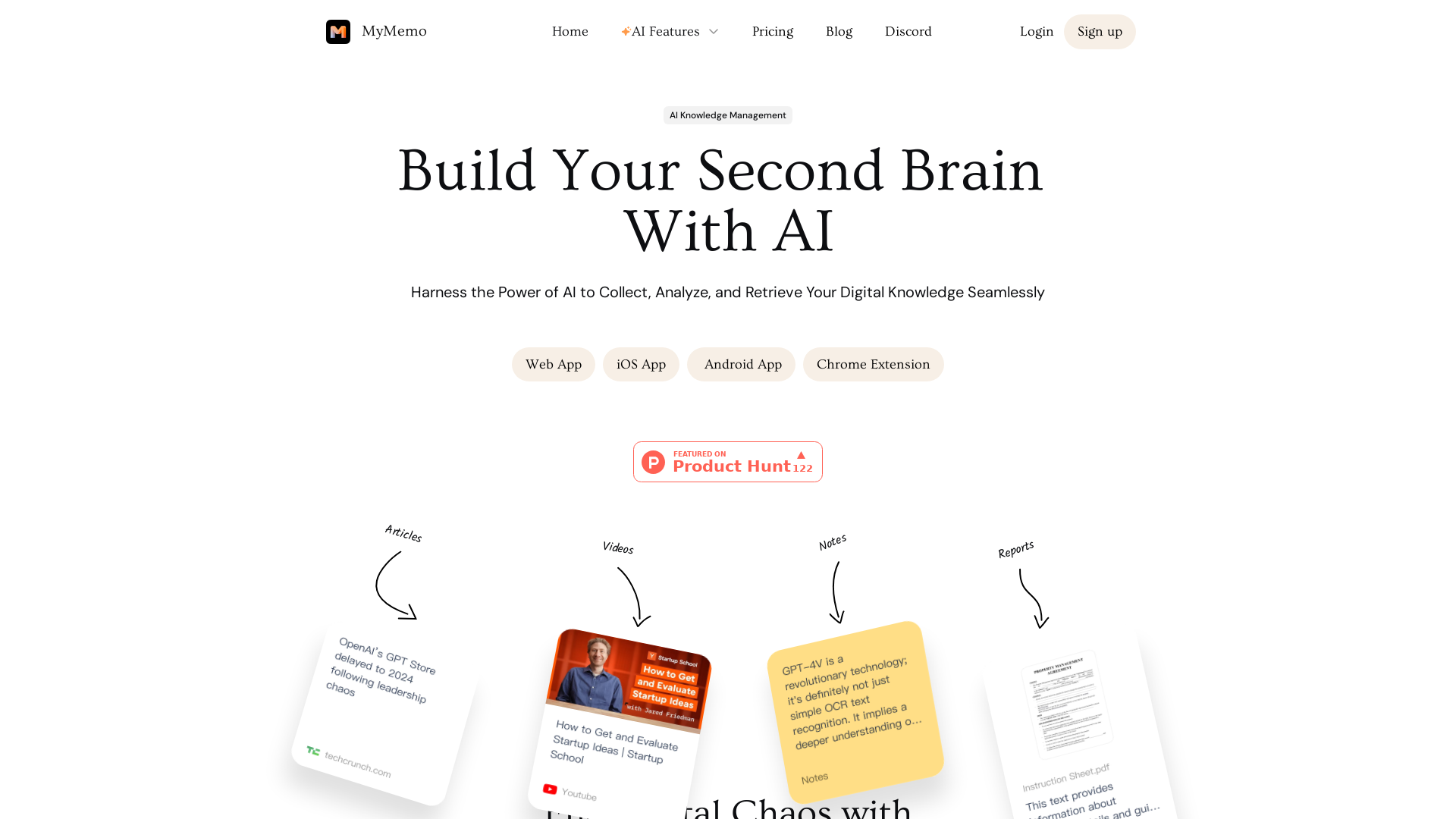
MyMemo is an innovative AI-driven knowledge management platform designed to help users gather, analyze, and retrieve their digital information effortlessly. It serves as an all-in-one digital space, centralizing articles, links, images, and videos, allowing users to streamline their digital knowledge into a cohesive and accessible format.
What is the main feature of MyMemo?
-
Diverse Content Compatibility: MyMemo allows users to collect various forms of content, including articles, screenshots, videos, and documents, all in one platform.
-
AI-Powered Query: Users can utilize MemoAI to query their personalized knowledge base and receive instant insights without the need for prior organization.
-
MemoCast: This unique feature automatically converts any uploaded content into bite-sized podcasts, perfect for on-the-go learning.
-
TeamSpace Collaboration: MyMemo facilitates team collaboration by providing a shared knowledge hub where users can communicate and work together.
-
Multi-Language Support: The platform supports multiple languages, allowing users around the globe to engage with their knowledge in their preferred language.
How to use MyMemo?
To get started with MyMemo, simply download the application or install the Chrome extension. Users can upload their content directly into their knowledge base, and then employ MemoAI to search and retrieve information using natural language queries. The free plan allows for 100 content uploads and 100 AI chats per month, with an option to upgrade for more extensive usage.
What is the pricing for MyMemo?
-
Free Plan: $0/month
- 100 AI chats
- 100 content uploads
- 5 memo collections
-
Pro Plan: $5.9/month
- Unlimited AI chats
- 1000 content uploads
- 100 memo collections
- Multiple AI model support
-
Ultra Plan: $11.9/month
- Unlimited everything, including memo collections and AI writing.
Helpful Tips
-
Maximize Use of AI Features: Regularly use MemoAI for efficient knowledge retrieval and leverage MemoCast to listen to your past content while multitasking.
-
Collaborate Effectively: Use TeamSpace to share valuable insights with your colleagues and encourage collaboration on projects.
-
Maintain Organized Knowledge: Utilize Smart Collections to categorize your content effectively, ensuring easy access when needed.
Frequently Asked Questions
What types of content can MyMemo analyze and organize?
MyMemo can analyze and organize articles, links, images, videos, documents, and more, making it a comprehensive tool for knowledge management.
How does the AI in MyMemo enhance my ability to retrieve and use my stored knowledge?
MemoAI allows users to query their knowledge base in natural language, providing instant answers and insights based on the uploaded content.
How secure is the information I store in MyMemo?
MyMemo prioritizes data security with encryption protocols and adheres to global data protection regulations.
How does MyMemo integrate with my existing tools and workflows?
MyMemo can be seamlessly integrated into daily workflows with its browser extension and app, allowing users to capture content as they browse.
Are there collaboration features in MyMemo for team use?
Yes, MyMemo includes TeamSpace, enabling users to collaborate on content and insights directly within the platform.