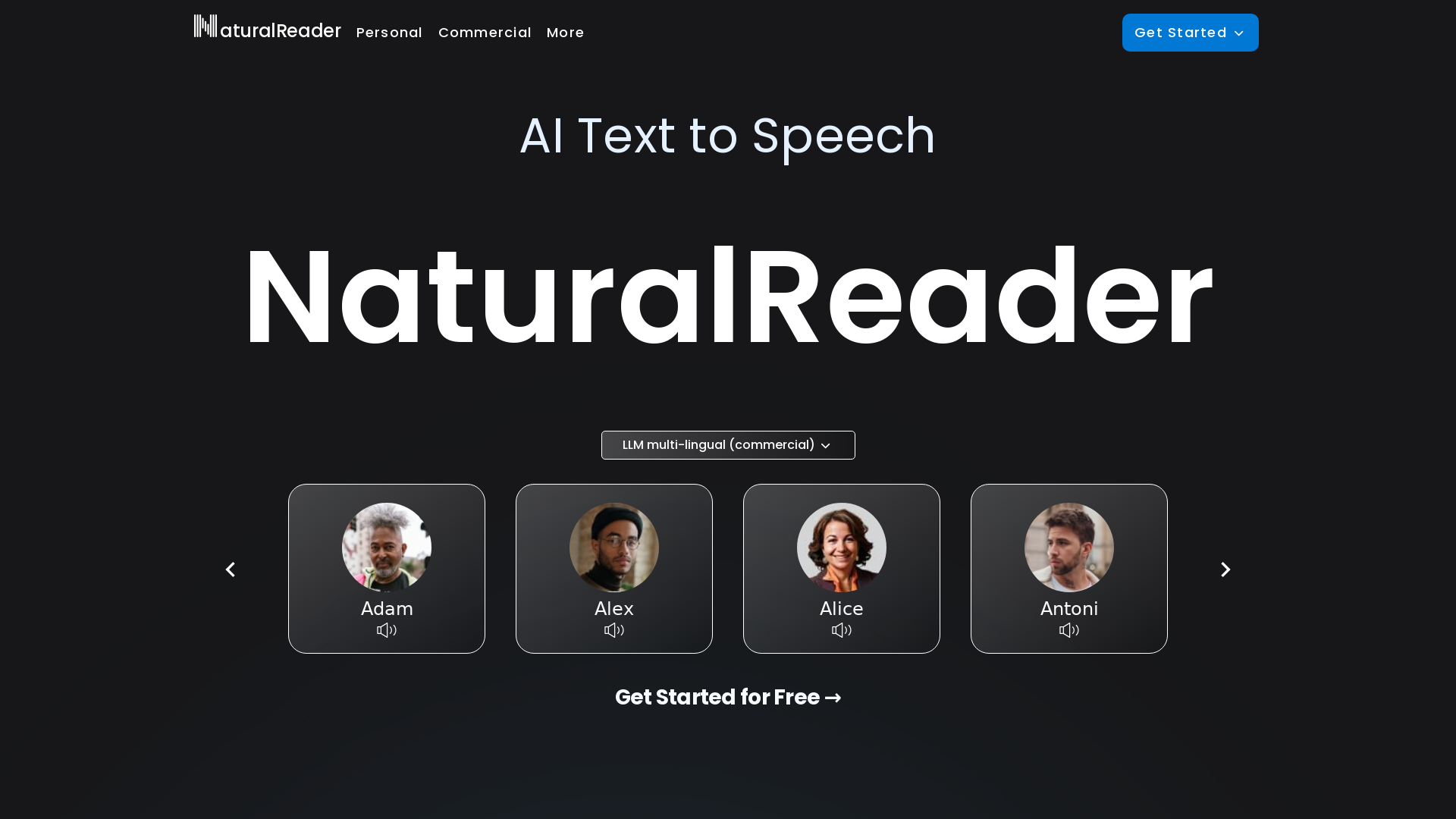
What is NaturalReader?
NaturalReader is an advanced AI-driven text-to-speech platform that specializes in transforming written text into natural-sounding speech. It enables users to listen to their documents, create voiceovers, and enhance their reading experiences across various formats, including PDFs. Whether for personal use, commercial projects, or educational purposes, NaturalReader offers a versatile set of tools designed to meet diverse audio needs.
What are the main features of NaturalReader?
-
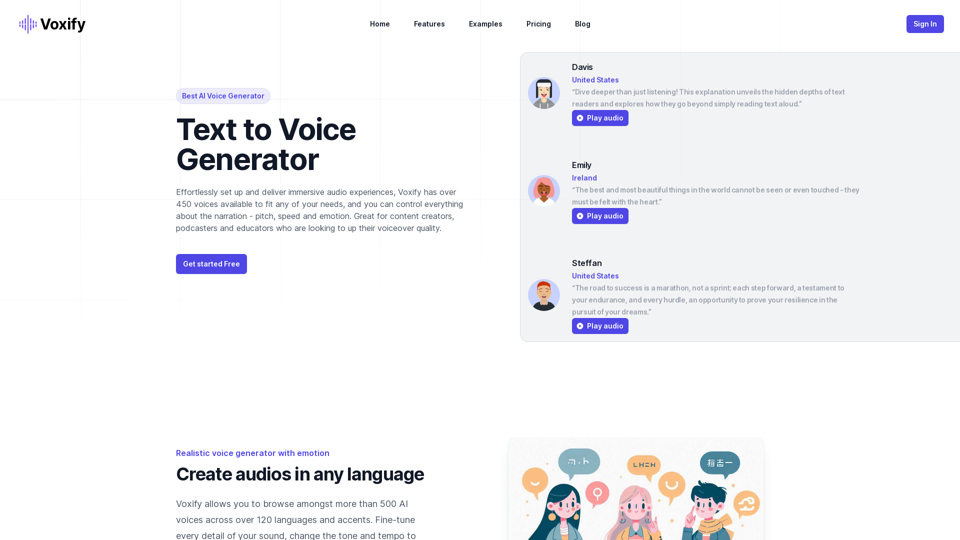
AI Text to Speech: The platform provides access to high-quality, natural-sounding AI voices that can read any text aloud.
-
Multilingual Support: NaturalReader supports over 50 languages and includes more than 200 AI voices, catering to a global audience.
-
Voice Cloning: Users can create instant voice clones, allowing for personalized audio experiences.
-
Content-Aware AI Voices: The system understands the context of the text, delivering more realistic and human-like voiceovers.
-
Multi-Platform Accessibility: Available on mobile (iOS and Android), as a Chrome extension, and through web applications, making it easy to use anywhere.
How to use NaturalReader?
To use NaturalReader, simply sign up for an account and choose your desired plan: Personal, Commercial, or EDU. Upload your documents or enter text directly into the interface. Select from various AI voices and adjust settings as needed before starting playback. For enhanced experiences, users can access mobile applications and the Chrome extension to listen to text on-the-go or directly from websites.
What is the pricing structure for NaturalReader?
NaturalReader offers different pricing tiers based on usage:
-
Personal Plans: Ideal for individual users who want to listen to documents.
-
Commercial Plans: Designed for businesses needing professional voiceovers for media and marketing.
-
EDU Plans: Group plans with discounted rates for schools and educational institutions.
Pricing varies by selected features and number of users allowed per account.
Helpful Tips for Using NaturalReader
-
Experiment with Voices: Try different voice styles and languages to find the best fit for your content.
-
Shorten Texts for Better Clarity: Long paragraphs may lessen the clarity of speech synthesis. Break down texts for optimal listening.
-
Utilize Voice Cloning: Personalize your audio content by cloning specific voices to enhance authenticity.
-
Leverage Content Awareness: Take advantage of content-aware voices for a more engaging listening experience during presentations or audiobooks.
Frequently Asked Questions
Can I listen to web pages using NaturalReader?
Yes, the Chrome extension allows you to listen to text directly from web pages seamlessly.
How many languages does NaturalReader support?
NaturalReader supports over 50 languages, enabling users to access text-to-speech in a variety of languages.
Is NaturalReader suitable for educational purposes?
Absolutely! NaturalReader offers special EDU plans that cater to students and educational institutions, enhancing learning through audio.
Will my data be secure with NaturalReader?
Yes, NaturalReader takes user privacy seriously. Data is handled according to their privacy policy and is not used for any other purposes.
Can I upgrade my NaturalReader account later?
Yes, users can upgrade their plans at any time to access additional features and benefits as needed.