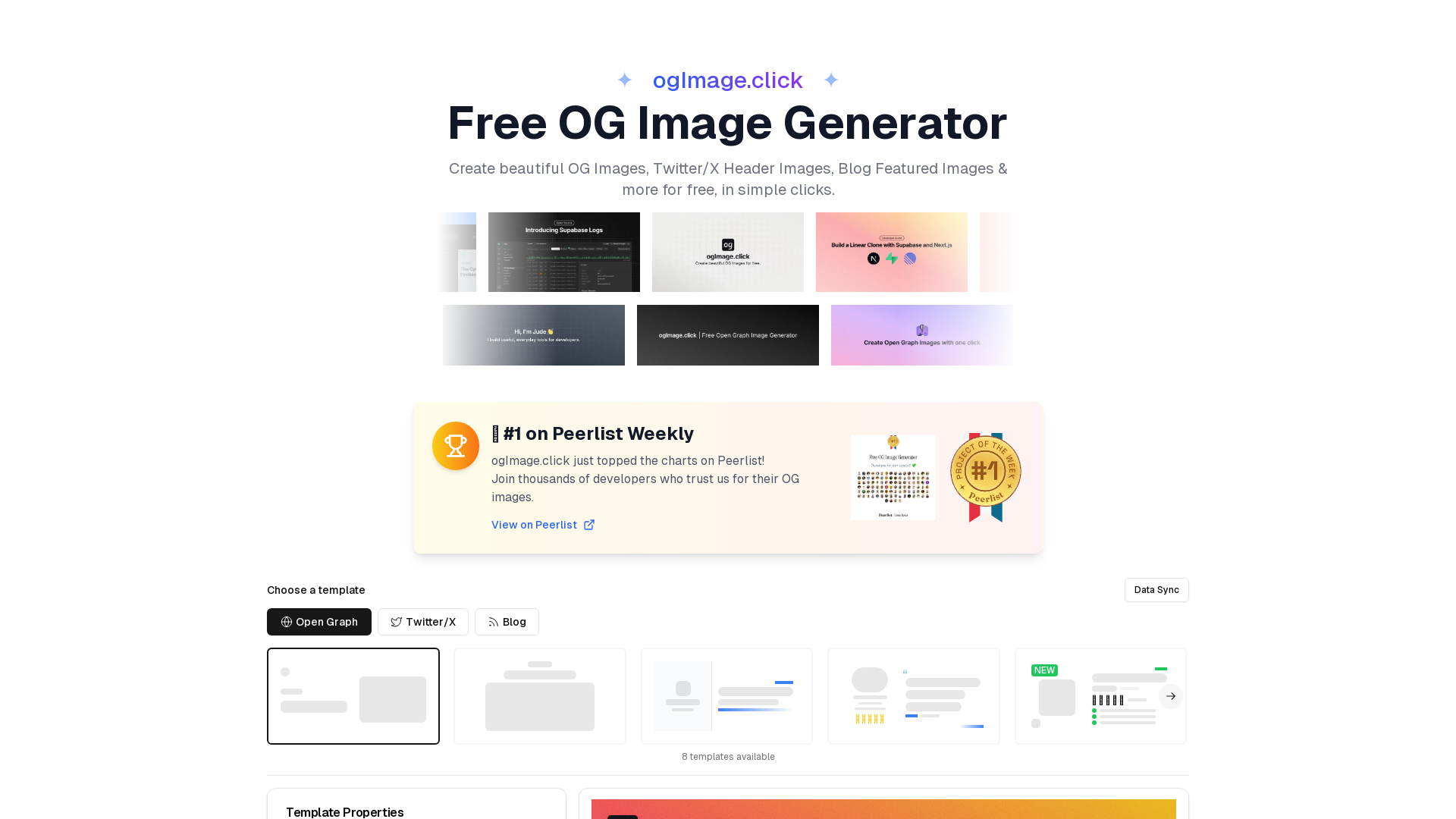
什么是 ogImage.click?
ogImage.click 是一个多功能、免费的在线平台,让用户只需简单点击几下,就能创建精美的开放图谱(OG)图片、Twitter/X 头部图片、博客特色图片等。它在 Peerlist 上被评为首选工具,受到数千名开发者的信赖,用于满足他们的社交媒体图片需求。
ogImage.click 的主要功能是什么?
- 易于使用
- 无需注册或提供信用卡信息,即可快速设计出令人惊艳的社交媒体图片。
- 多平台支持
- 生成针对不同平台优化、尺寸合适的图片,包括开放图谱、Twitter/X 头部图片等。
- 专业模板
- 从多个高质量模板中选择,快速启动设计。
- 灵活的导出选项
- 以 PNG、JPEG 或 WebP 格式导出设计,同时保持高质量。
- 高级自定义
- 通过自定义背景、渐变以及上传个人标志,个性化调整图片的每个细节。
如何使用 ogImage.click?
用户可以通过选择模板,并利用所见即所得界面无缝自定义,开始创建图片。只需选择一个预设模板,通过添加文本、标志和背景来修改图片属性,然后以您喜欢的格式导出最终图片。该平台还提供了将 OG 图片轻松集成到网站的指南。
价格
ogImage.click 完全免费使用,无需注册或支付任何费用。用户可以访问所有功能,没有任何隐藏费用或信用卡要求。
实用建议
- 始终提供备用图片,以防 OG 图片加载失败。
- 使用社交媒体调试工具测试您的 OG 图片,确保正确显示。
- 使用描述性替代文本,以提升可访问性和 SEO 效果。
- 对于频繁更新的内容,考虑使用动态 OG 图片,以保持高参与度。
常见问题
如何将开放图谱图片添加到我的网站?
- 将 ogImage.click 生成的图片保存为
og.png,并放置在网站的根目录中。 - 在 HTML 头部添加以下适当的元标签:
<meta property="og:title" content="您的页面标题" />
<meta property="og:description" content="您的页面描述" />
<meta property="og:image" content="https://您的域名.com/og.png" />
<meta property="og:url" content="https://您的域名.com" />
<meta name="twitter:card" content="summary_large_image" />
<meta name="twitter:image" content="https://您的域名.com/og.png" />
我可以以哪些格式导出图片?
您可以将图片导出为 PNG、JPEG 或 WebP 格式,其中 PNG 是推荐格式,适合在社交媒体上获得最佳显示效果。
是否有其他可用功能?
是的!用户可以享受现代设计功能,包括自定义背景、高级排版和即时预览,从而获得量身定制的设计体验。
通过使用 ogImage.click,您可以创建出色的 OG 图片,提升社交媒体形象,无需具备平面设计专业知识。
免费原创图片生成器
免费一键生成精美的OG图片、Twitter/X封面图、博客特色图片等。
网站流量
0/mo
 Webpack
 Cloudflare
 HTTP/3
 Next.js
 Node.js
 React
React Vercel
在此投放广告
每日触达数千访客。立即获取您的位置!
与 免费原创图片生成器 类似的工具
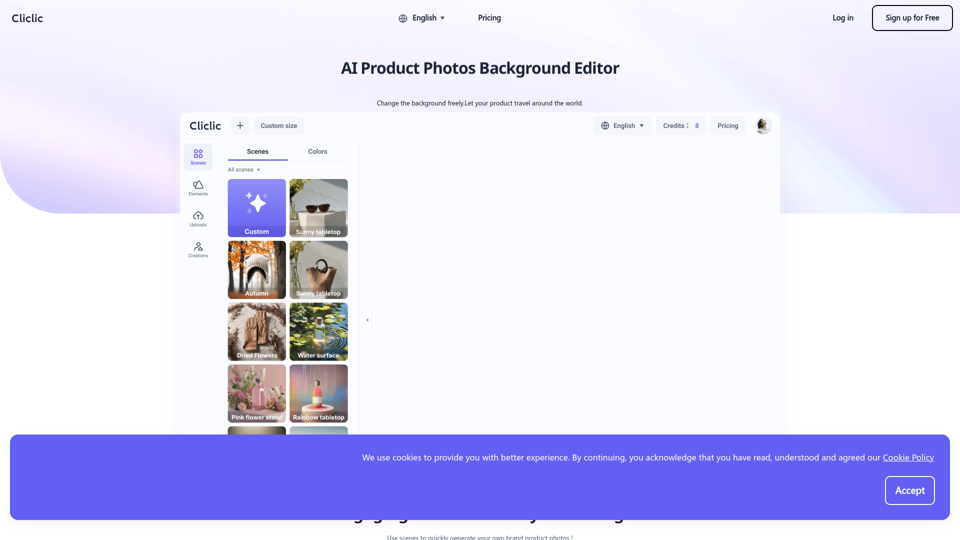
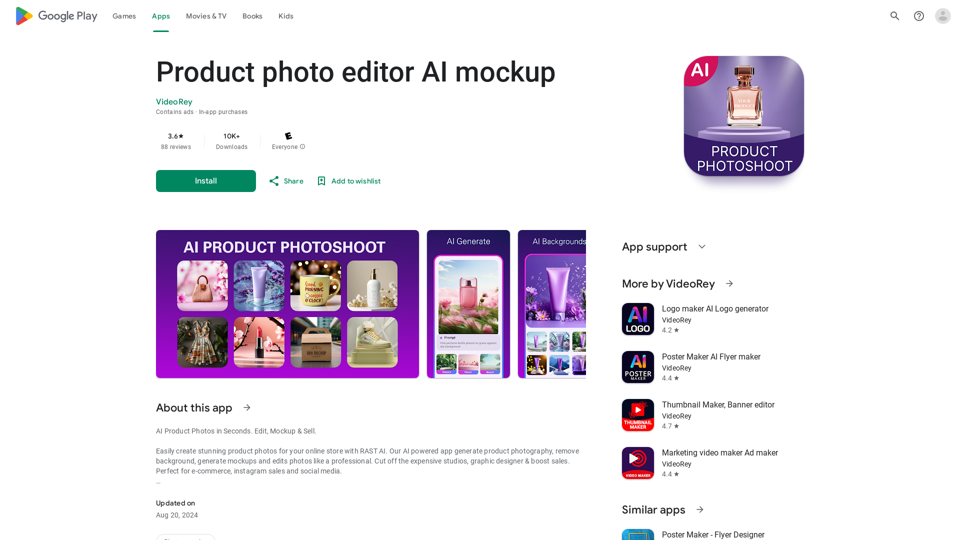
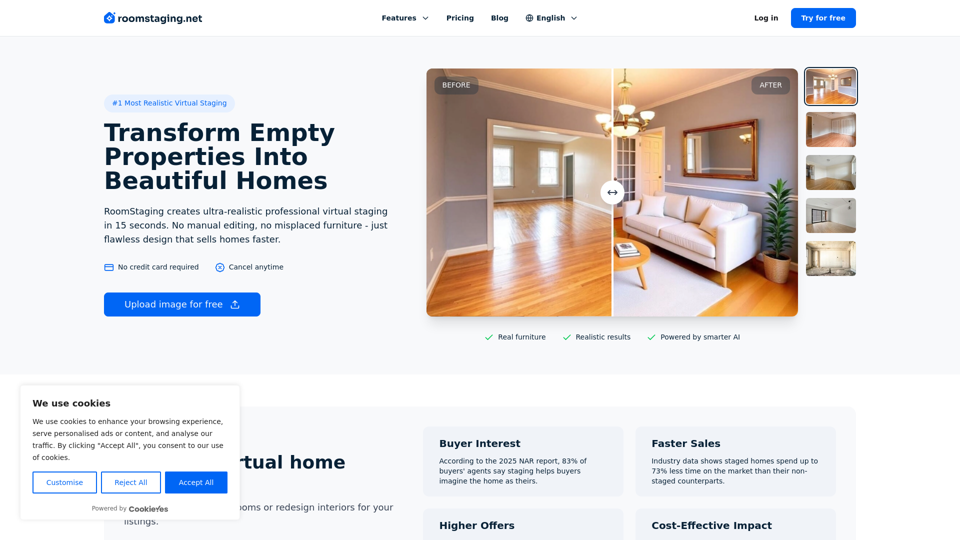
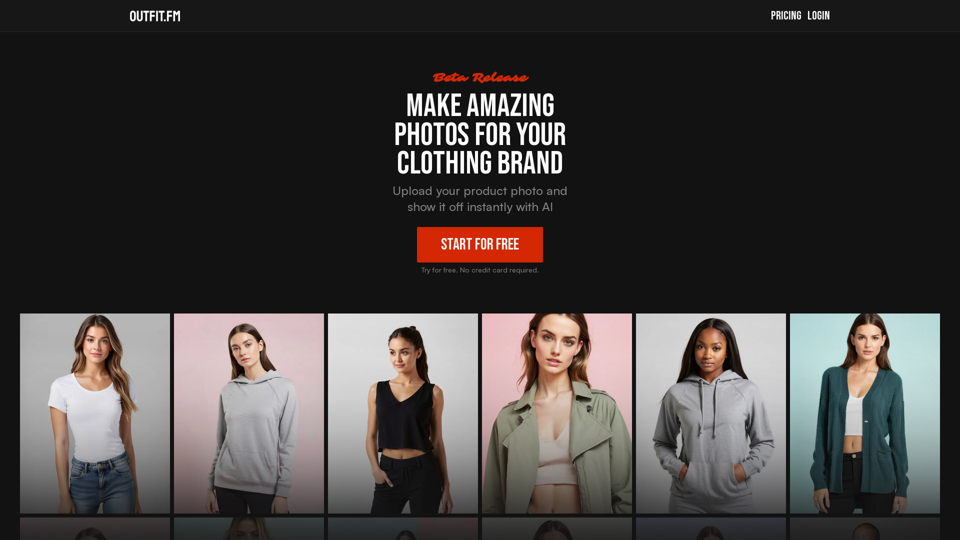
Adstronaut 专注于为您的品牌提供 AI 驱动的视觉内容。体验生成式 AI 产品摄影、AI 策划内容和 AI 打造的时尚摄影。获取可直接发布的 Instagram 帖子,提升您的营销水平。