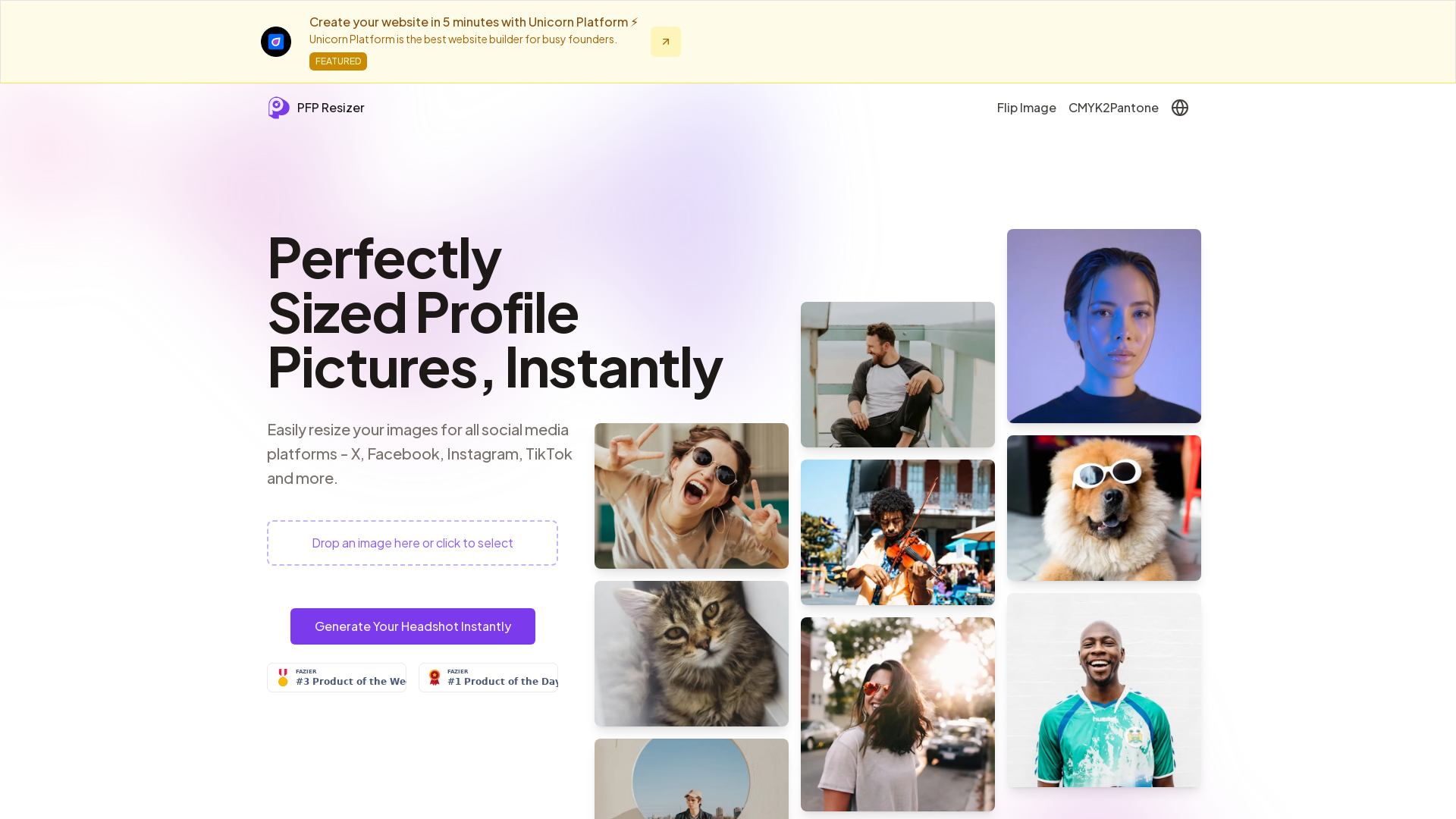
What is PFP Resizer?
PFP Resizer is an online tool that enables users to quickly and easily resize their profile pictures for various social media platforms. With this user-friendly application, individuals can ensure that their profile images meet the specific dimension requirements for platforms like Instagram, Facebook, WhatsApp, and more, making their digital presence professional and visually appealing.
Features of PFP Resizer
-
Multiple Image Format Support: PFP Resizer supports various file formats including JPG, PNG, and WebP, allowing users to resize their images seamlessly.
-
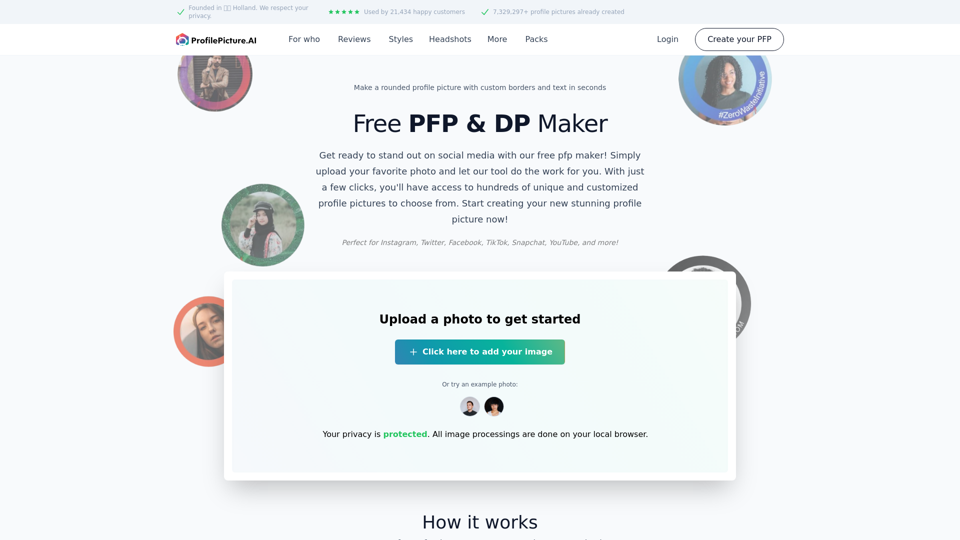
Drag and Drop Functionality: Users can effortlessly drag and drop their images into the tool, eliminating the need for complex uploads.
-
User-Friendly Interface: The tool boasts an intuitive design that makes the profile picture resizing process smooth and stress-free.
-
Free to Use: Access to the PFP Resizer is completely free, with no download or installation required. Users can utilize the tool directly in their web browser.
How to Use PFP Resizer?
Using PFP Resizer is straightforward and can be accomplished in just three simple steps:
-
Step 1: Click on the "Upload Image" button and select the image file you wish to resize. You can also drag and drop the image into the designated area.
-
Step 2: Adjust the image within the cropping frame to highlight the desired area of your profile picture.
-
Step 3: Download your perfectly resized profile picture in high resolution, ready for use across various social media platforms.
Price
PFP Resizer is absolutely free to use, making it accessible to anyone who needs to resize their profile pictures without incurring any costs. There is no sign-up or login required, ensuring a seamless user experience.
Helpful Tips for Using PFP Resizer
-
Choose High-Resolution Images: When uploading images for resizing, select high-resolution images to ensure clarity when displayed on social media.
-
Check Platform Requirements: Familiarize yourself with the specific dimension requirements for each social media platform to avoid unsuccessful uploads and ensure your image looks great at any size.
-
Experiment with Different Images: Try out various pictures to find one that best represents your brand or personal identity on social media.
Frequently Asked Questions
What is this tool for?
PFP Resizer is designed to help users easily resize their profile pictures to fit the different recommended dimensions required by various social media platforms.
Is the tool free to use?
Yes, PFP Resizer is completely free to use, and no account creation is necessary.
What file formats are supported?
Users can upload images in popular formats such as JPEG, PNG, and WebP.
Will my uploaded images be stored on the server?
No, your images are processed in real-time and are not stored on our servers, ensuring your privacy is maintained.
What happens if I upload an image with the wrong aspect ratio?
The tool will automatically crop and resize your image to fit the required platform specifications while maintaining the main focus of the picture.
What does PFP mean?
PFP stands for "Profile Picture," which is the image users select to represent themselves on online platforms and communities.
In conclusion, PFP Resizer is a valuable resource for those looking to enhance their online presence by ensuring their profile pictures are properly sized for each platform. With its simple interface and free access, anyone can achieve a professional look in just a few clicks.