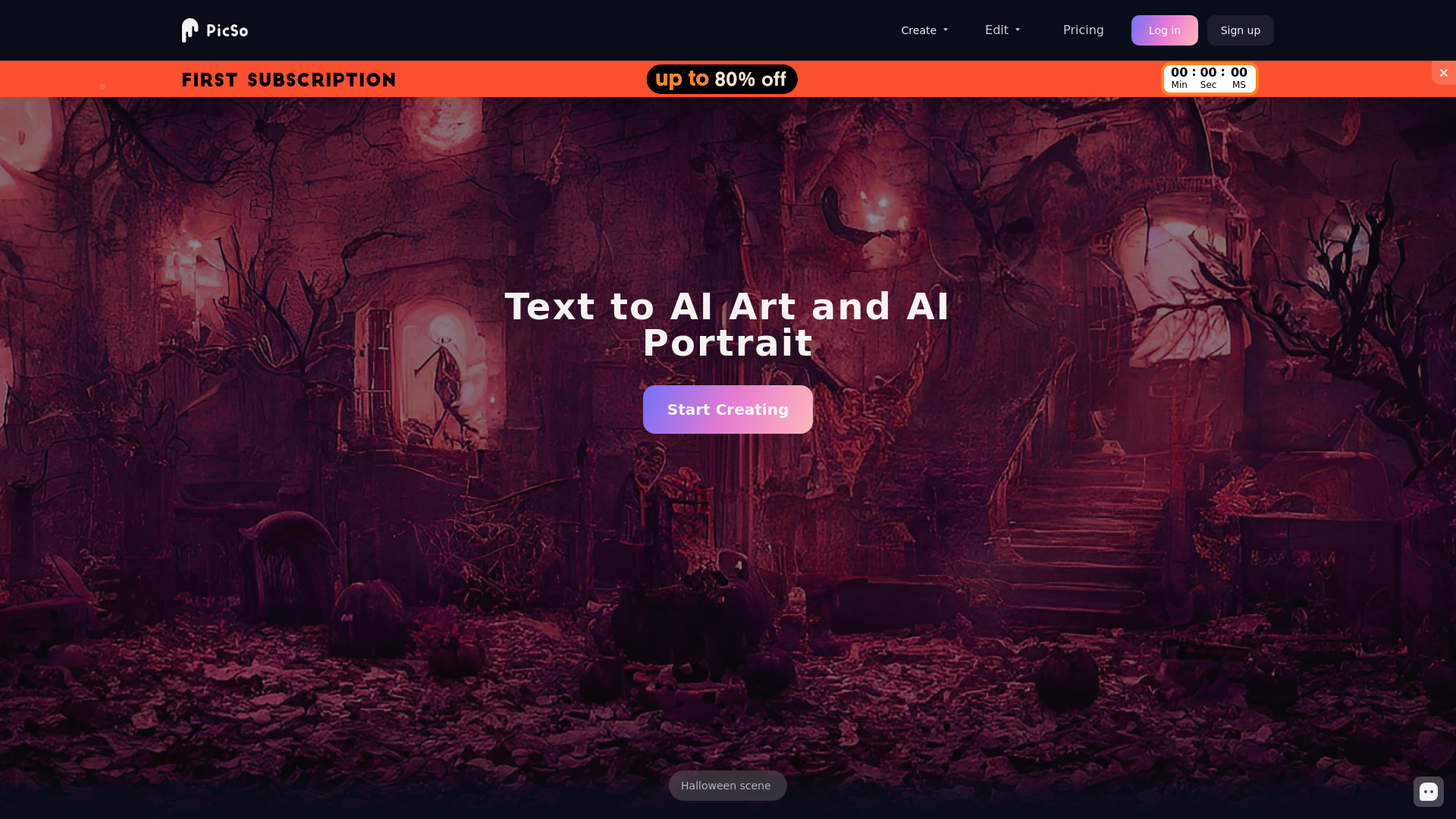
What is PicSo?
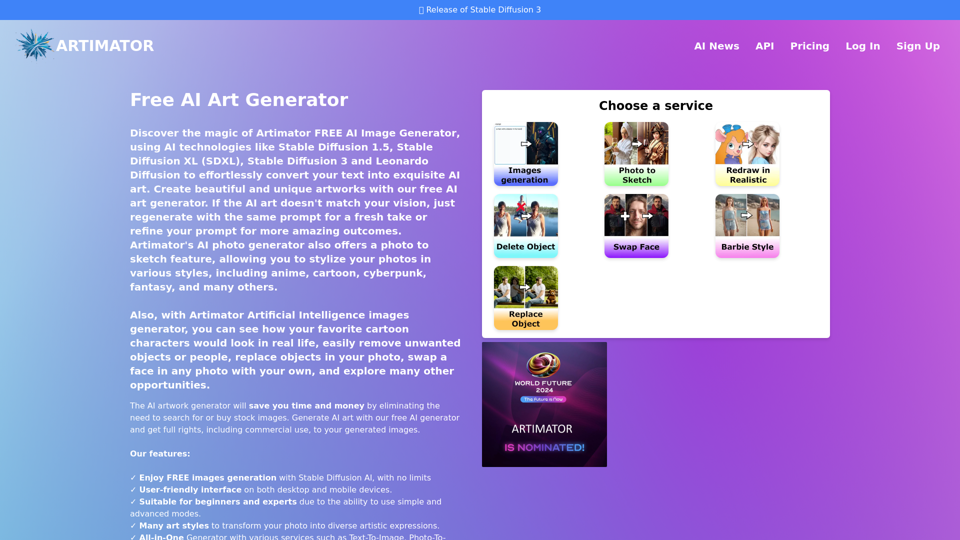
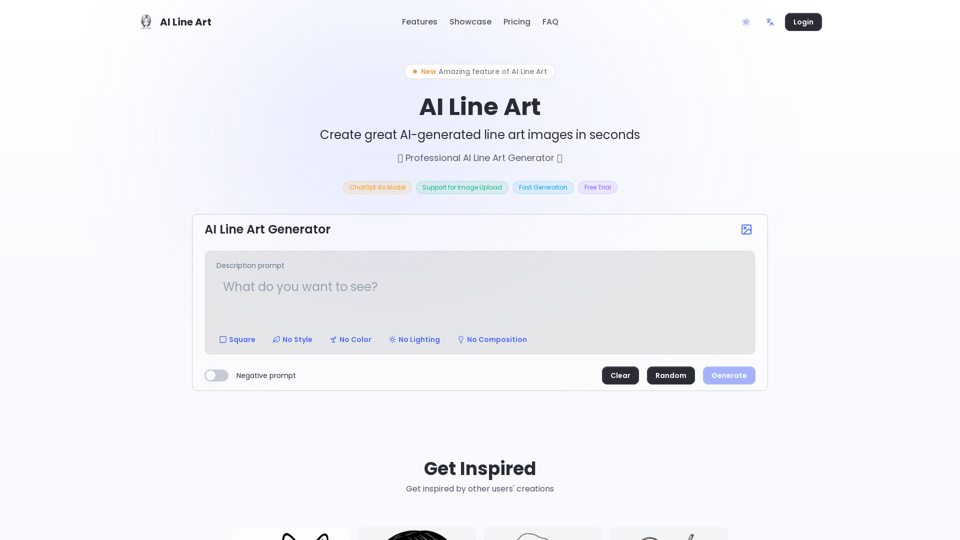
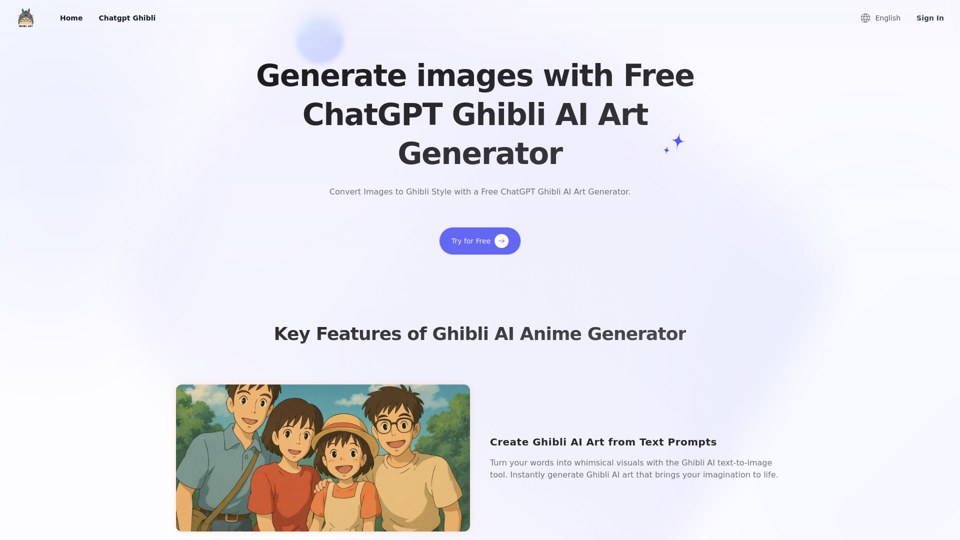
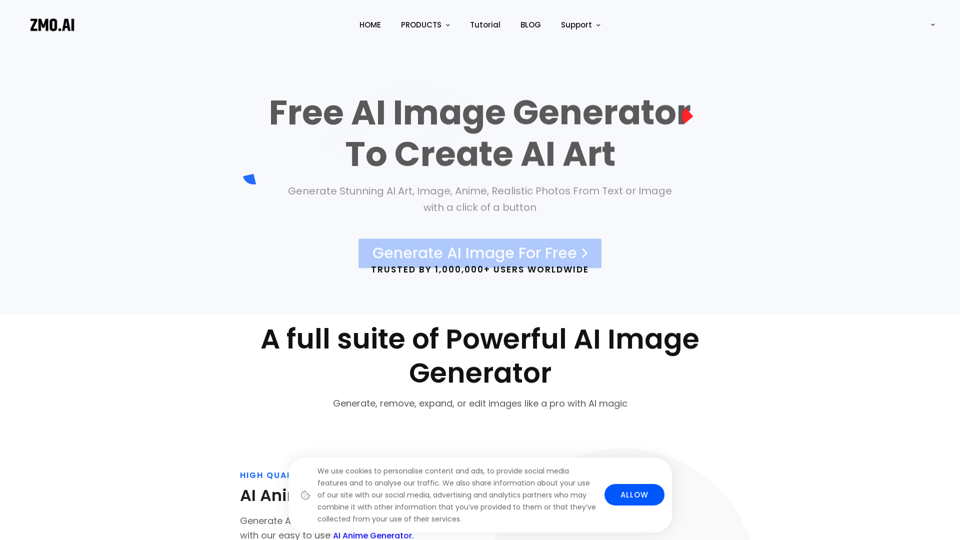
PicSo is an advanced AI Art Generator that enables users to transform text into stunning images across various art styles. With features designed for both casual users and professional artists, PicSo empowers you to create unique artwork effortlessly, making it an ideal tool for anyone looking to explore their creativity.
What are the main features of PicSo?
-
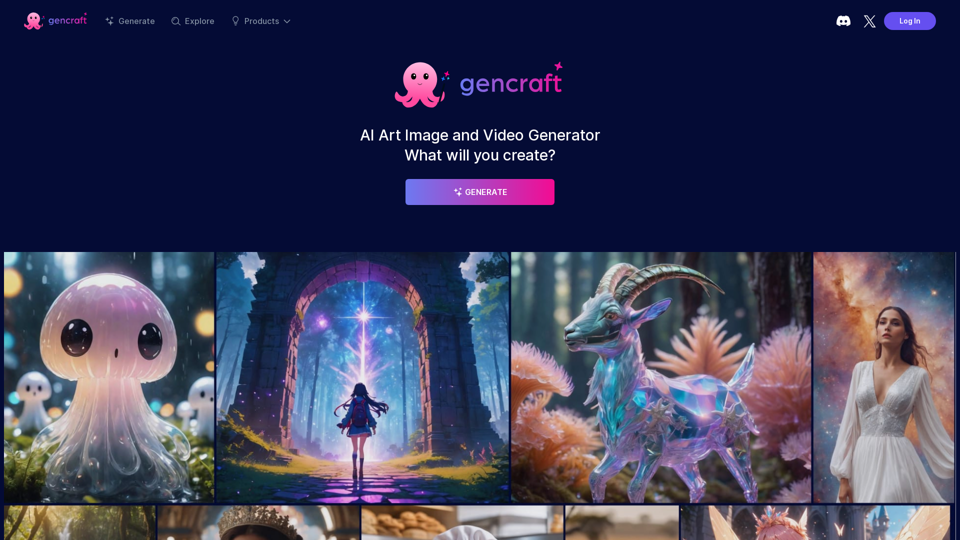
Diverse Art Styles: PicSo offers a wide range of art styles, allowing users to generate images in various aesthetics including realism, abstract, and more.
-
Mobile Accessibility: Create artworks anytime, anywhere using your mobile device, ensuring your creativity is not limited by location.
-
Easy Sharing: Seamlessly transfer your creative projects between your PC and mobile, making collaboration and sharing simple.
-
User-Friendly Interface: The platform is designed to be intuitive, catering to both beginners and seasoned artists.
-
PicSo Community: Engage with a growing community of creators where you can share, receive feedback, and gain inspiration.
How to use PicSo?
Using PicSo is straightforward:
-
Sign Up: Create an account on the PicSo platform to get started.
-
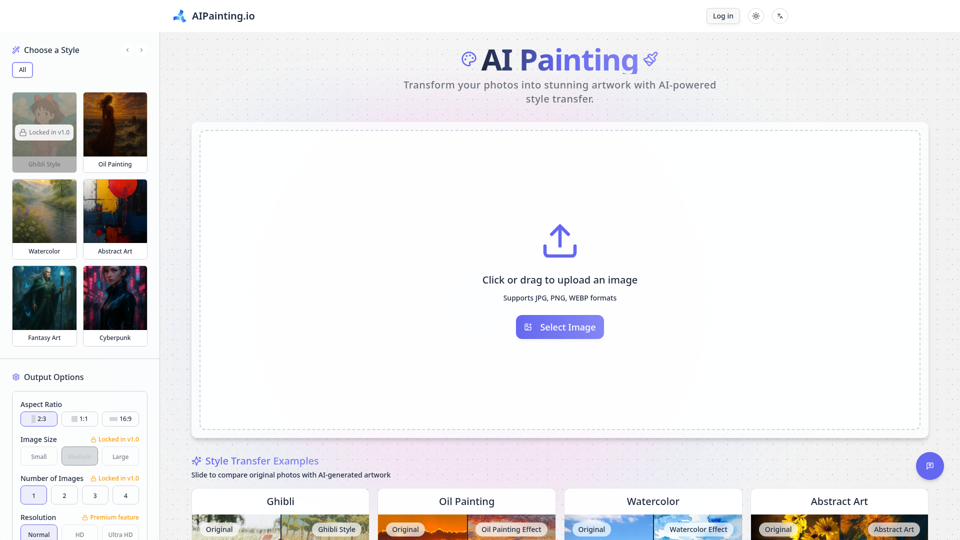
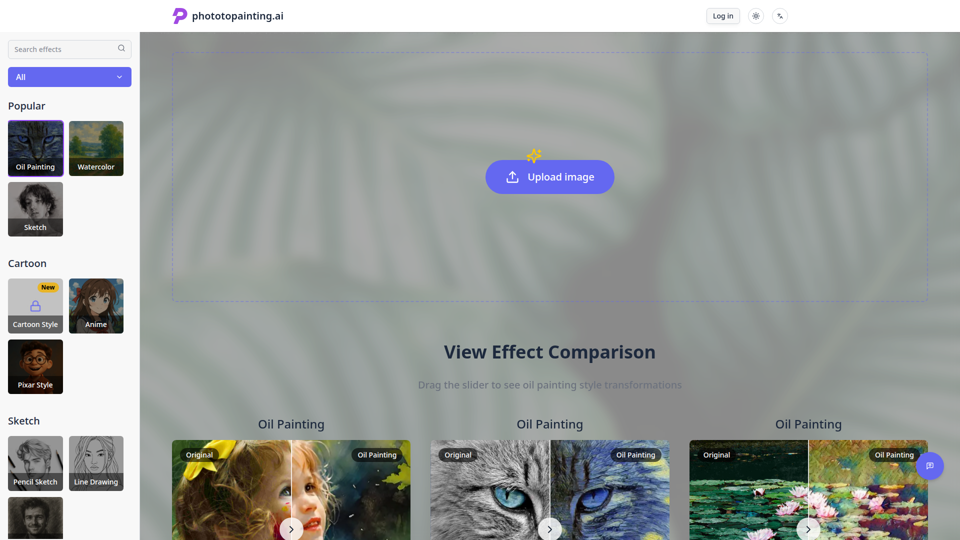
Select Art Style: Choose the type of artwork you wish to create.
-
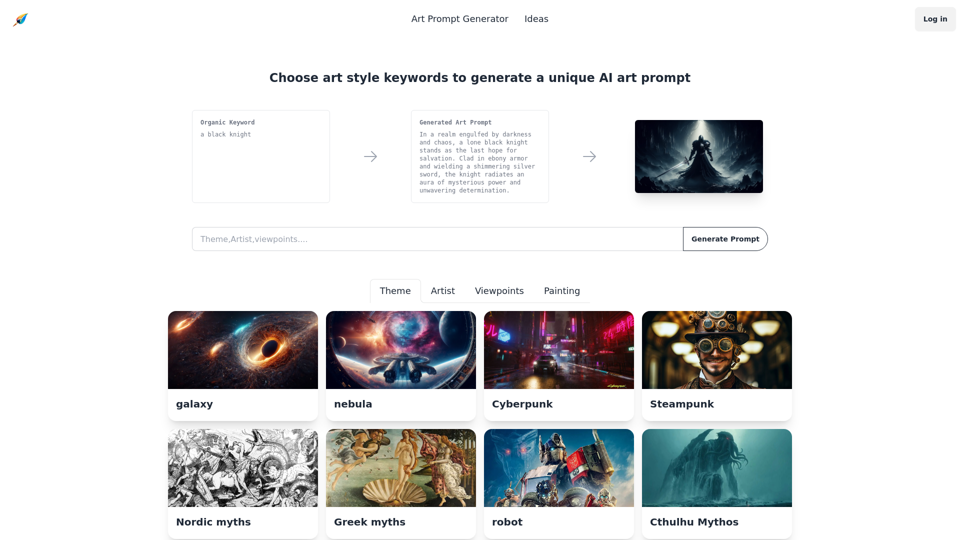
Enter Text Prompt: Input your text description that reflects your vision.
-
Generate: Hit the generate button and watch as your description transforms into artwork.
-
Save and Share: Once you're satisfied with your creation, save it or share it directly from the app.
What is the pricing for PicSo?
PicSo offers flexible subscription plans to cater to different user needs. While there may be a free plan with limited features, premium subscriptions unlock additional capabilities, such as higher resolution images, faster processing times, and access to exclusive art styles.
Helpful Tips for Using PicSo Effectively
-
Be Descriptive: The more intricate your text prompt, the more unique your generated artwork will be.
-
Experiment: Try different prompts and art styles to see what creative combinations you can discover.
-
Stay Connected: Join the PicSo community via Discord or other platforms to learn from others and share your work.
-
Utilize Feedback: Share your artwork with peers to receive constructive criticism that can aid in improving future creations.
Frequently Asked Questions
Can I create AI portraits with PicSo?
Yes, PicSo's capabilities allow users to generate AI portraits based on text descriptions. Simply specify the characteristics you want in your portrait when creating.
Is there a mobile app for PicSo?
Yes, PicSo is available as a mobile application, allowing you to create and manage your art projects on the go.
How many images can I generate per day?
The number of images you can generate may depend on your subscription plan. Free users have limited access, while premium subscribers enjoy enhanced generation limits.
Will my creations be protected?
PicSo respects user intellectual property rights, allowing you full ownership of the artworks created on the platform.
How can I contact PicSo for support?
For any questions or support, you can reach out through their contact page, email, or directly via their Discord community for immediate assistance.