What is QR Blend?
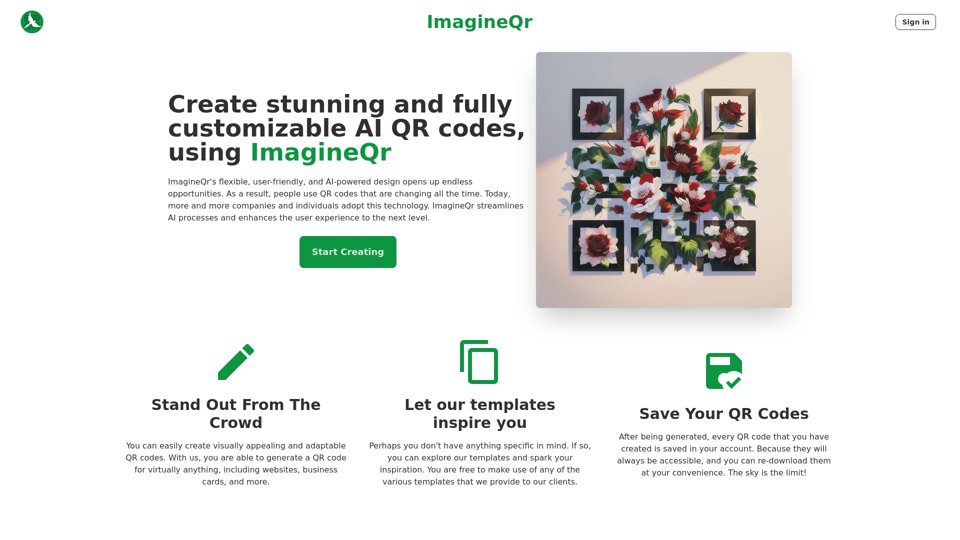
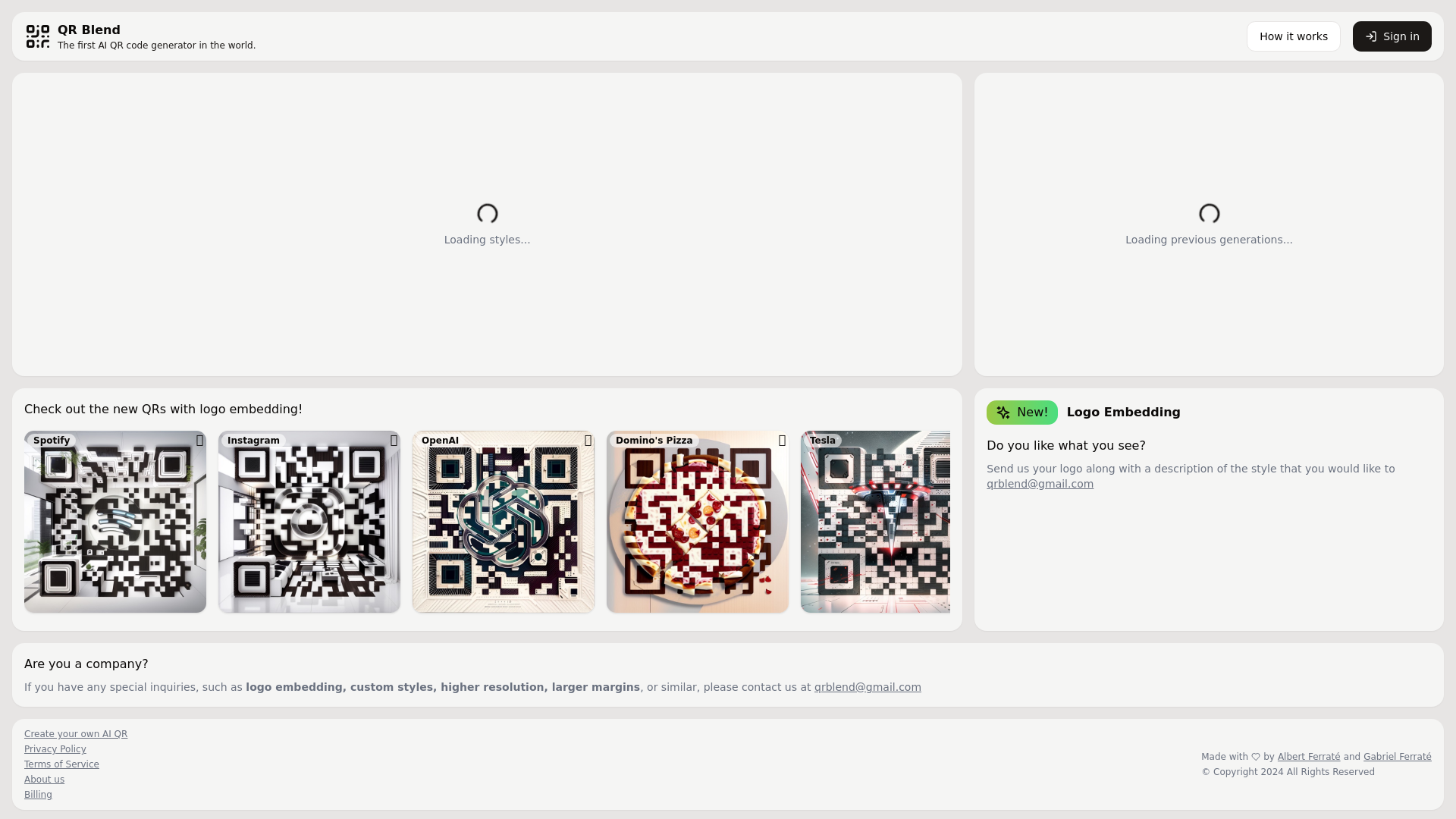
QR Blend is the world's first AI-driven QR code generator, allowing users to create personalized and visually appealing QR codes. This innovative tool integrates powerful AI technologies to provide custom designs, including logo embedding and various styles to enhance brand identity.
What are the main features of QR Blend?
-
AI-Powered QR Code Generation: Utilize advanced AI technology to create unique QR codes tailored to your specifications.
-
Logo Embedding: Upload your logo for embedding directly into the QR code, making it more distinctive and on-brand.
-
Variety of Styles: Select from multiple design styles to ensure that your QR code fits seamlessly into your marketing materials.
-
User-Friendly Interface: Effortlessly navigate through the platform with an intuitive design for quick QR code generation.
-
Custom Inquiries: Business inquiries can be catered for special requests such as higher resolution codes, larger margins, and custom styles.
How to use QR Blend?
-
Sign In: Start by creating an account or signing in.
-
Select Style: Choose from a variety of styles for your QR code design.
-
Upload Logo: If preferred, upload your logo along with a description of your desired style.
-
Generate QR Code: Once everything is set, click on the generate button, and your uniquely designed QR code will be ready for download or sharing.
-
Contact for Custom Requests: For any special inquiries, you can reach out through the provided contact email at [email protected].
What is the pricing for QR Blend?
QR Blend currently offers a free service for creating basic QR codes. For businesses needing advanced features like logo embedding, higher resolutions, or custom styles, pricing is likely determined on a case-by-case basis, and users are encouraged to contact support for tailored solutions.
Helpful Tips for Using QR Blend
-
Use High-Quality Logos: When embedding a logo, ensure it is high-resolution for the best visual outcome.
-
Test Your QR Code: After generation, always test your QR code with different devices to ensure it scans properly.
-
Incorporate Across Platforms: Utilize your QR code across various marketing platforms, including print material, social media, and websites to maximize visibility.
-
Track Usage: Consider using a URL shortener or tracking tool alongside your QR code to analyze user engagement.
Frequently Asked Questions
Can I embed my logo in the QR code?
Yes, QR Blend allows users to embed their logo into the QR code design, enhancing brand recognition.
How do I contact customer support for custom inquiries?
For any special requests, please reach out via email at [email protected] for assistance.
Is there a limit to the number of QR codes I can generate?
Currently, there is no stated limit to the number of QR codes you can generate. However, advanced features may vary based on specific inquiries.
Do I need any design experience to use QR Blend?
No, QR Blend is designed to be user-friendly, allowing anyone to create professional-looking QR codes without any design experience.
What formats are available for download?
Details on download formats should be confirmed directly on the platform or by contacting support.