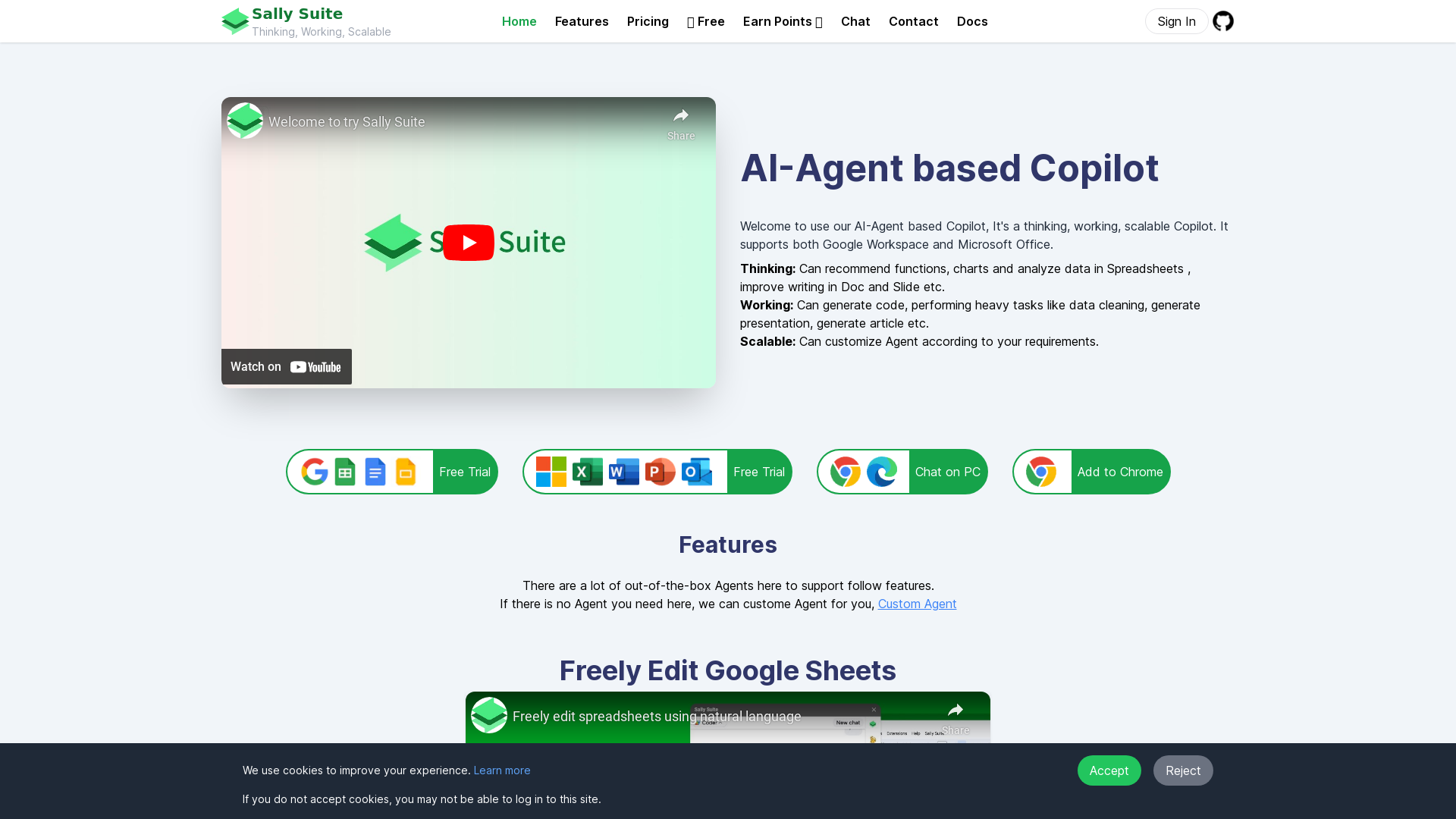
What is Sally Suite?
Sally Suite is an AI-powered Copilot designed to enhance productivity in spreadsheets and documents. This scalable tool seamlessly integrates with both Google Workspace and Microsoft Office to assist users in data analysis, writing assistance, and generating presentations. With its range of pre-built and customizable AI agents, Sally Suite empowers users to optimize their workflow, making complicated tasks easier and more efficient.
Features of Sally Suite
-
AI-Driven Recommendations: Sally Suite can suggest functions, charts, and analyze data in spreadsheets while improving writing in Google Docs and Slides.
-
Heavy Task Automation: The Copilot is capable of generating code, performing complex data cleaning tasks, and creating presentations and articles efficiently.
-
Scalable Customization: Users can tailor AI agents according to their specific needs, with options for custom agents available upon request.
-
Easy Collaboration: Supports editing Google Sheets and creating data visualizations with Python & Jupyter.
-
Flexible Payment Options: Users can access services on a pay-as-you-go basis or choose from various subscription plans for enhanced usage and features.
How to Use Sally Suite
Getting started with Sally Suite is simple:
-
Sign Up: Create an account and log in to get access.
-
API Key Setup: If you have your own OpenAI API key, enter it into the platform to start utilizing advanced AI models.
-
Explore Features: Browse through the available agents and features, and customize them based on your tasks.
-
Start Working: Use the Copilot to enhance your productivity in spreadsheets and documents effortlessly.
Pricing Options
Sally Suite offers various pricing plans to suit different user needs:
-
Free Trial: Users can enjoy limited features and functionalities at no cost.
-
Monthly Plan: Starting at approximately $1.5/month for basic access.
-
Standard Subscription: Priced at $36/year, beneficial for those engaged in editing and writing tasks.
-
Pro Package: For $119/year, users receive unlimited access to powerful features, ideal for spreadsheet analysis and automation.
-
Enterprise Custom Solutions: Tailored plans are available for larger organizations requiring advanced features and private deployments.
Helpful Tips
-
Take Advantage of Free Trials: Make sure to explore the free trial to find out which features are most beneficial before committing to a subscription.
-
Use AI Agents: Engage different pre-built agents based on your specific requirements, such as data analysis or writing assistance, to maximize efficiency.
-
Keep Your API Key Secure: If using your own API key, store it securely to prevent unauthorized access.
-
Stay Updated: Follow Sally Suite on social media to receive the latest updates and enhancements for the platform.
Frequently Asked Questions
Can I customize the AI Agents?
Yes, Sally Suite allows users to request and build custom agents tailored to specific functions and tasks.
What platforms are supported by Sally Suite?
Sally Suite integrates with both Google Workspace (Sheets, Docs, and Slides) and Microsoft Office applications.
Is my data secure with Sally Suite?
Yes, Sally Suite values user privacy and implements measures to protect your data. You can also delete your account and all data whenever you choose.
When should I consider upgrading my plan?
If you frequently exceed the free access limits or need advanced features, upgrading to a paid plan will offer you greater flexibility and access to premium services.
How can I contact support?
For any questions or suggestions, you can reach out via email and expect a reply within 24 hours. Additionally, support is available through Twitter for real-time updates and assistance.