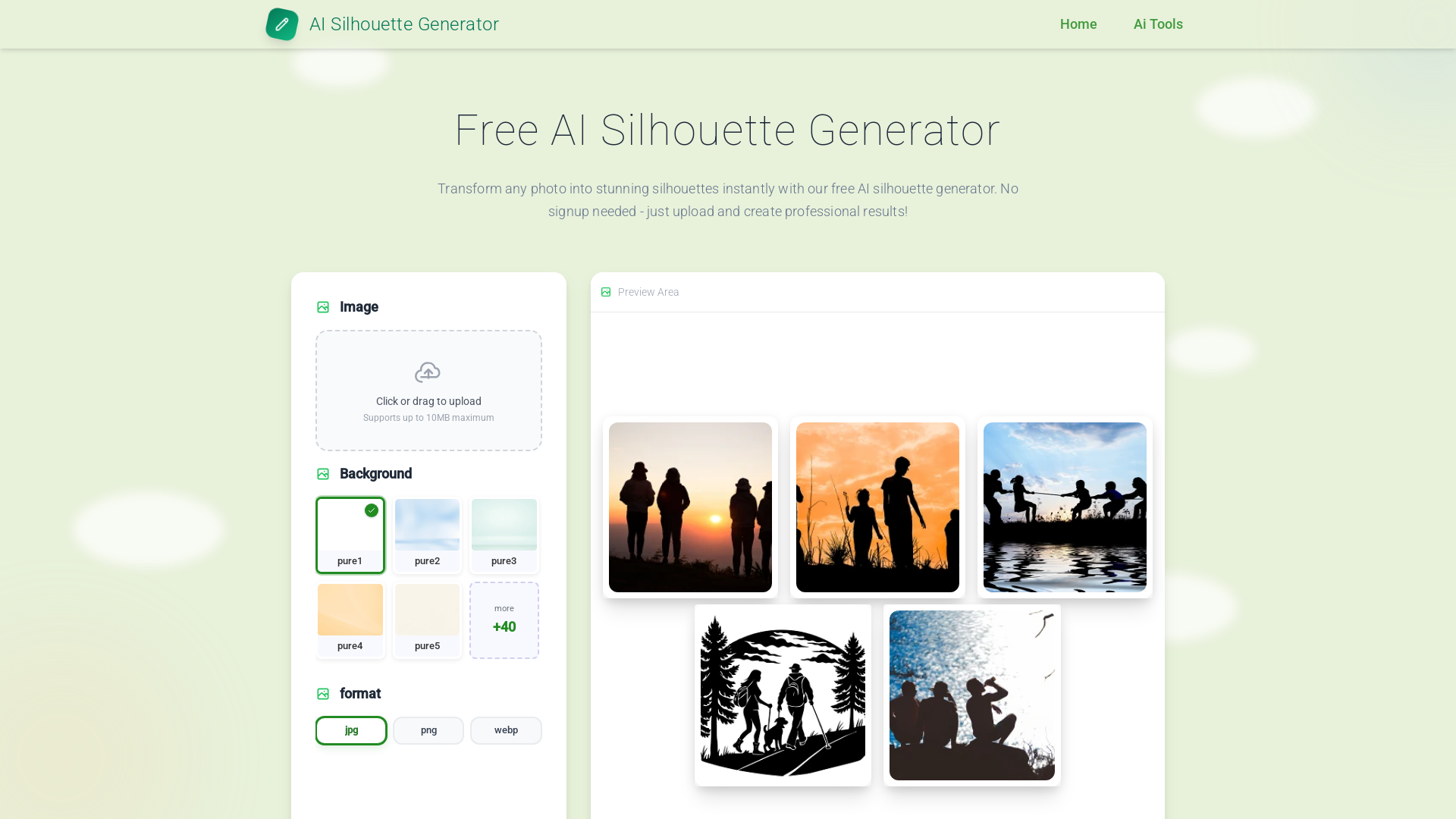
What is the Free AI Silhouette Generator?
The Free AI Silhouette Generator is an innovative, user-friendly tool that allows users to transform any uploaded photo into professional-quality silhouettes instantly. With no signup required, users simply upload their images and effortlessly create stunning silhouettes, making it accessible for a wide range of applications, from graphics design to educational content creation.
Main Features of the AI Silhouette Generator
-
Instant Transformations: Create silhouettes from a variety of images including portraits, animals, and objects quickly and efficiently.
-
High-Quality Outputs: Options for normal processing for speed or enhanced mode for greater detail guarantee polished results.
-
Unlimited Use: Users can generate as many silhouettes as they want, allowing for comprehensive creative projects without restrictions.
-
Multiple Formats Supported: Export your silhouettes in JPG, PNG, or WebP formats, taking advantage of transparent backgrounds and optimized sizes for different uses.
-
No Registration Needed: Start creating silhouettes without the hurdles of registration or lengthy sign-ups.
How to Use the Free AI Silhouette Generator
Step-by-step Instructions:
-
Upload Your Photo
- Click the designated upload zone or drag your image into the generator. Supported formats are JPG, PNG, and WebP. Ensure that your photo has a clear subject for the best results.
-
Customize Settings
- Choose between normal processing for quick outcomes or enhanced mode for higher detail. You may also select from a collection of backgrounds or opt for a transparent setting.
-
Create and Download
- Click the generate button to see your image transformed into a silhouette. Preview the result, use the regenerate option for variation, and download when satisfied.
Pricing of the Silhouette Generator
The Free AI Silhouette Generator does not have any costs associated with its use. Users can enjoy unlimited access without any hidden fees, subscriptions, or watermarks, making it a fully free resource for creative projects.
Helpful Tips for Optimal Use
-
Use High-Contrast Images: High-contrast images tend to yield the best silhouette results, allowing clear subject definition.
-
Avoid Cluttered Backgrounds: Images with simple, clean backgrounds will perform better with the generator to prevent confusion in the silhouette extraction.
-
Experiment with Settings: Don't hesitate to try both quality modes to see which suits your project needs best, enhancing your creativity.
Frequently Asked Questions
1. How accurate are the silhouettes created?
The AI silhouette generator uses advanced algorithms to detect edges and boundaries, ensuring clean and professional silhouettes.
2. Is there a limit to how many silhouettes I can create?
No! There are no limits on the number of silhouettes you can generate, enabling continuous creativity for your projects.
3. Can I use the silhouettes commercially?
Yes, all silhouettes created are royalty-free and can be used in commercial projects without any licensing fees.
4. What image types work best?
The generator works best with well-defined subjects such as portraits, animals, and clear object images that have high contrast.
5. Is there a mobile version of the silhouette generator?
Yes, the generator is fully responsive and works seamlessly on both mobile devices and desktops for convenient use anywhere.
6. What quality settings does the generator offer?
The generator features normal and enhanced processing modes to cater to varying project needs, allowing users to choose speed or detail.
7. Are there any registration requirements?
No registration is required, which means users can start using the silhouette generator immediately, protecting their privacy.
By utilizing this powerful Free AI Silhouette Generator, you can enhance your creative projects with minimal effort while achieving stunning results. Start generating your silhouettes today!