What is Sketch To?
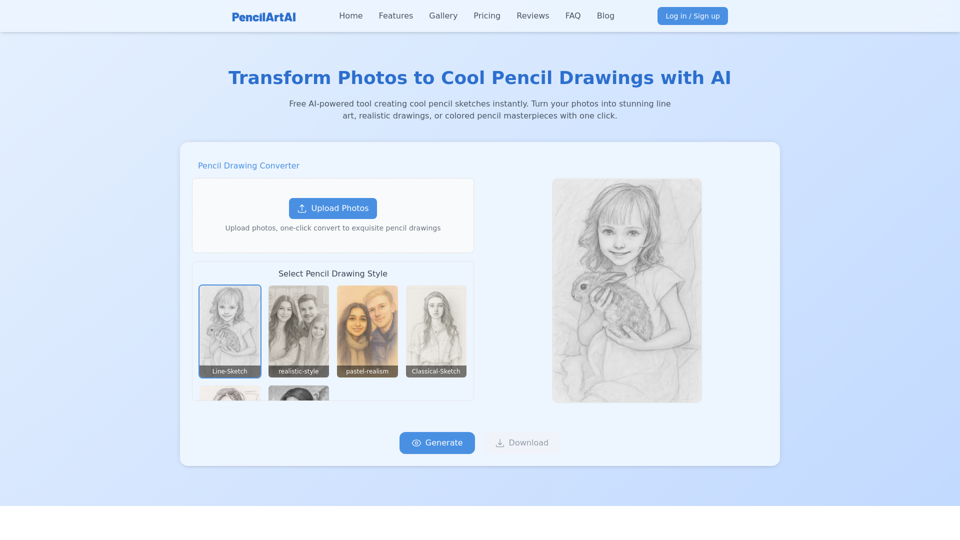
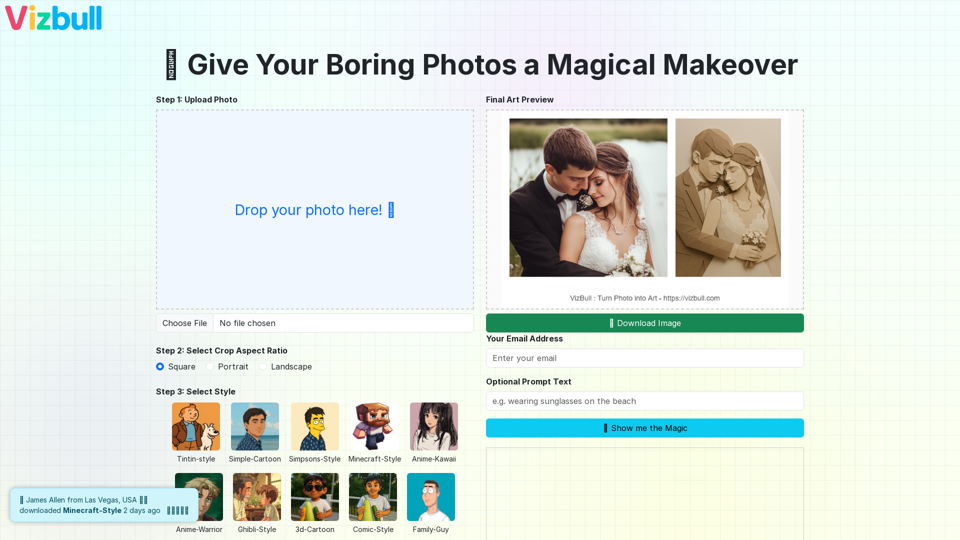
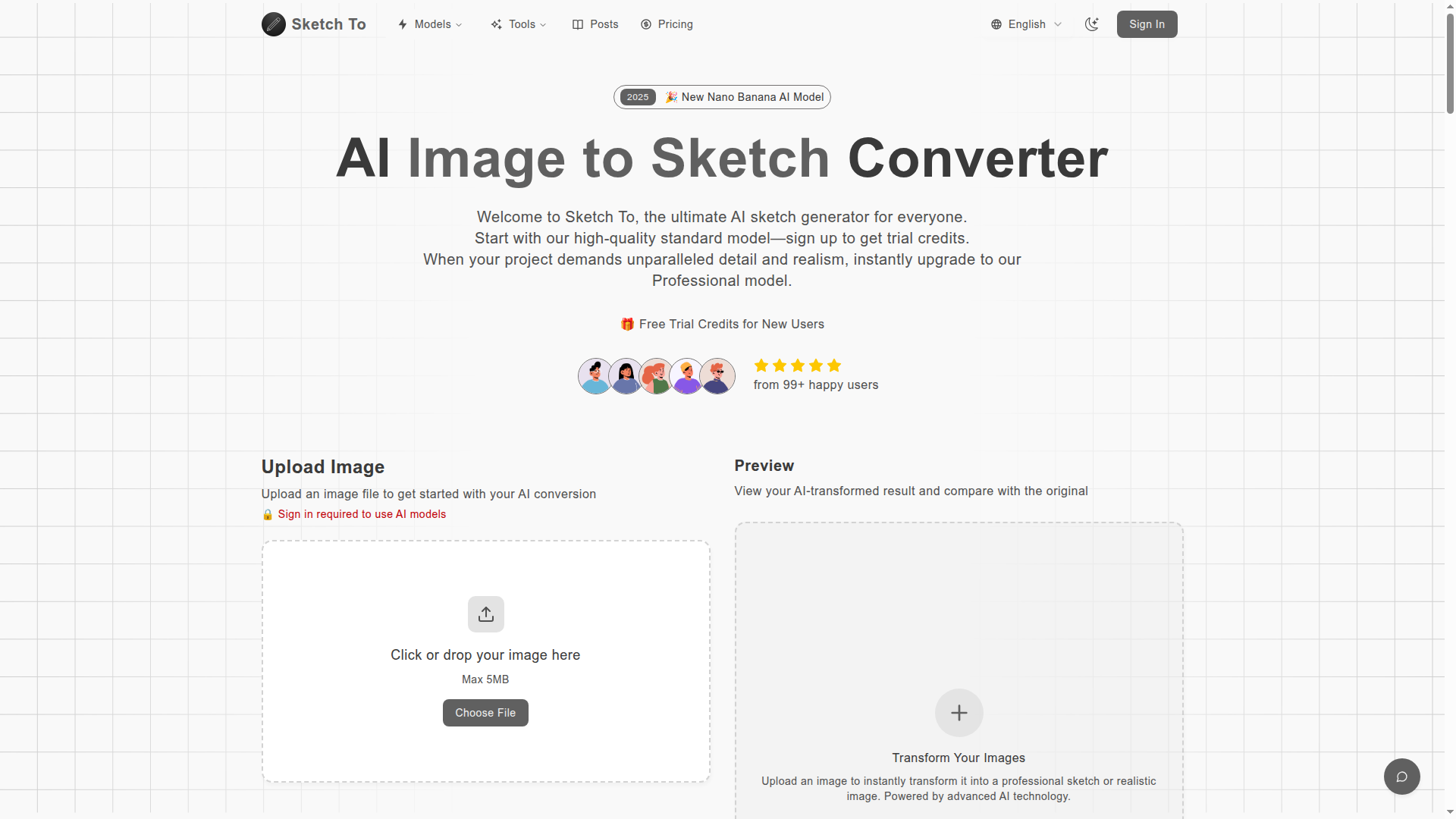
Sketch To is an innovative AI-powered tool designed to convert images to sketches and vice versa. Utilizing advanced AI technology, it caters to both casual users and professional creatives, providing a seamless experience for transforming visual art. The platform offers two distinct models: a free standard version and a professional option for those seeking higher levels of detail and realism.
Key Features of Sketch To
-
User-Friendly Conversion: Quickly convert photos to pencil sketches or sketches to realistic images.
-
Standard Model: Free trial credits for new users to explore basic functionalities.
-
Professional Model: For artists and businesses aiming for superior quality and detail.
-
Instant Processing: Receive transformed images in seconds, ensuring a fast workflow.
-
High Resolution Outputs: Download your creations in high resolution, suitable for print and professional usage.
How to Use Sketch To
Utilizing Sketch To is simple and straightforward, requiring only three easy steps:
-
Upload Your Image: Drag and drop your image onto the platform.
-
Choose Your Style & Model: Select from the standard or professional models according to your needs.
-
Generate & Download: Click on 'Generate' to process, then preview and download your image in high resolution.
Pricing
Sketch To offers affordable plans tailored to various user needs:
-
Basic Plan:
- Price: $9.99 monthly ($8.00 when billed annually)
- Features: 100 credits/month, advanced AI models, priority support, and commercial rights.
-
Pro Plan:
- Price: $19.99 monthly ($16.00 when billed annually)
- Features: 300 credits/month, all the benefits of the Basic Plan plus additional advanced models.
Helpful Tips
-
Selecting the Right Model: Use the standard model for casual projects – it’s perfect for social media and educational use. Upgrade to the professional model for commercial purposes or intricate artistic requirements.
-
Image Quality Matters: For the best results, upload high-resolution images with good lighting and contrast.
-
Exploit Trial Credits: New users get trial credits, enabling them to test out features without any financial commitment.
Frequently Asked Questions
-
What's the difference between the Standard and Professional models?
The Standard model provides quality conversions suitable for casual use, while the Professional model delivers superior texture and realism designed for commercial projects.
-
How much does Sketch To cost?
There’s a flexible credit system that allows new users to start with trial credits. The Pro model offers subscription options based on usage.
-
What file formats does Sketch To support?
Sketch To currently supports JPG, PNG, and WEBP formats, allowing uploads of files up to 10MB in size.
-
Can I use Sketch To for commercial projects?
Yes, the Professional model is tailored for commercial use, granting rights for client projects.
-
How quick is the processing?
The conversion usually completes in seconds, although it can vary based on the image complexity and size.
Transform Your Creativity Today
Unleash your artistic potential by using Sketch To for all your image to sketch conversion needs! Get started now and generate stunning sketches from your images!
Generate Your First Image