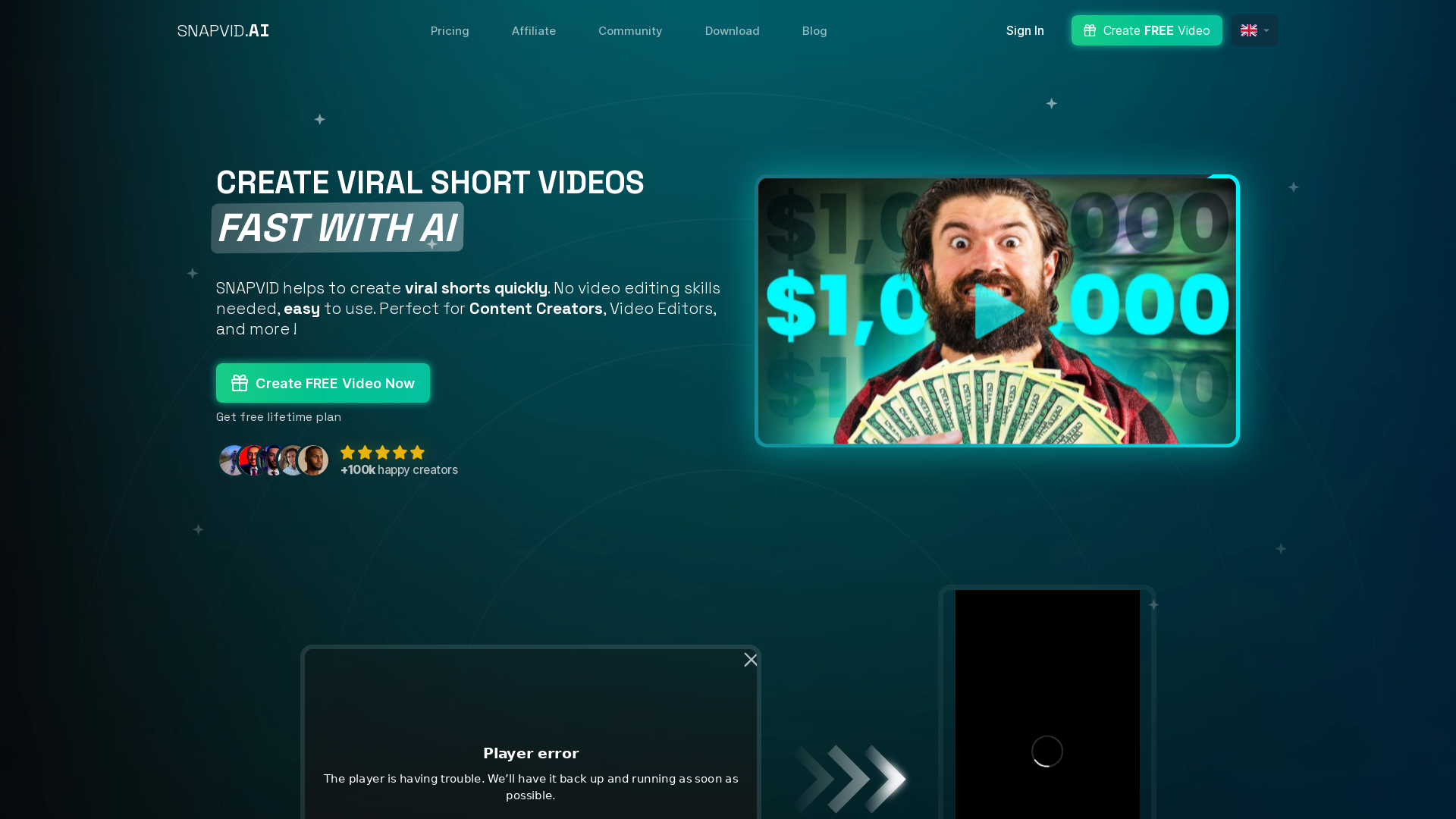
什么是 SNAPVID?
SNAPVID 是一个创新的 AI 驱动平台,专为内容创作者、视频编辑者和机构设计,提供用户友好的解决方案,可在短短 30 秒内制作出带字幕和表情的爆款短视频。通过简单的拖放界面,SNAPVID 消除了传统视频编辑的复杂性,让您专注于创意想法,而非技术技能。
SNAPVID 的核心功能
- 灵活方案
- SNAPVID 提供专为内容创作者、视频编辑者和机构定制的多种订阅方案:
- 基础方案:$16/月(按年计费)
- 每月 20 个视频
- 最长视频时长:1 分 30 秒
- 2 种自定义字幕样式
- 最高 4K 视频质量
- 无限量素材视频
- AI 自动 B-Roll
- 专业方案:$40/月(按年计费)
- 包含基础方案所有功能
- 无限视频数量
- 最长视频时长:5 分钟
- 5 种自定义字幕样式
- AI 自动清理和自动剪辑(长视频转短视频)
- 创作者方案:$120/月(按年计费)
- 包含专业方案所有功能
- 无限视频数量
- 最长视频时长:30 分钟
- 无限自定义字幕样式
- AI 工具
- 利用先进的 AI 功能进行 B-Roll、视频清理以及将长视频自动剪辑成引人入胜的短视频格式。
- 素材视频库
- 访问超过 100,000 个素材视频和图像的庞大库,丰富您的内容。
- 轻松翻译
- 为视频配音并翻译成任何语言,以在全球范围内扩大受众范围。
如何使用 SNAPVID
使用 SNAPVID 非常简单:
- 选择您的方案,无论是基础版、专业版还是创作者版。
- 上传您的视频内容,或使用平台的模板从头开始。
- 利用 AI 工具添加字幕和 B-Roll 来增强您的视频。
- 几秒钟内即可导出成品。
定价概览
SNAPVID 提供具有竞争力的定价结构,年订阅可节省大量费用。
- 基础方案
- $16/月
- 专业方案
- $40/月
- 创作者方案
- $120/月
每个方案都配有适合不同用户需求的独特功能,让您能为自己的内容创作目标选择最佳方案。
最大化 SNAPVID 体验的实用技巧
- 利用自定义样式
- 尝试不同的字幕样式以匹配您的品牌形象。
- 善用素材片段
- 通过从库中整合相关的素材视频来增强您的视频。
- 发挥 AI 功能优势
- 使用 AI 自动 B-Roll 和清理功能来节省时间并提高视频质量。
- 探索翻译功能
- 如果您面向全球受众,请使用翻译功能触达更多观众。
常见问题
我可以免费试用 SNAPVID 吗?
是的,SNAPVID 提供终身免费方案,让您在订阅前探索平台。
什么是积分系统?
SNAPVID 采用积分系统,每个视频创作消耗一个积分。基础方案用户每月有 20 个积分,而专业版和创作者版用户则享有无限积分。
如何取消订阅?
您可以随时取消或更改订阅方案,无需隐藏费用。
使用 SNAPVID 需要视频编辑技能吗?
不需要!SNAPVID 专为所有技能水平的用户设计,让视频创作变得简单易用。
我的数据在 SNAPVID 安全吗?
绝对安全!SNAPVID 致力于用户隐私,并确保您的数据得到负责任的处理。
SNAPVID
30秒即可制作带字幕和表情的短视频。免费试用,无需信用卡。
网站流量
51%
14.9K/mo
 FirstPromoter
 Cloudflare Browser Insights
 HTTP/3
 Vercel
在此投放广告
每日触达数千访客。立即获取您的位置!
与 SNAPVID 类似的工具
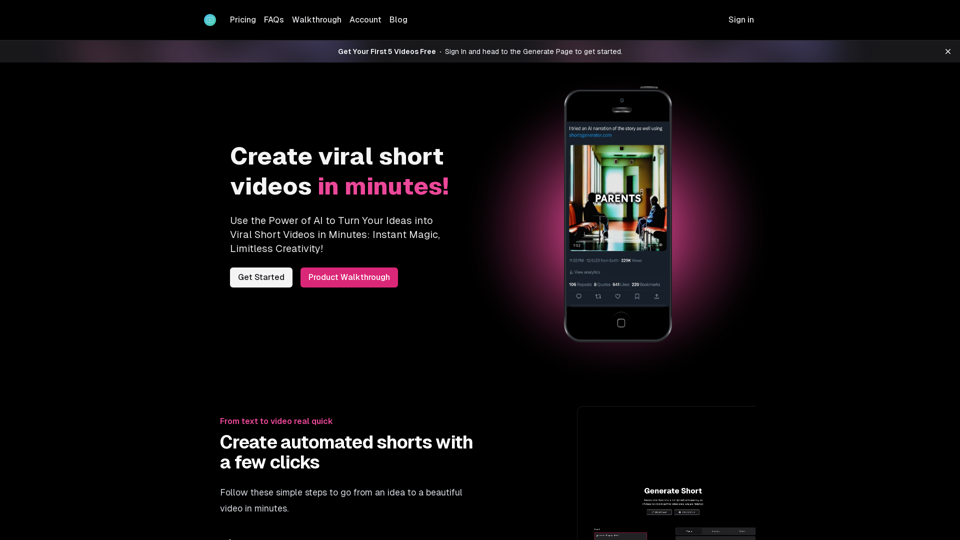
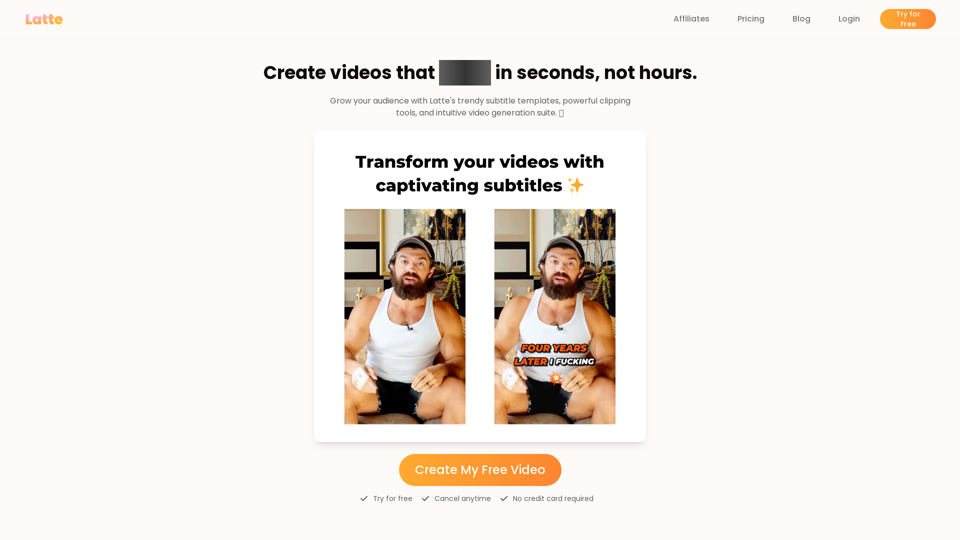
Latte Social是一款面向创作者和企业的AI视频编辑器,用于制作引人入胜的短视频。提供20多种风格的动态字幕、一键生成爆款片段以及文生视频功能。立即开始免费试用。
4.7K
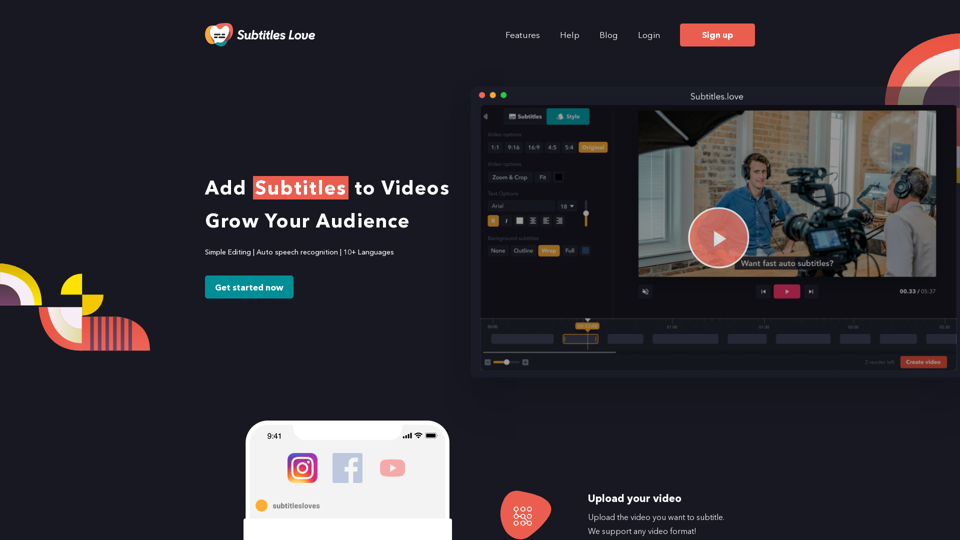
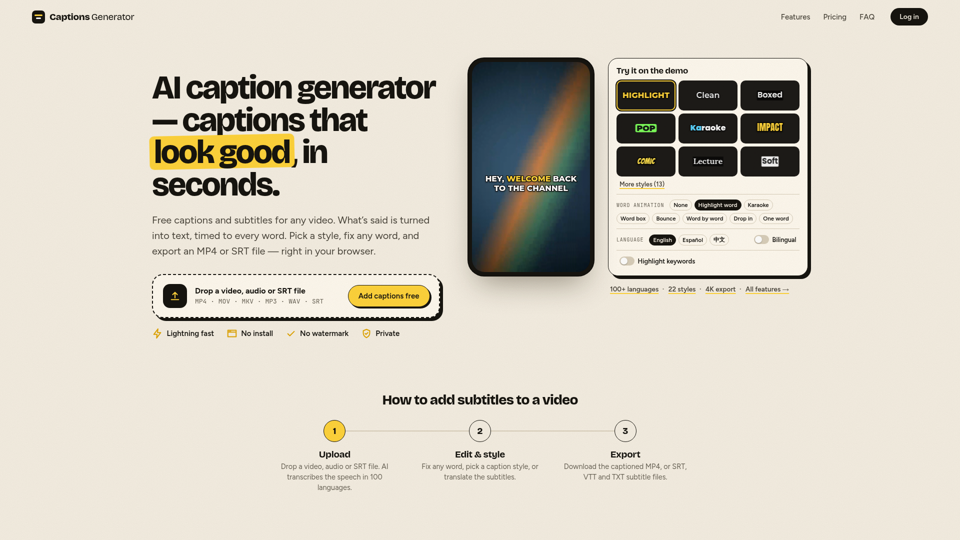
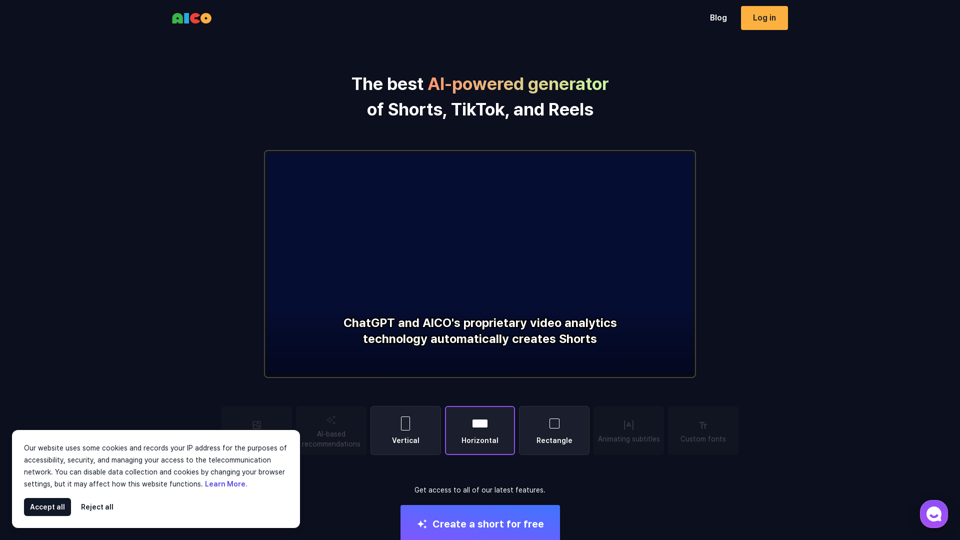
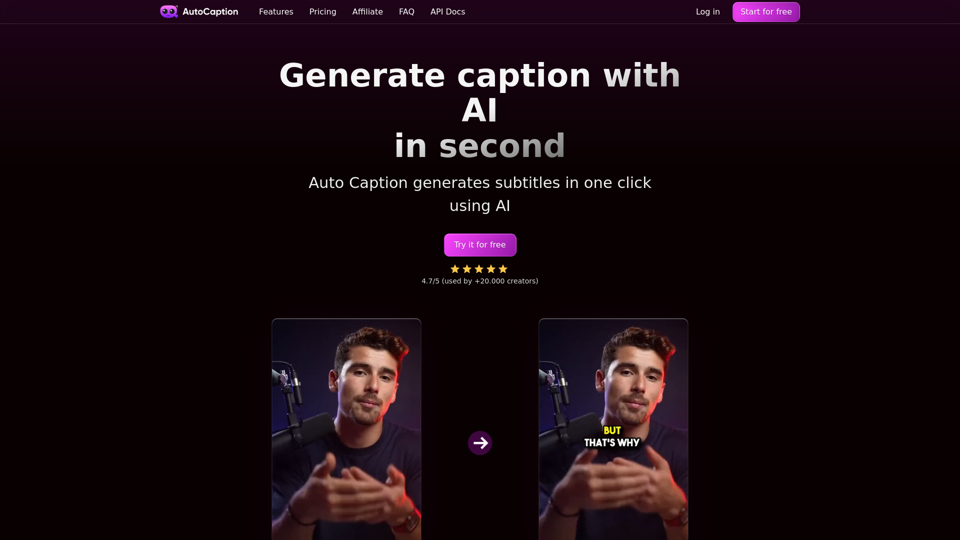
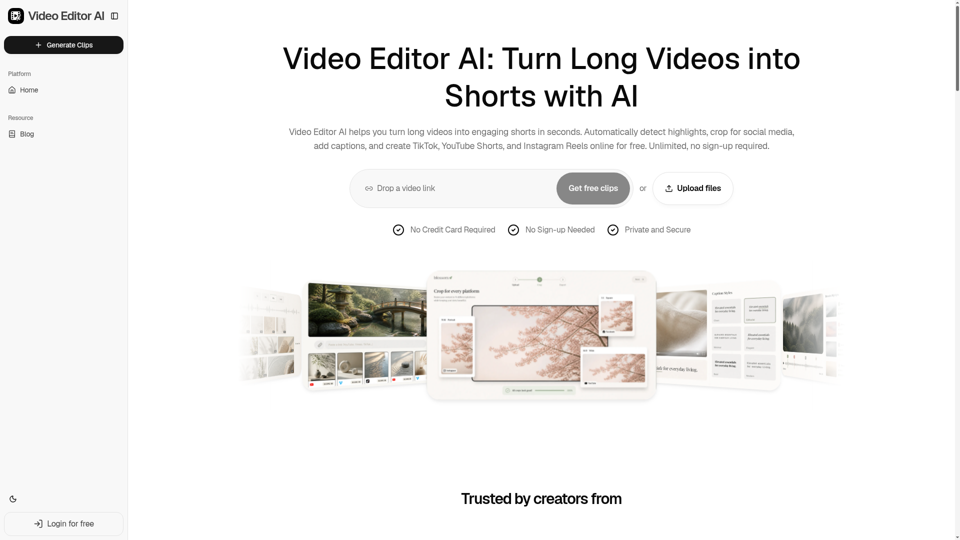
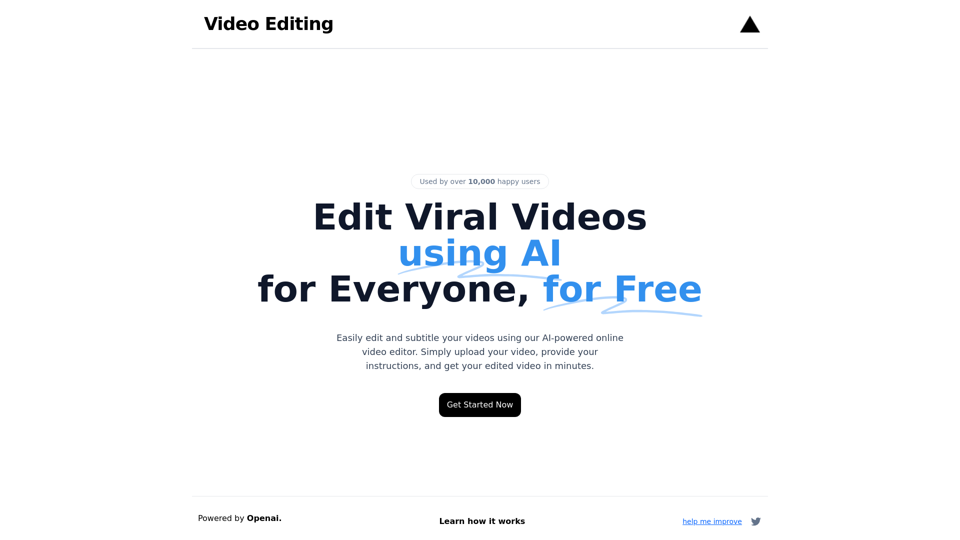
Video Editor AI 助您在几秒内将长视频转化为引人入胜的短视频。自动检测精彩片段、裁剪适配社交媒体、添加字幕,并免费在线创建 TikTok、YouTube Shorts 和 Instagram Reels。无限制使用,无需注册。
1.2K