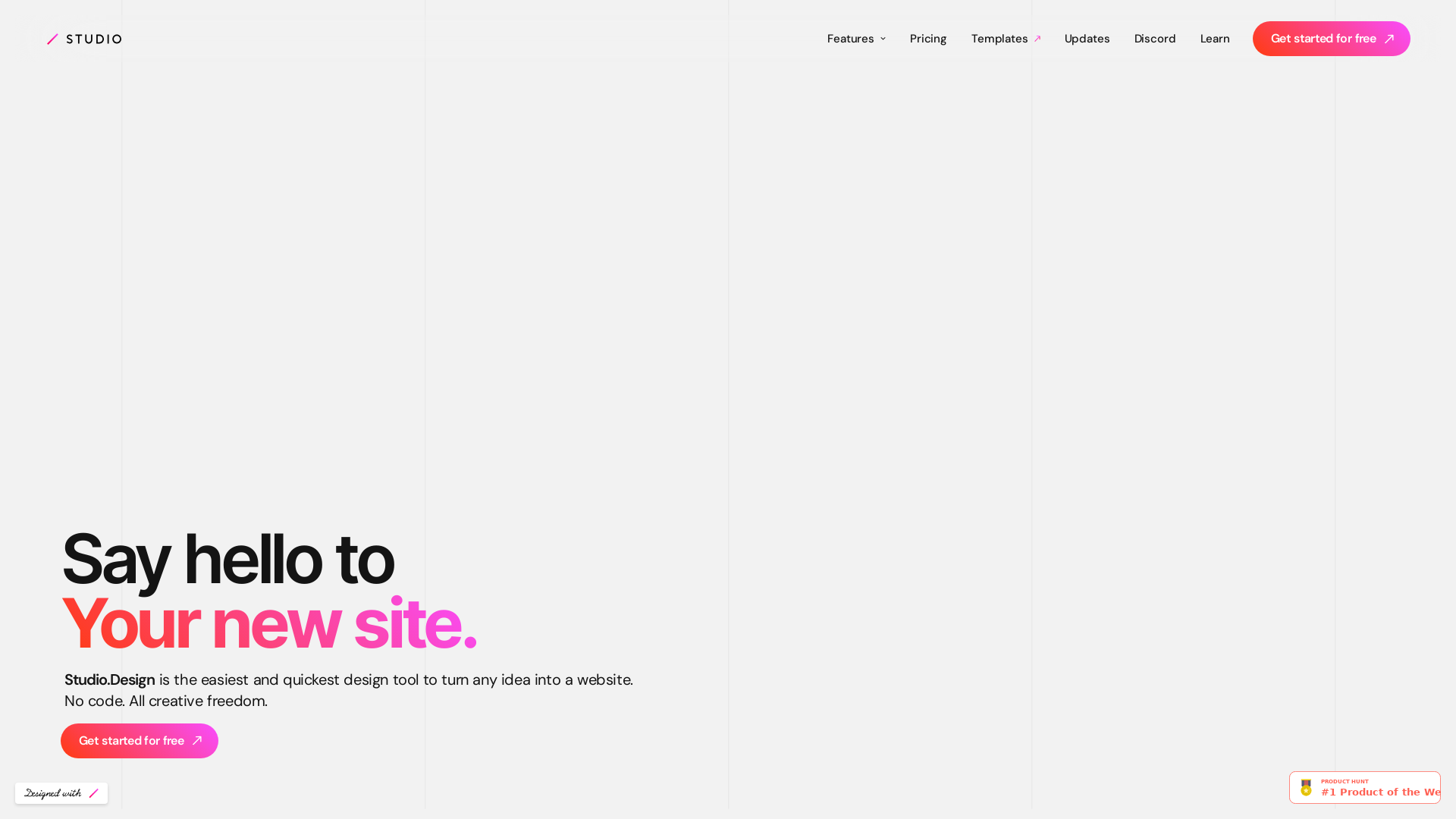
What is STUDIO?
STUDIO is a powerful website design platform that allows designers to create, customize, and publish stunning websites without needing to write code. It combines creativity with ease of use, enabling anyone to turn their creative ideas into a live site in a matter of minutes.
What are the main features of STUDIO?
-
Intuitive Design Editor: Easily create and manipulate layouts with a user-friendly interface that supports pixel-perfect adjustments and dynamic animations.
-
Real-time Collaboration: Work with your team on content creation in one central location, allowing for collaborative editing and instant publishing.
-
One-Click Publishing: Publish your designs as live websites with just a single click, eliminating the need for coding or server setup.
-
Customizable Forms: Build engaging forms tailored to your site's theme, complete with customizable animations and colors.
-
SEO Control: Optimize your website effortlessly with tools to tailor each piece of content, auto-generate sitemaps, and more.
-
Lottie Animation Support: Enhance your designs with immersive animations by easily importing Lottie files.
-
Figma Integration: Quickly bring existing designs from Figma into STUDIO, generating breakpoints automatically for seamless publishing.
How to use STUDIO?
Getting started with STUDIO is simple. Sign up for a free account, access the design editor, and choose from a variety of templates or create your own layout. You can collaborate with others in real-time, customize your designs using intuitive tools, and publish your site with just a click.
What is the price of STUDIO?
STUDIO offers a free tier that enables users to explore its features. For those needing advanced functionality or additional resources, subscription plans are available at competitive prices. Users can easily upgrade to access more templates and tools tailored to their needs.
Helpful Tips
-
Explore Templates: Don't hesitate to browse through free and paid templates designed by professionals to get a head start on your website creation.
-
Utilize SEO Features: Make use of the SEO tools within STUDIO to ensure your site is optimized for search engines right from the start.
-
Experiment with Animations: Incorporate Lottie animations to add dynamic elements that can engage your visitors and enhance user experience.
-
Collaborate Effectively: Take advantage of the real-time editing feature to work closely with your team, which can lead to more efficient workflow and better outcomes.
Frequently Asked Questions
Can I create a website without coding?
Yes, STUDIO is designed specifically for those who want to create websites without any coding experience. The intuitive design editor allows you to visually build your site.
Is there a limit to the number of sites I can create?
With the free tier, there may be some limitations on features and functionalities. However, subscribing to a paid plan provides you with greater flexibility and more advanced features.
How does STUDIO help with SEO?
STUDIO provides various SEO tools that make it easy to optimize each piece of content, including options to auto-generate sitemaps, allowing better visibility on search engines.
Can I use my designs from Figma?
Absolutely! STUDIO offers seamless integration with Figma, enabling you to import your designs effortlessly and publish them quickly.
What if I need help while using STUDIO?
STUDIO has an extensive help center and community support available, including a Discord channel where you can connect with other users and receive assistance.