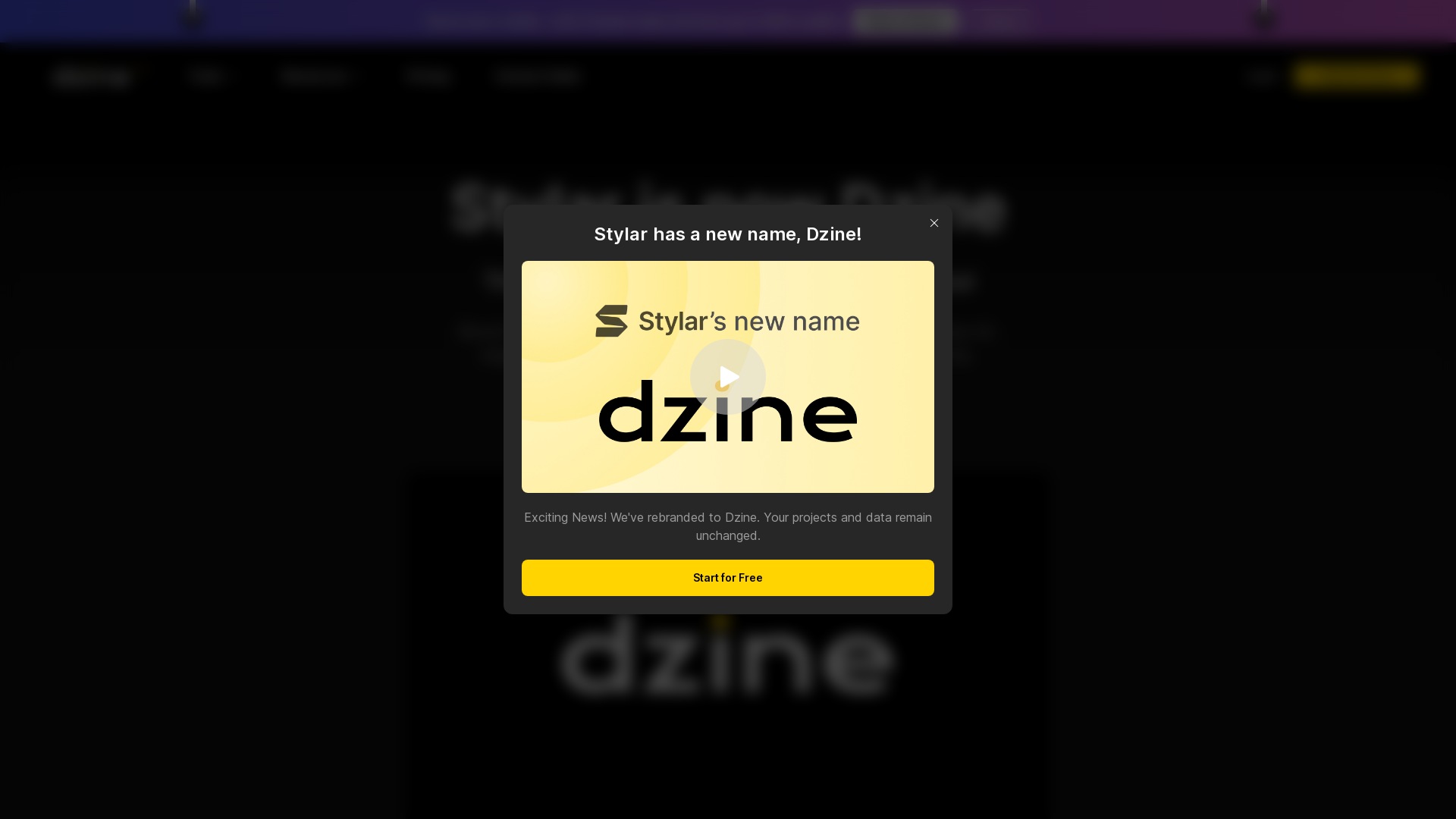
What is Dzine (formerly Stylar.ai)?
Dzine is a revolutionary AI-driven image generation and graphic design tool that empowers users with unparalleled control over their creative projects. It enables designers and creators of all skill levels to produce stunning visuals with ease, eliminating the complexities associated with traditional graphic design processes.
Main Features of Dzine
-
Unmatched Control: Dzine offers users powerful tools to control image composition and styles, ensuring every detail aligns with their vision.
-
Predefined Styles: With a diverse library of predefined styles, users can customize their designs effortlessly without the need for complicated input.
-
Layering and Positioning Tools: The layer-based interface allows for the intuitive manipulation of design elements, facilitating complex compositions.
-
Generative Fill and Modify: Easily add or remove objects and elements from your images through simple text commands, streamlining the editing process.
-
User-Friendly Interface: Dzine’s intuitive design caters to both beginners and seasoned professionals, making it easy to navigate and utilize.
How to Use Dzine
Dzine can be used by anyone looking to enhance their graphic design projects. Users can start by signing up and receiving 100 free credits, with an additional 30 credits daily. The process is as simple as:
- Select either 'text-to-image' or 'image-to-image' generation.
- Browse through predefined styles to find the perfect match.
- Enter your creative prompt or adjust existing images using the drag-and-drop feature.
- Utilize tools like 'Generative Fill' and enhancements to optimize your designs.
- Once satisfied, export your high-resolution images ready for use in various formats.
Pricing
Dzine offers a tiered pricing structure. The basic plan includes:
-
Free Access: 100 free credits at registration, with 30 daily refresh credits.
-
Premium Subscription: For users with extensive image creation needs, a premium plan provides additional credits and faster processing capabilities. You can explore pricing options on the Dzine website.
Helpful Tips
-
Get Inspired: Utilize the extensive style library for fresh design ideas, or browse community resources.
-
Leverage AI Tools: Experiment with AI tools like the AI Photo Enhancer for improving image quality and clarity.
-
Collaborate and Share: Join the Dzine community on platforms like Discord and Reddit to share ideas, participate in contests, and learn from other creators.
Frequently Asked Questions
Is Dzine suitable for beginners?
Yes! Dzine’s user-friendly interface is designed for users with varying levels of experience, making it easy to create without advanced skills.
Can I create unique images with Dzine?
Absolutely! Simply select a generation method, choose a style, and input your creative prompt. Dzine will guide you through the creation process with its intuitive tools.
How do I remove the background from an image?
Dzine provides a one-click background removal tool. Select the option, and you can quickly change backgrounds with ease.
How can I get involved with the Dzine community?
Join the Dzine community on social media platforms to connect, share projects, and participate in collaborative design initiatives.
Does Dzine protect user privacy?
Yes! User data is protected, and you can delete your account at any time, removing all associated data.
Empower your creativity with Dzine and transform your ideas into professional visuals today!