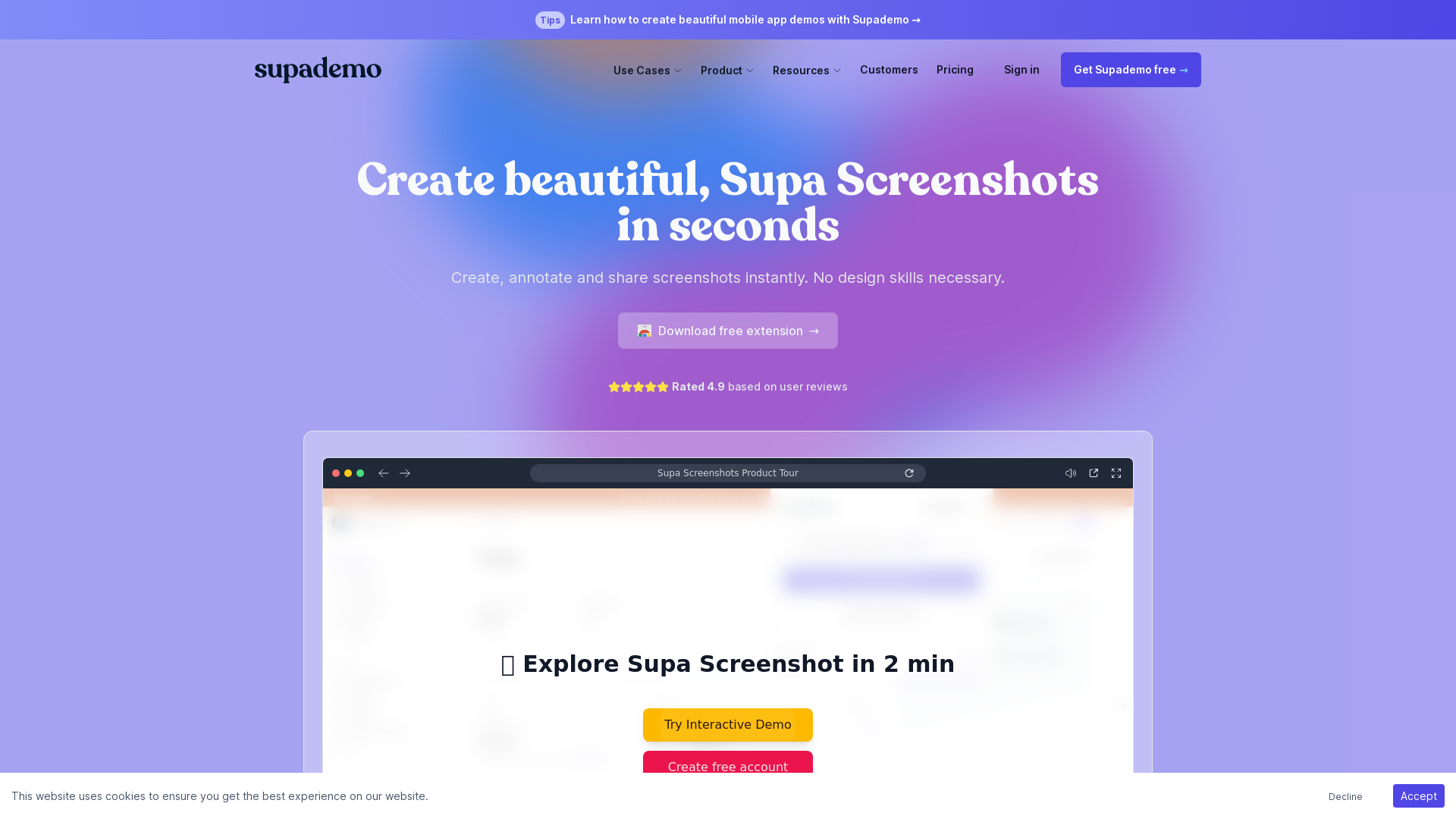
What is Supademo?
Supademo is a powerful tool designed for creating, annotating, and sharing beautiful screenshots effortlessly. It allows users to capture high-quality images of their screens while incorporating essential features that make annotations and edits quick and easy. Ideal for professionals, it empowers users with no design skills to produce stunning mobile app demos and interactive product showcases in mere seconds.
What are the main features of Supademo?
-
Instant Screen Capture: Capture unlimited screenshots for free, with options for full-screen or selected areas to choose exactly what you want to show.
-
Built-in Editor: Utilize the editor to crop, blur, annotate, and beautify your screenshots in just a few clicks.
-
Quick Sharing: Easily copy to clipboard, download, or share your creations as a URL.
-
Delayed Screenshot Capture: Set a delay for capturing screenshots of modals, menus, or other time-sensitive content.
-
Integration with Supademo Demos: Seamlessly add screenshots to existing Supademo interactive demos for enhanced presentations.
-
Dynamic Variables: Personalize experiences with dynamic variables to scale your demo outreach.
-
AI Voiceovers: Add AI-generated voice narration to your demos for a more engaging user experience.
-
Auto-Translation: Translate product demos instantly into over 15 languages leveraging AI technology.
How to use Supademo?
Using Supademo is incredibly straightforward:
-
Capture a Screenshot: Open the extension or use the shortcut ⌘ + shift + 9 to capture a browser window.
-
Edit Your Screenshot: Use the built-in editing tools to annotate, crop, and beautify your screenshot.
-
Share Your Creation: Copy the screenshot to your clipboard, download it, or share it as a URL link.
Pricing
Supademo offers a free extension that allows users to create and share unlimited screenshots. For advanced features, companies may explore premium options that provide expansive capabilities for sales enablement, customer success, and internal training.
Helpful Tips
-
Utilize Shortcuts: Familiarize yourself with keyboard shortcuts to speed up your screenshot and editing process.
-
Regular Updates: Keep an eye on Supademo updates and new features through their blog or newsletter for the latest enhancements.
-
Combine Screenshots and Demos: Make the most of Supademo by combining beautifully created screenshots with interactive demos for a polished presentation.
Frequently Asked Questions
Can I use Supademo without design skills?
Absolutely! Supademo is designed for users with no design background, enabling anyone to create professional-looking screenshots and demos effortlessly.
Is there a limit on how many screenshots I can capture?
No, Supademo allows for unlimited screenshot captures for free, making it easy to produce as many visuals as you need.
Is my data safe with Supademo?
Yes, Supademo prioritizes user privacy and employs robust security measures to safeguard your information.
Does Supademo support team collaboration?
Yes, Supademo is designed to be intuitive for teams, allowing multiple members to create, annotate, and share screenshots easily.
How can I get started with Supademo?
Simply download the free extension, and you’re ready to start capturing and creating stunning screenshots right away!