What is Topaz Labs?
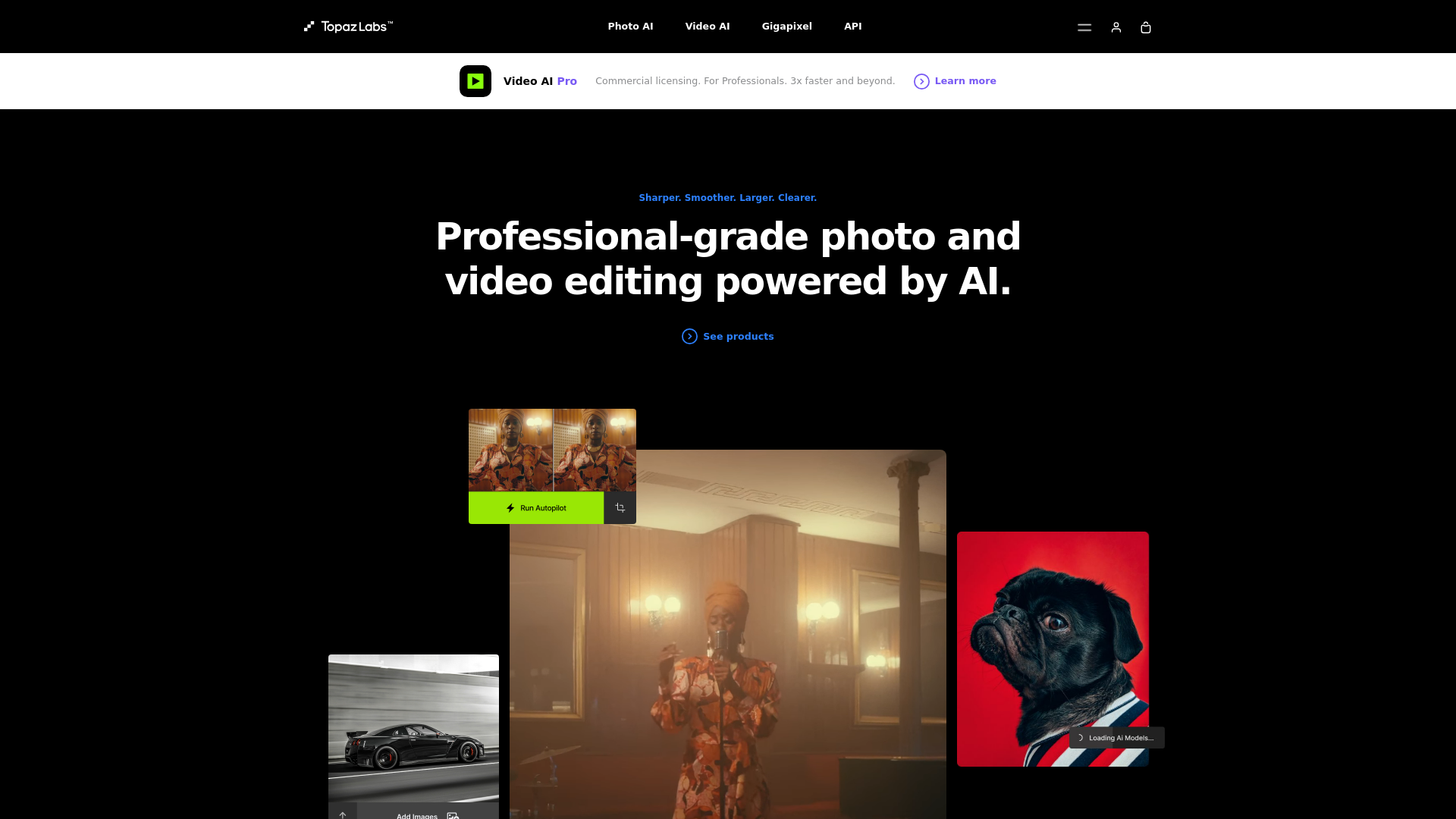
Topaz Labs is a professional-grade software suite that harnesses the power of artificial intelligence (AI) for advanced photo and video editing. It is designed to enhance images and footage by improving quality, detail, and overall visual appeal, making it a favorite among professionals in photography and videography.
Main Features of Topaz Labs
-
AI-Powered Tools: Offers a variety of AI-driven applications such as Photo AI for photo enhancement, Video AI for cinematic upgrades, and Gigapixel AI for image upscaling.
-
High-Performance Processing: Utilizes local processing for faster edits without needing to upload files to a server, ensuring complete data security.
-
Seamless Integration: Functions as a standalone application or as plugins for popular software like Photoshop, DaVinci Resolve, and After Effects.
-
Advanced Upscaling: Gigapixel AI allows users to upscale images to nearly any size while preserving impeccable quality.
-
Batch Processing: Capable of processing multiple files simultaneously, saving time in professional workflows.
How to Use Topaz Labs
Using Topaz Labs is straightforward. After downloading and installing the software, users can:
- Choose between standalone mode or plugin mode, depending on their workflow needs.
- Import images or videos they wish to enhance.
- Select the appropriate AI tool for their needs, whether it’s sharpening, upscaling, or stabilizing footage.
- Adjust parameters as necessary and apply the enhancements.
- Export the processed file in the desired format.
Pricing of Topaz Labs
Topaz Labs offers a variety of pricing plans, including individual pricing for each software and bundles for those looking to purchase multiple products. As of now, the standard price for Photo AI and other applications is around ### $199 each. Users can also sign up for subscriptions or early access to APIs depending on their business needs.
Helpful Tips
-
Experiment with Settings: Each tool offers various settings. Exploring these can often lead to better results tailored to specific projects.
-
Use Batch Processing: For professionals managing large photo or video files, batch processing can significantly cut down on editing time.
-
Stay Updated: Regularly check for software updates to access new features and improvements.
-
Leverage Customer Support: Use the support resources and community forums if you encounter difficulties or need advice on usage.
Frequently Asked Questions
Can I use Topaz Labs on a Mac?
Yes, Topaz Labs is compatible with both Mac and PC operating systems.
Is my data safe with Topaz Labs?
Absolutely, Topaz Labs processes data locally, ensuring your files remain secure and private.
Do I need a subscription?
While individual purchases are available, a subscription may be beneficial for frequent users, providing access to software updates and additional features.
Is there a trial version available?
Yes, Topaz Labs often offers trial versions of their software so users can test the functionality before committing to a purchase.
What types of images can I enhance with Topaz Labs?
You can enhance photographs, scanned images, and various video types, making it versatile for multiple media formats.