What is video2docs?
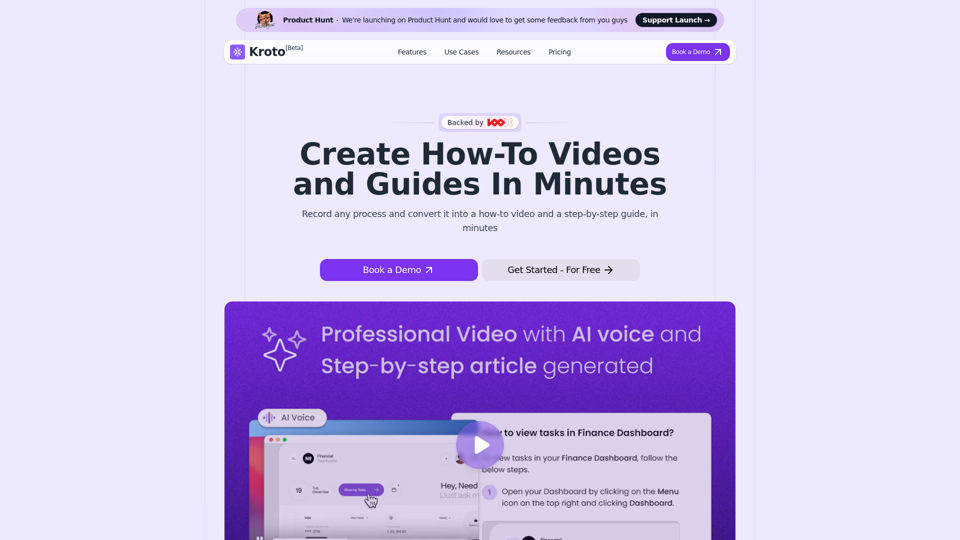
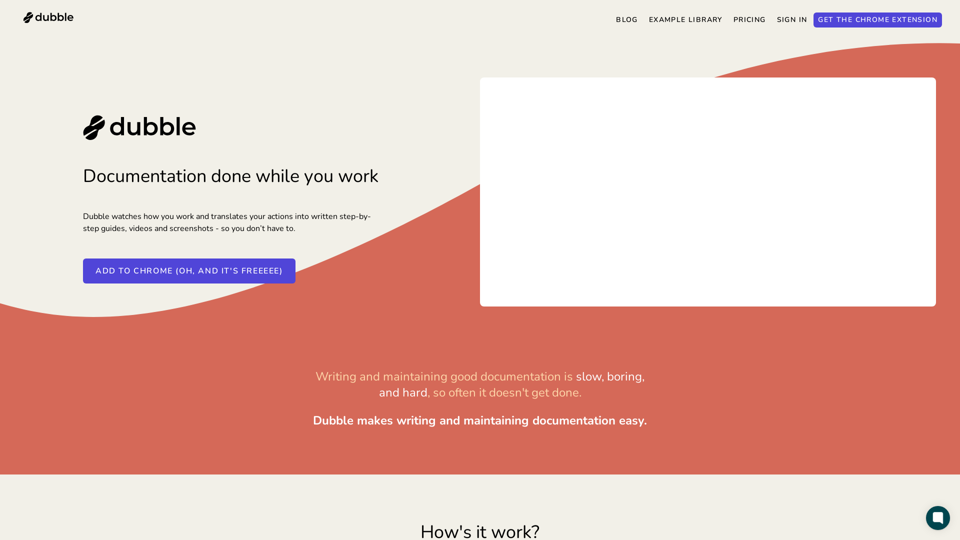
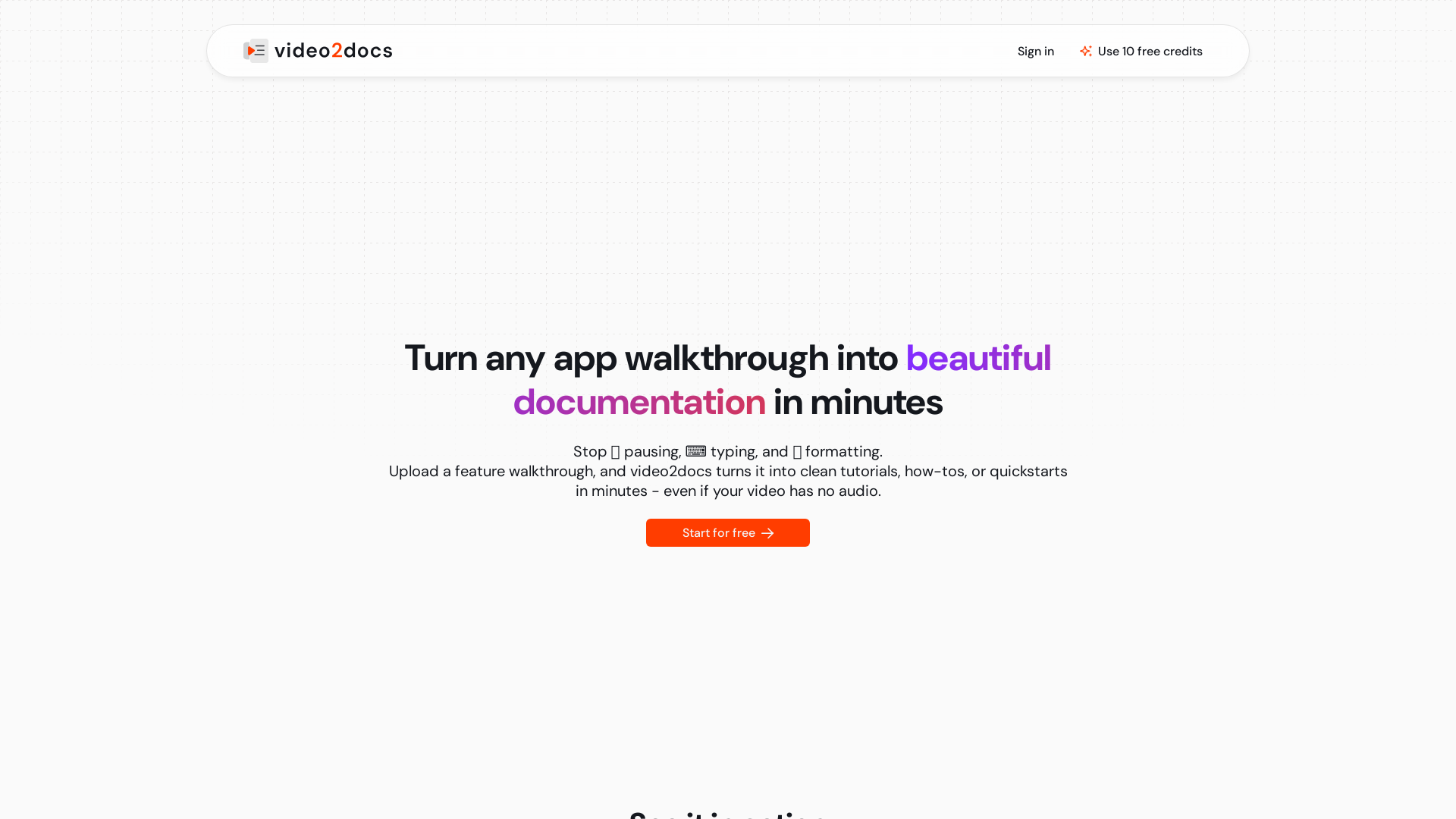
video2docs is an innovative platform designed to transform your video tutorials, app walkthroughs, and feature demonstrations into beautifully structured documentation in just minutes. Using advanced AI technology, video2docs removes the hassle of manual documentation by automatically generating clean tutorials, how-tos, or quickstarts from your videos, even if they contain no audio.
What are the main features of video2docs?
-
Fast Video Upload: Easily upload a video demo or training clip with no additional setup required.
-
Visual Analysis: The AI analyzes every visual element, including clicks, screen changes, and user actions, even without voice narration.
-
Output Formats: Receive structured documentation ready for sharing in Markdown, HTML, or professionally formatted PDF.
-
Multiple Language Support: Instantly translate your documentation into over 13 languages using DeepL.
-
Built-in Screen Recorder: Record your videos directly within the application without needing any external tools.
-
Flexible Credit System: Pay only for the credits you use, starting with 10 free credits with no credit card needed.
How to use video2docs?
Using video2docs is as easy as 1-2-3:
-
Upload Your Video: Start by uploading your product demo or training clip.
-
AI Analyzes Visual Content: The platform will automatically analyze every click and visual step.
-
Receive Documentation: Get clean, structured tutorials and guides in the format of your choice—Markdown or PDF—ready to be shared.
How much does video2docs cost?
video2docs operates on a pay-as-you-go credit system with the following packages:
-
Starter: 10 credits for $5.00 ($0.50 per credit)
-
Basic: 25 credits for $9.00 ($0.36 per credit)
-
Pro: 50 credits for $15.00 ($0.30 per credit)
-
Plus: 100 credits for $29.00 ($0.29 per credit)
-
Ultra: 500 credits for $125.00 ($0.25 per credit)
With initial free credits provided, users can easily explore the platform before making a purchase.
Helpful Tips
- Try starting with the ### Budget Model to see how video2docs works for you, then consider upgrading to a Premium Model for complex documentation needs.
- Use the built-in screen recorder feature to create your video content directly within the app for added convenience.
- Experiment with the different AI models available to find the one that best suits your documentation style and speed requirements.
Frequently Asked Questions
How does video2docs save me time and effort?
video2docs automates the documentation process, allowing you to focus on creating feature videos while it generates structured guides, saving hours compared to manual methods.
What kinds of videos can I upload?
You can upload any screen-recorded walkthroughs of digital products, whether they're web or mobile applications. Audio is not required, making it even simpler.
What does the output look like?
The resulting documentation is structured with numbered steps and screenshots, generating a Markdown (.md) file that you can further edit if necessary.
Do I need a credit card to start using video2docs?
No, signing up grants you immediate access to 10 free welcome credits without needing to provide credit card information.
How is user privacy handled?
video2docs prioritizes data security by using encryption protocols to protect your uploaded content and does not share any personal or proprietary information with third parties.
Reach out to [email protected] for any inquiries or support; the team is responsive within 24 hours.
Stop writing documentation manually. Let video2docs turn your videos into structured documents effortlessly! Start free with 10 credits today!