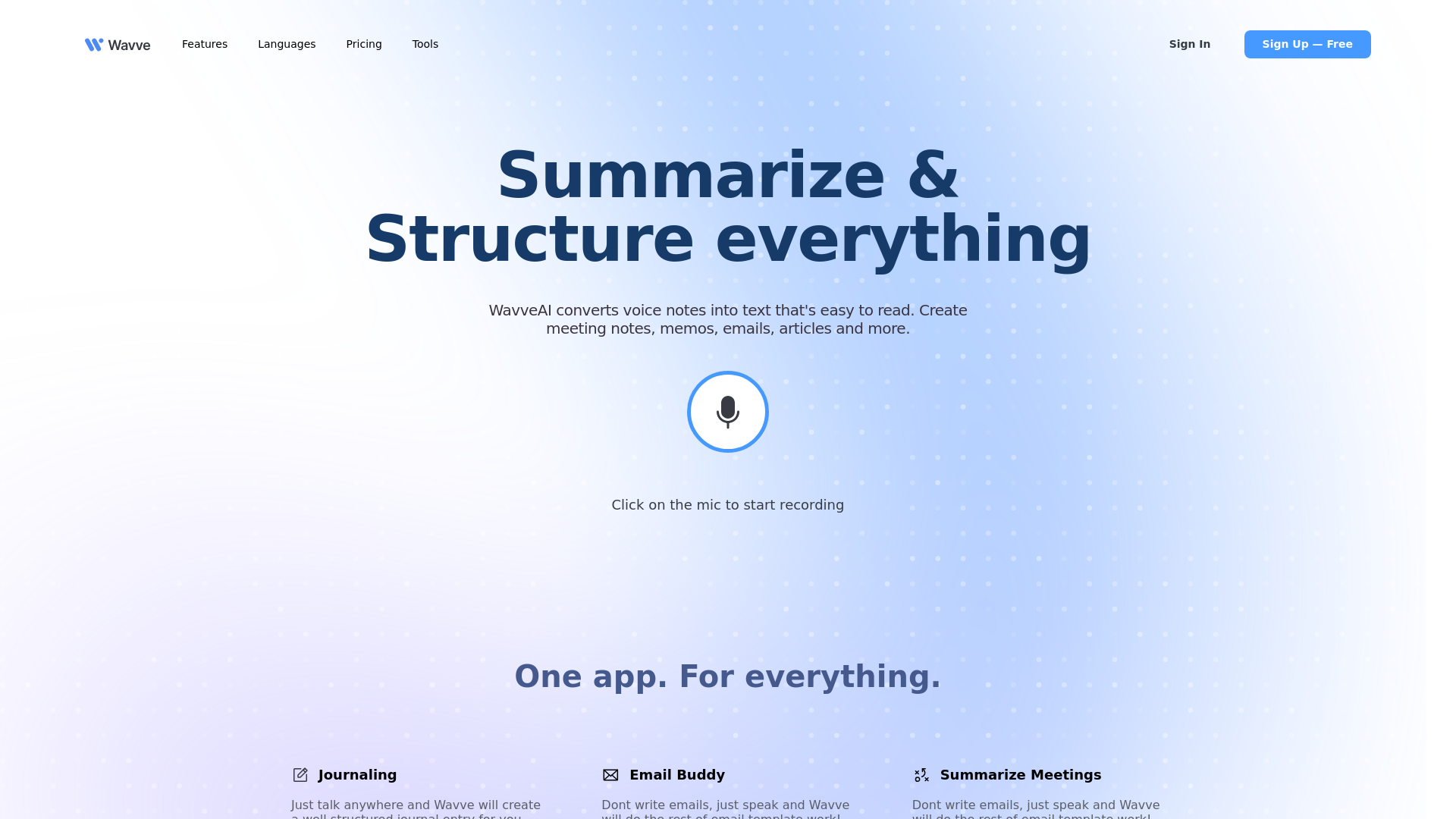
What is Wavve AI?
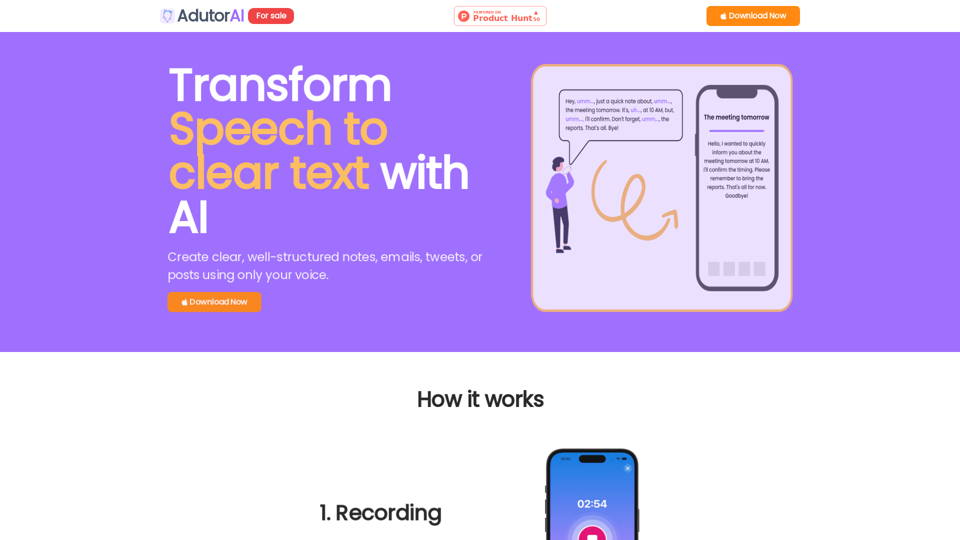
Wavve AI is an innovative platform that transforms voice recordings into structured, readable text. It is designed to help users create meeting notes, memos, emails, articles, and more effortlessly. With its advanced features, Wavve AI makes content generation, summarization, and task management streamlined and efficient.
What are the main features of Wavve AI?
-
Efficient Voice Transcription: Converts your voice notes into high-quality, readable text effortlessly.
-
Intuitive Journal Creation: Just talk, and Wavve will generate well-structured journal entries.
-
Email Assistance: Simplifies email composition; just speak to create email templates.
-
Meeting Summarization: Capture and summarize meetings without manual input.
-
Versatile Content Generation: Allows users to record ideas, tasks, and brainstorming sessions.
-
Customizable Emotional Tones: Choose from hundreds of moods for different writing tones.
-
Multilingual Support: Transcribes and generates content in 141 languages.
How to use Wavve AI?
Using Wavve AI is simple and intuitive:
-
Record, Upload, or Write: Begin by capturing audio notes directly, uploading files, or writing your content.
-
Choose Your Tone: Select the emotional tone for your summaries, with a variety of options available.
-
Share Seamlessly: Utilize the sharable URL link to share your notes and summaries on social media or with friends.
-
Integrate Easily: Wavve can be integrated into any app, accommodating your workflow effortlessly.
How much does Wavve AI cost?
Wavve AI offers a transparent pricing plan designed to suit various user needs:
-
Individual Plan: $9 per month.
-
Pro Plan: $19 per month.
-
Lifetime Deal: $169 for the Individual plan and $199 for the Pro plan.
-
Combo Plan: The Listnr + Wavve AI bundle available for just $10 per month, billed annually.
Helpful Tips for Using Wavve AI
- Ensure that you have granted microphone access for seamless recording.
- If the app becomes slow, refresh the page and retry transcription.
- For best results, speak clearly during audio recording.
- Explore different tones and emotional settings to find the best fit for your content.
- Utilize the multilingual feature to reach a broader audience.
Frequently Asked Questions
What should I do if the record button doesn't work?
Check your browser settings for microphone access and enable it for the app.
How does Wavve AI work?
Wavve AI utilizes advanced audio processing technologies, including OpenAI's Whisper, for accurate transcription and summarization.
Can I record audio from multiple sources at once?
Currently, Wavve AI only supports recording from your device's microphone.
What are the audio length limits?
Audio length limits depend on your subscription plan: 5 minutes for free, 15 minutes for basic, and 60 minutes for premium.
How can I contact Wavve AI support?
For assistance, reach out to Wavve AI support via [email protected], and expect a response within 48 hours.