GoEnhance AI란 무엇인가요?
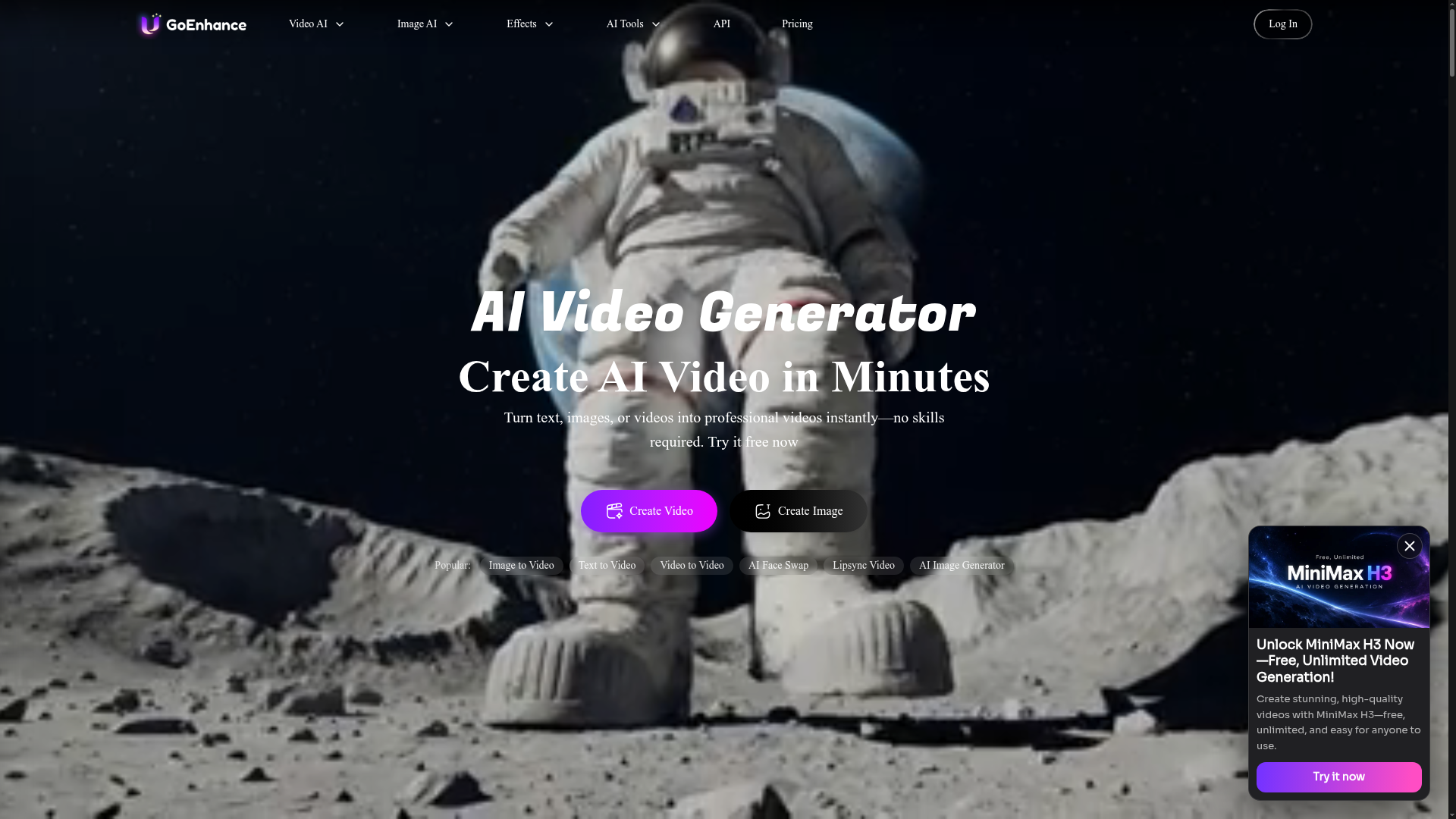
GoEnhance AI는 텍스트, 이미지 또는 기존 클립을 영상으로 변환하고 이미지, 음악, 음성까지 생성 및 편집하는 올인원 AI 영상 플랫폼입니다. 초보자부터 전문가까지 모든 숙련도의 크리에이터를 위해 만들어졌으며 PC와 모바일에서 모두 실행됩니다. 차별점은 Veo 3.1, Kling 3.0, Sora 2, Seedance 2.0, Wan 3.0, GPT Image 2.5, Nano Banana Pro 등 여러 선도적인 서드파티 모델을 한곳에 모아 제공한다는 점입니다.
주요 기능
- 멀티 모델 액세스
- Veo 3.1, Kling 3.0, Sora 2, Seedance 2.0, Wan 3.0, MiniMax H3, Vidu Q3, Hailuo 2.3, Runway, Luma Ray2, Hunyuan Video 등 다양한 모델로 단일 플랫폼에서 생성할 수 있습니다.
- 텍스트 투 비디오 및 이미지 투 비디오
- 작성한 프롬프트, 정지 이미지 또는 기존 영상을 편집 기술 없이 완성된 클립으로 만들 수 있습니다.
- 비디오 투 비디오 및 스타일 전환
- 영상을 애니메이션, 카툰 또는 다른 스타일로 변환하며, video-to-anime 변환은 최대 4K 및 60fps로 제공됩니다.
- HD 및 4K 출력
- AI 영상 생성기는 HD 및 4K 영상을 생성합니다.
- 얼굴 교체 및 립싱크
- 영상이나 사진의 얼굴을 교체하고, 다중 얼굴 및 GIF 얼굴 교체를 포함하며, 영상에서 오디오로 입술을 동기화합니다.
- 아바타 및 캐릭터 애니메이션
- 단일 사진으로 사실적인 말하는 아바타를 만들고 영상 전체에서 일관된 캐릭터를 유지할 수 있습니다.
- 100개 이상의 영상 및 사진 효과
- Earth Zoom In, AI hug, Ghibli AI Generator, AI Aging Filter와 같은 원클릭 효과를 적용해 TikTok, Reels, Shorts에 바로 쓸 수 있는 콘텐츠를 만들 수 있습니다.
- 이미지, 음악 및 음성 도구
- 이미지를 개선 및 업스케일하고, 사진을 편집하고, 텍스트에서 이미지를 생성하고, 음악이나 텍스트 음성 변환 오디오를 만들 수 있습니다.
GoEnhance AI 사용 방법
- GoEnhance AI를 열고 텍스트 투 비디오, 이미지 투 비디오, 비디오 투 비디오 또는 텍스트 투 이미지와 같은 시작점을 선택합니다.
- 소스 이미지나 영상을 업로드하거나 원하는 내용을 설명하는 텍스트 프롬프트를 입력합니다.
- 작업을 실행할 AI 모델을 선택합니다. 예: Veo 3.1, Kling 3.0, Sora 2 또는 Wan 3.0.
- 즉시 GPU 액세스를 위해 토큰을 소모하는 Fast Mode를 선택하거나, 토큰이 들지 않고 Standard, Pro, Mega 구독자가 사용할 수 있는 Relax Mode를 선택합니다.
- 결과를 생성하고 도구가 지원하는 경우 HD 또는 4K로 다운로드합니다.
사용 사례
- 원클릭 영상 및 사진 효과로 TikTok, Reels, Shorts 콘텐츠를 제작하는 소셜 미디어 크리에이터.
- 텍스트 프롬프트나 제품 이미지를 홍보 영상으로 만드는 마케터와 소규모 비즈니스.
- 비디오 투 비디오로 기존 영상을 애니메이션 스타일로 변환하는 애니메이션 및 카툰 팬.
- 단일 사진으로 말하는 아바타나 립싱크 영상을 만드는 크리에이터.
- 오래된 사진과 저품질 이미지를 복원, 애니메이션화 또는 개선하려는 모든 사용자.
가격
공식 웹사이트에는 구체적인 가격이나 요금제 금액이 나와 있지 않습니다. GoEnhance AI에는 모든 기능에서 사용할 수 있는 일부 토큰이 포함된 무료 티어가 있으며, 유료 구독은 더 많은 토큰 허용량, 더 빠른 생성, 더 많은 동시 작업, 프리미엄 기능 액세스를 추가한다고 명시되어 있습니다. 사이트에 언급된 요금제 이름은 Basic, Standard, Pro, Mega이며, 창작물의 상업적 사용은 Standard, Pro, Mega 구독자로 제한됩니다. 결제는 Mastercard, Visa 등의 카드와 AliPay를 통해 Stripe로 처리되며, GPU 처리 비용 때문에 환불은 제공되지 않는다고 사이트는 밝히고 있습니다. 현재 가격은 공식 사이트에서 확인하세요.
FAQ
GoEnhance AI는 무료로 사용할 수 있나요?
GoEnhance AI에는 일부 토큰이 포함된 무료 티어가 있으며, 이 토큰은 플랫폼의 모든 기능에 사용할 수 있습니다. 유료 구독은 더 많은 토큰 허용량, 더 빠른 생성, 더 많은 동시 작업, 프리미엄 기능을 추가합니다.
GoEnhance AI에서 어떤 AI 영상 모델을 사용할 수 있나요?
GoEnhance AI는 Veo 3.1, Kling 3.0, Sora 2, Seedance 2.0, Wan 3.0, MiniMax H3, Vidu Q3, Hailuo 2.3, Runway, Luma Ray2, Hunyuan Video 등의 모델과 함께 GPT Image 2.5, Nano Banana Pro, Midjourney V7, FLUX.2와 같은 이미지 모델에 대한 액세스를 제공합니다.
GoEnhance AI로 만든 영상을 상업적으로 사용할 수 있나요?
상업적 사용은 Standard, Pro, Mega 요금제 구독자에게만 허용됩니다. 무료 사용자와 Basic 요금제 구독자는 개인적 사용으로 제한되며, 사이트는 사용자에게 연예인이나 만화 캐릭터와 같은 저작권 또는 상표가 있는 자료를 피하도록 요청합니다.
GoEnhance AI는 모바일에서 작동하나요?
네. GoEnhance AI는 PC와 모바일 기기 모두에서 사용할 수 있으므로 어느 쪽에서든 콘텐츠를 만들고 개선할 수 있습니다.
GoEnhance AI의 Fast Mode와 Relax Mode의 차이는 무엇인가요?
Fast Mode는 즉시 GPU 액세스를 제공하려고 하지만 토큰이 들며, 빠른 출력이 필요한 작업에 적합합니다. Relax Mode는 토큰이 들지 않고 이를 지원하는 기능에 대해 매월 무제한 이미지 및 영상 생성을 허용하지만, 작업이 대기열에 들어가 더 느리게 실행될 수 있습니다. Standard, Pro, Mega 구독자가 사용할 수 있습니다.
GoEnhance AI 구독을 어떻게 취소하나요?
결제 설정 페이지에 로그인하고 "Manage Subscription"을 클릭하면 Stripe의 결제 포털로 리디렉션됩니다. 여기에서 요금제를 관리하고, 인보이스를 다운로드하고, 요금제를 전환하거나 취소할 수 있습니다.
AI 영상 생성기 & Video to Video AI
GoEnhance AI – 올인원 AI 영상 생성기. Runway, Kling, Veo 3와 같은 고급 모델로 텍스트, 이미지 또는 기존 클립에서 영상을 생성하세요.
 Cloudflare
 Next.js
 Node.js
 React
React Webpack
무료 AI 애니메이션 및 만화 생성기. 텍스트를 어떤 예술 스타일로든 애니메이션 에피소드, 만화, 코믹스, 웹툰, 단편 만화로 변환하세요 — 그림 그리기나 애니메이션 기술이 필요 없습니다.
여기에 광고하기
매일 수천 명의 방문자에게 도달하세요. 지금 자리를 확보하세요!
AI 영상 생성기 & Video to Video AI과(와) 비슷한 도구
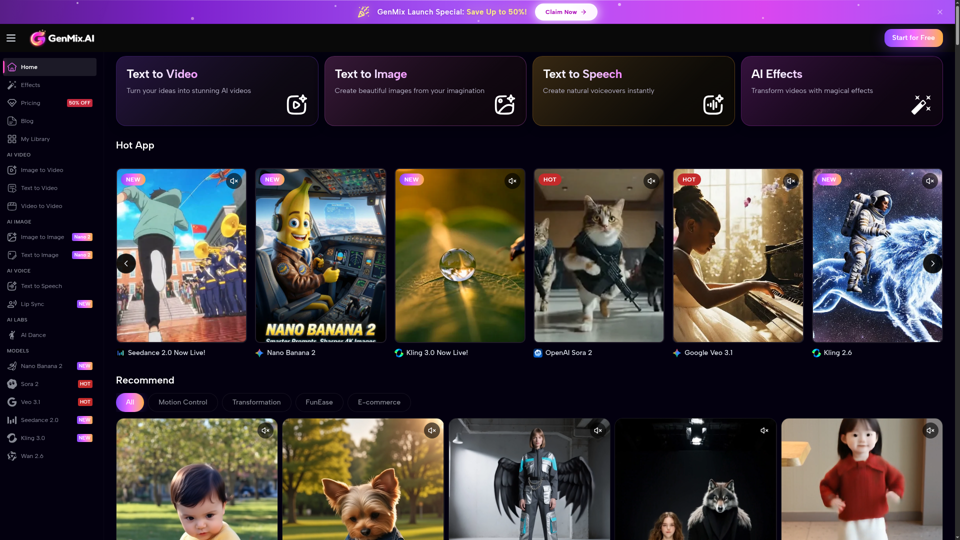
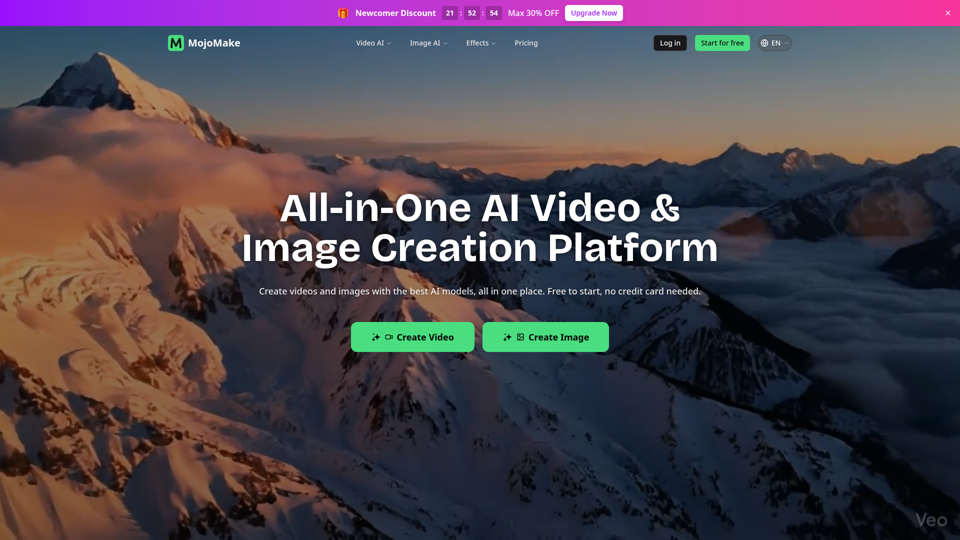
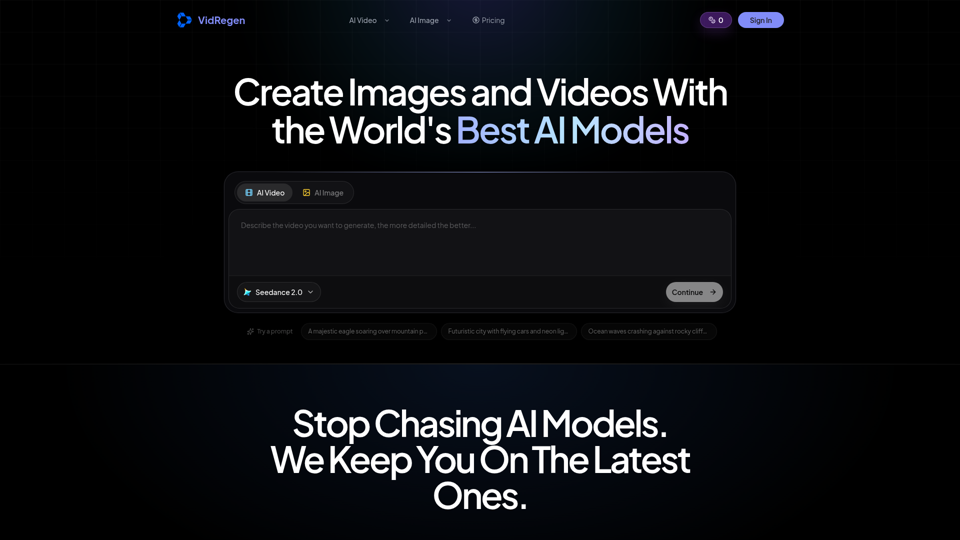
최고의 모델들 — Kling 3, Veo 3.1, Flux 2, Seedance 등으로 AI 이미지와 영상을 생성하세요. 하나의 작업 공간, 10개 이상의 모델, 월 $9.9부터 시작합니다.
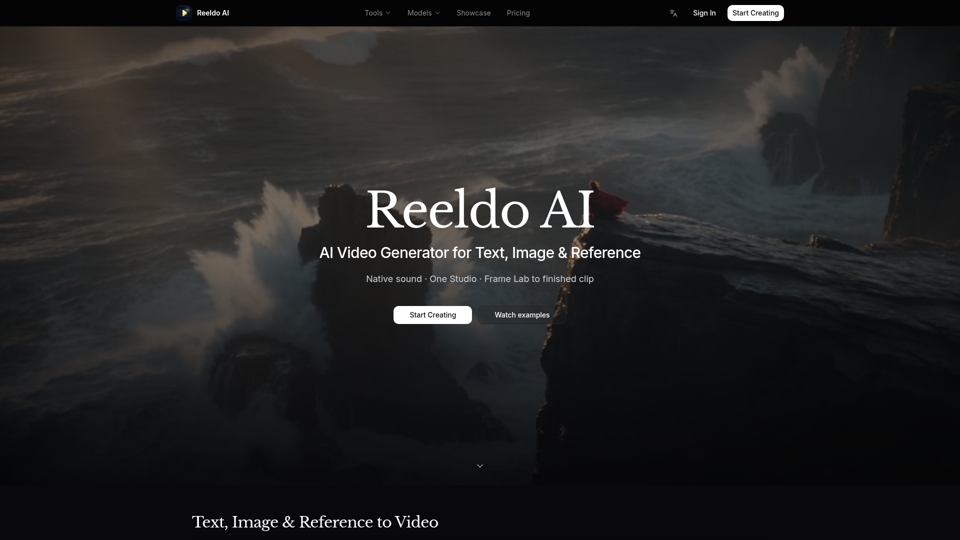
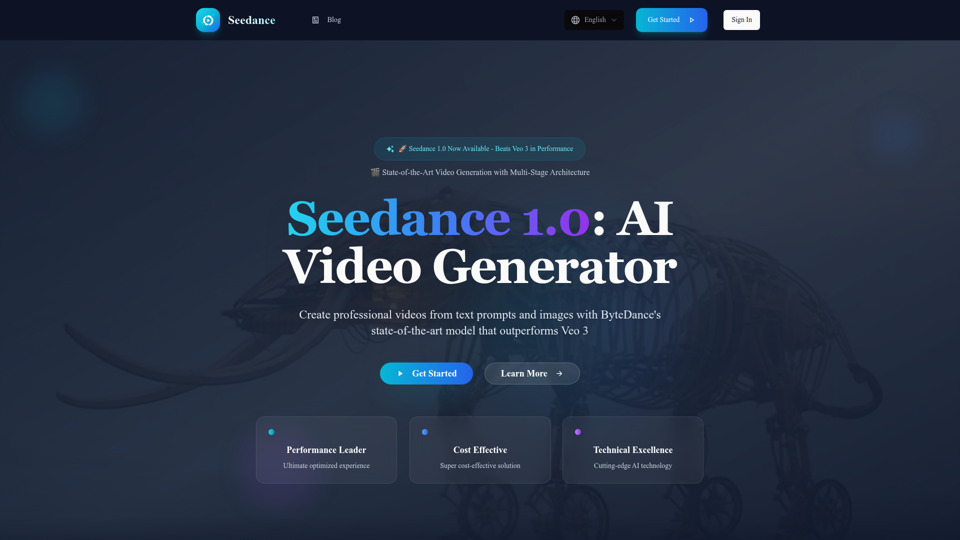
ByteDance의 획기적인 AI 비디오 생성 모델 Seedance 1.0을 경험해 보세요. Veo 3와 Kling 2.1을 능가하는 성능으로, 텍스트 프롬프트와 이미지로 전문적인 비디오를 제작할 수 있습니다. 다단계 아키텍처, 우수한 품질, 그리고 5초당 $0.48의 탁월한 비용 효율성을 자랑합니다.