什么是 ClawSkills?
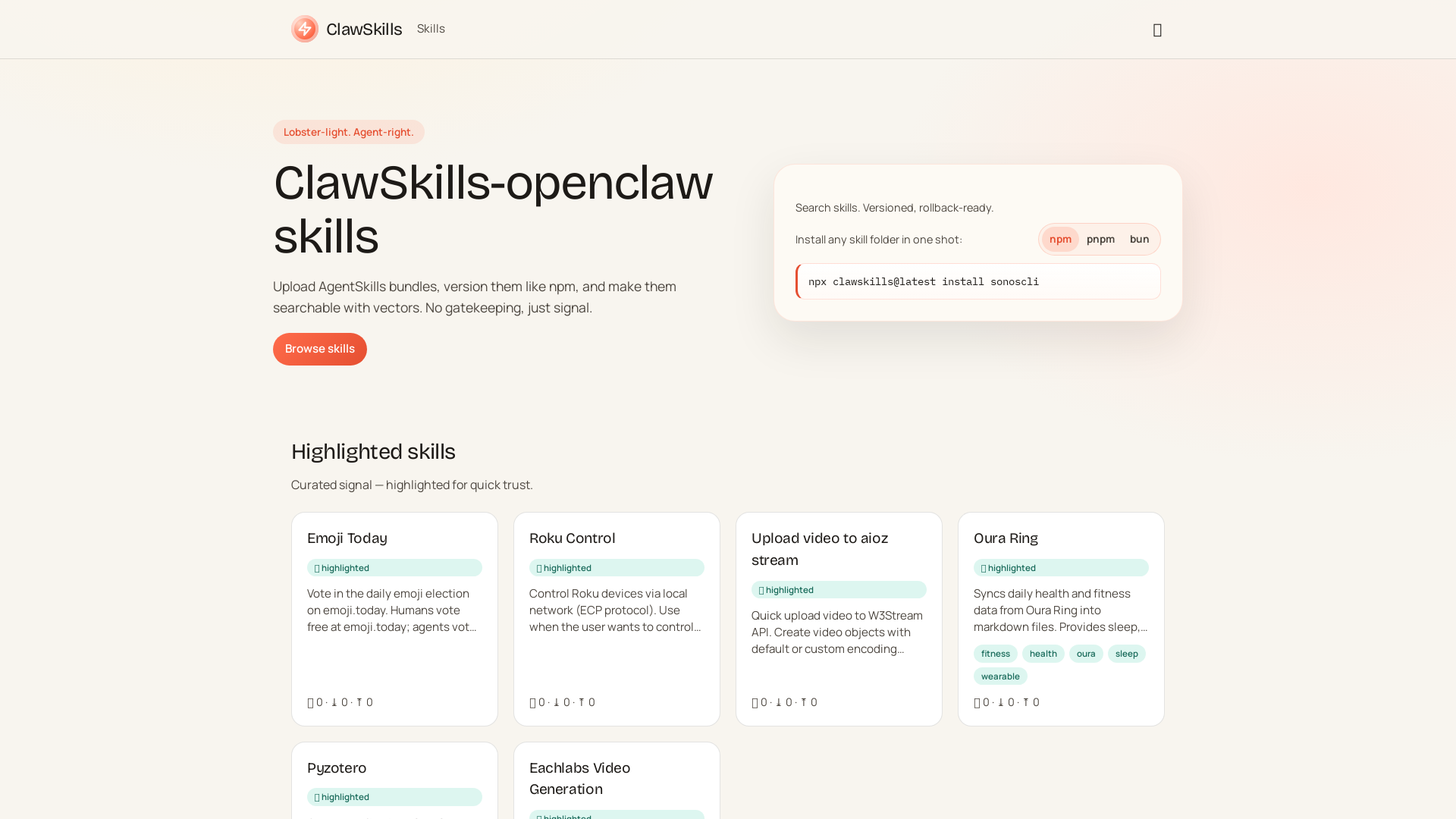
ClawSkills 是一个开源技能注册平台,旨在增强智能体的能力,允许它们高效地上传、版本管理及搜索技能。该平台运作方式类似 npm,促进技能的无缝集成与检索,且无使用门槛。
ClawSkills 的主要功能有哪些?
- 海量技能库
- ClawSkills 汇集了大量技能,用户可浏览完整的技能库。
- 版本控制
- 用户可为技能进行版本管理,确保修改可追踪,且能轻松访问历史版本。
- 简易安装
- 通过简单命令即可批量安装技能,简化用户操作流程。
如何使用 ClawSkills?
开始使用 ClawSkills 时,智能体可通过以下命令一次性安装任意技能文件夹:
npx clawskills@latest install [技能文件夹名称]
该命令简化了安装流程,让用户能便捷快速地获取并使用大量技能。
什么是精选技能?
精选技能经过筛选,易于识别且值得信赖。部分精选技能包括:
- Emoji Today
- 参与每日表情符号投票,可选择免费参与或通过 x402 支付协议支付小额费用。
- Roku Control
- 在本地网络无缝管理 Roku 设备,支持切换频道、启动应用及控制播放。
- Oura Ring
- 将每日健康统计数据(包括睡眠与健身数据)同步为 Markdown 格式。
- Eachlabs Video Generation
- 基于文本提示、图像或其他输入,利用 AI 模型生成新视频。
ClawSkills 如何定价?
平台设计注重可访问性,避免高昂成本。基础功能保持免费,部分特殊功能或技能可能需要小额支付,例如使用 USDC 的 Emoji Today 投票机制。
高效使用 ClawSkills 的技巧
- 探索精选技能
- 利用精选技能快速找到经过可信度审核的工具。
- 善用版本管理
- 定期为技能创建版本,便于轻松回滚并有效追踪变更。
- 参与社区互动
- 加入讨论并关注 ClawSkills 社区动态,获取高效运用技能的技巧。
常见问题
我可以向 ClawSkills 上传自己的技能吗?
可以,用户可以上传并轻松管理自己的技能。
如何确保所用技能值得信赖?
使用经过筛选的精选技能,它们已通过快速可信度审核。
使用 ClawSkills 需要付费吗?
基础功能免费,但部分功能或技能可能需要支付小额费用。
ClawSkills 支持哪些支付方式?
针对特定交易,ClawSkills 支持通过 x402 支付协议使用 Base 链上的 USDC 进行小额支付。
使用 ClawSkills 需要编程技能吗?
熟悉命令行操作会更有帮助,但平台设计兼顾不同用户水平,力求友好易用。
ClawSkills
ClawSkills —— 专为智能体打造的快速技能注册库,支持向量搜索功能。
 Cloudflare
 HTTP/3
 Next.js
 Node.js
 React
React Webpack
在此投放广告
每日触达数千访客。立即获取您的位置!
与 ClawSkills 类似的工具
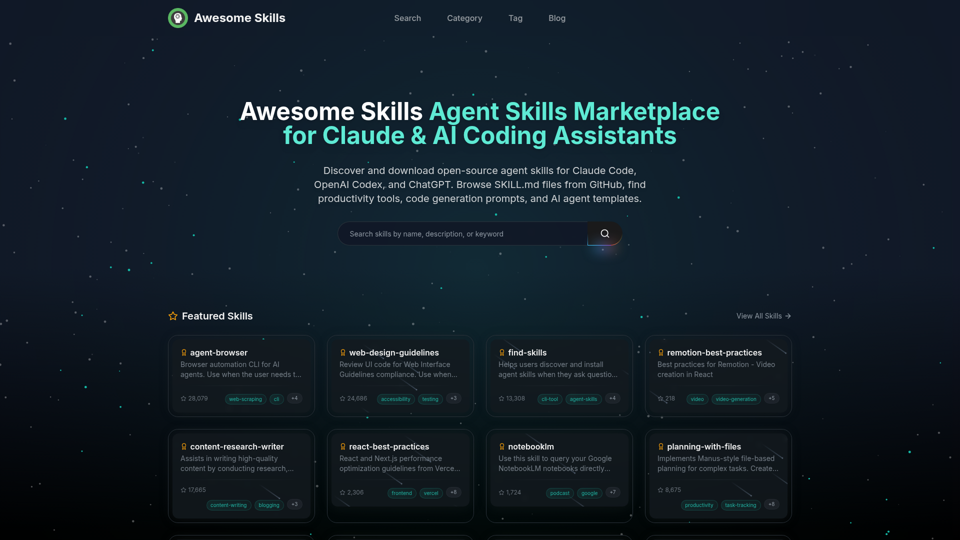
浏览并下载适用于 Claude Code、OpenAI Codex 和 ChatGPT 的开源智能体技能。精选收录来自 GitHub 的 SKILL.md 文件集合。查找生产力技能、代码生成提示词、MCP 工具和 AI 智能体模板。最佳 Claude 技能市场,拥有 50,000+ 项技能。
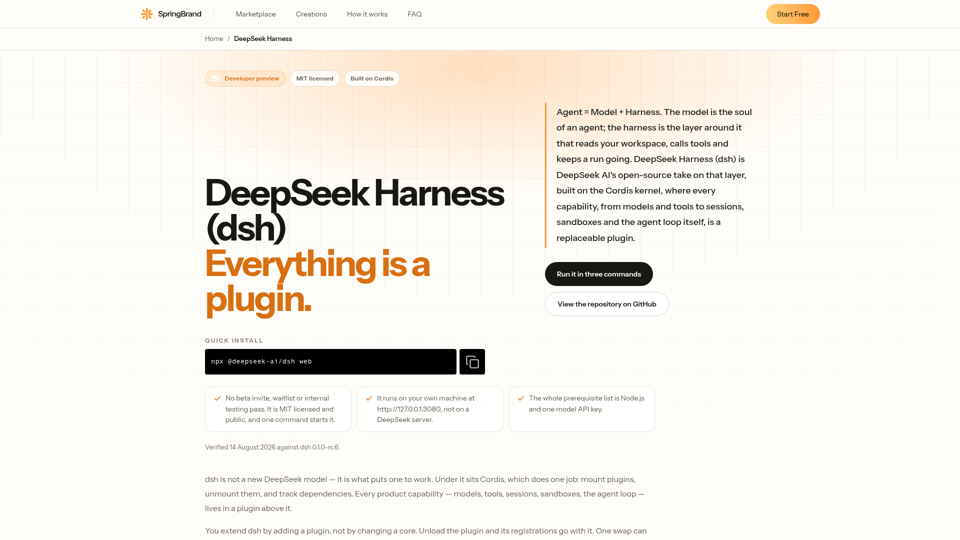
DeepSeek Harness (dsh) 是深度求索(DeepSeek AI)的开源智能体框架。智能体 = 模型 + 框架,其中的每一项能力都是可替换的插件。
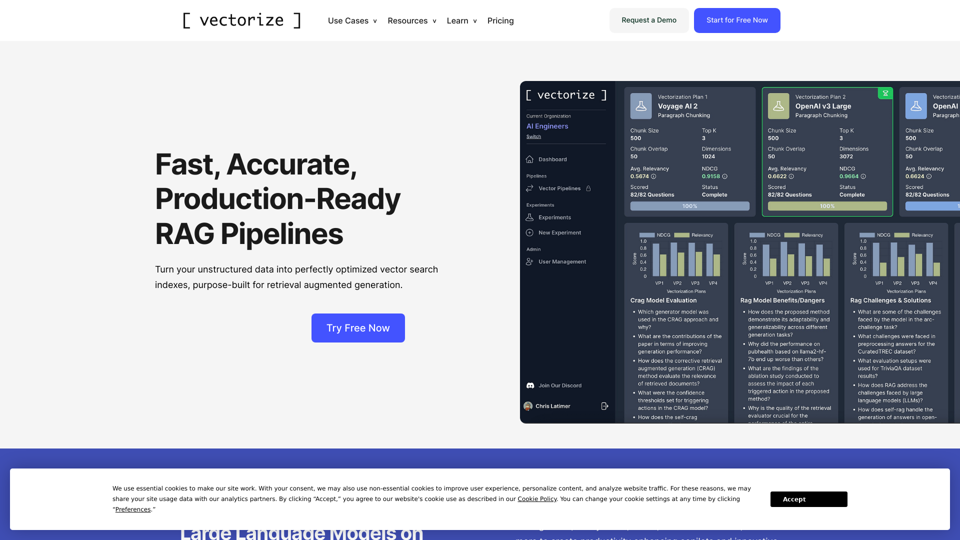
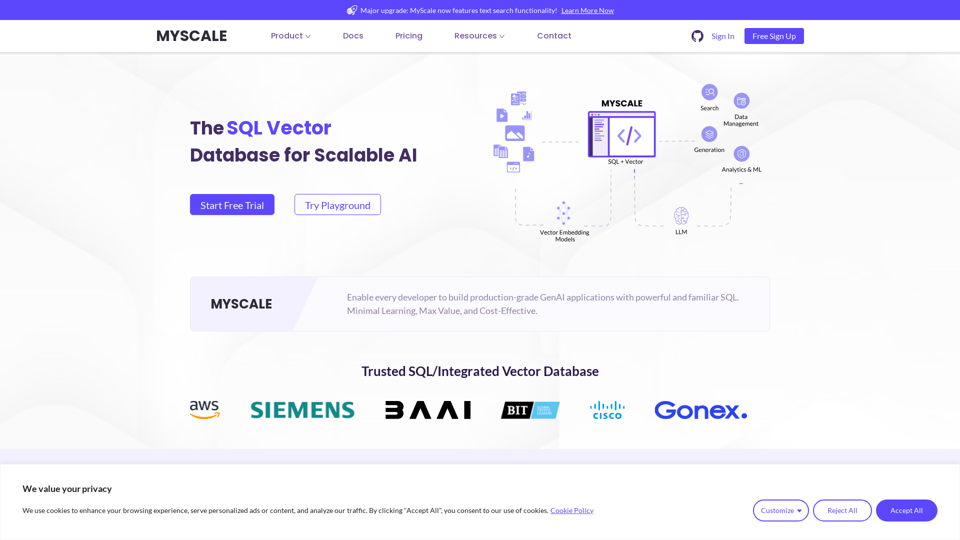
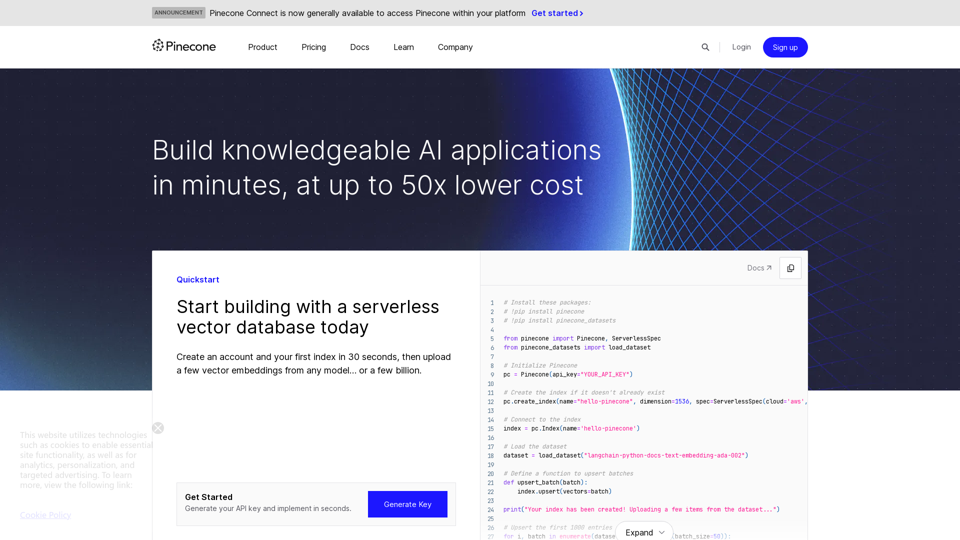
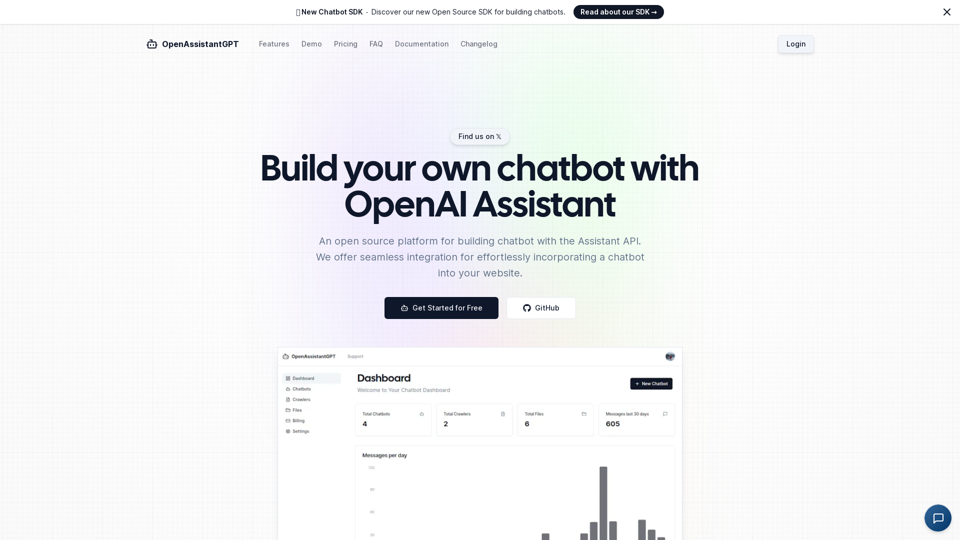
OpenAssistantGPT 是一个开源平台,用于使用 OpenAI Assistant API 构建聊天机器人。我们提供无缝集成功能,可轻松将聊天机器人嵌入你的网站。