什么是 DataLang?
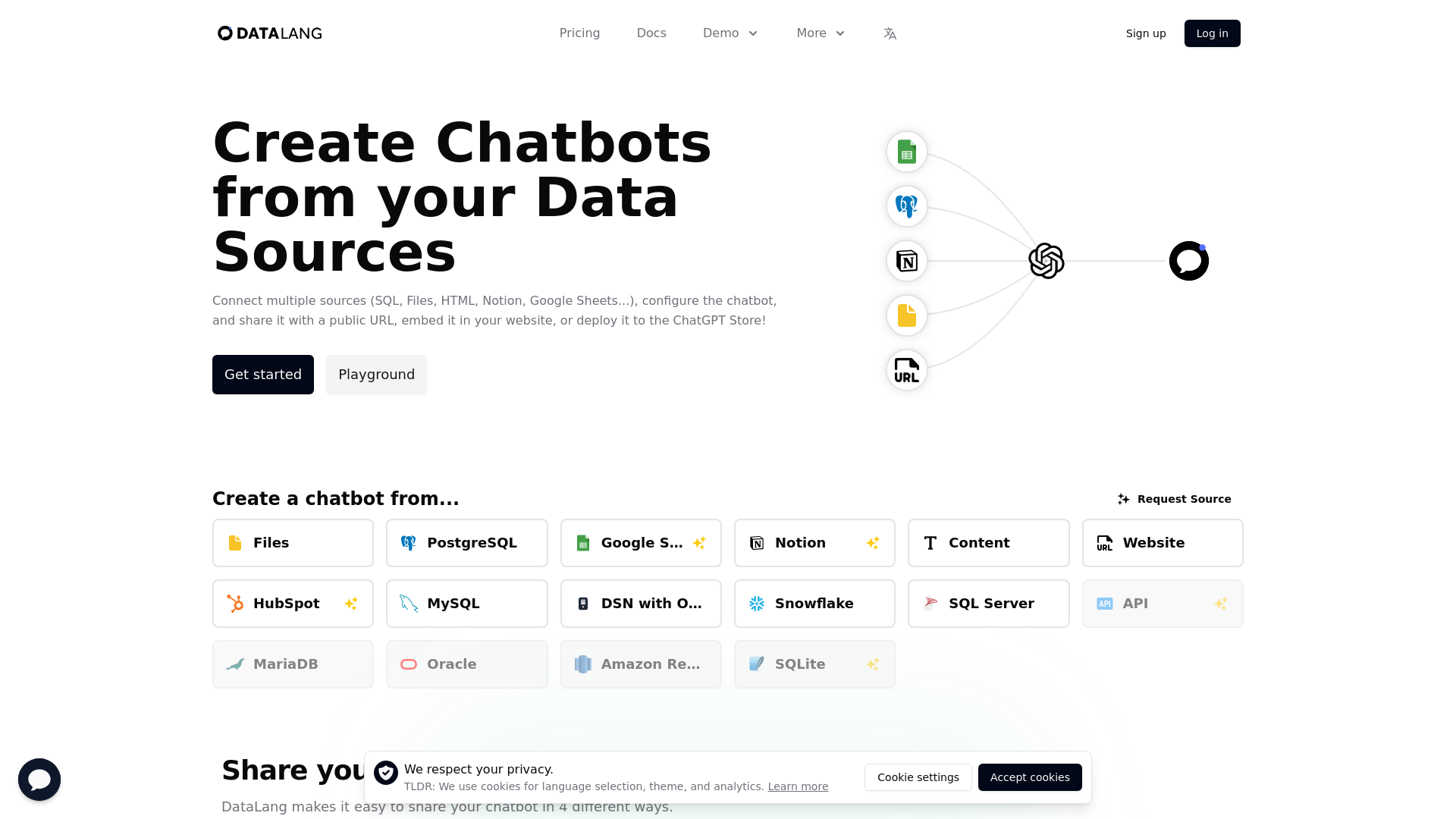
DataLang 是一个功能强大的平台,旨在从多样化的数据源(包括 SQL 数据库、文件、HTML、Notion 和 Google Sheets)创建聊天机器人。它允许用户轻松配置聊天机器人,并通过公共 URL 分享、嵌入网站或部署到 ChatGPT Store。
DataLang 的主要功能有哪些?
- 连接多源数据
- 集成来自 PostgreSQL、Google Sheets、MySQL、Notion 等多种来源的数据。
- 用户友好设置
- 遵循简单的四步流程来设置和部署您的聊天机器人。
- 灵活的分享选项
- 通过公共 URL 分享、作为小部件嵌入或发布到 GPT Store。
- 可自定义数据视图
- 从数据源中暴露特定数据,以定制聊天机器人体验。
- API 访问
- 利用 API 提问并与您的数据交互。
如何使用 DataLang?
使用 DataLang,请遵循以下简单步骤:
- 设置数据源:选择您要连接的数据库、文件或任何文本源。
- 添加数据视图:从选定源中暴露数据,以自定义机器人的响应。
- 与数据对话:使用选定的数据源训练您的 AI 模型。
- 分享它:通过公共 URL 部署您的聊天机器人,将其嵌入您的网站,或发布到 GPT Store。
DataLang 的定价选项有哪些?
DataLang 提供针对不同规模组织的多种定价方案:
- 试用版
- 免费方案,可使用单个数据源和 10 个积分创建一个简单的聊天机器人。
- 入门版
- 每月 19 美元,支持 1 位用户,允许访问 1 个数据源、10 个数据视图和每月 500 个积分。
- 专业版
- 每月 49 美元,适合小型团队,提供 5 位用户、10 个数据源、50 个数据视图和每月 2000 个积分。
- 商业版
- 每月 399 美元,适合大型团队,最多支持 10 位用户、50 个数据源、1000 个数据视图和每月 10000 个积分。
实用建议
- 从试用版开始
- 在承诺付费方案前,使用免费试用版探索功能。
- 善用数据视图
- 充分利用数据视图来定制聊天机器人与用户的交互方式。
- 定期审查您的方案
- 随着项目或团队需求增长,调整您的订阅。
常见问题
我可以连接任何类型的数据源吗?
是的,DataLang 支持广泛的数据源,包括 SQL 数据库、HTML 文件、Notion 和 Google Sheets。
我的数据在 DataLang 中安全吗?
DataLang 优先考虑用户隐私和数据保护。请始终参考其隐私政策以获取详细信息。
如何将我的聊天机器人发布到 GPT Store?
您可以配置您的聊天机器人,并遵循 DataLang 提供的提交指南,将您的 GPT 发布到 GPT Store。
DataLang 提供何种支持?
支持因方案而异,专业版用户享有基本支持,商业版订阅者享有优先支持。
如何取消我的订阅?
您可以随时通过您的账户设置取消订阅。请务必事先查看取消政策。
通过利用 DataLang 的功能,您可以创建功能强大的聊天机器人,有效地与您的数据源进行交互!
DataLang
从 PostgreSQL、网站、Google Sheets、Notion、文件、文本、HTML 等数据源创建聊天机器人。
 Fly.io
 Clickbank
 Google Analytics
 Rewardful
 Simple Analytics
 Storylane:1
 YouTube
在此投放广告
每日触达数千访客。立即获取您的位置!
与 DataLang 类似的工具
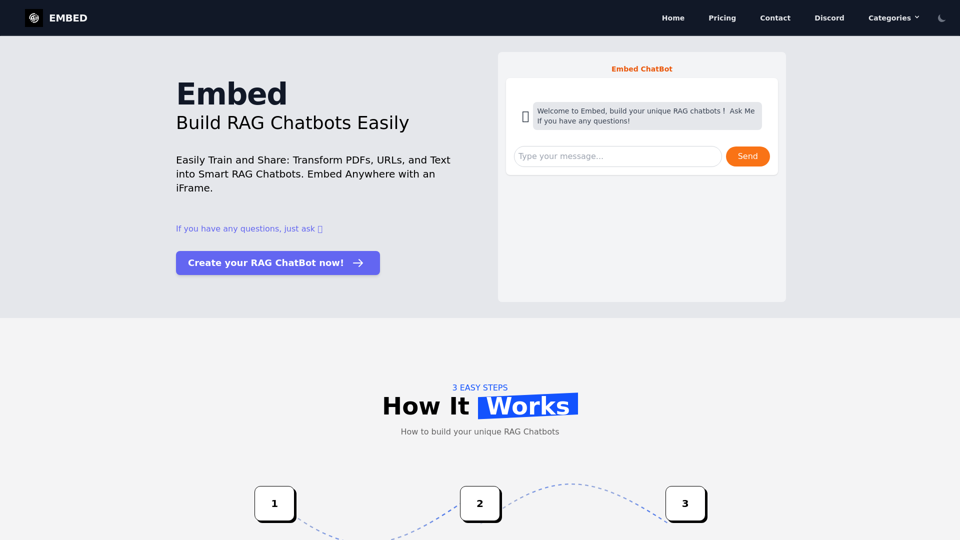
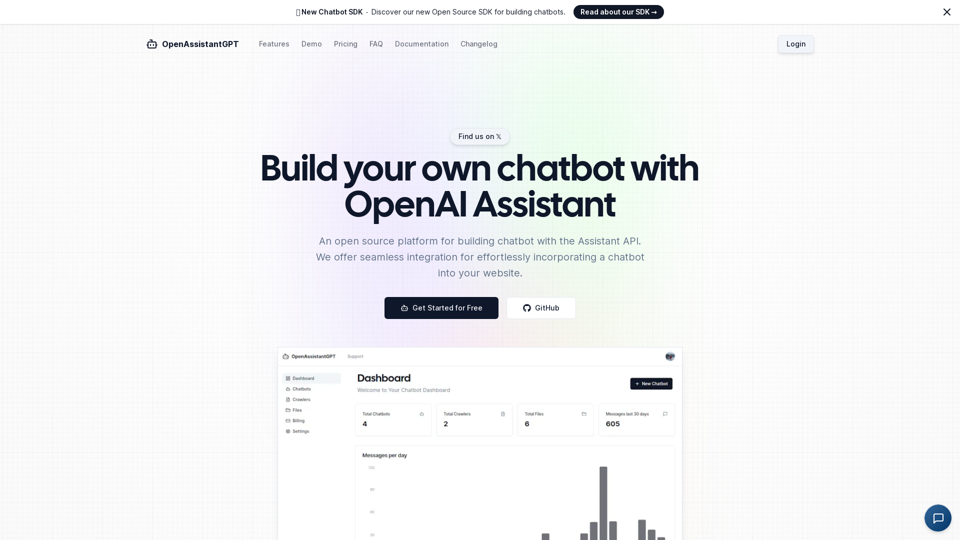
OpenAssistantGPT 是一个开源平台,用于使用 OpenAI Assistant API 构建聊天机器人。我们提供无缝集成功能,可轻松将聊天机器人嵌入你的网站。
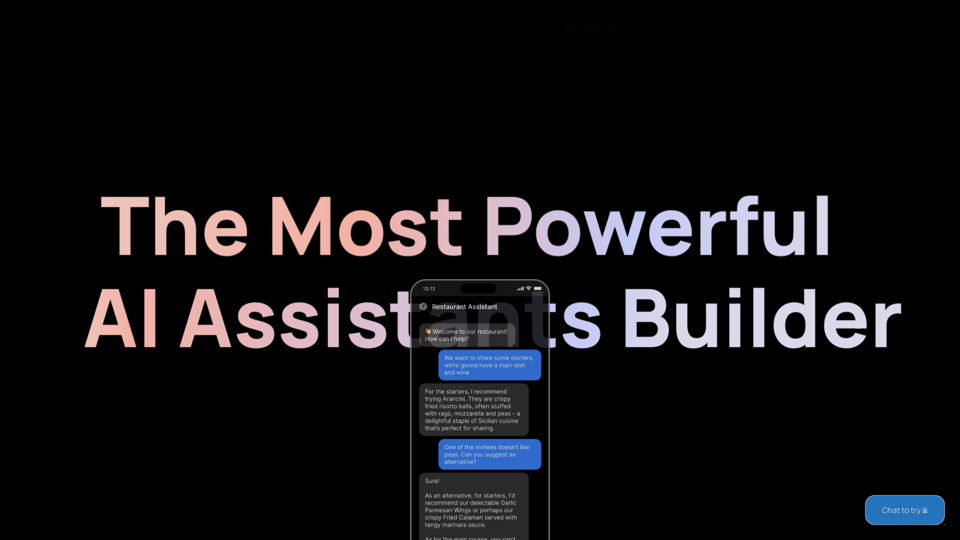
开始使用 OpenAI、Claude 和 Azure 等模型构建您的 AI 助手。轻松连接到您的工具和数据库,并将其部署为 API 聊天机器人或 HTML 嵌入小部件。
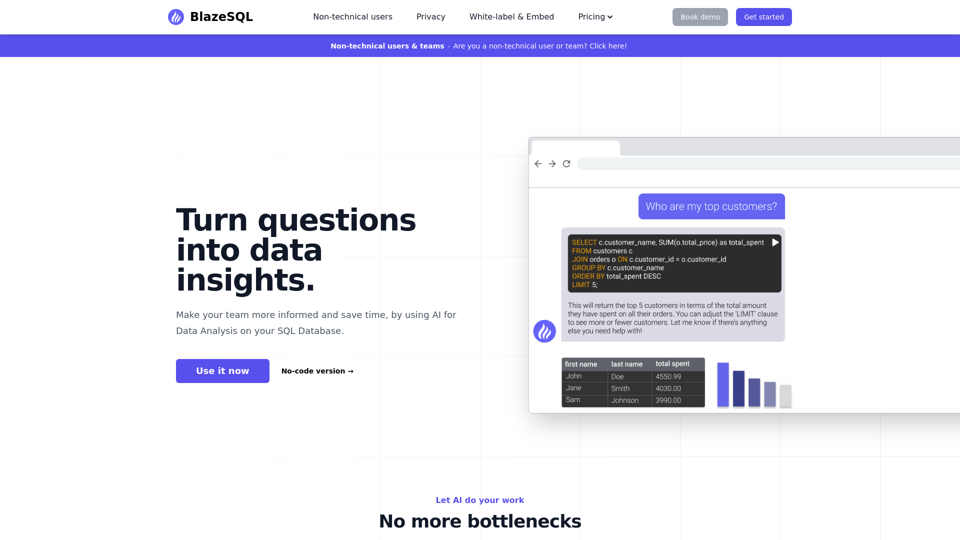
这款AI数据分析聊天机器人能像ChatGPT一样为您的SQL数据库生成SQL查询。将其连接到您的SQL数据库,进行前沿的AI数据分析,让它为您工作。
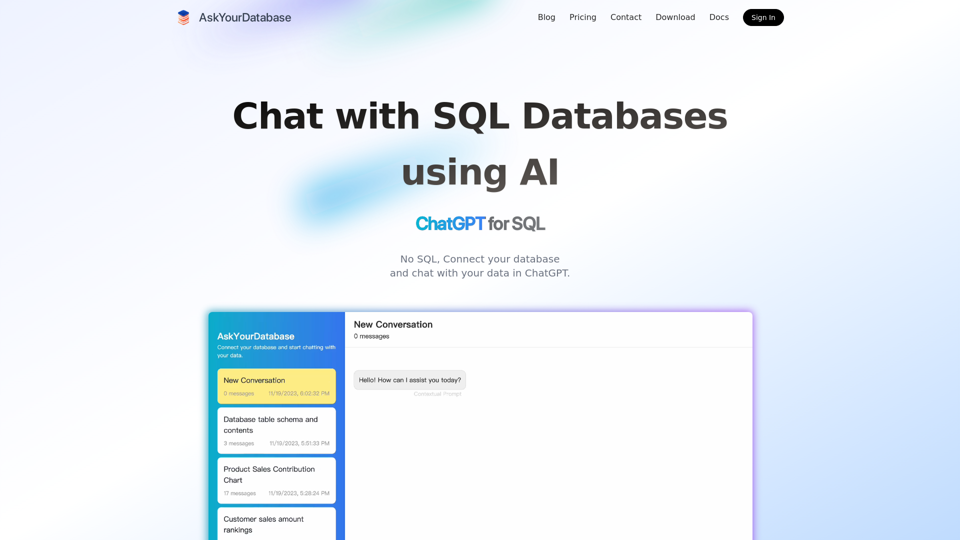
这款 AI SQL 聊天机器人利用 AI(如适用于 SQL 数据库的 ChatGPT)生成 SQL 代码。在 ChatGPT 中连接并与数据库聊天。