What is magicbox.tools?
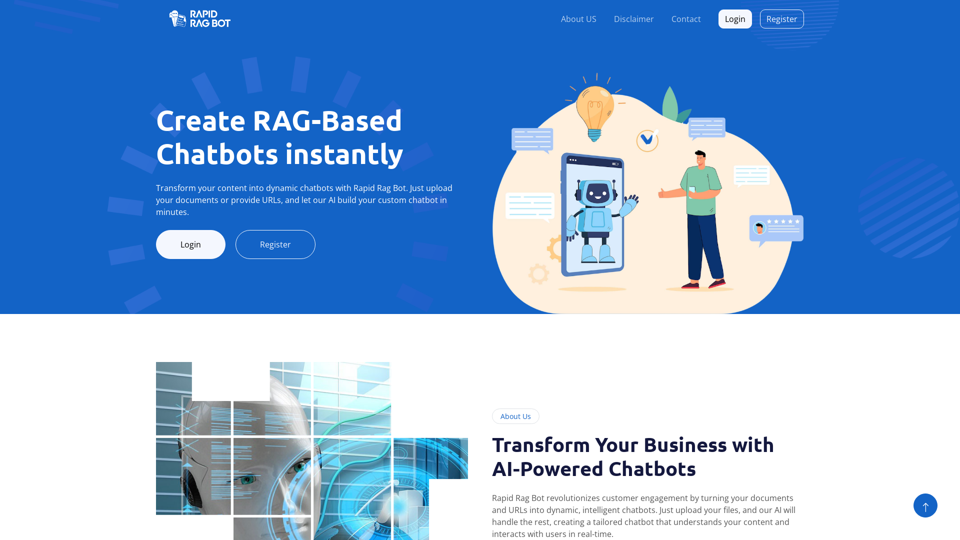
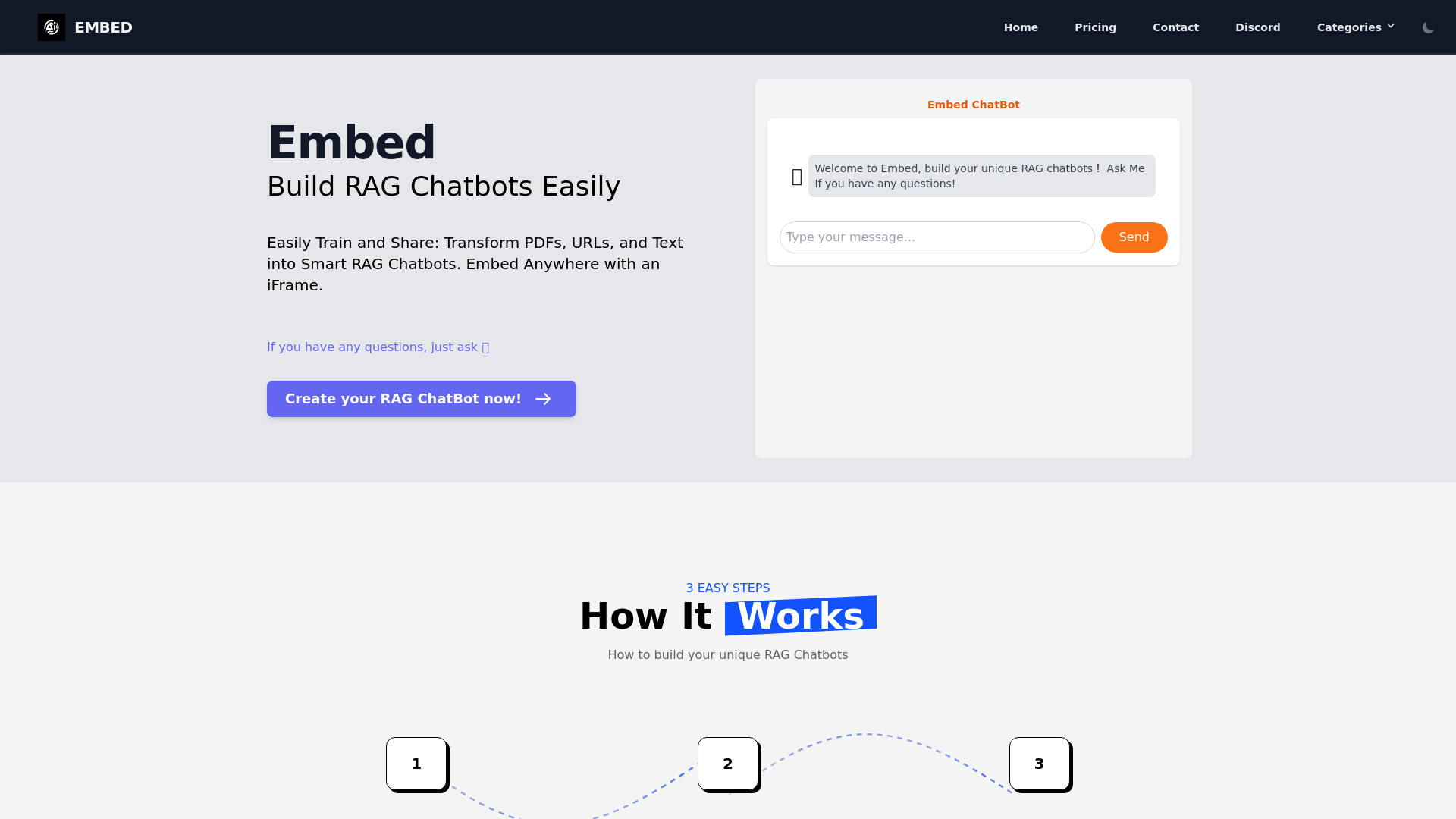
magicbox.tools is an AI-powered platform that allows users to build and share smart RAG (Retrieval-Augmented Generation) chatbots. The platform enables users to transform various data formats, such as PDFs, URLs, and standard text, into functional chatbots that can be embedded anywhere using an iFrame.
What is the main feature of magicbox.tools?
-
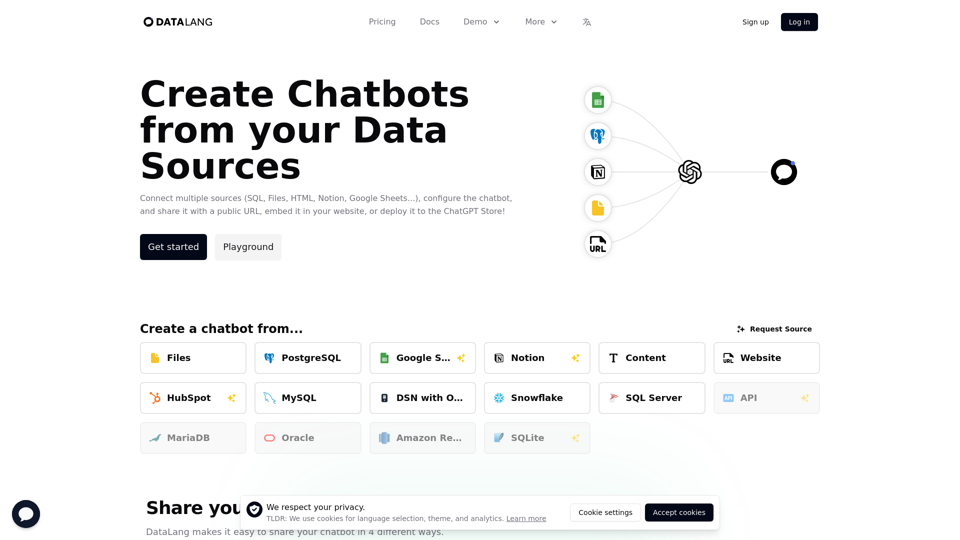
Comprehensive Data Integration: magicbox.tools supports training chatbots with multiple data sources including PDFs, Q&A, and HTML files, providing enhanced understanding and response accuracy.
-
Flexible AI Model Settings: Users can customize their RAG chatbots by choosing from various AI models like GPT, Google Gemini, or Llama3, according to their specific needs.
-
Embed and Share: Users can easily embed chatbots on their websites or platforms, ensuring accessibility for users to interact with the chatbot through an iFrame.
How to use magicbox.tools?
Creating a RAG chatbot with magicbox.tools involves three simple steps:
-
Train Your Data: Start by feeding your chatbot with diverse data sources, ensuring it can accurately process and respond to queries.
-
Configure Settings: Adjust system prompts and select the desired AI model for optimal performance.
-
Embed and Share: Use an iFrame to deploy your chatbot on your site, allowing users to engage with it seamlessly.
Price
magicbox.tools provides a free tier for basic usage, with affordable subscription options available for users requiring additional benefits and advanced features. Pricing details can be found directly on their website, outlining various plans tailored to user needs.
Helpful Tips
-
Explore Different AI Models: Experiment with integrating multiple AI models to determine which best suits your chatbot's requirements.
-
Use Diverse Training Data: Support your chatbot’s learning with varied data formats to improve its ability to grasp complex queries.
-
Regularly Update Content: Keep the data your chatbot uses current to ensure it can respond accurately to users’ requests.
Frequently Asked Questions
Can I create chatbots using different data formats?
Yes, magicbox.tools allows you to train chatbots using PDFs, URLs, and text, enabling a richer interaction experience.
How do I embed my chatbot on my website?
Once your chatbot is set up, you can easily share it by generating an iFrame code to embed directly into your site.
Are there any limits to using the chatbots on magicbox.tools?
Basic usage is free, but users might encounter limits on functionality, while subscription plans offer expanded features and higher usage limits.
Is my data safe with magicbox.tools?
magicbox.tools prioritizes user privacy and data protection, ensuring that your information is secure and not used for training purposes without consent.
When would I need to consider a subscription?
If you find that the free version does not meet your needs, especially in terms of the number of interactions or available features, you might want to explore subscription plans.