What is Dewatermark.AI?
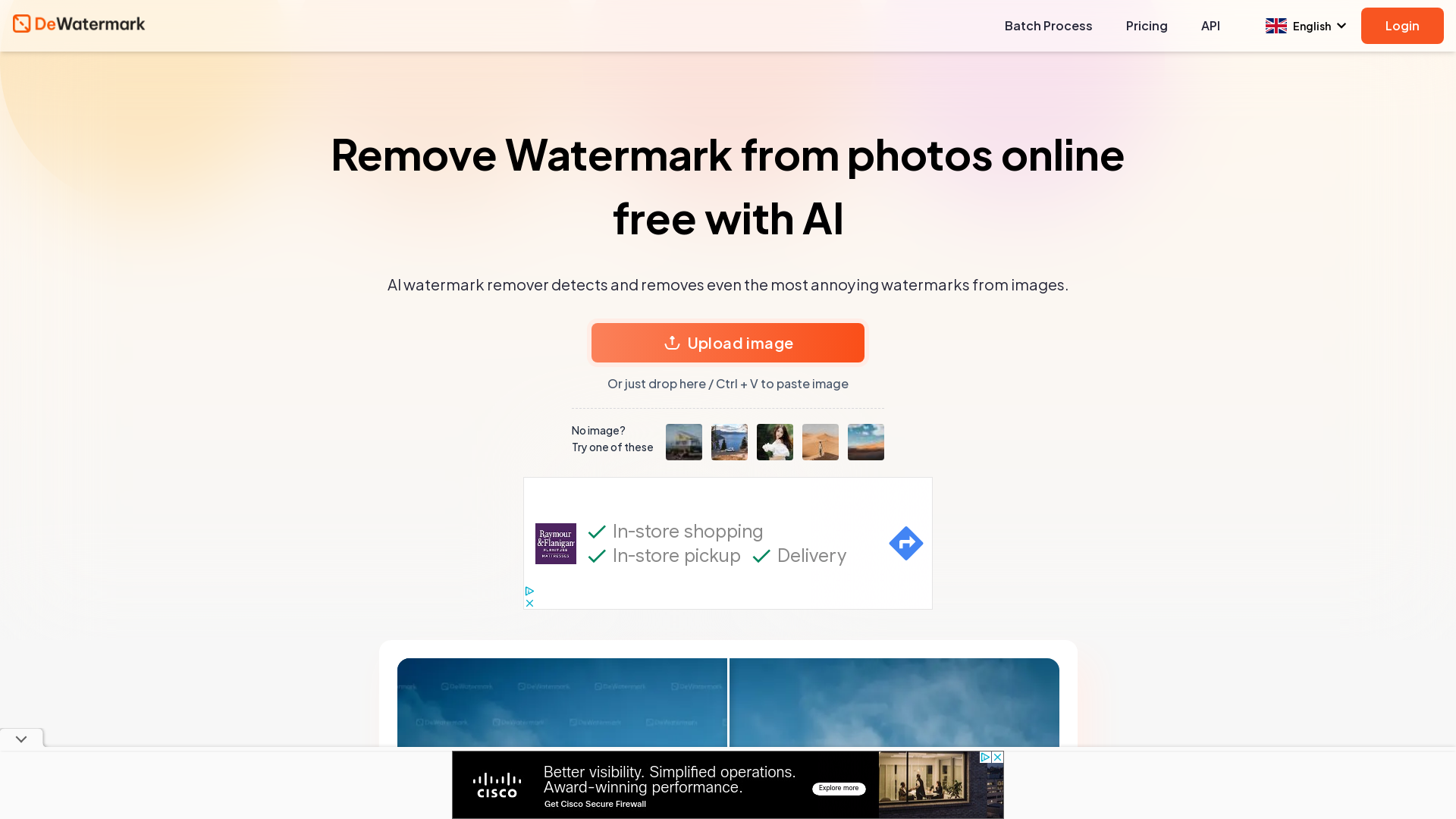
Dewatermark.AI is a powerful AI-driven tool designed to remove watermarks from images easily and efficiently. It utilizes advanced visual detection technology to identify and eliminate even the most stubborn watermarks, ensuring that your photos have a clean, professional look.
What are the main features of Dewatermark.AI?
-
AI-Powered Watermark Detection: Automatically identifies and removes watermarks of all types, including complex, multi-layered ones.
-
Quality Retention: Maintains the original image quality, so you don't have to worry about pixelation or losing detail after watermark removal.
-
Manual Brush Tool: Offers a feature to manually remove leftover watermark traces for a more polished finish.
-
Free to Use: Completely free platform with no hidden costs for watermark removal.
-
Compatibility: Works seamlessly across devices, including mobile phones, tablets, and desktops.
How to use Dewatermark.AI?
Using Dewatermark.AI is incredibly straightforward and can be summarized in four easy steps:
-
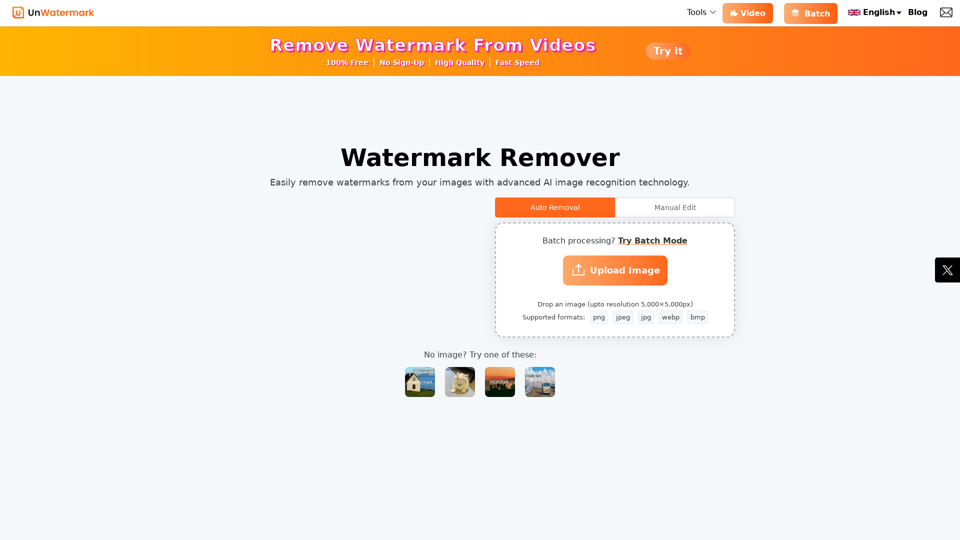
Upload Your Image: You can drag and drop your image or browse your device for a file by clicking the "Upload" button.
-
AI Processes Your Image: Our AI algorithms will automatically detect and remove any watermarks from your uploaded image in mere seconds.
-
Manual Touch-Up: If there are any residual watermark fragments, utilize the manual brush tool to refine your image.
-
Download Your Image: Once satisfied with the result, choose between the original and HD versions of your watermark-free photo for download.
Price
Dewatermark.AI is completely free to use. Users can enjoy the benefits of watermark removal without any charges, making it an accessible tool for anyone in need of clean images.
Helpful Tips
-
Multiple Tries: If the first attempt doesn’t yield perfect results, try uploading the image again for a second analysis.
-
Manual Editing: Don’t hesitate to use the manual brush tool for areas where watermarks are still visible after the automatic process.
-
High-Resolution Images: For the best outcome, using high-resolution images can ensure quality is retained after processing.
Frequently Asked Questions
How do I remove watermarks from photos?
Simply upload the watermarked image to Dewatermark.AI, let the AI process it, and download your clean image.
What file types are supported for watermark removal?
Dewatermark.AI supports various image formats, including JPEG, PNG, and BMP.
Can I manually remove watermarks with Dewatermark.AI?
Yes, you can use the manual brush tool to touch up any remaining watermark traces.
Does this tool work on mobile and tablet devices?
Absolutely! Dewatermark.AI is designed to be compatible with both iOS and Android devices.
Is using a watermark remover illegal?
While removing watermarks can violate copyright laws, Dewatermark.AI encourages users to ensure they have the right to modify any images they process.
Can any watermarks be removed?
The AI is capable of removing a vast majority of watermarks, but extremely complex or integrated watermarks may require additional manual intervention.
Is Dewatermark.AI free to use?
Yes, it is completely free with no hidden costs or subscriptions required.