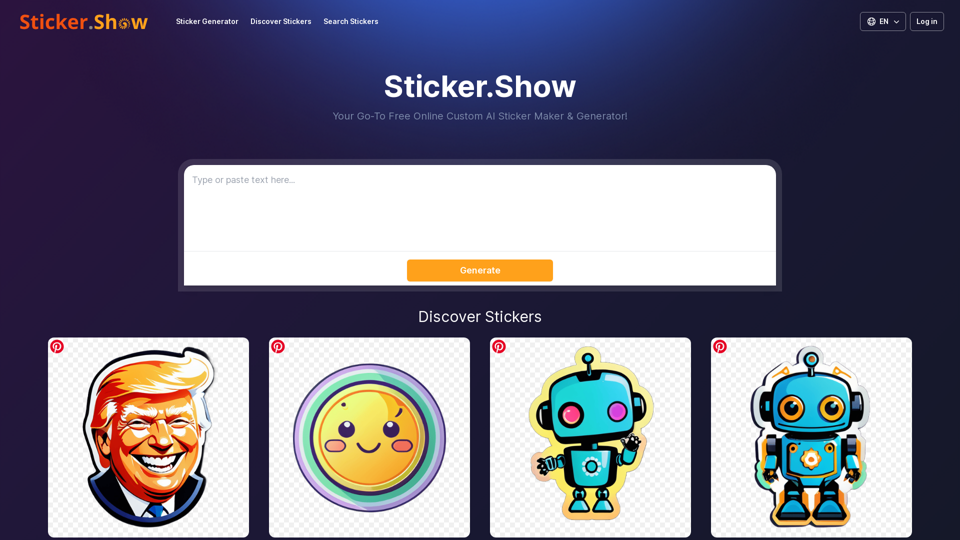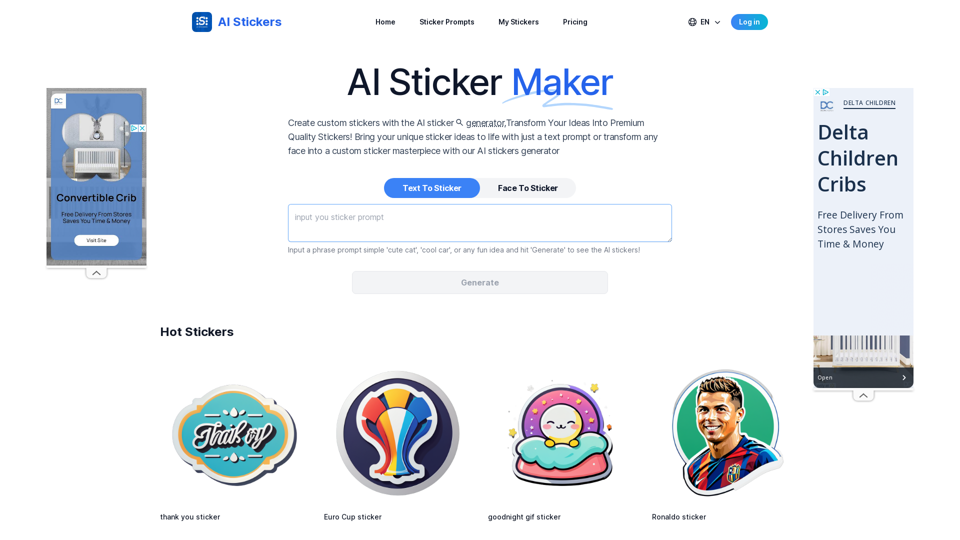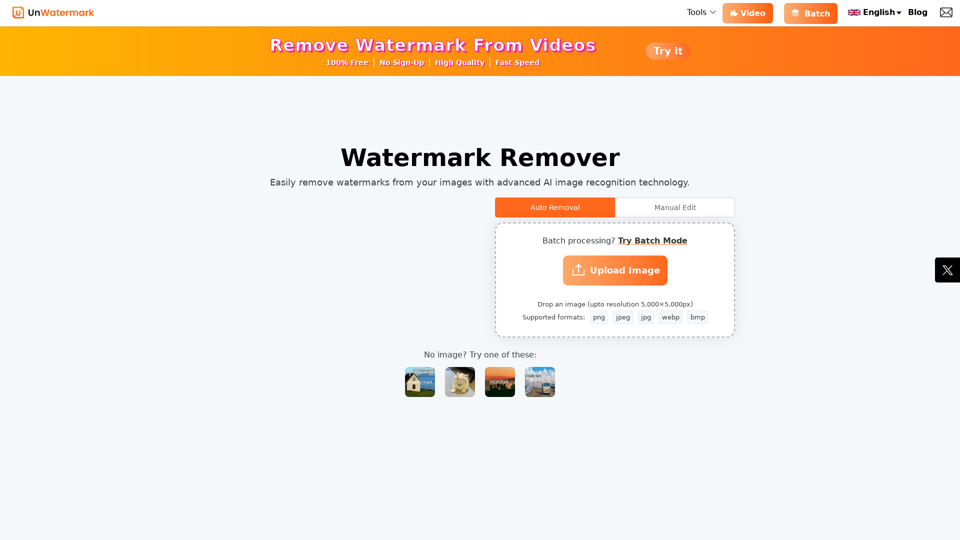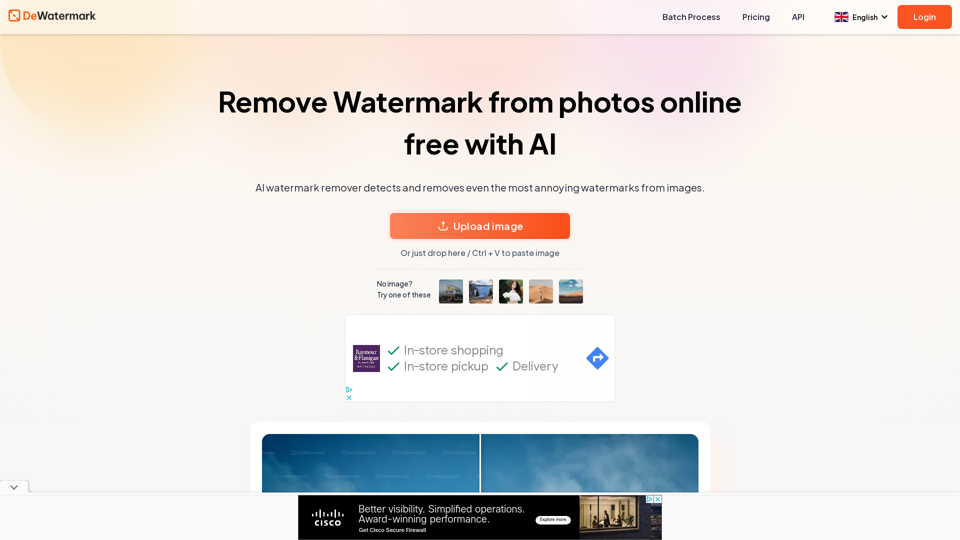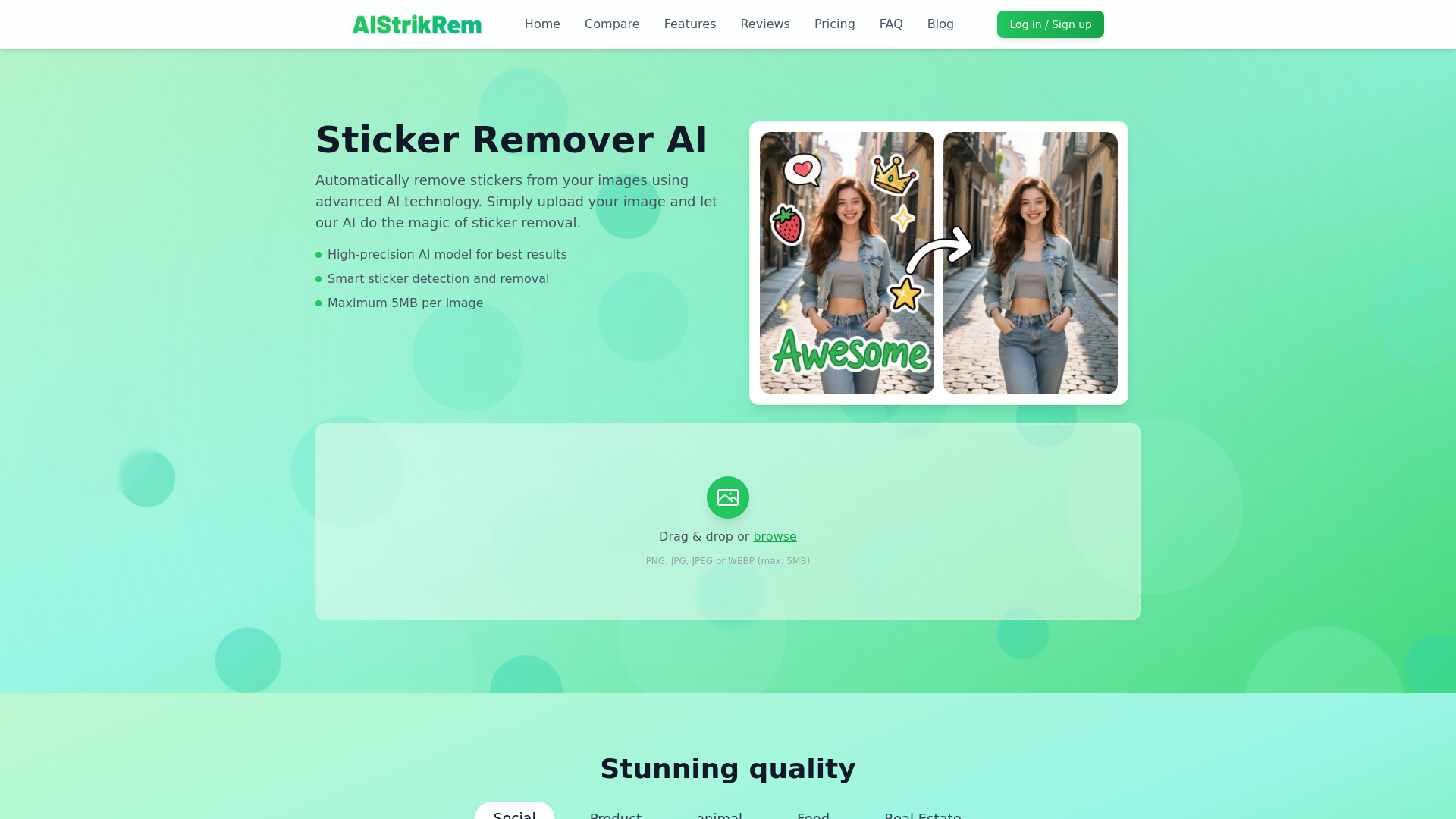
What is Sticker Remover?
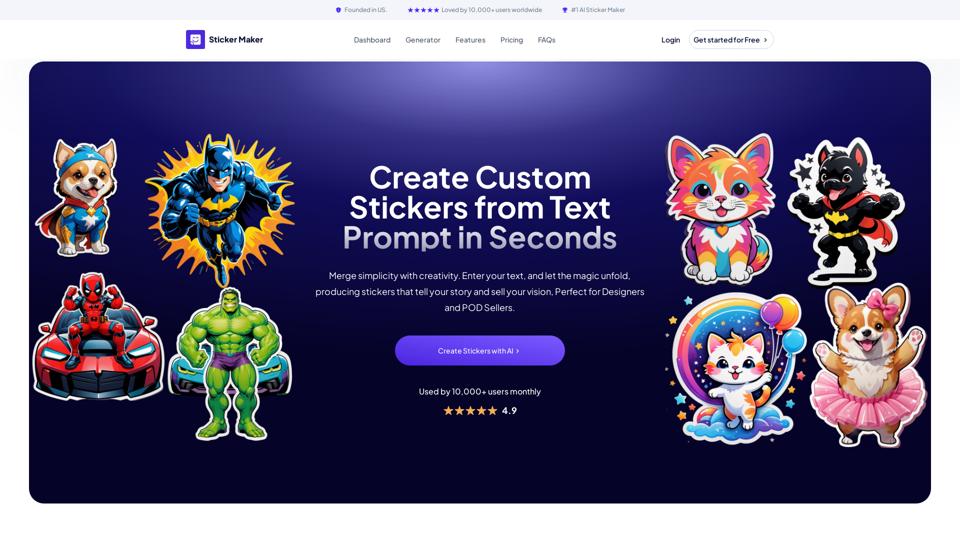
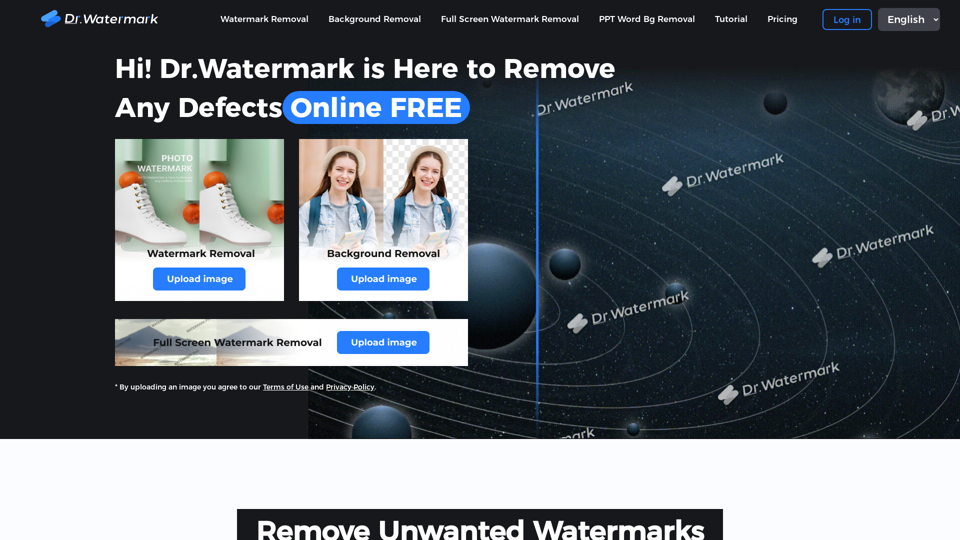
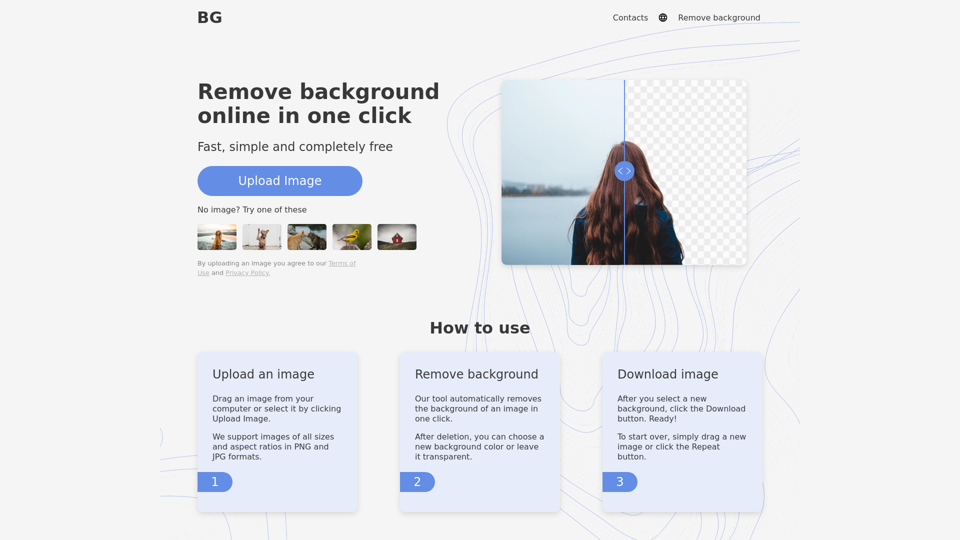
Sticker Remover is an advanced AI-powered tool designed to automatically eliminate stickers from your images. Whether you're dealing with unwanted stickers, watermarks, or other elements, simply upload your image and let our intelligent technology handle the rest. Our high-precision AI model ensures the best outcomes for your images, maintaining their quality while achieving seamless sticker removal.
What is the main feature of Sticker Remover?
-
Smart Sticker Detection and Removal: The AI effortlessly identifies the locations of stickers without requiring manual input from users.
-
High-Quality Output: Retain the original image quality while effectively removing stickers using advanced AI technology.
-
Fast Processing: Designed with efficient algorithms, users can expect quick rendering and instant downloads.
-
Maximum File Support: Easily upload images in formats like PNG, JPG, JPEG, or WEBP, with a maximum size of 5MB.
-
Smart Restoration: As stickers are removed, the tool automatically fills in the gaps to preserve a natural appearance in the image.
How to use Sticker Remover?
Using Sticker Remover is a breeze. To get started, follow these simple steps:
- Visit the Sticker Remover website.
- Drag and drop your image or browse for it on your device (ensure it’s a supported format and under 5MB).
- Let the AI detect and remove the stickers automatically.
- Download your processed image in high-quality PNG format with just one click.
Price
Sticker Remover offers a transparent and user-friendly pricing structure:
-
Free Trial: $0/month
- 2 Credits (Included upon sign-up)
- Generate 2 images
- HD image quality
- Download enabled
-
Premium Plan: $1/month
- 5 Credits
- Generate 5 images
- HD image quality
- Basic support
-
Ultimate Plan (Most Popular): $10/month
- 500 Credits
- Generate 500 images
- HD image quality
- Priority processing
Helpful Tips
- To maximize your sticker removal results, use high-quality images with proper lighting and contrast, as this will help the AI detect stickers better.
- While the tool can process images in common formats, uploading higher resolution images generally yields superior results.
- Always ensure you have the appropriate usage rights for the images you wish to process if you plan to use them commercially.
Frequently Asked Questions
What image formats are supported for sticker removal?
We support various image formats including PNG, JPG, JPEG, and WEBP. It is best to use high-quality images, limited to a maximum file size of 5MB, for optimal results.
How long does it take to process an image?
Typically, processing a regular-sized image takes between 5 to 10 seconds. However, this can vary based on image size, network conditions, and the complexity of the stickers to be removed.
How can I get the best sticker removal results?
For ideal outcomes, use clear images that are well-lit and have contrast against the stickers. The visibility of the stickers against the background greatly influences the efficacy of the removal process.
Can I use the processed images commercially?
It depends on the copyright of your original image. If you own the rights or have permissions to use the original image, you may use the processed images commercially. Ensure you have the appropriate image usage rights before proceeding.