什么是 FocuSee?
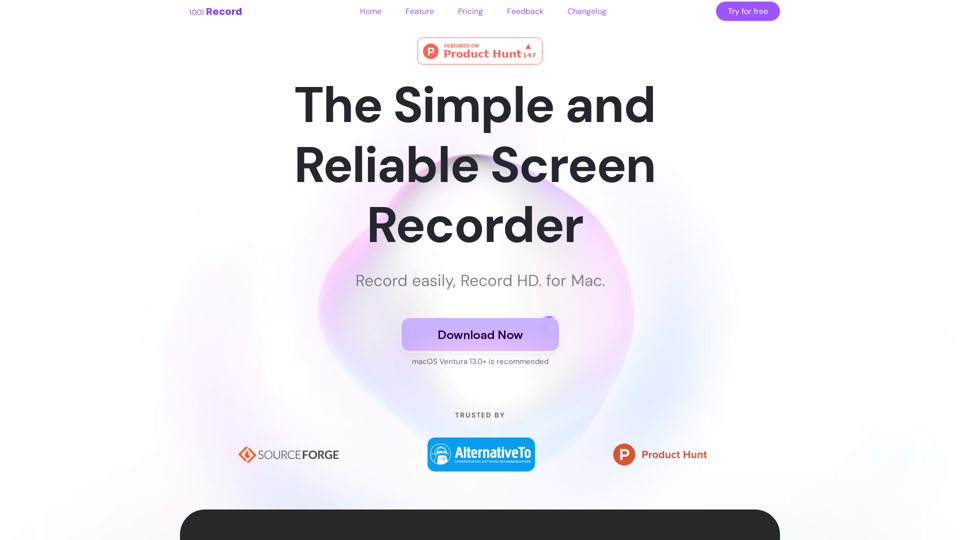
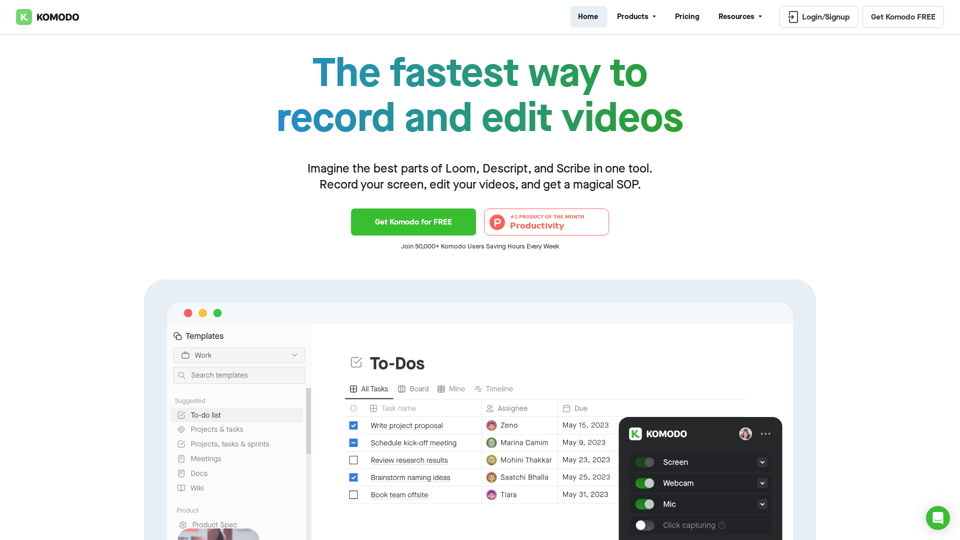
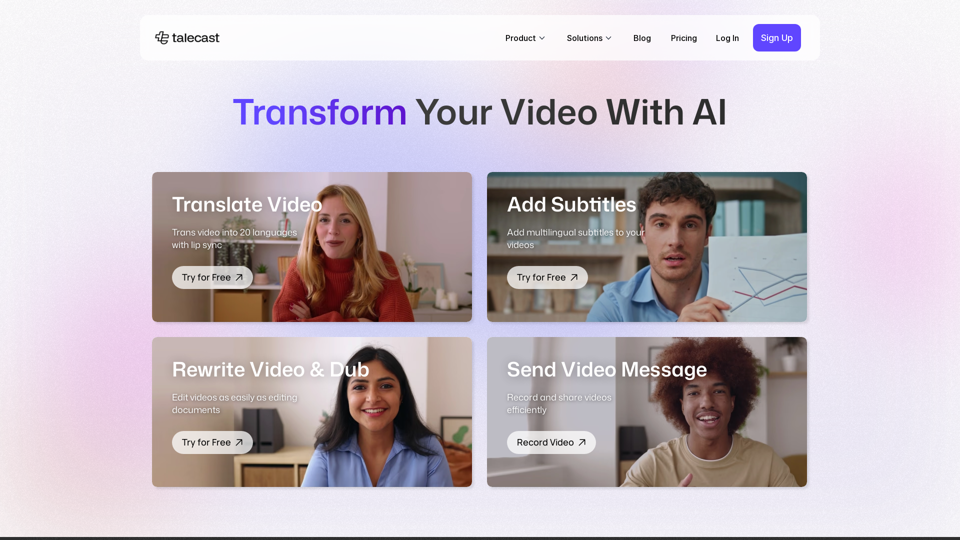
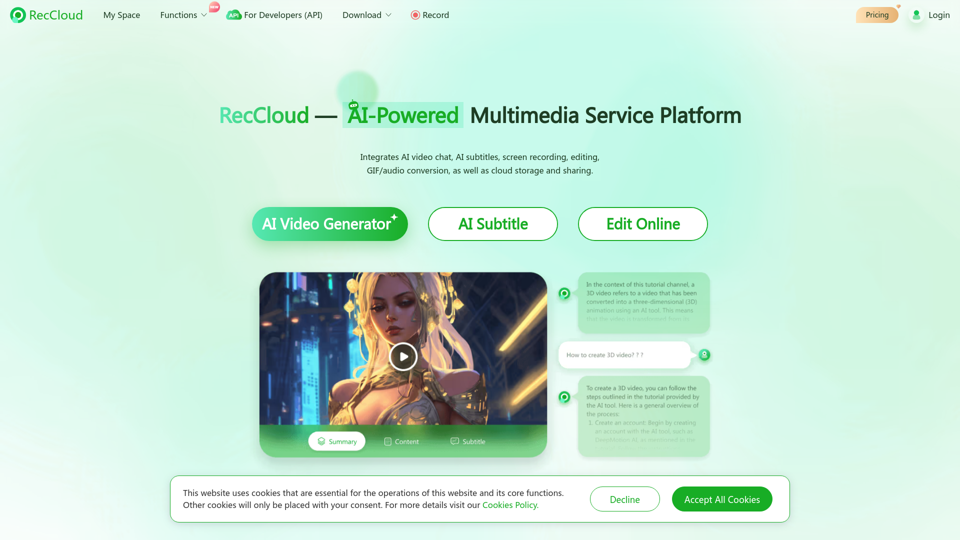
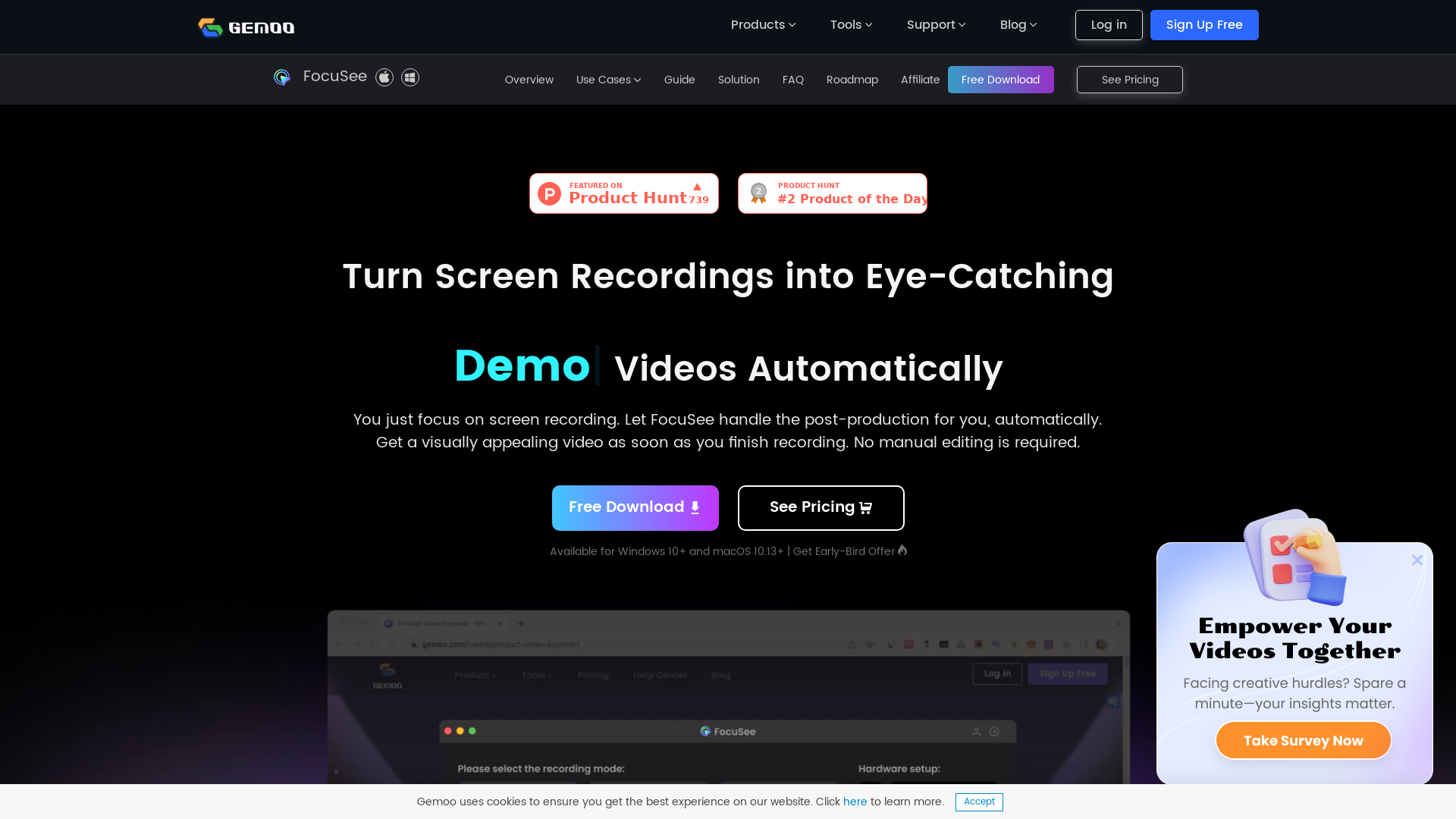
FocuSee 是一款创新的屏幕录制软件,通过自动编辑录制内容来简化视频创作流程,生成专业级视频。它支持 Windows 和 macOS 系统,让用户专注于捕捉屏幕内容,同时无缝处理后制工作。该软件具备自动缩放、光标追踪和预设布局等功能,以提升观看体验。
FocuSee 主要功能
- 自动化视频编辑
- 录制完成后,FocuSee 会自动应用动态缩放效果和平滑光标运动。
- 多样化使用场景
- 非常适合演示视频、教程、营销内容等。
- 互动元素
- 用户可添加视频内测验、表单和行动号召,有效吸引观众。
- 可定制布局
- 从多种布局中选择,或创建自定义设置以满足需求。
- 高质量导出
- 支持多种格式导出视频,最高可达 4K 分辨率,也可导出高清 GIF。
如何使用 FocuSee?
使用 FocuSee 非常简单。只需下载应用程序,开始屏幕录制并同步旁白,FocuSee 便会自动处理编辑。您还可以在导出最终视频前,自定义布局等元素并添加互动功能,以便在社交媒体分享或嵌入演示文稿。
定价
FocuSee 提供含基础功能的免费下载版本。对于需要更广泛功能和无限视频导出的用户,订阅起价为 ### $69.99,可永久无限制作视频。这一价格使其成为传统视频编辑服务的经济型替代方案,节省时间和资源。
实用建议
- 最大化利用
- 善用 FocuSee 的互动功能吸引观众并有效收集数据。
- 尝试不同布局
- 大胆尝试多种布局,找到最能展现内容的形式。
- 利用预设
- 将常用设置保存为预设,以保持视频风格一致性。
- 先试后买
- 充分利用免费版本测试功能,再决定是否订阅。
常见问题
我能在 macOS 上使用 FocuSee 吗?
是的,FocuSee 兼容 macOS 10.13 及更高版本。
录制次数有限制吗?
免费版本有限制,付费订阅允许无限视频录制和导出。
有客户支持选项吗?
是的,FocuSee 提供全面的帮助中心和资源指南,协助用户解决任何问题或疑问。
我能直接在线分享视频吗?
当然可以!您可以通过链接分享视频,或直接嵌入网站以便轻松访问。
FocuSee 与其他屏幕录制工具相比如何?
FocuSee 以其自动编辑功能和易用性脱颖而出,是视频制作新手或希望简化工作流程用户的理想选择。
FocuSee
您只需专注屏幕录制。FocuSee 会自动为视频添加放大效果、光标移动追踪和精美背景,无需手动编辑。
网站流量
1.0K/mo
 Nginx
Nginx在此投放广告
每日触达数千访客。立即获取您的位置!