什么是 GetBotAI?
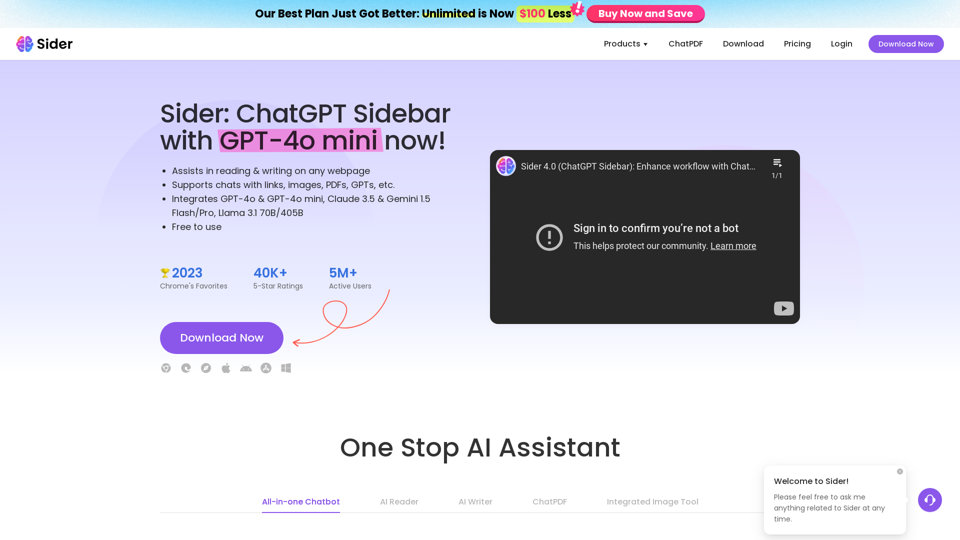
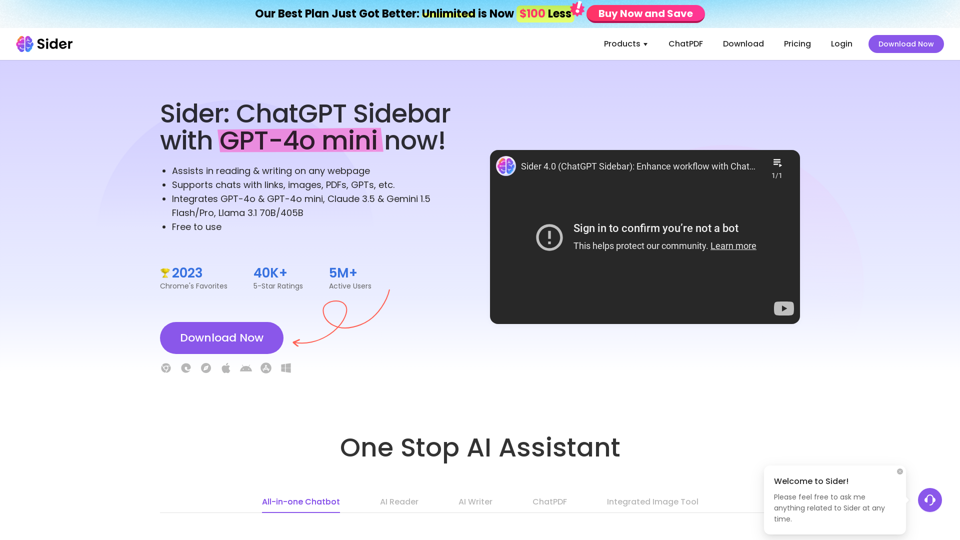
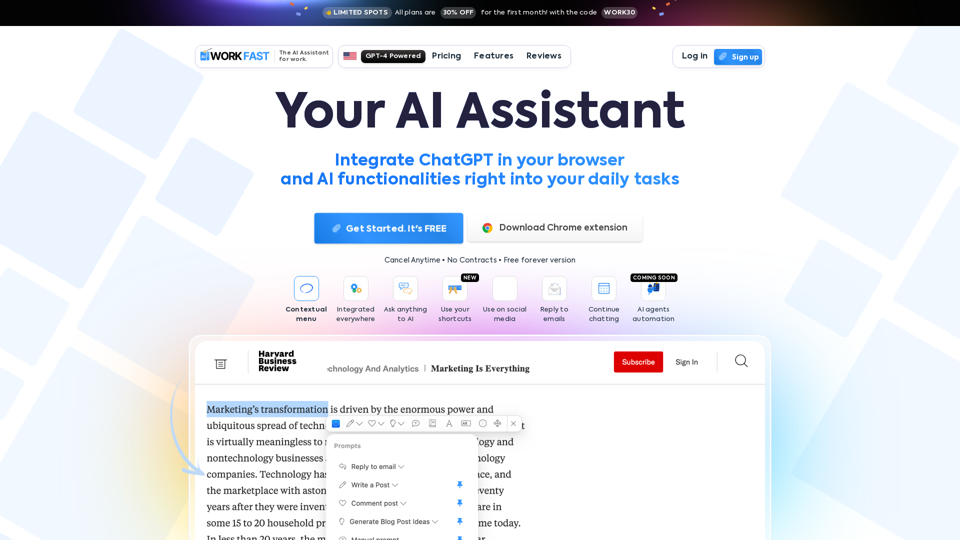
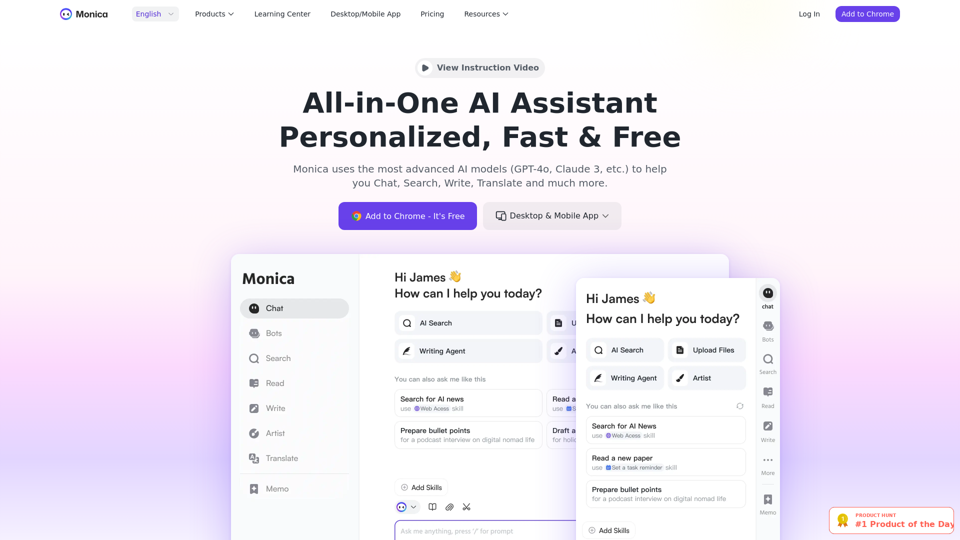
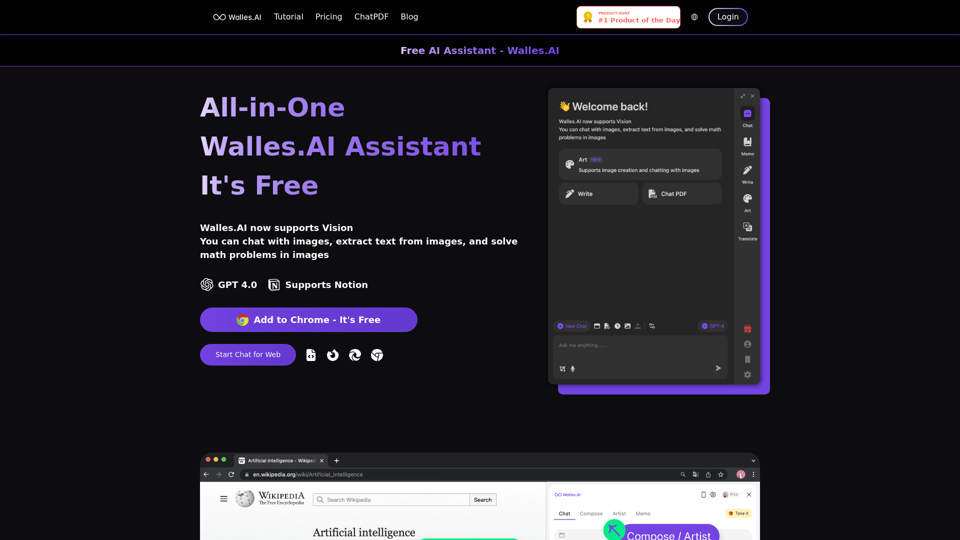
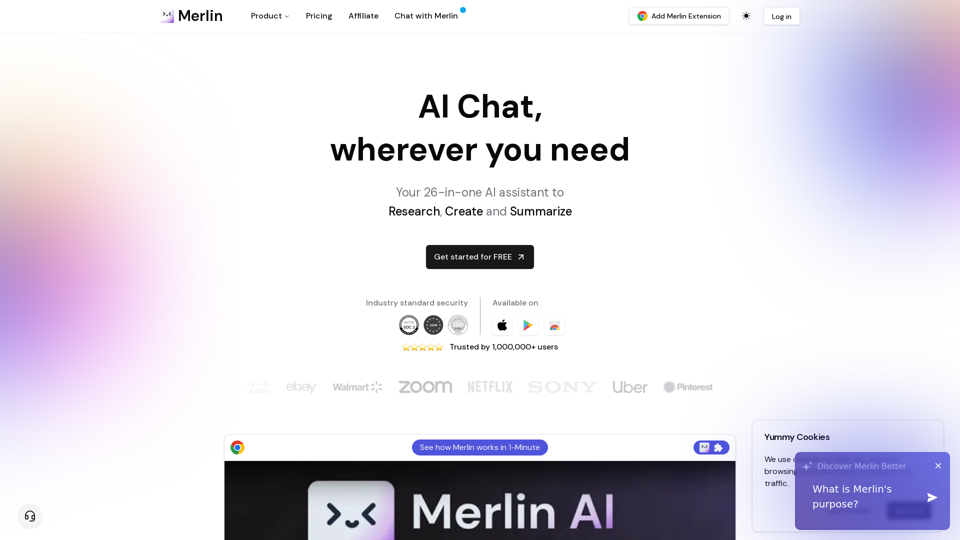
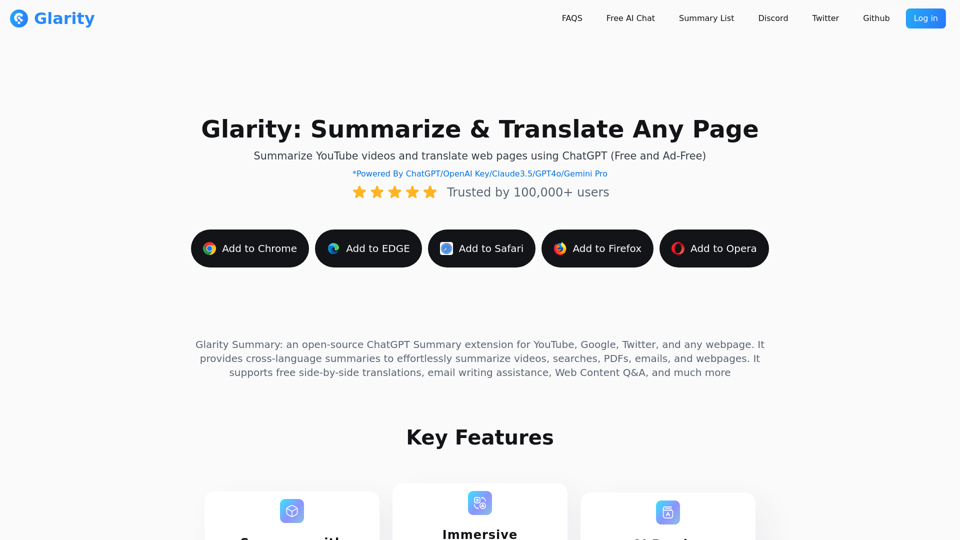
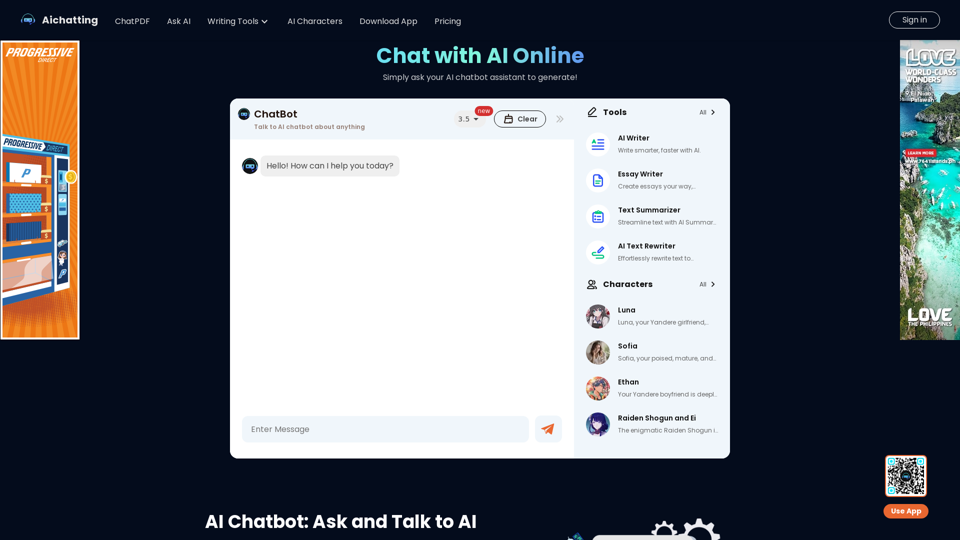
GetBotAI 是一款多功能 AI 助手,旨在提升您在任何网站上的浏览体验。这个强大的工具可无缝集成到您的浏览器中,让您能够使用 GPT-3.5 和 GPT-4 等先进语言模型轻松阅读和撰写文章。它还提供独特的功能,如 YouTube 视频摘要、PDF 交互、AI 绘画,以及与 ChatGPT、Claude 和 Gemini 的智能聊天功能。
GetBotAI 的主要功能有哪些?
- 一体化聊天机器人
- 可使用多种 AI 模型,包括 GPT-3.5、GPT-4、Claude-3 和 Gemini-1.5。
- 智能操作
- 通过根据您需求定制的智能回复和操作,高效管理任务。
- ChatPDF 集成
- 直接在浏览器内与 PDF 文档交互并进行摘要。
- 集成图像工具
- 利用图像识别、OCR 和用于抄袭检测的 AI 检测器。
- 多标签页访问
- 轻松导航和切换无限打开的标签页,同时保持高效。
- 跨平台支持
- 可在 Chrome、Edge 和 Visual Studio Code 平台上使用。
如何使用 GetBotAI?
要开始使用 GetBotAI,只需从 Chrome 或 Edge 网上应用商店下载,或在 Visual Studio Code 中安装。安装后,点击浏览器中的 GetBotAI 图标即可激活。该助手将在侧边栏中随时可用,让您可以在任何网站上与之互动。您可以提问、请求摘要,甚至在浏览时创建内容。
GetBotAI 的定价如何?
GetBotAI 提供多种订阅计划以满足不同用户需求。可能提供免费层级,但需要高级功能和更高使用限制的用户可以选择付费订阅。请始终查看官方网站以获取最新的定价详情和计划选项。
充分利用 GetBotAI 的有用提示
- 利用智能操作
- 利用智能回复功能,在回复消息或电子邮件时节省时间。
- 探索 PDF 功能
- 使用 ChatPDF 功能进行高效的文档管理和摘要。
- 随时提问
- GetBotAI 随时准备提供帮助。如有疑问,请随时提出后续问题以获取澄清。
- 设置快捷键
- 熟悉键盘快捷键,以便更快地访问常用功能。
- 保持更新
- 关注任何可能进一步改善您体验的更新或新功能。
常见问题
GetBotAI 可以在任何网站上工作吗?
是的,GetBotAI 设计为可在所有网站上无缝运行,在您需要的地方提供帮助。
我的数据在 GetBotAI 中安全吗?
绝对安全。GetBotAI 优先考虑用户隐私,并采取强有力的措施来保护您的数据。请始终查看隐私政策以了解具体细节。
我可以离线使用 GetBotAI 吗?
不可以,GetBotAI 需要有效的互联网连接才能正常运行并访问其 AI 功能。
GetBotAI 如何处理多个标签页?
GetBotAI 允许您同时在多个标签页中访问其功能,在保持高效的同时增强多任务处理能力。您可以轻松地在标签页之间切换。
GetBotAI 提供什么样的支持?
GetBotAI 为各种主题提供智能回复和操作,包括写作协助、摘要和创意任务。如果您有具体问题或需要帮助,尽管提问!
首页
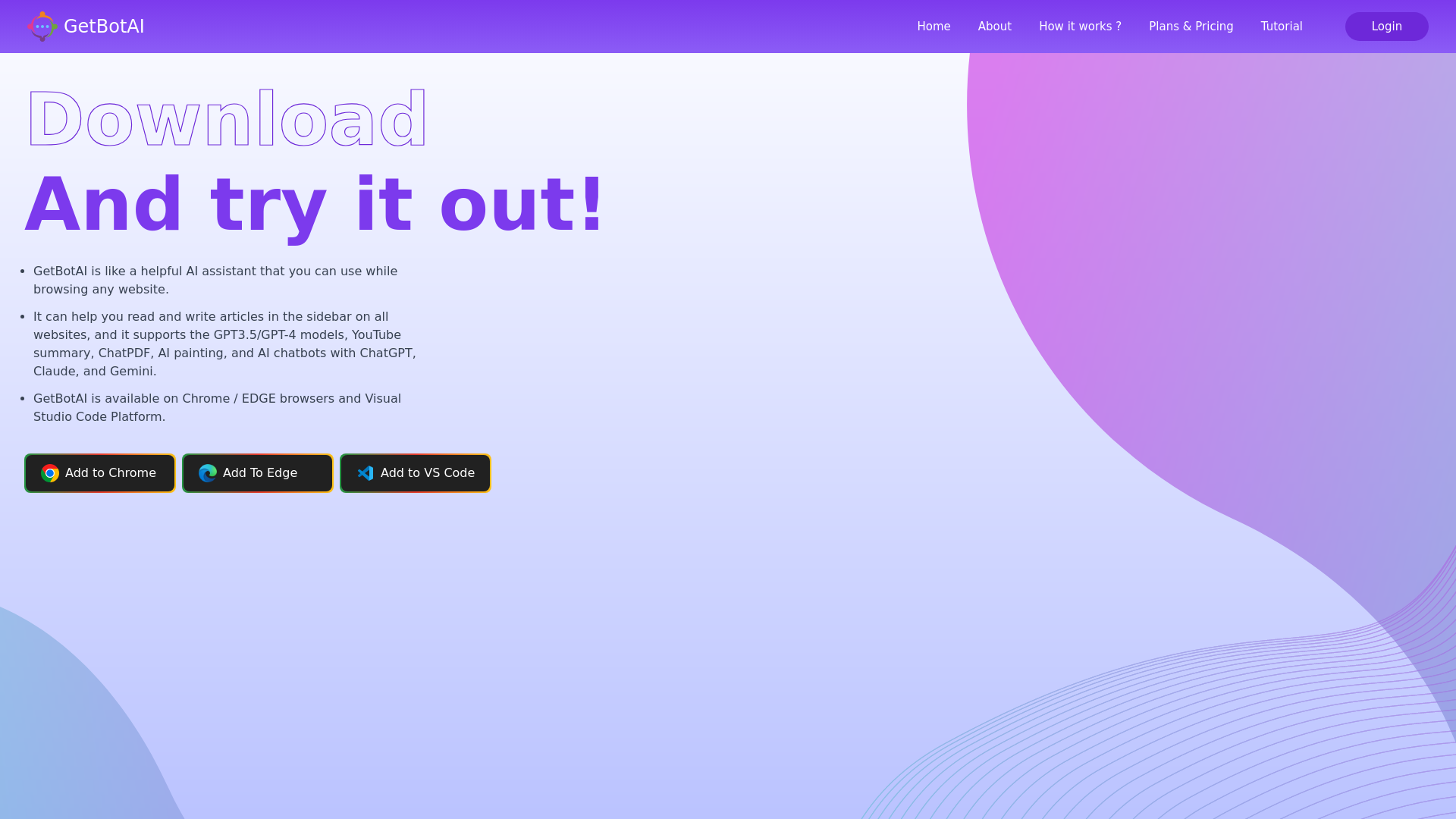
GetBotAI 就像一位得力的 AI 助手,可在您浏览任何网站时使用。它能在所有网站的侧边栏中帮助您阅读和撰写文章,并支持 GPT3.5/GPT-4 模型、YouTube 视频摘要、ChatPDF、AI 绘画,以及与 ChatGPT、Claude 和 Gemini 的 AI 聊天机器人!
 Amazon Web Services
 Cloudflare
在此投放广告
每日触达数千访客。立即获取您的位置!