What is Sider?
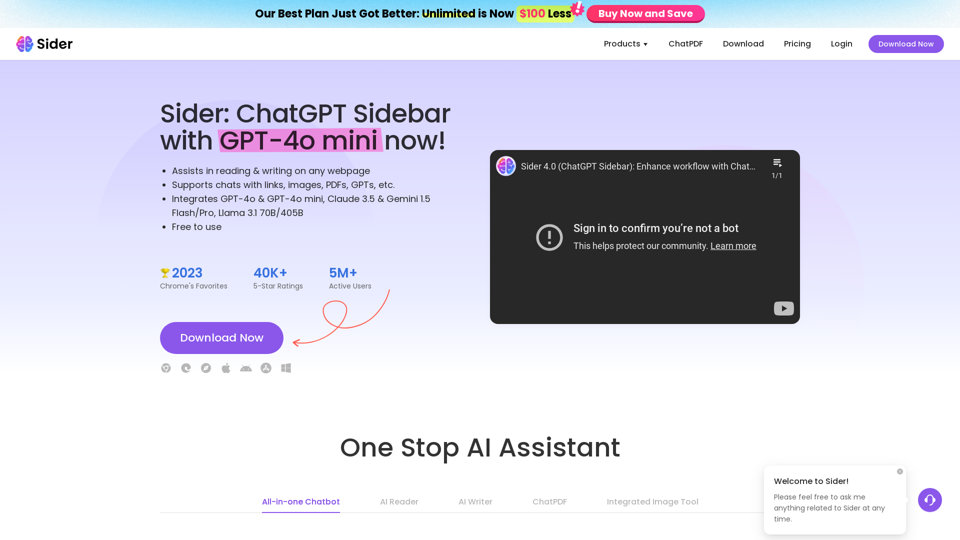
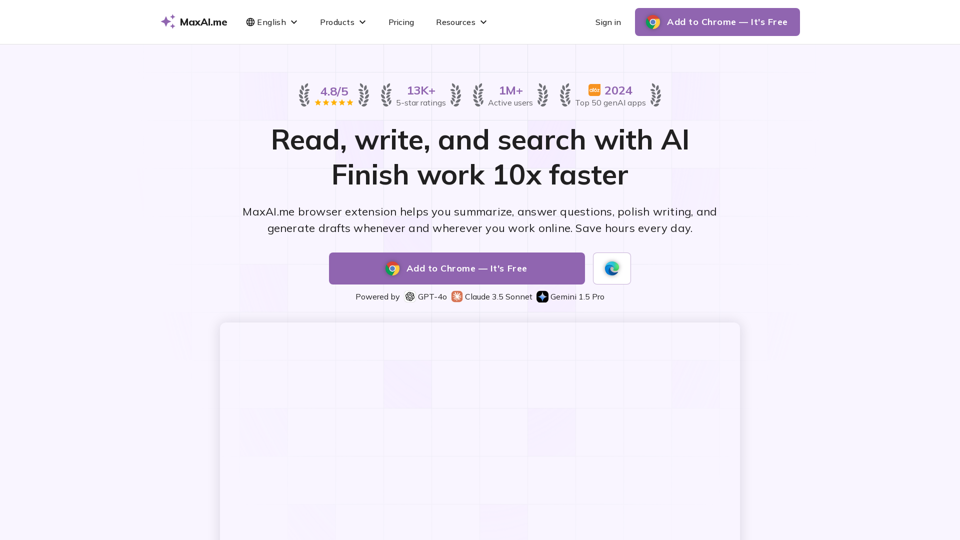
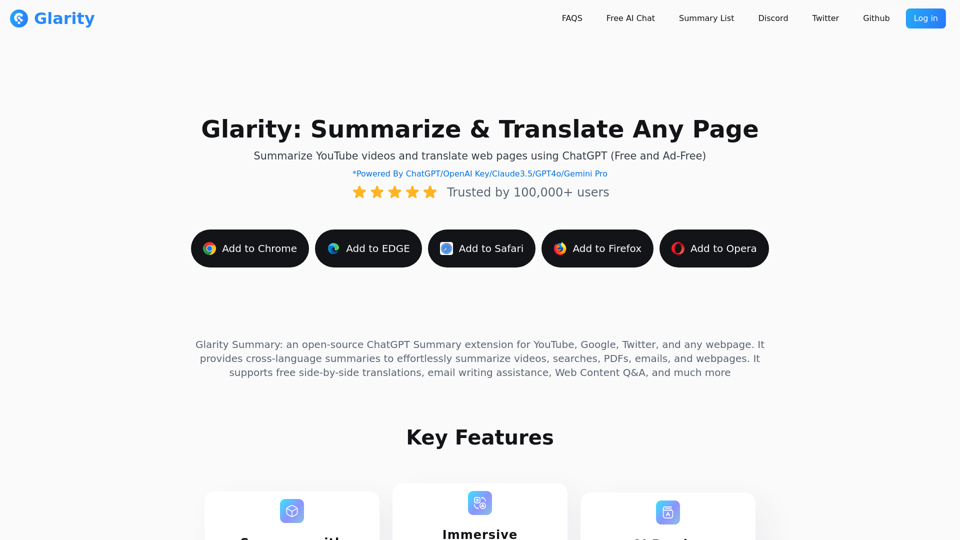
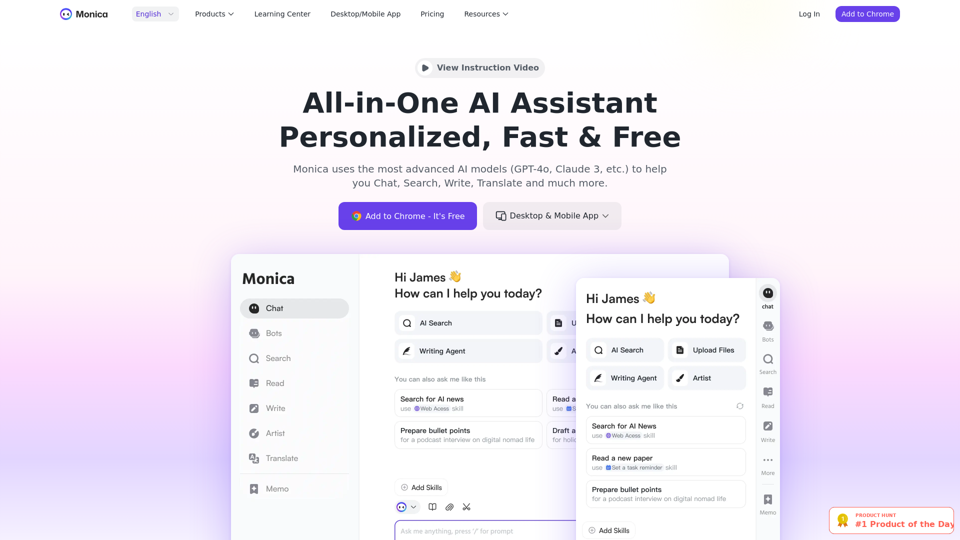
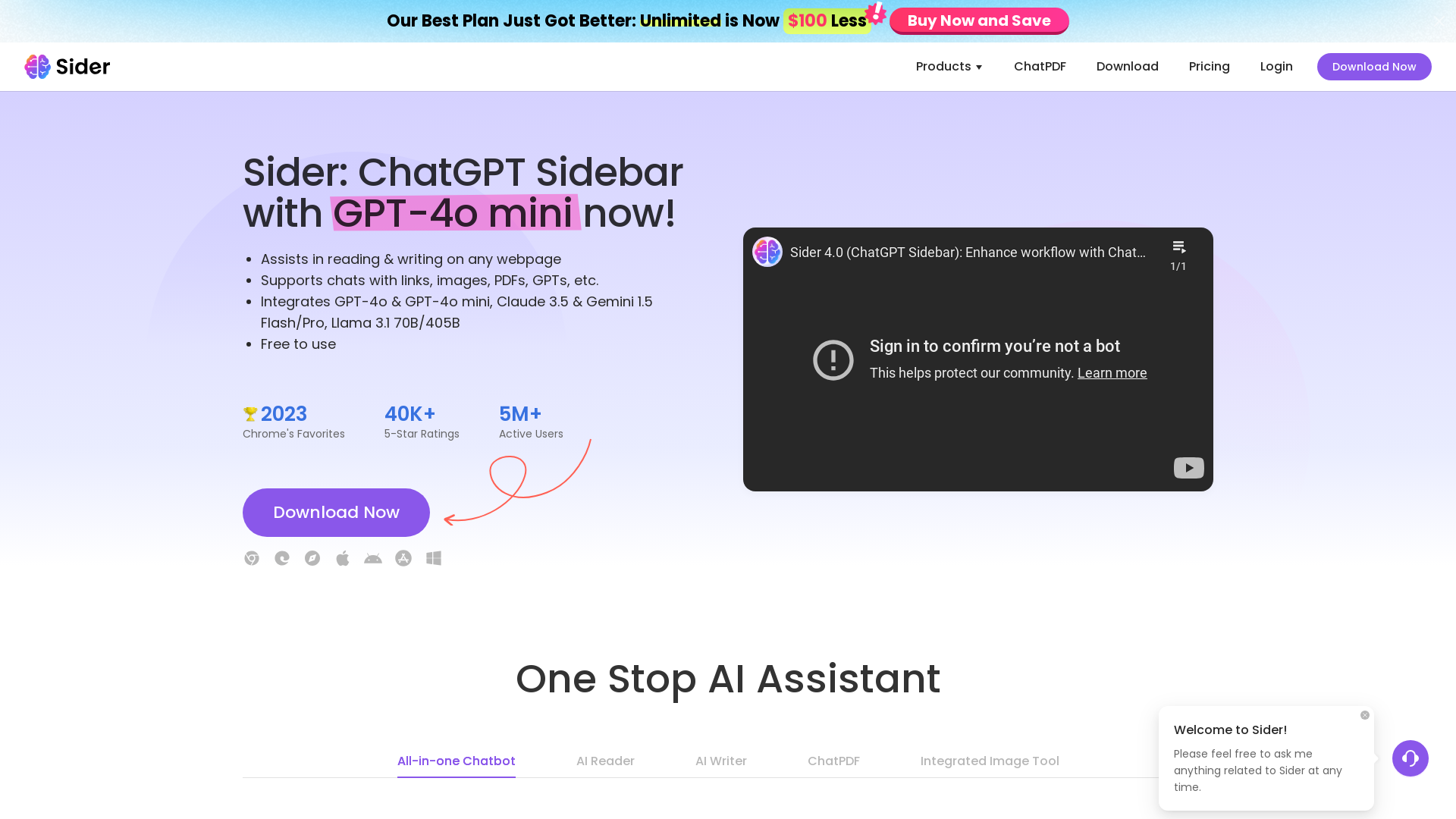
Sider is an all-in-one AI assistant designed to enhance your productivity by seamlessly integrating into your daily workflow. It operates as a browser extension on Chrome, Edge, and Safari, making online reading, writing, and browsing easier than ever. Sider combines powerful AI tools including ChatGPT, GPT-4o, Claude 3.5, and Gemini 1.5, enabling users to access a variety of functionalities—all under one roof.
Features of Sider
-
Comprehensive AI Tools: Access to multiple AI assistants, including ChatGPT, GPT-4o mini, Claude 3.5, and Gemini 1.5 for versatile support.
-
Effortless Integration: Works seamlessly with your browser, allowing for easy access while reading, writing, or browsing online.
-
Enhanced Productivity: Experience up to an 90% reduction in time spent on tasks like design and writing with Sider's efficient tools.
-
Unlimited Access: A subscription plan provides unlimited usage with an enhanced experience for heavy users.
-
Fast Response Times: Get answers immediately through an integrated chatbot, enhancing your workflow with rapid support.
How to Use Sider
Getting started with Sider is easy:
-
Download the Extension: Install the Sider extension on your preferred browser (Chrome, Edge, or Safari).
-
Sign Up or Log In: Create an account or log in to access the tools.
-
Start Using AI Tools: Use Sider to assist in reading articles, summarizing YouTube videos, designing images, and generating written content.
-
Utilize Chat Features: Engage with various AI models in a group chat to find diverse answers to your questions.
Pricing for Sider
Sider is offered with a variety of pricing plans. Currently, the unlimited plan is available for ### $20 per month, allowing users unrestricted access to all features and capabilities, which is a significant discount from previous pricing.
Helpful Tips
-
Maximize Free Usage: Take advantage of the 20 free interactions per day for GPT-4o to explore various applications.
-
Use Integrated Features: Combine the reading and writing features with other tools for comprehensive productivity—like summarizing PDFs and OCR capabilities.
-
Group Chat Functionality: Use the group AI chat feature to get insights from multiple AI models simultaneously, allowing for richer and more diverse answers.
Frequently Asked Questions
Can I use Sider on mobile devices?
Yes, Sider is available as an app on both iOS and Android platforms, allowing you to take your AI assistant on the go.
Is my information safe with Sider?
Absolutely! Sider values user privacy and ensures that your data will not be used for training purposes. You can also delete your account and data if desired.
Do I need a subscription to use Sider?
While Sider offers a free version, subscribing to the paid plan provides additional benefits, including unlimited access to all AI tools and enhanced capabilities.
What if I encounter issues while using Sider?
Sider has a dedicated help center where you can find tutorials, FAQs, and customer support to assist with any issues or questions you may have.
How can I cancel my Sider subscription?
You can cancel your subscription at any time through your account settings, and your access will remain until the end of your billing cycle.