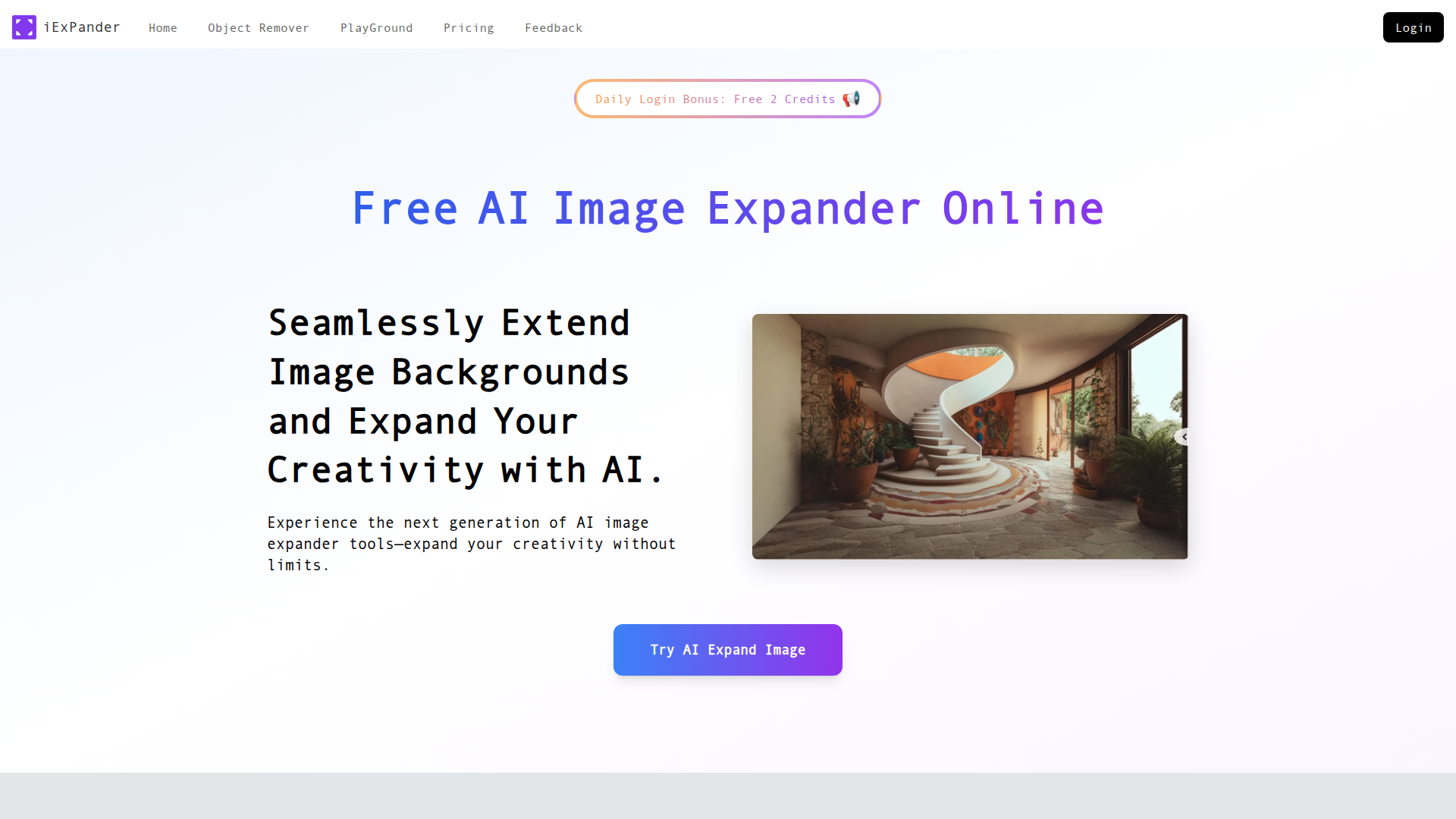
What is iExPander's AI Image Expander?
iExPander's AI Image Expander is an innovative tool that leverages artificial intelligence to seamlessly extend images beyond their original boundaries. By analyzing the content, style, and context of each photo, it expertly generates new, natural-looking areas that integrate perfectly with the original image. This tool is ideal for adapting images to varying aspect ratios, transforming poorly cropped images into flawless creations, and producing visually captivating backgrounds.
Key Features of iExPander's Image Expander
-
Advanced AI Algorithms: iExPander utilizes state-of-the-art AI technology to ensure high-quality image expansion that retains natural aesthetics without distortion.
-
Multi-Aspect Ratio Support: Users can easily expand images for different platforms with preset aspect ratios suitable for social media, e-commerce, or personalized projects.
-
User-Friendly Interface: The one-click expansion process is designed for everyone, regardless of technical expertise, allowing for effortless use.
-
Watermark-Free Downloads: Enjoy professional-grade results with high-resolution downloads, free of any watermarks.
-
Privacy and Security: All images are processed securely and only stored temporarily for immediate processing, ensuring user privacy is protected.
How to Use iExPander's AI Image Expander
-
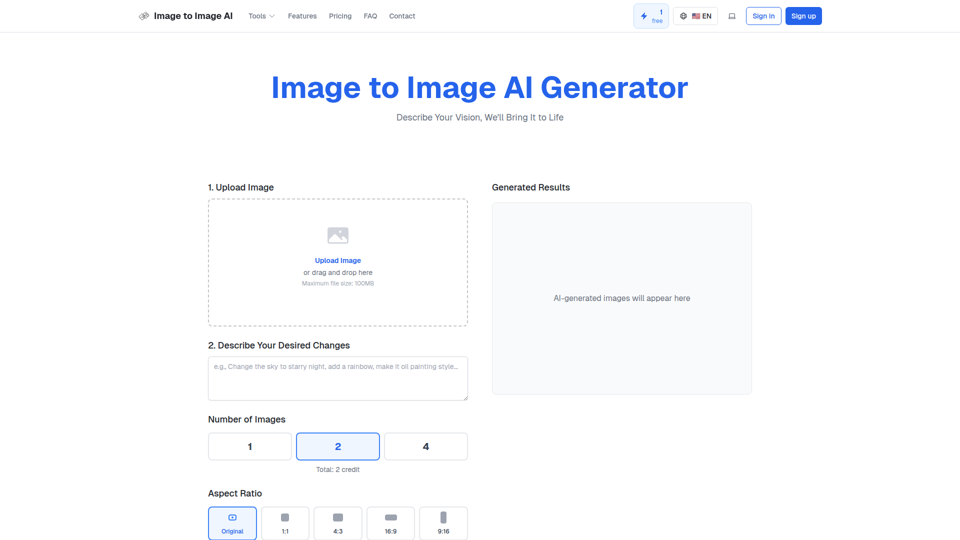
Upload Your Photo: Start by uploading a high-quality JPG or PNG image to the tool.
-
Choose Aspect Ratio & Adjust: Select the desired aspect ratio from predefined options or customize your own. You can also reposition your image as needed.
-
Generate & Download: Click on the 'Generate' button and allow the AI to process your image in a matter of seconds. Once done, download the newly expanded image.
-
Manage Your Results: Easily compare the results with the original or review your creation history for future reference.
Price
iExPander offers a variety of usage options, including a limited number of free uses. Users can opt to purchase additional credits or subscribe for more advanced and frequent needs, making it accessible for casual users and professionals alike.
Helpful Tips for Maximizing Your Experience
-
Use High-Resolution Images: For the best results, upload images that are at least 1MB to ensure detail is preserved during expansion.
-
Explore Different Aspect Ratios: Experiment with various aspect ratios to find the perfect fit for different platforms and projects.
-
Be Creative: Use the tool to create dynamic backgrounds for blogs, advertising, and personal projects by expanding images creatively.
Frequently Asked Questions about iExPander's Image Expander
What is an AI Image Expander and how does it work?
An AI Image Expander analyzes your image and uses sophisticated algorithms to add new content that blends with the existing elements, creating a seamless extension without distortion.
Will the expanded image look natural?
Yes, iExPander is designed to create natural-looking extensions that maintain the quality, lighting, and style of your original image.
How can I control the aspect ratio when expanding an image?
The tool provides various preset aspect ratios for you to choose from, including options for social media formats. You can also specify custom dimensions.
Is this image expander free to use?
There are limited free uses available. Users needing more extensive access can purchase credits or subscribe to a plan.
When do I need an Image Expander?
You need an image expander when you wish to extend image borders, correct awkward compositions, or modify images for different social media formats.
By utilizing iExPander, you can unlock your creative potential and enhance your images with ease, making it an essential tool for anyone looking to elevate their visual content.