What is List Difference Tool?
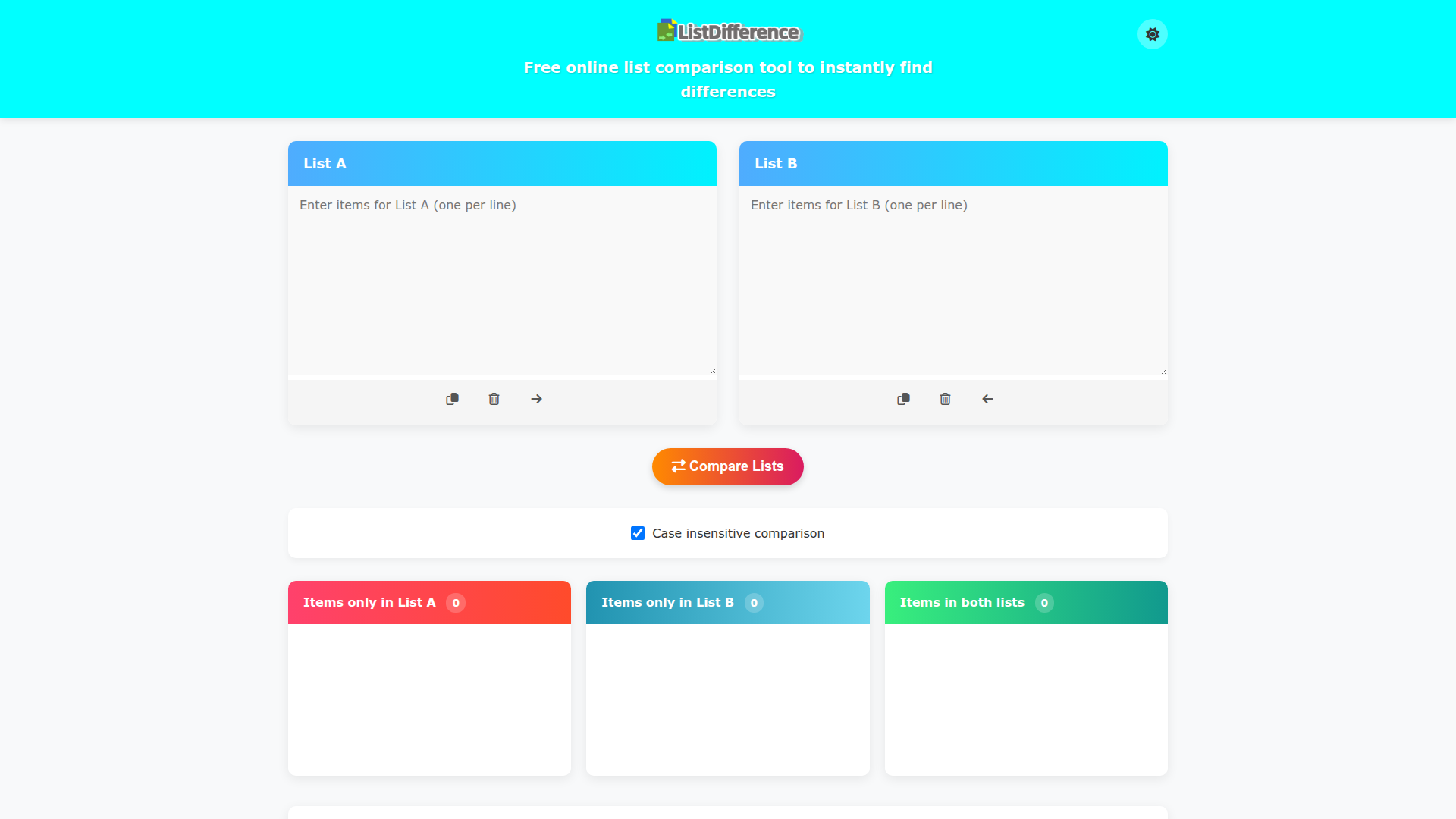
The List Difference Tool is a free online utility designed to help users compare two lists of items quickly and efficiently. By simply entering the items into List A and List B, users can instantly identify the differences between the two lists, making it easy to find unique items as well as common entries.
Main Features of List Difference Tool
-
Easy Comparison: The tool allows users to swiftly compare two lists, highlighting unique items and items that occur in both lists.
-
User-Friendly Interface: With an intuitive layout, users can copy, clear, or move contents between the lists effortlessly.
-
Case Insensitive Comparison: When enabled, the tool treats items as identical regardless of their case (upper or lower).
-
Automatic Handling of Empty Lines: Users do not need to worry about formatting, as empty lines are ignored during comparison.
-
Unique Result Display: All results show only unique items, removing any duplicates for clarity.
How to Use List Difference Tool
-
Enter Your Items: Input your items into List A and List B, with each item on a new line.
-
Utilize the Buttons: Use the provided buttons to copy contents, clear lists, or move items between the two lists.
-
Select Comparison Options: Adjust the settings as necessary; the default options are sufficient for most comparisons.
-
Click "Compare Lists": Hit the button to generate the comparison results.
-
Analyze Your Results: Review the output, which includes items unique to each list and those shared between them.
Pricing
The List Difference Tool is completely free to use, making it accessible for anyone needing a quick and efficient way to compare lists without the hassle of subscriptions or hidden fees.
Helpful Tips
- Always ensure there are no leading or trailing spaces in your list items, as these are automatically removed during comparison.
- Use the case insensitive option if you have differing capitalization in your lists to ensure accurate comparisons.
- For very large lists, consider breaking them down into smaller segments for optimal performance.
Frequently Asked Questions
Can I compare more than two lists?
Currently, the List Difference Tool is designed to compare only two lists at a time.
What happens if I enter duplicate items in either list?
The tool automatically removes duplicate entries, ensuring that the final results only reflect unique items.
Is my data safe with the List Difference Tool?
Yes, your data is processed for the comparison and is not stored. Once you refresh or leave the page, your entered lists will be cleared.
Can I use this tool on my mobile device?
Absolutely! The List Difference Tool is fully responsive and can be utilized on mobile devices and tablets for on-the-go comparisons.

