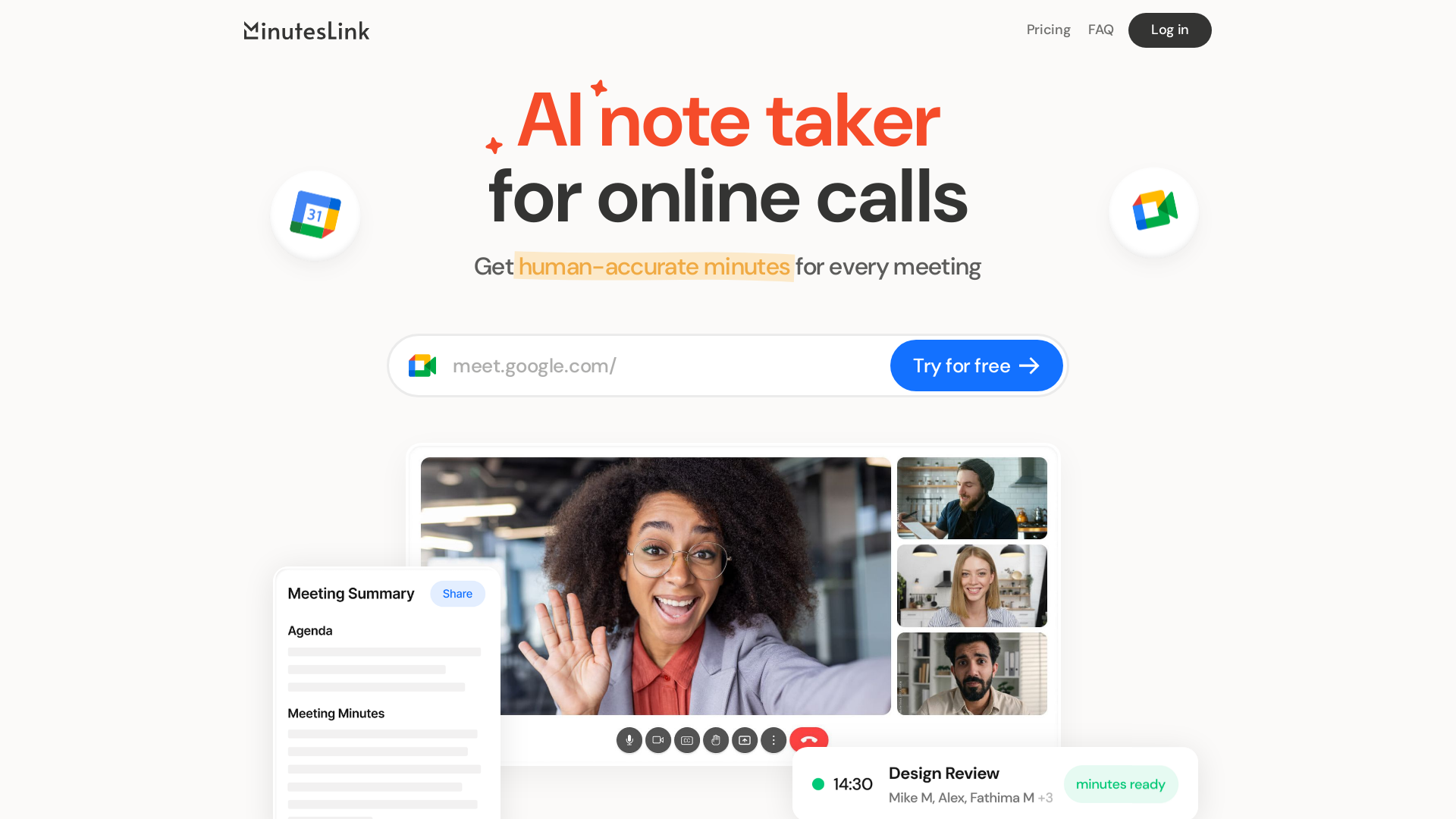
什么是 MinutesLink?
MinutesLink 是一款专为在线会议设计的AI驱动笔记助手。它提供媲美人工精度的转录文本和会议纪要,确保您即使无法参会也不会错过关键细节。通过运用AI技术,MinutesLink 录制、转录并总结您的会议内容,使其成为依赖虚拟环境中清晰沟通的专业人士不可或缺的工具。
MinutesLink 的主要功能有哪些?
- AI驱动转录
- 提供“媲美人工精度”的准确转录,确保捕获会议中的每一个细节。
- 与 Google Meet 集成
- 只需使用您的Google账户登录,它便会自动加入并参与您安排的会议,从而提供有价值的会议洞察。
- 轻松分享与编辑
- 用户可以轻松地将纪要分享给所有参会者或选定人员,同时还能灵活地编辑和评论笔记。
- 个人数字分身(即将推出)
- 一项独特功能,可创建模仿您沟通风格和习惯的AI克隆,帮助您处理日常任务。
- 高可用性
- 系统能够处理并发会议,非常适合管理多个通话的繁忙专业人士。
如何使用 MinutesLink?
使用 MinutesLink 既用户友好又高效。请遵循以下简单步骤:
- 使用您的Google账户登录。
- 照常安排您的 Google Meet 会议。
- MinutesLink 将自动加入会议,录制并转录所有内容。
- 通话结束后,您可以访问并编辑会议纪要,以便分享或进一步分析。
定价
MinutesLink 提供灵活的定价方案以满足不同需求:
- 基础方案
- 永久免费,每月包含10次AI驱动的会议转录。
- 专业方案
- $9/月或 $16.99/月,每年360次通话处理及额外功能。
- 商业方案
- $24/月或 $29.99/月,非常适合需要高级功能的大型团队。
实用建议
- 在安排会议前登录您的Google账户,以确保与 Google Meet 无缝集成。
- 在您的 MinutesLink 账户中检查会议状态,确认AI会议助手是否会加入。
- 会议后利用 ### 行动项 部分来追踪讨论中分配的任务和责任。
- 定期使用服务有助于更快构建您的 ### 个人数字分身,最大化时间管理效益。
常见问题解答
我可以邀请AI会议助手加入未安排的通话吗?
是的,只需在 MinutesLink 网站上添加 Google Meet 链接,它就会加入您的通话。
我的通话信息安全吗?
绝对安全!所有对话均经过加密处理,并遵循 GDPR 和 CCPA 法规,确保您的隐私得到保护。
我可以升级我的方案吗?
是的,当您的需求发生变化时,您可以通过账户设置轻松升级到专业或商业方案。
MinutesLink 如何创建我的数字分身?
它会随着时间的推移从您的交互和数据中学习,构建一个反映您沟通风格和决策过程的AI代表。
有免费试用吗?
当然有!您每月可以免费试用 MinutesLink 最多10次通话,然后再决定是否升级。
使用 MinutesLink,享受简化的会议管理,确保所有参与者都能保持信息同步和参与度,无需手动记录笔记的麻烦。
MinutesLink
专为在线会议设计的先进AI笔记工具,能够录制、转录、总结并整理您的会议内容,提供媲美人工精度的会议纪要。借助我们的AI解决方案提升效率,确保不漏掉任何细节。
 Cloudflare
 Express
 Google Tag Manager
 HTTP/3
 Node.js
 jQuery:3.5.1
在此投放广告
每日触达数千访客。立即获取您的位置!
与 MinutesLink 类似的工具
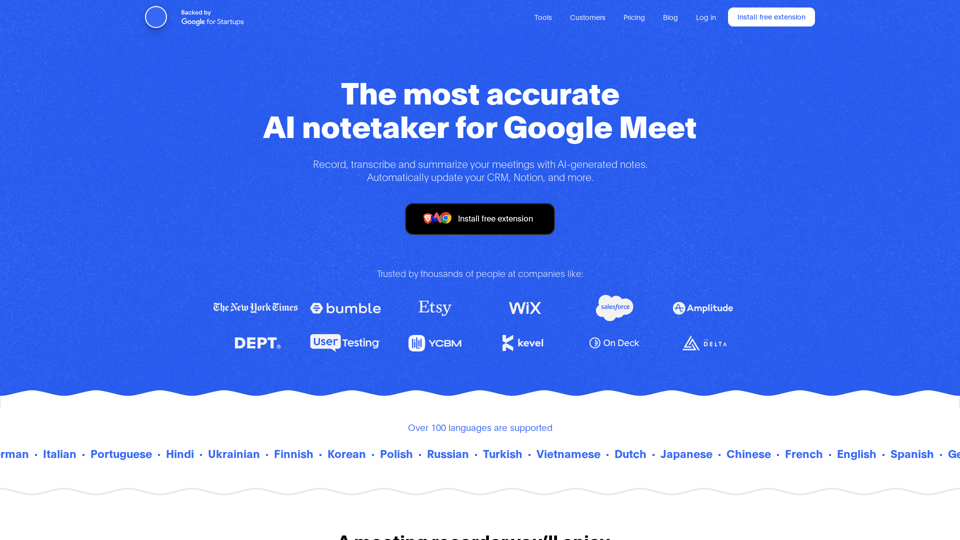
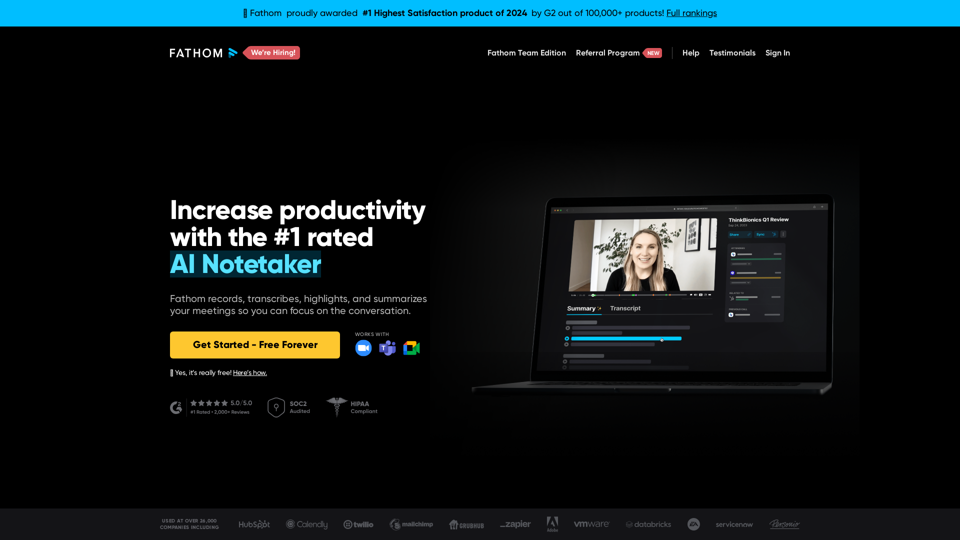
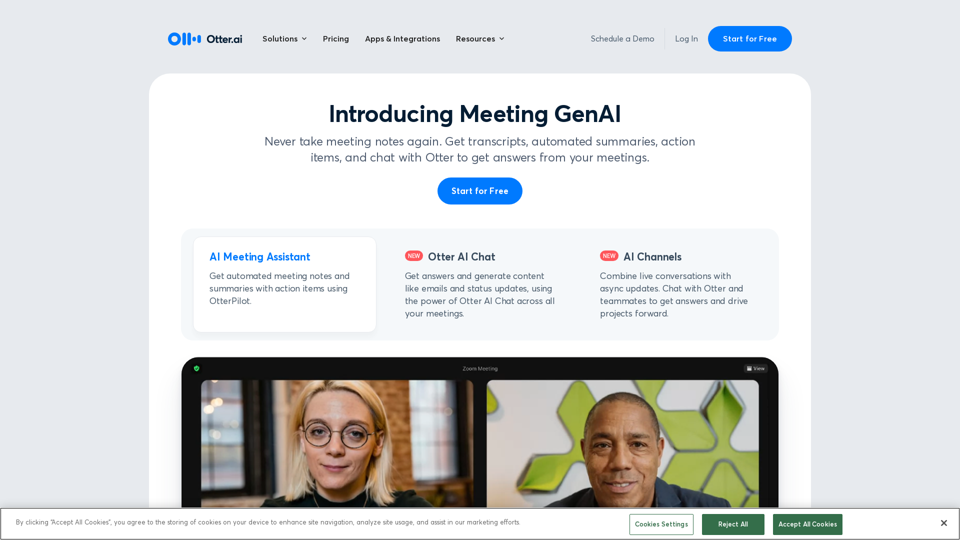
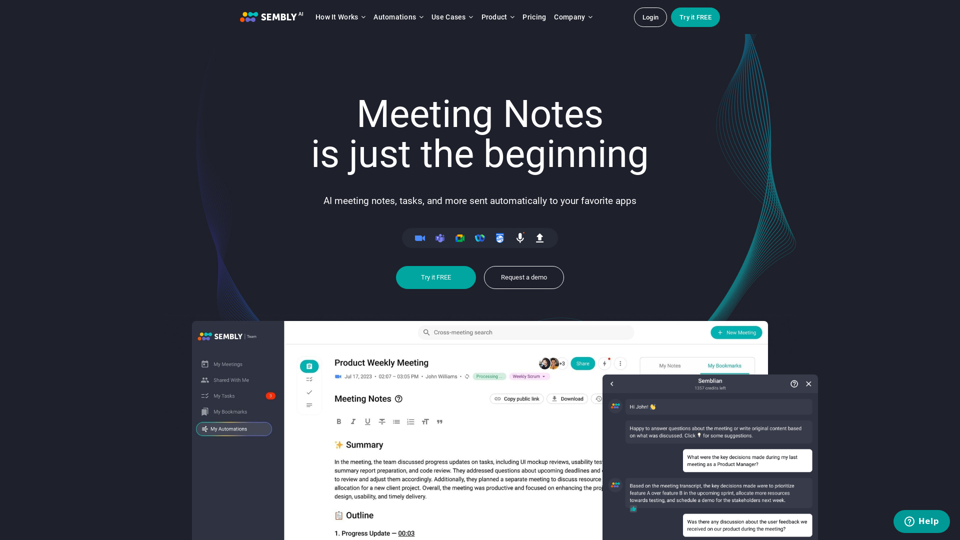
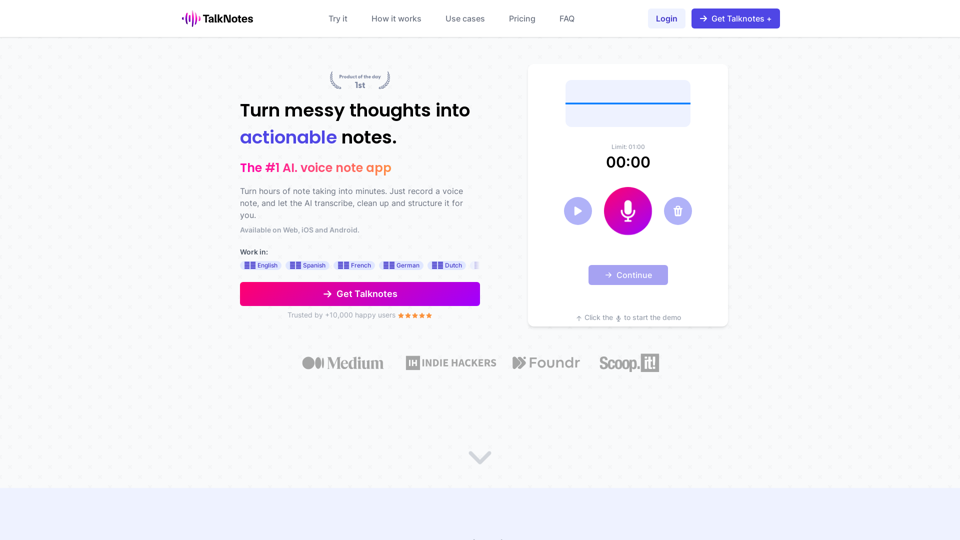
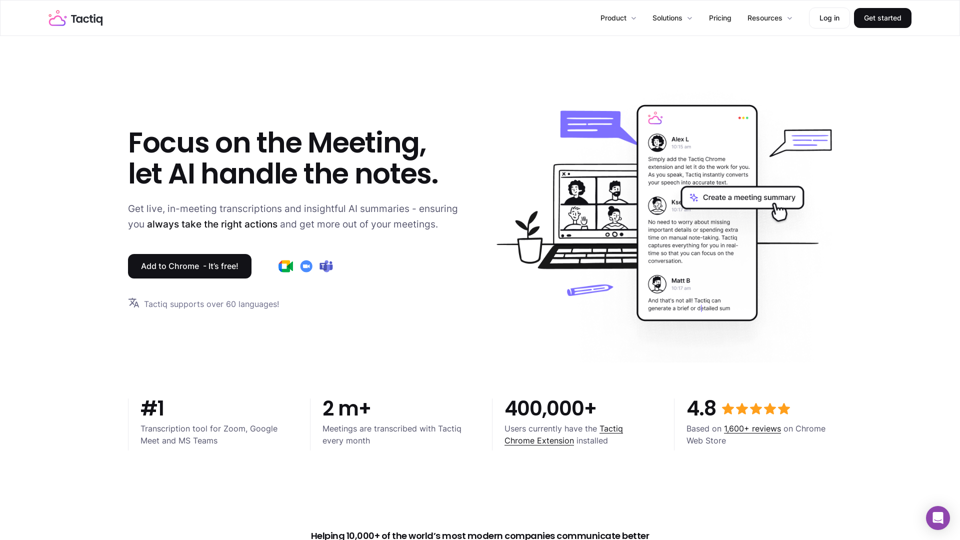
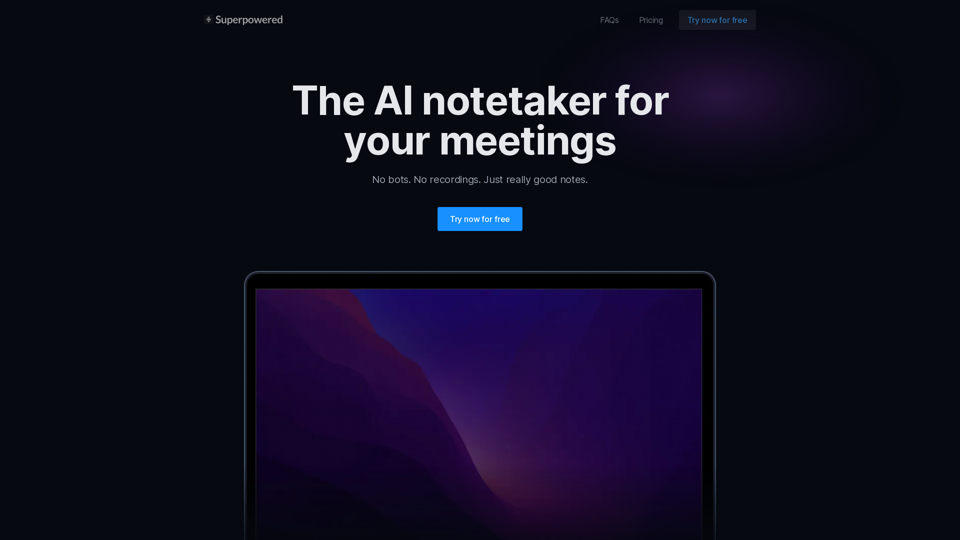
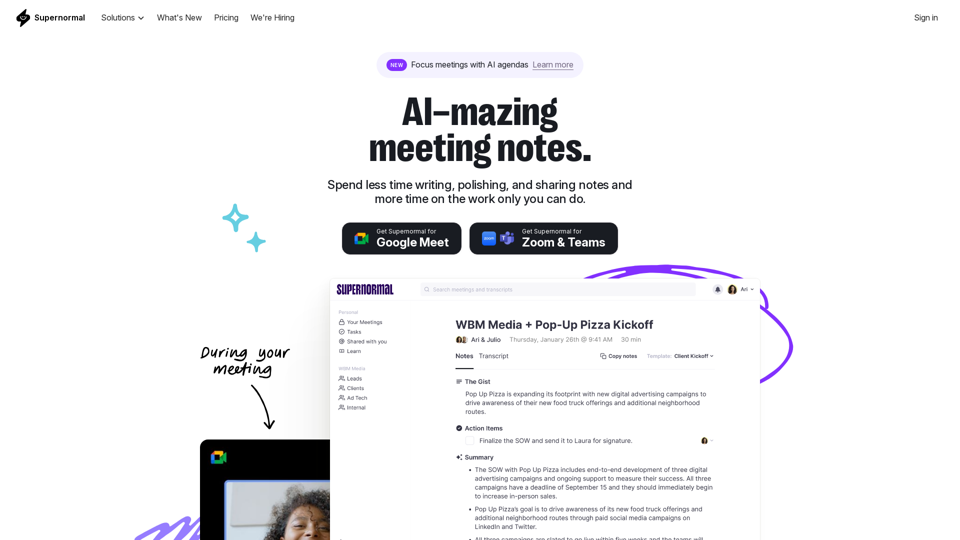
Supernormal是您的一站式会议管理解决方案。我们的Supernormal AI记事员和Supernormal Chrome扩展程序可无缝处理Google Meet、Zoom和Teams上的会议转录。通过Google Meet转录、Zoom转录和Teams转录选项,轻松转录、录制和分享会议纪要。借助Supernormal,您的会议纪要、会议转录和会议录制需求都能轻松满足。此外,我们与Google Drive、Notion、Quip、Slack、Hubspot、Salesforce等工具的集成让协作变得轻而易举。用Supernormal AI提升您的会议体验!