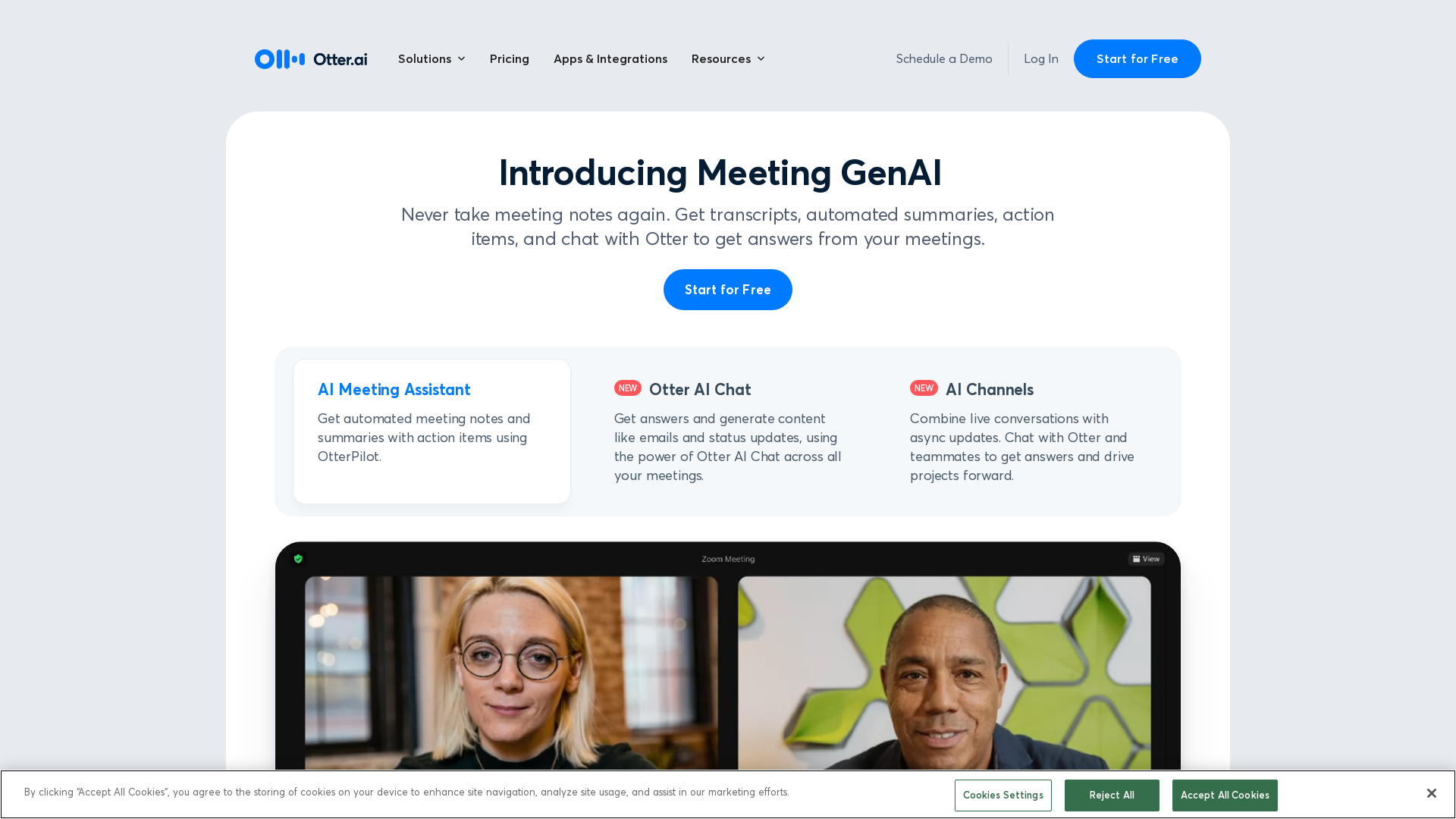
What is Otter.ai?
Otter.ai is an innovative AI meeting note taker and real-time transcription service that automates the process of capturing meeting notes, action items, and summaries. Designed to improve productivity and collaboration, Otter.ai can be integrated with popular video conferencing platforms such as Zoom, Google Meet, and Microsoft Teams, ensuring that no important details are missed during discussions.
What are the main features of Otter.ai?
-
Real-Time Transcription: Automatically transcribes meetings, providing accurate notes and summaries in real-time.
-
Action Item Assignment: Identifies and assigns action items during meetings, keeping teams aligned on next steps.
-
Meeting Integration: Seamlessly integrates with tools like Salesforce, HubSpot, and Slack for efficient workflow management.
-
Live Summary: Provides a 30-second summary of a one-hour meeting, ensuring that team members are always up to date.
-
AI Meeting Assistant: Automates the process of generating follow-up emails and content from meetings.
How to use Otter.ai?
Using Otter.ai is simple and user-friendly. Here’s how you can start:
-
Sign Up: Create an account on the Otter.ai platform or download the mobile app.
-
Integration: Connect Otter.ai with your preferred video conferencing tool, such as Zoom or Microsoft Teams.
-
Join Meetings: OtterPilot will auto-join your meetings to transcribe them live.
-
Access Notes: After the meeting, access the transcripts, summaries, and action items through the Otter.ai dashboard or app.
-
Collaboration: Share the notes with team members or export them to your preferred platforms for further integration.
What is the pricing for Otter.ai?
Otter.ai offers flexible pricing plans to accommodate various user needs. The basic plan is available for free with limited features, while premium subscriptions offer enhanced capabilities, including extended transcription time and advanced integrations. Pricing options typically include:
-
Basic Plan: Free with limited features.
-
Pro Plan: Monthly or yearly subscription with additional benefits.
-
Business Plan: Designed for teams, with enterprise features and integrations.
Helpful Tips for Using Otter.ai
-
Take Advantage of Integrations: Connect Otter.ai with Slack or your CRM to streamline your workflow and maximize productivity.
-
Explore Shortcuts: Familiarize yourself with keyboard shortcuts to navigate the app more efficiently.
-
Use Labels: Organize your notes by labeling them for easier retrieval later.
-
Review and Edit: After meetings, review and edit transcriptions for clarity, ensuring all important points are captured accurately.
Frequently Asked Questions
Can Otter.ai be used for educational purposes?
Yes, Otter.ai is beneficial for both educators and students as it provides real-time transcriptions and captions for lectures, ensuring accessibility and improved learning experiences.
Is it possible to edit transcripts after a meeting?
Absolutely! Otter.ai allows users to edit the transcripts post-meeting for accuracy and to add any additional notes or comments.
Does Otter.ai store my meeting data?
Yes, Otter.ai stores your meeting notes and transcripts securely in the cloud, allowing you to access them anytime and maintain a comprehensive history of discussions.
Can I use Otter.ai on my mobile device?
Yes, Otter.ai is available on iOS and Android devices, enabling users to take notes and access their transcripts on the go.
What languages does Otter.ai support?
Currently, Otter.ai primarily supports English, but the platform is continually evolving, and additional language support may be added in the future.