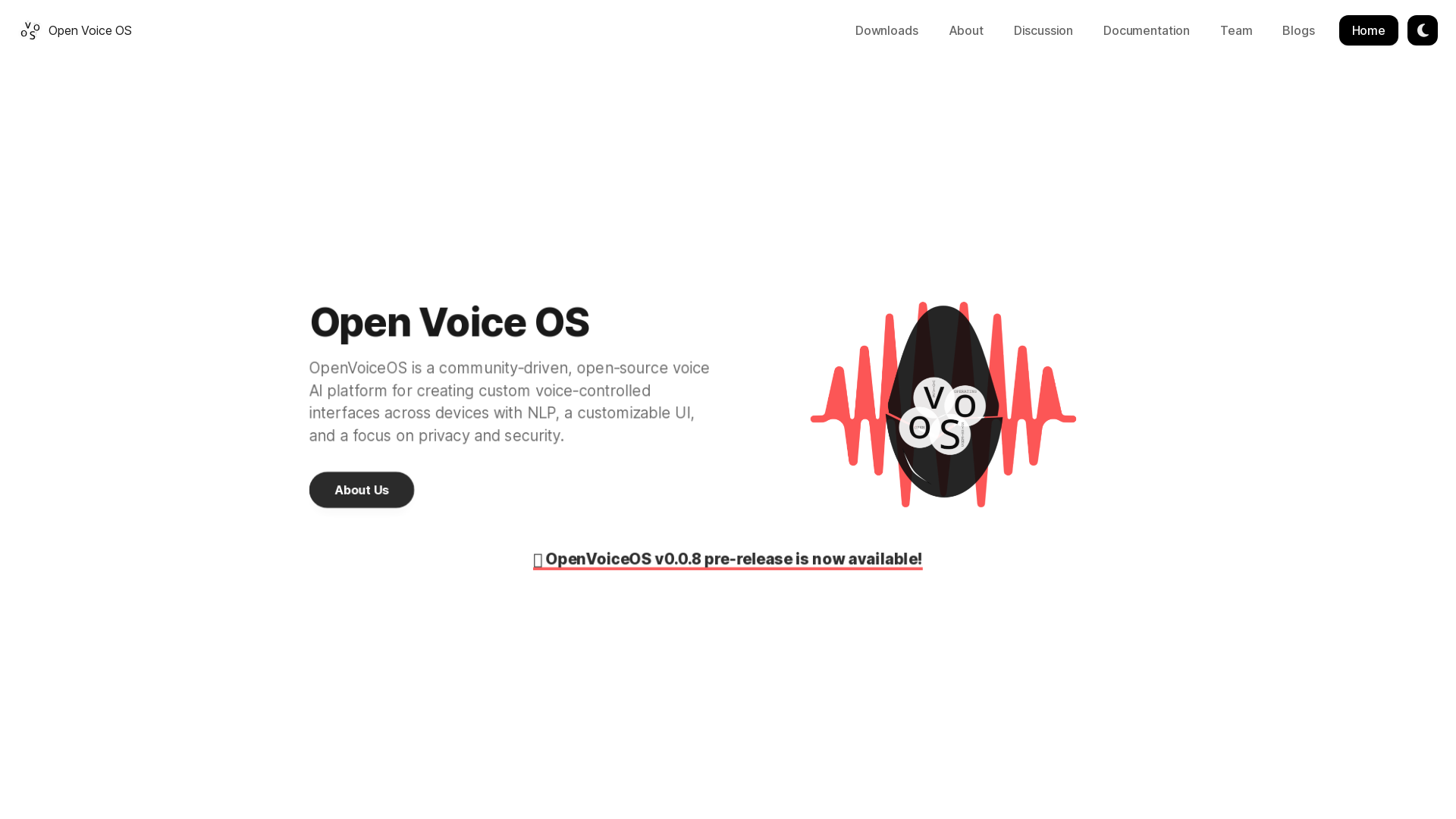
Open Voice OS is a community-driven, open-source voice AI platform designed for creating custom voice-controlled interfaces across various devices using Natural Language Processing (NLP). It emphasizes a customizable user interface with a strong focus on privacy and security, making it suitable for developers and users alike who value control over their technology.
Features of Open Voice OS
Community-Driven Development: Built by developers worldwide from diverse Linux and Free and Open Source Software (FOSS) communities, making it a versatile tool.
Multi-Platform Compatibility: Suitable for use on embedded headless devices or single-board computers, allowing users to create their own smart speakers and enhance their voice technology experience.
Experimental Features: Users can try out experimental functionalities, making it a testing ground for innovative solutions before they are integrated into upstream projects.
Do-It-Yourself (DIY) Approach: Open Voice OS invites contributions from developers looking to support specific devices or platforms, bolstering community engagement.
How to Use Open Voice OS
Getting started with Open Voice OS is straightforward. Users can install OVOS through two main methods:
Docker: For a stable and straightforward installation, Docker provides an easy path.
Python Virtual Environment: For developers who want to delve into the code, this method allows for greater customization and experimentation.
To install, simply run the following command in your terminal:
For users with Raspberry Pi or Mycroft® devices, there is a prebuilt image available, optimized for these systems.
Pricing
Open Voice OS is free to use, as it is an open-source platform. There are no hidden fees or subscriptions required, making it an excellent choice for developers and users who prefer transparent and accessible software solutions.
Helpful Tips
Experiment Freely: Take advantage of Open Voice OS's experimental features to test new ideas and functionalities before they're fully released.
Engage with the Community: Join discussions, report bugs, and suggest improvements to contribute to the evolution of Open Voice OS.
Explore Documentation: Utilize the extensive documentation available to understand the best practices and maximize the use of Open Voice OS features.
Frequently Asked Questions
Q: How did Open Voice OS start?
Open Voice OS originated as MycroftOS but evolved into its own entity to allow for more flexibility and to avoid trademark issues. The project has expanded significantly with contributions from community members.
Q: What is the relationship between Open Voice OS and Mycroft?
While both projects are independent, Open Voice OS initially wrapped Mycroft-core and has since developed its own core with enhanced functionalities, maintaining compatibility.
Q: Does Open Voice OS work offline?
By default, OVOS can operate without internet access, although certain skills may require an online connection. There are also options for offline speech-to-text functionalities.
Q: How can I contribute to Open Voice OS?
Contributions can be made in various forms, including testing, bug reporting, writing documentation, and code contributions. More details can be found in the documentation.
For further questions or support, feel free to reach out via GitHub, our Documentation, or through Discussion. We welcome your involvement in making Open Voice OS an even better platform!