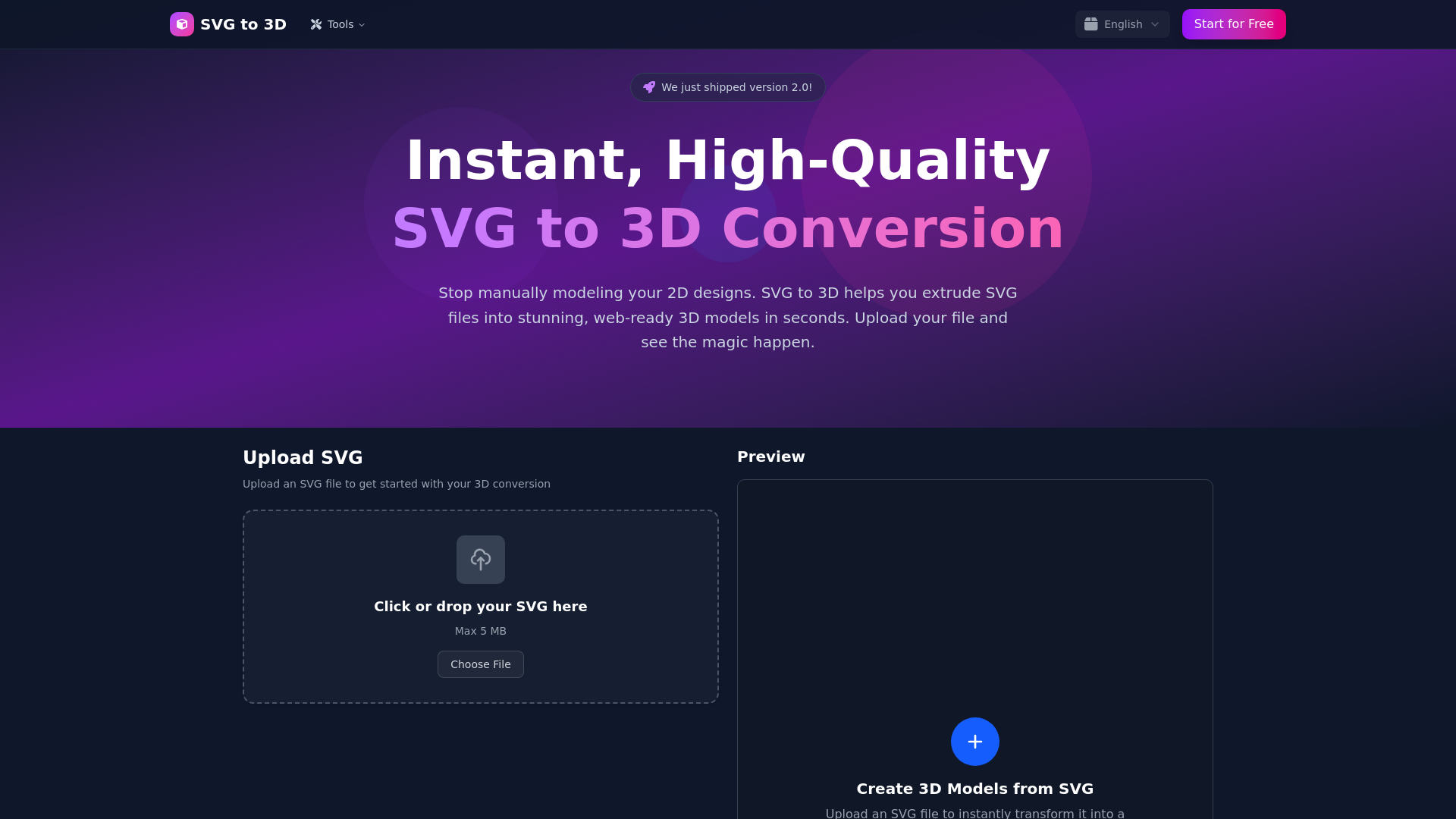
What is SVG to 3D Converter?
SVG to 3D Converter is a powerful online tool designed to transform your 2D SVG designs into stunning 3D models in just seconds. With high-quality output, it allows users to create web-ready models without the hassle of complicated software or extensive training.
What are the main features of SVG to 3D Converter?
-
Instant and High-Quality Conversion: Transform SVG files into 3D models quickly and effortlessly.
-
Advanced Controls: Offers fine-tuning options for thickness, bevels, and realistic materials, ensuring your model stands out.
-
Multiple Export Formats: Supports exporting models in GLB, GLTF, OBJ, and STL formats, perfect for various applications such as 3D printing and web development.
-
Lightning-Fast Processing: Optimized algorithms provide rapid conversion times, allowing you to focus on what matters.
-
Privacy & Security: All file processing occurs locally in your browser, ensuring that your designs remain private.
How to use SVG to 3D Converter?
Using SVG to 3D Converter is easy and intuitive:
-
Upload Your SVG File: Simply drag and drop your SVG file (up to 5 MB) or paste the SVG code directly into the editor.
-
Adjust 3D Settings: Utilize user-friendly sliders to manage thickness, add bevels, and apply materials. You'll see a real-time 3D preview of your adjustments.
-
Download Your 3D Model: Once satisfied with your design, export your created model in your desired format, such as GLB, GLTF, OBJ, or STL.
Price
SVG to 3D Converter is completely ### free. All features are accessible to every user without any subscription costs, making it an invaluable tool for designers, developers, and creators alike.
Helpful Tips
- Take advantage of the ### real-time preview feature to visualize changes before finalizing your model.
- Experiment with ### advanced material settings to add depth and realism to your designs.
- For designers working with React, utilize the ### GLB export to seamlessly integrate 3D models into your applications.
Frequently Asked Questions
What are the supported export formats?
The tool supports GLB, GLTF, OBJ, and STL export formats, making it versatile for different project requirements.
Is this online SVG to 3D generator free?
Absolutely! SVG to 3D Converter is free to use, with all features available to every user without any hidden fees.
How does the tool handle complex SVGs?
Our intelligent parser effectively manages complex SVGs, allowing you to either merge paths or extrude them as separate 3D models.
Can I use this for my React Three Fiber project?
Yes, the GLB files exported from our tool are perfectly compatible for use in React components.
Are there file size limits?
Yes, you can upload SVG files up to 5 MB, which covers the needs of most users.
Do you store my uploaded files?
Your privacy is our priority. Files are processed locally when possible, and any server-side processing is temporary with automatic deletion within 24 hours.
Experience the ease of transforming your SVG designs into high-quality 3D models with SVG to 3D Converter and elevate your creative projects!