What is Meshy?
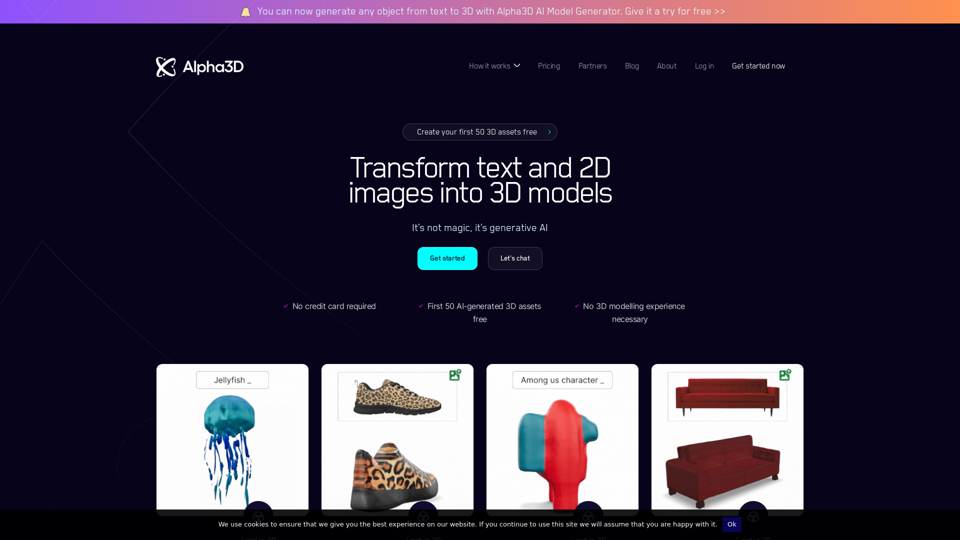
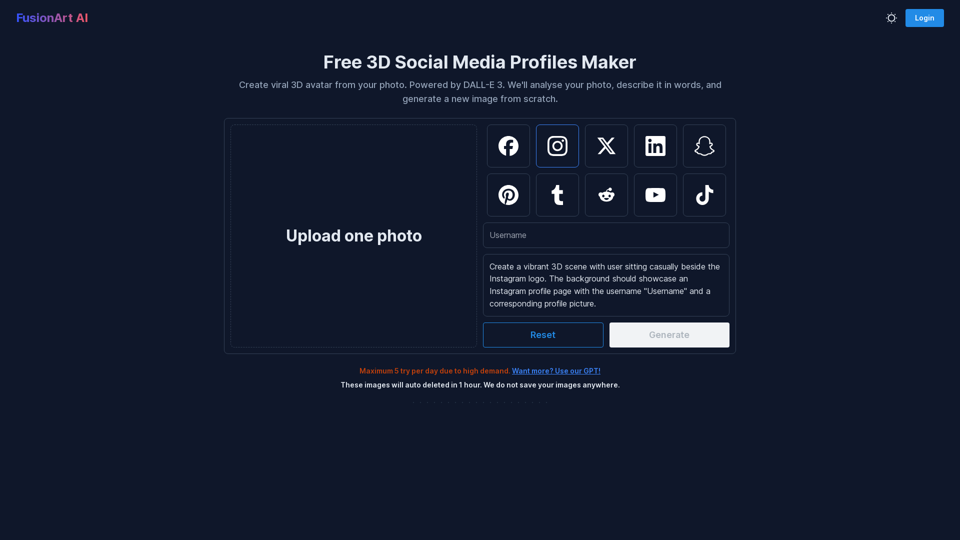
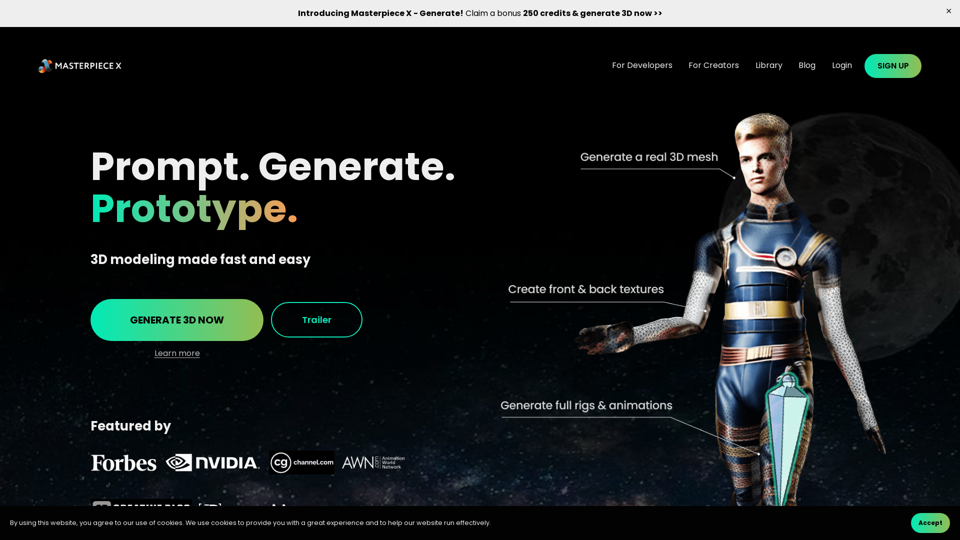
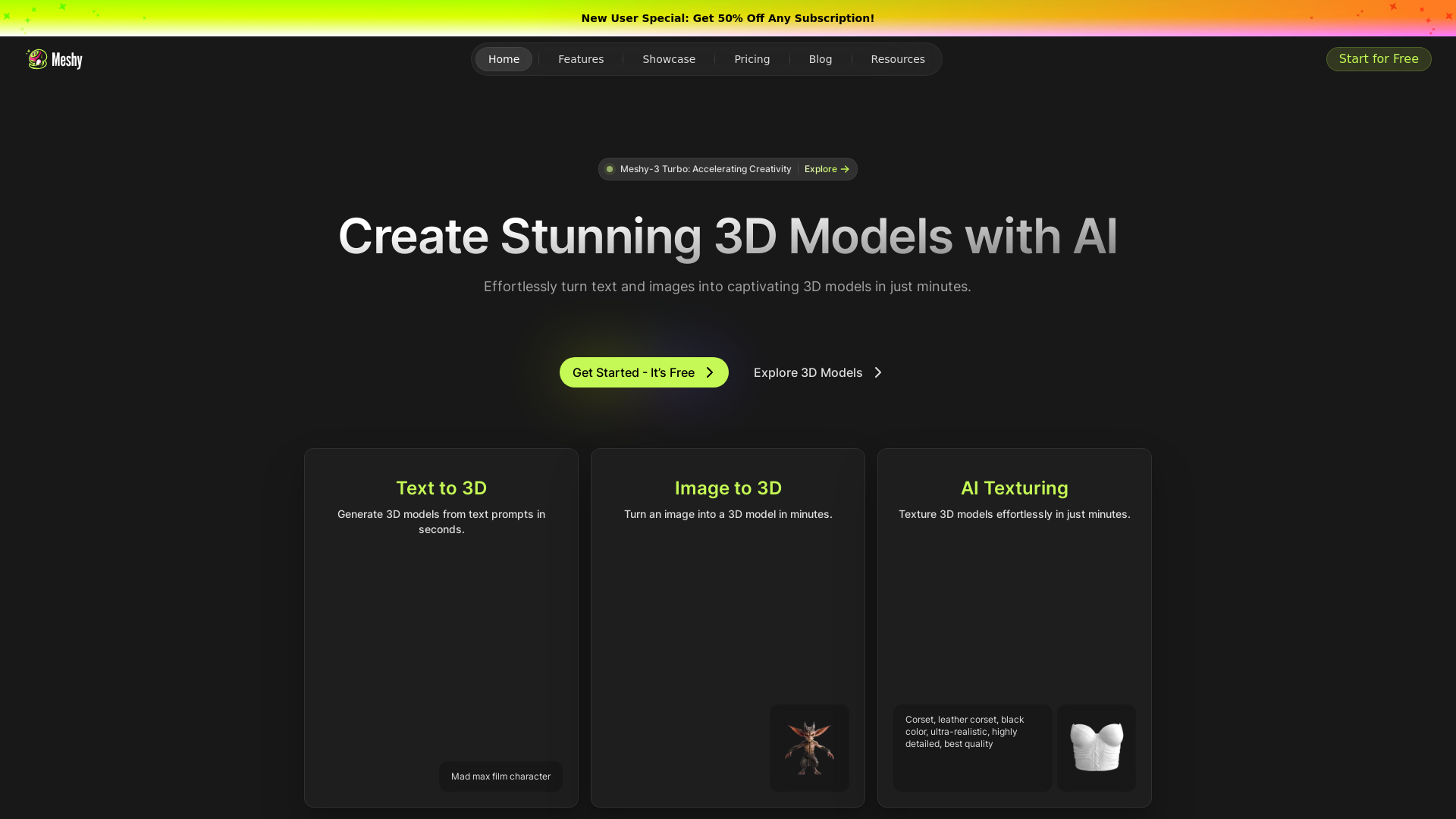
Meshy is a powerful AI-driven platform designed for creating stunning 3D models effortlessly. By combining text prompts and images, users can generate intricate 3D designs in just minutes. It also supports various categories, making it easy to produce models for art, architecture, nature, and much more.
What are the main features of Meshy?
-
Text to 3D: Generate high-quality 3D models from various text prompts almost instantly.
-
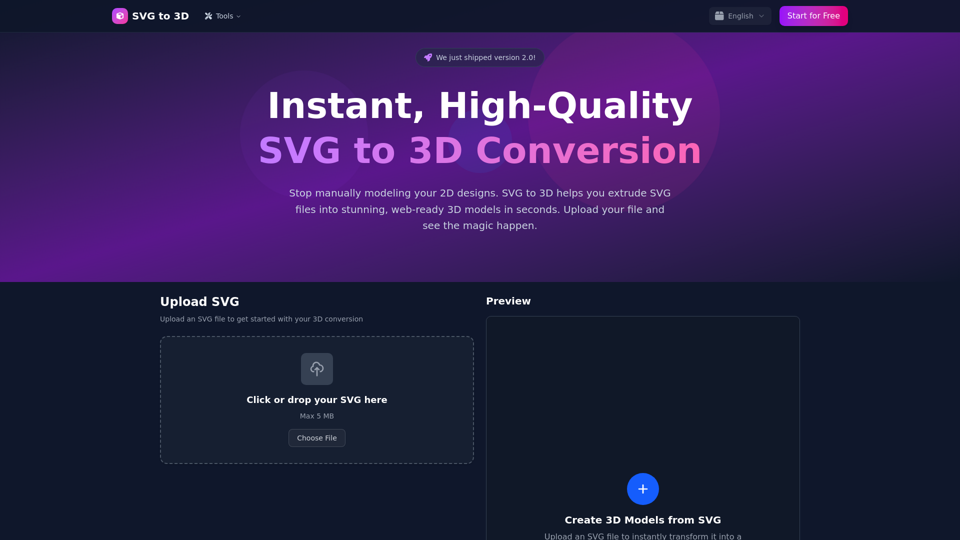
Image to 3D: Convert images into detailed 3D models in minutes, enhancing creativity and productivity.
-
AI Texturing: Automatically texture your 3D models without needing deep expertise in modeling or UV mapping.
-
Lightning Speed: Models can be created in a fraction of the time typically required for traditional 3D modeling.
-
Multilingual Support and API integration: Meshy allows global access to its features and facilitates seamless integration into your applications and workflows.
How to use Meshy?
Using Meshy is simple and intuitive. Just follow these steps:
-
Start for Free: Sign up on the Meshy platform and explore the features available.
-
Choose Your Option: Select whether to create a model from text or an image.
-
Input Prompts: Enter your text prompts or upload images as per your model creation needs.
-
Generate Models: Within minutes, your 3D model will be ready for use.
-
Texture the Model: Apply textures easily with Meshy’s AI texturing capabilities.
Pricing
Meshy offers a variety of subscription plans to cater to different needs:
-
Free Trial: Get started at no cost to explore the basic features of the platform.
-
New User Special: Enjoy a 50% discount on any subscription during your initial sign-up.
- Various premium plans provide extended features and capabilities, perfect for professional users and businesses.
Helpful Tips
-
Experiment with Prompts: Play around with different text prompts to see how they affect your 3D model results.
-
Join the Community: Engage with other creators on the Meshy platform to gain inspiration and collaborate.
-
Leverage Tutorials and Resources: Utilize the extensive documentation and tutorials available to maximize your use of the platform.
-
Keep Your Software Updated: Regularly check for updates to Meshy's plugins for Blender and Unity for optimal performance.
Frequently Asked Questions
Can I generate textures for my existing models?
Yes, Meshy allows users to import their own models and apply AI-generated textures seamlessly.
Is Meshy suitable for beginners?
Absolutely! The user-friendly interface requires no advanced modeling skills, making it accessible for creators at any level.
What types of 3D models can I create?
You can create a wide variety of 3D models ranging from characters, vehicles, and nature to abstract art and architectural designs.
Will my information be secure on Meshy?
User privacy and data security are paramount. Meshy ensures that your personal information is confidential and not used for any advertising or external purposes.
When should I consider a paid subscription?
If you find yourself reaching the limits of the free tier or if you require advanced features, a paid subscription may be the best choice to enhance your 3D modeling experience.