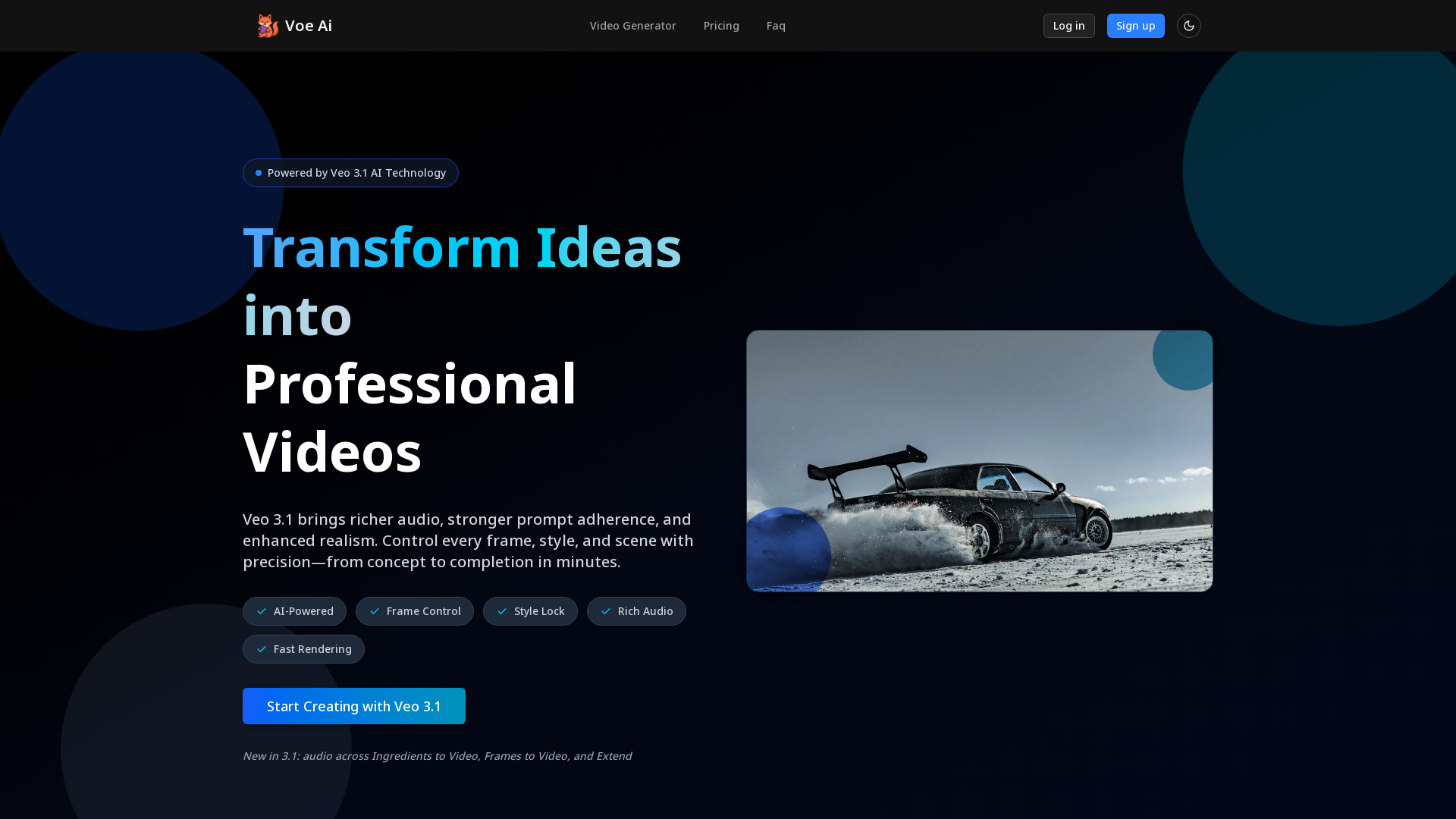
What is Veo 3.1?
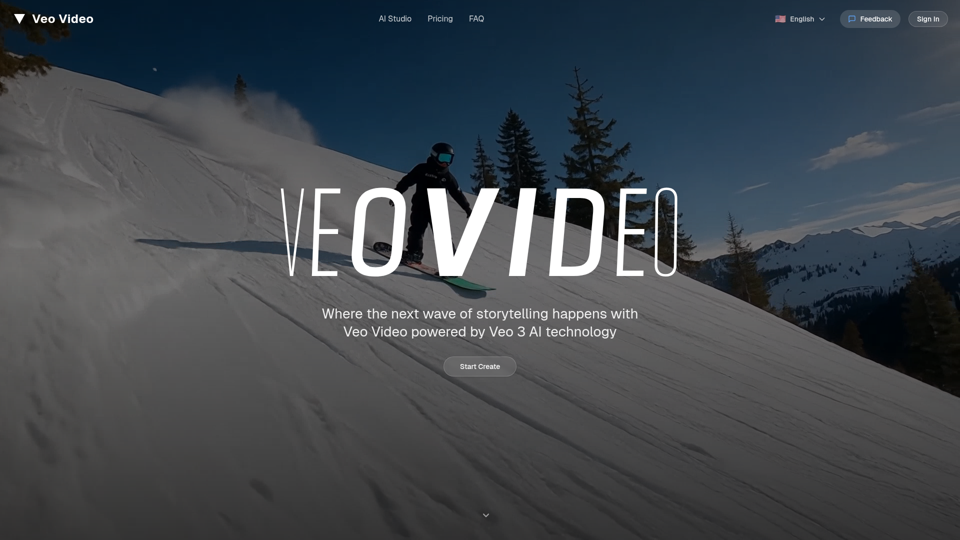
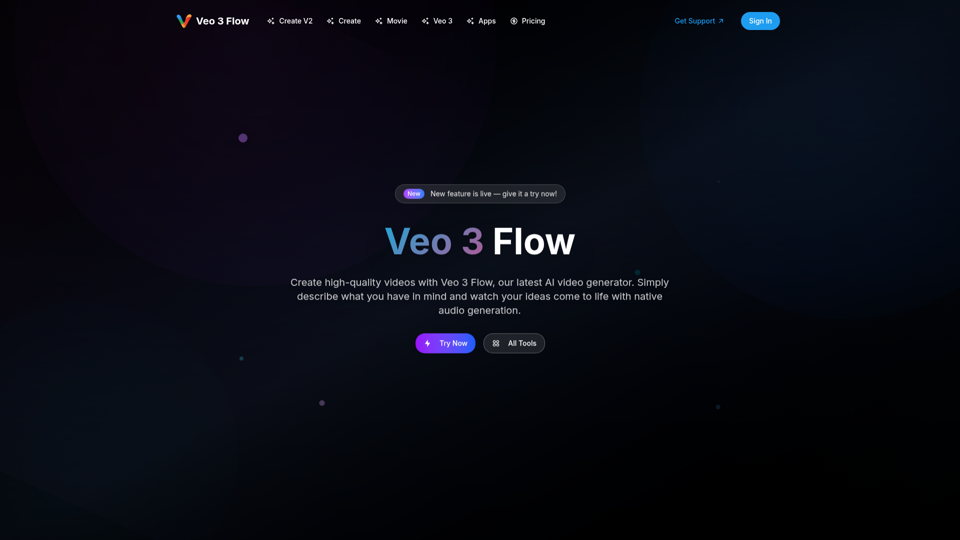
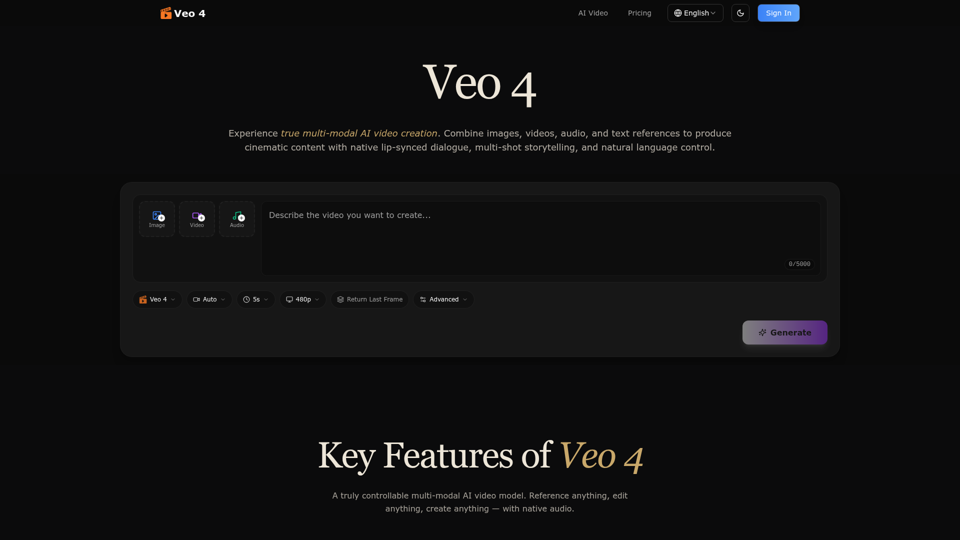
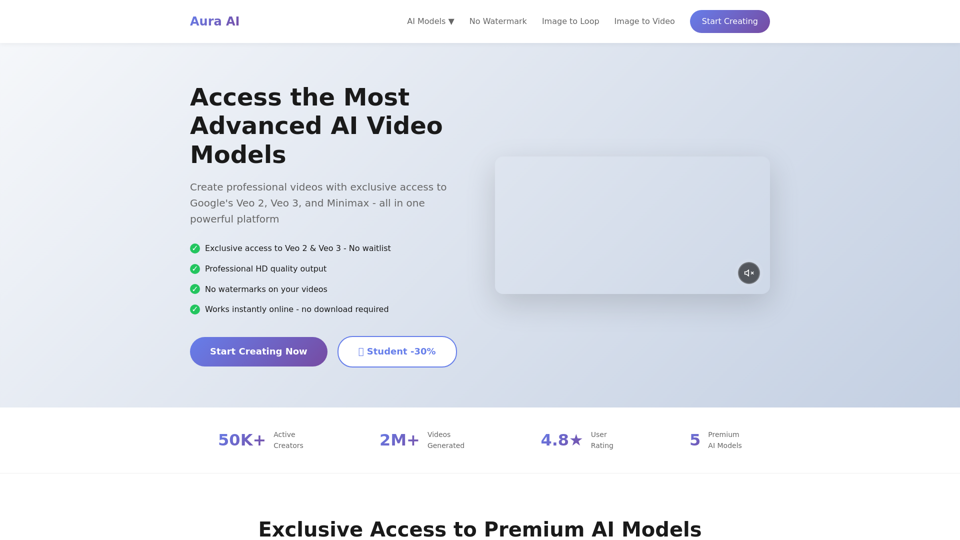
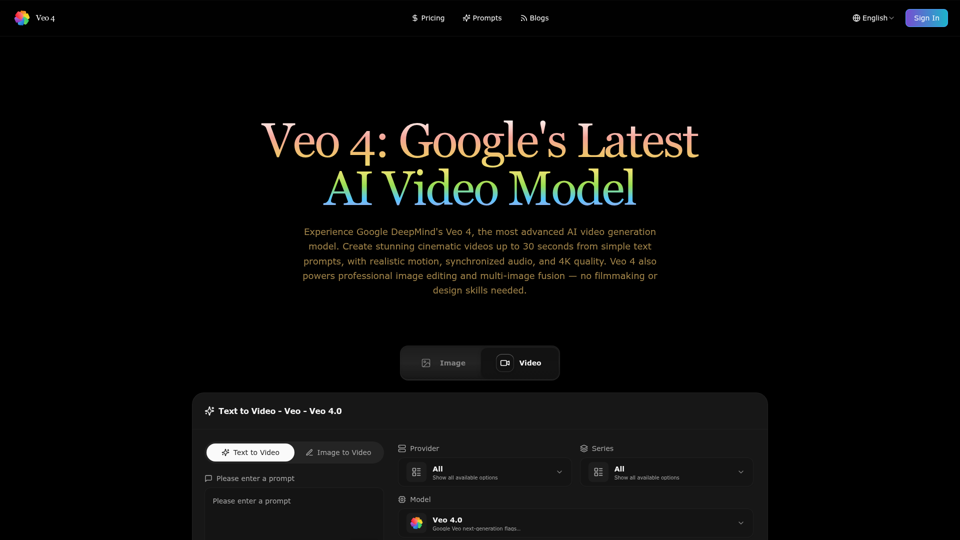
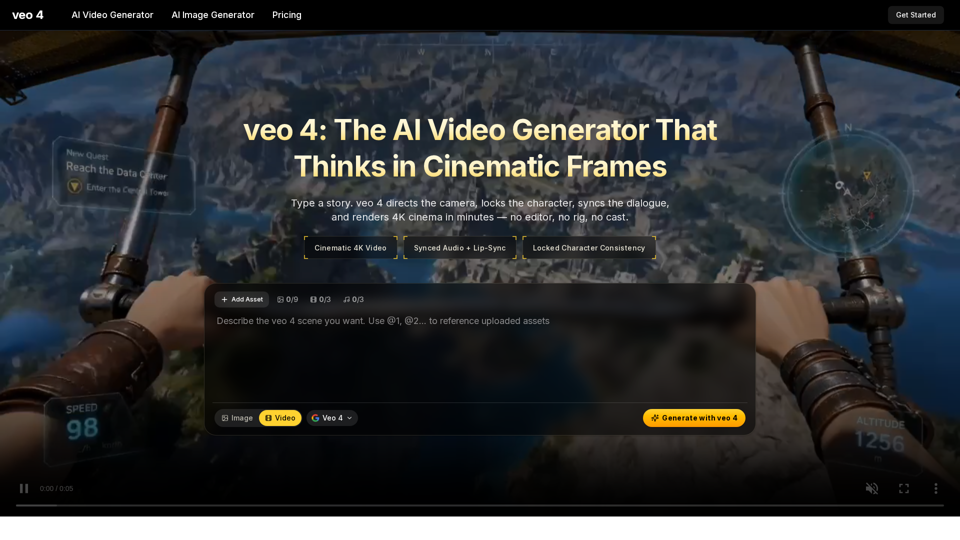
Veo 3.1 is an AI-powered video generation platform that enables users to transform their ideas into professional-quality videos in just minutes. With advanced features such as richer audio, strong prompt adherence, and enhanced realism, Veo 3.1 allows for complete control over every frame, style, and scene.
Main Features of Veo 3.1
-
Advanced AI Video Generation: Unmatched capabilities in transforming text and images into high-quality videos.
-
Frame Control: Precise control over every frame to create seamless transitions and polished outputs.
-
Rich Audio: Enhanced multi-layer audio for a more immersive viewing experience.
-
Fast Rendering: Quickly deliver video content that meets professional standards.
-
Flexible Generation Modes: Multiple methods of video creation, including text-to-video, ingredients to video, and frame controls.
How to Use Veo 3.1?
Using Veo 3.1 is straightforward and user-friendly:
-
Describe your idea or script: Simply type a brief or paste existing content into Veo 3.1.
-
Direct the video creation: Write prompts, upload reference images, or combine both to guide the creation process.
-
Deliver your video: Render videos in under a few minutes and export in various aspect ratios such as 16:9, 1:1, and more.
Pricing
Veo 3.1 offers several subscription plans to cater to different user needs:
-
Starter Plan: $9.9/month with 60 credits (approximately 20 videos).
-
Pro Plan: $23.9/month offering 150 credits (approximately 50 videos), best for individual creators and small teams.
-
Studio Plan: $39.9/month providing 270 credits (approximately 90 videos), ideal for professional creators with high-frequency generation needs.
Helpful Tips
-
Test Features: Take advantage of the trial period to assess which features suit your needs best.
-
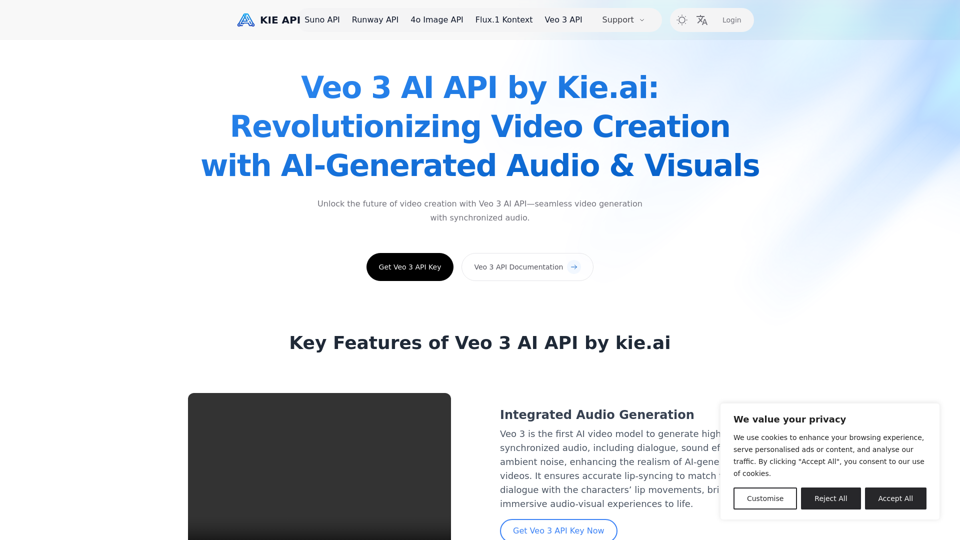
API Access: For developers, Veo 3.1 is accessible via the Gemini API 2 and Vertex AI.
-
Optimize for Social Media: Use the various aspect ratios to create content tailored for platforms like Instagram, YouTube, and Facebook.
Frequently Asked Questions
-
Can I use Veo 3.1 videos commercially?
Yes, the videos generated can be used for commercial purposes.
-
Do I need editing experience with Veo 3.1?
No editing experience is required; the intuitive interface allows for easy video creation.
-
Which lengths and formats does Veo 3.1 support?
Veo 3.1 supports multiple formats and can generate videos of varying lengths, accommodating both short and long-form content.
-
Will my prompts or assets train the Veo 3.1 model?
Regular user prompts and assets are not used for training the model, ensuring your input remains private.
-
Is this affiliated with Google?
No, Veo 3.1 operates independently and is not affiliated with Google.
Explore the seamless experience of video creation with Veo 3.1 and bring your ideas to life!