What is Wizardshot?
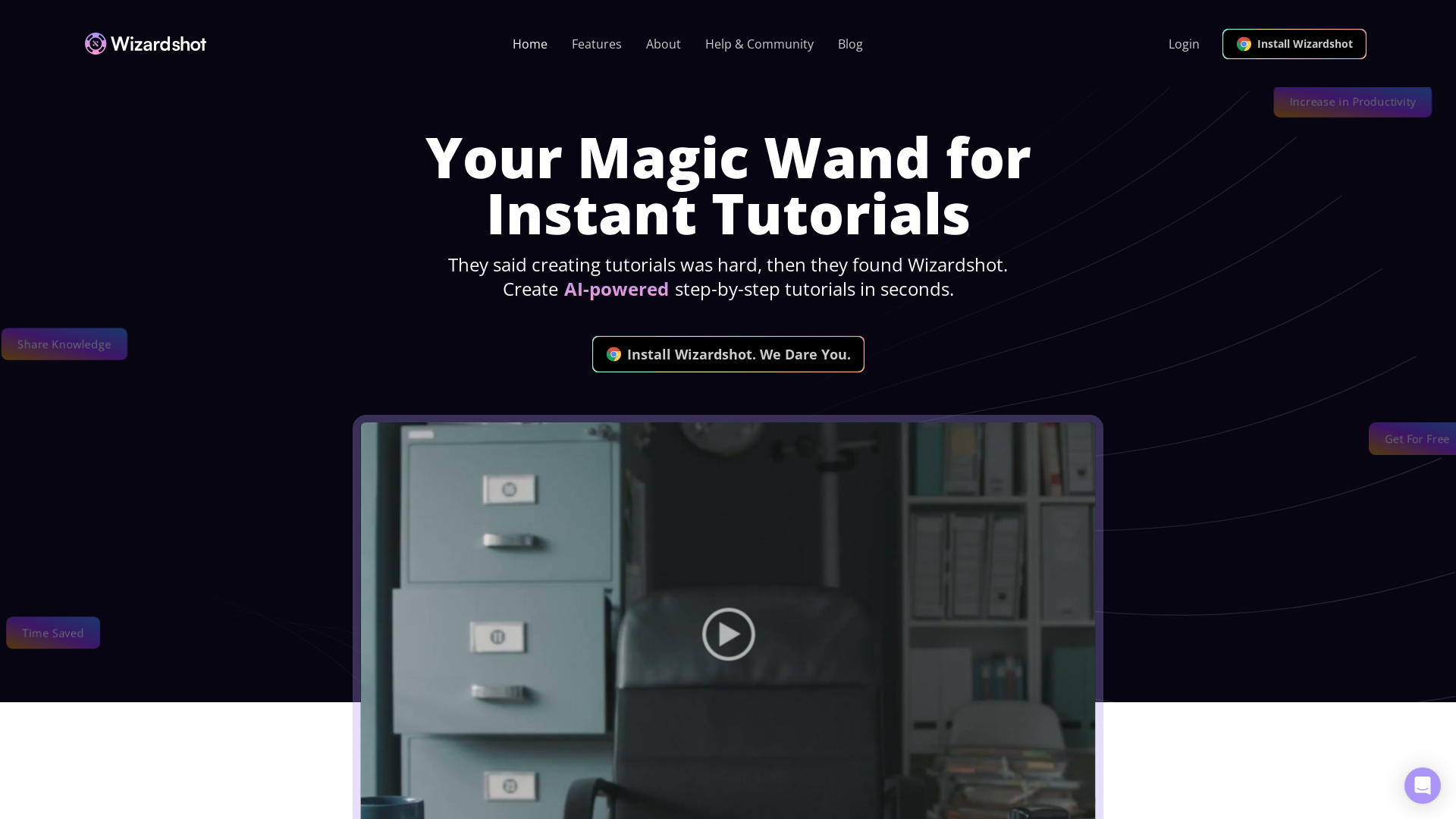
Wizardshot is an innovative web app and Chrome extension designed to simplify the process of creating AI-powered step-by-step tutorials. By using screen capture technology, users can transform their screen activities into structured tutorials in just moments, allowing for easy sharing and collaboration.
What are the main features of Wizardshot?
-
Instant Tutorial Creation: Generate step-by-step tutorials in seconds using a simple capture process.
-
Integration with Knowledge Bases: Seamlessly incorporate tutorials into your existing workflow and knowledge management systems.
-
Export Options: Export your tutorials to PDF or DOC formats for offline sharing and documentation.
-
Enhanced Editing Capabilities: Use an easy-to-navigate editor to embed videos and convert steps into GIFs to make tutorials more engaging.
-
Privacy Controls: Utilize features like access restriction and blur sensitive information to maintain privacy and security.
-
Analytics Dashboard: Gain insights into the effectiveness of your tutorials and identify areas for improvement.
-
Collaboration Tools: Collaborate with team members by inviting them to contribute to tutorials and restrict access when needed.
How to use Wizardshot?
Creating your first tutorial with Wizardshot is a breeze:
- Install the Wizardshot Chrome extension.
- Click the "Capture" button to record your screen and the actions you want to present.
- Let Wizardshot transform your recording into a structured tutorial ready to share.
How much does Wizardshot cost?
Wizardshot is offered completely free of charge. The developers have designed the tool to minimize operating costs, ensuring that users can access all its features without a fee. While Wizardshot is free, they do encourage interested users to explore their other tools, such as Helpjuice, which is a paid product closely integrated with Wizardshot.
Helpful Tips for Using Wizardshot
-
Capture High-Quality Screens: Ensure a clear display and good resolution for your screen captures for the best tutorial output.
-
Engage Your Audience: Use the editor to add multimedia elements, making your tutorials more interactive and visually appealing.
-
Utilize Analytics: Regularly check your tutorial analytics to understand what works and what needs improvement.
-
Collaborate Effectively: Leverage the collaboration features to unify your team in creating comprehensive documentation.
Frequently Asked Questions
What is Wizardshot?
Wizardshot is a powerful web app and Chrome extension that allows users to create step-by-step tutorials by capturing screen actions effortlessly.
Why is Wizardshot free?
Wizardshot is provided for free as the developers believe in demonstrating their value first. The main costs are minimal due to the efficient architecture of the Chrome extension.
Is my data secure with Wizardshot?
Yes, Wizardshot takes data security seriously by employing industry-standard encryption and strict access controls, ensuring your information remains private.
How quickly can I create a tutorial?
With Wizardshot, you can create tutorials in just three clicks: capturing your screen, processing the video, and exporting the tutorial.
Can I integrate Wizardshot with other tools?
Absolutely! Wizardshot allows for easy integration with knowledge bases, which enhances your workflow and documentation processes.