What is YouTubeToWAV?
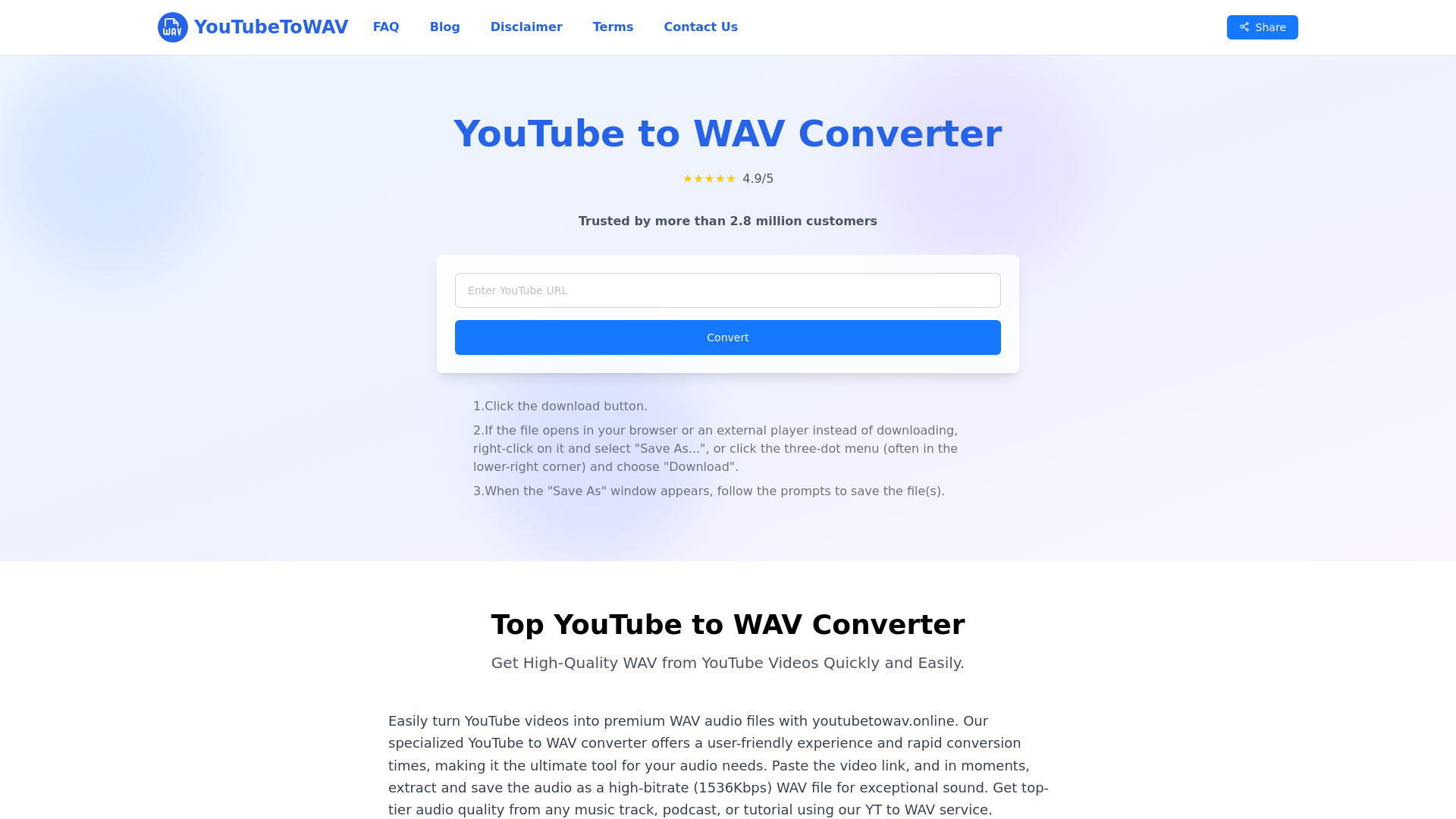
YouTubeToWAV is a comprehensive online tool that allows you to convert YouTube videos into high-quality WAV audio files. This free platform offers an intuitive interface and rapid conversion times, making it the go-to choice for anyone who needs to extract audio from videos quickly and efficiently. With just a link, you can easily turn any YouTube content into crystal-clear audio suitable for professional and personal use.
Main Features of YouTubeToWAV
-
100% Free Service: Enjoy all features without any cost or hidden fees.
-
Fast and Secure: Experience rapid downloads with your data safety assured throughout the process.
-
User-Friendly Interface: Navigate the platform effortlessly thanks to its straightforward design.
-
Top-Quality Sound: Convert videos into high-fidelity WAV files with exceptional sound quality.
-
Broad Format Support: Besides WAV, the converter supports various formats including MP3, FLAC, and OGG.
-
No Registration Required: Start converting immediately without the need to create an account.
-
Regular Updates: Benefit from continuous improvements and new features added to the platform.
-
Ad-Free Experience: Enjoy a seamless conversion process without annoying advertisements.
-
Universal Access: Compatible with desktops, mobile devices, and all platforms.
-
Unlimited Usage: Convert as many videos as you want without facing any restrictions.
-
Batch Processing: Save time by converting multiple videos to WAV format simultaneously.
-
Cloud Connectivity: Easily upload your completed files to services like Google Drive and Dropbox for added convenience.
How to Use YouTubeToWAV
-
Step 1: Copy YouTube Link
Find the YouTube video you wish to convert and copy its URL.
-
Step 2: Paste Link in Tool
Insert the copied link into the input field of the converter.
-
Step 3: Begin Conversion
Click the button to process the link and fetch video details.
-
Step 4: Convert to WAV
Press the download button to initiate the conversion to WAV format.
-
Step 5: Save File
Once the conversion is complete, click the download button again to save the WAV file to your device.
Pricing
YouTubeToWAV stands out as a completely free online converter, allowing users to convert any number of YouTube videos into WAV files at no charge. This makes it an ideal choice for those who want quality audio output without the burden of subscription fees.
Helpful Tips
-
Audio Quality: Ensure you select videos that are uploaded in high quality to achieve the best audio output.
-
Batch Processing: Take advantage of the batch conversion feature to save time when converting multiple files.
-
Offline Listening: Download WAV files to listen to your favorite content offline without interruptions.
-
File Naming: Properly name your files during saving to keep your downloads organized.
Frequently Asked Questions
How can videos be converted to WAV format using YouTubeToWAV?
Simply copy the video URL, paste it into the tool, and follow the on-screen instructions to convert.
Does YouTubeToWAV cost anything to use?
No, YouTubeToWAV is entirely free to use with no hidden charges.
Are there any limits on the number of conversions?
There are no limits; you can convert as many videos as you wish.
Is account registration required to use the tool?
No account registration is needed to use YouTubeToWAV.
Does the tool support formats besides WAV?
Yes, YouTubeToWAV supports multiple formats including MP3, FLAC, and OGG.
What is the quality of the converted audio files?
The converted files are of high-fidelity WAV quality, providing superior sound.
Is YouTubeToWAV secure to use?
Yes, YouTubeToWAV prioritizes user privacy and data security throughout the conversion process.