什么是 AI Convert Hub?
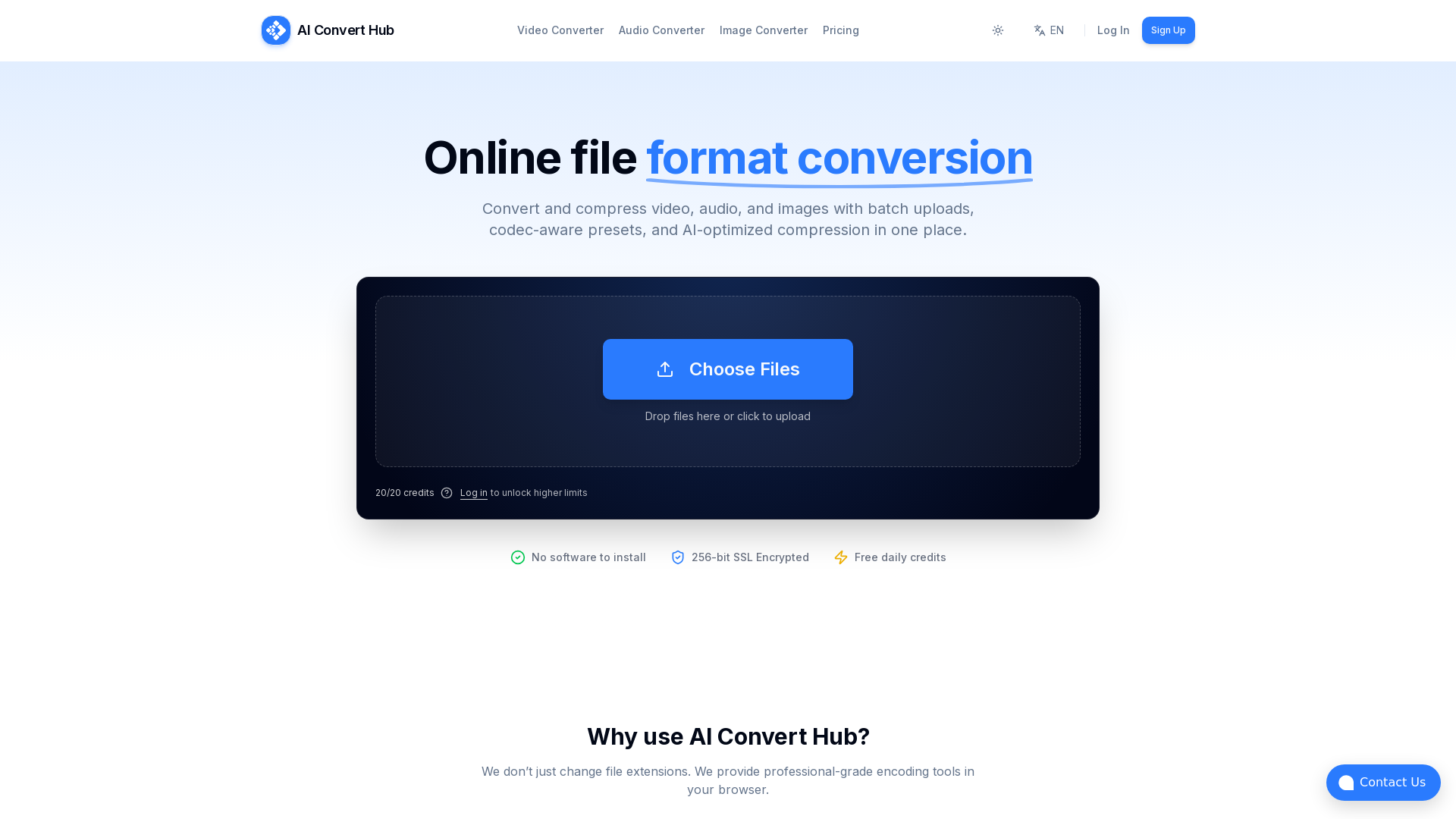
AI Convert Hub 是一款一体化在线文件转换平台,让用户能够轻松转换和压缩视频、音频及图像。该平台支持批量上传,并提供编解码器感知预设,在利用 AI 优化压缩技术处理 HEIC、WEBM 和 RAW 等多种文件格式时,确保最佳质量。
AI Convert Hub 的主要功能有哪些?
- 格式多样
- 支持超过 200 种文件格式,满足多种转换需求。
- 批量处理
- 用户可以一次性上传文件夹或多个文件,提高效率。
- 极速转换
- 分布式转换管道并行处理文件,更快获得结果。
- 安全私密
- 采用 256 位 SSL 加密确保文件传输安全,保护用户隐私。
- 高级控制
- 提供编解码器感知控制,可调整 CRF、比特率、帧率和音频声道。
- 高质量输出
- 基于 FFmpeg 技术,AI Convert Hub 在减小文件大小的同时保持卓越质量。
如何使用 AI Convert Hub?
使用 AI Convert Hub 非常简单:访问网站,选择要转换的文件类型(视频、音频或图像),然后上传文件。您可以在转换菜单中自定义设置,例如质量选项。基本任务无需注册,可立即开始转换。
AI Convert Hub 的定价选项有哪些?
AI Convert Hub 提供慷慨的免费套餐,为偶尔需要转换的用户提供每日额度。对于繁重的批量任务或更频繁的使用,用户可以考虑升级到 Pro 版本,以解锁更多功能和更高限制。
最大化利用 AI Convert Hub 体验的有用提示
- 利用批量处理
- 一次性转换多个文件以节省时间。
- 探索编解码器控制
- 在转换前调整 CRF、比特率等设置,自定义输出质量和文件大小。
- 保持安全
- 处理完成后删除文件以确保隐私,AI Convert Hub 会自动清理文件。
常见问题
是否免费使用?
是的,提供慷慨的免费套餐。但对于有大量批量作业需求的用户,建议升级到 Pro 版本以获得更佳功能。
你们会保留我的文件吗?
不会,文件在处理后或由用户删除时会自动清理。
如何更改视频质量?
上传文件后,点击设置图标进行调整,修改 CRF、比特率或分辨率以提升视频质量。
准备好转换了吗?
基本转换任务无需注册。立即访问 AI Convert Hub 开始转换!
支持的格式:探索 AI Convert Hub 支持的所有格式,高效满足您的文件转换需求。
AI Convert Hub
批量转换和压缩 MP4/MOV、MP3/WAV、JPG/PNG/WEBP 等 200 多种格式,提供编解码器感知预设、AI 压缩和安全路由。
 Cloudflare
 HTTP/3
 Next.js
 Node.js
 React
React Webpack
 dc.js
dc.js在此投放广告
每日触达数千访客。立即获取您的位置!
与 AI Convert Hub 类似的工具
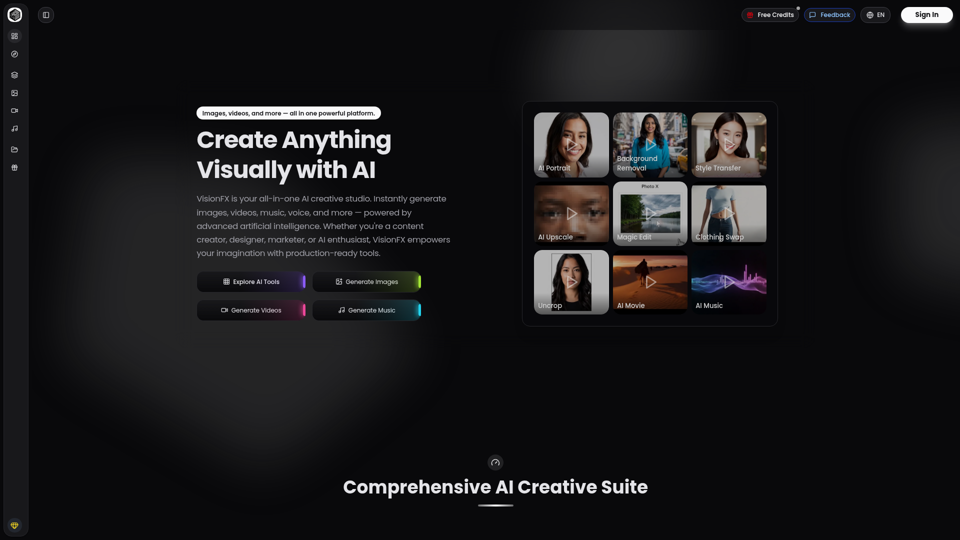
VisionFX is your all-in-one AI creative studio. Instantly generate images, videos, music, voice, and more — powered by advanced artificial intelligence. Whether you're a content creator, designer, marketer, or AI enthusiast, VisionFX empowers your imagination with production-ready tools.