What is SummarizeYT?
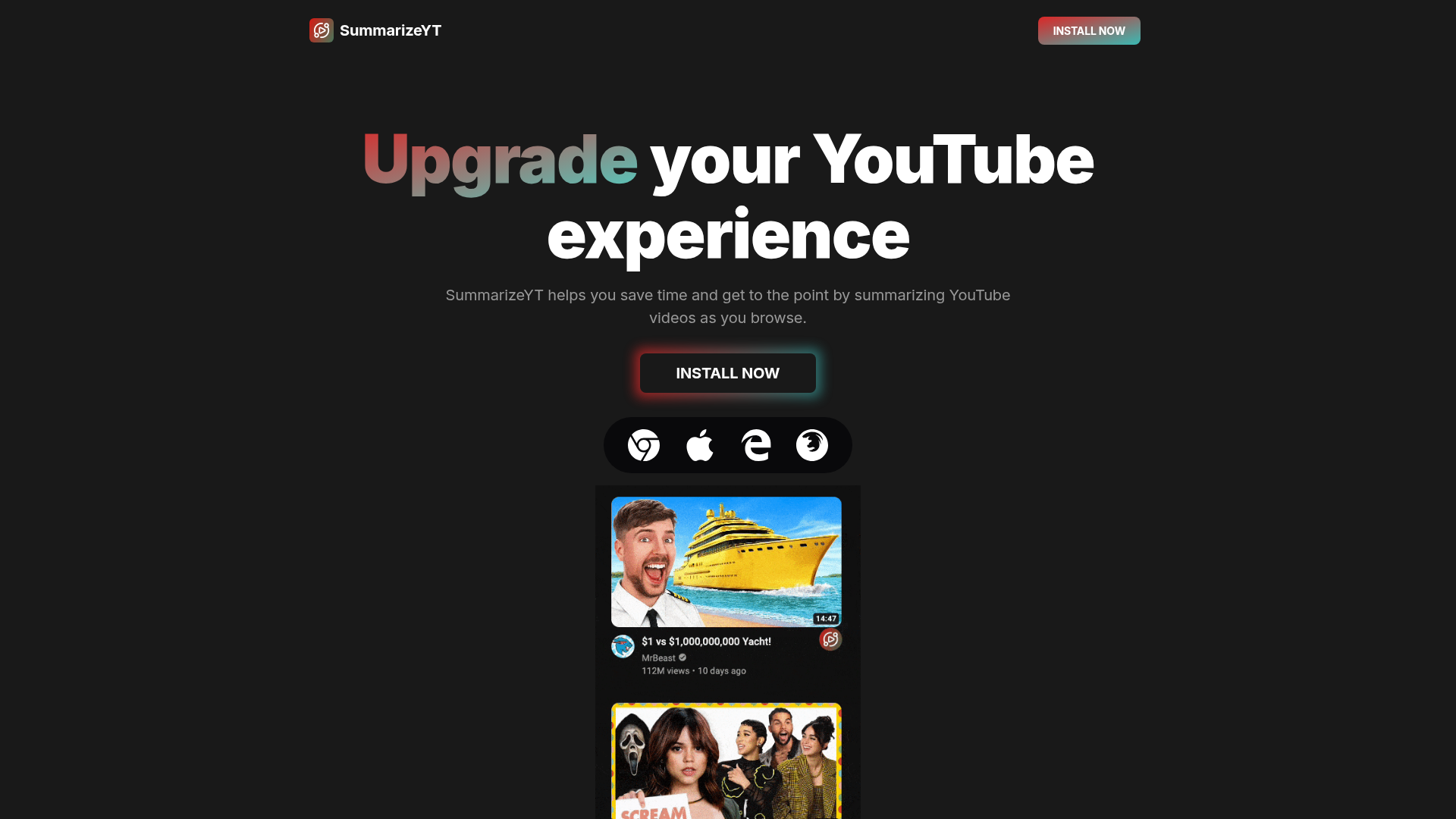
SummarizeYT is a powerful Chrome extension designed to enhance your YouTube browsing experience by instantly providing concise summaries of video content. As you browse, it uses advanced AI to analyze video transcripts (when available) or audio content, delivering key points and takeaways directly on the YouTube page. This tool is perfect for students, researchers, professionals, and anyone looking to quickly grasp the essence of a video without watching it in full.
What is the main feature of SummarizeYT?
- Instant On-Page Summaries
- Generates AI-powered summaries directly on the YouTube video page as you browse, saving you from navigating to a separate site.
- Time Efficiency
- Drastically reduces viewing time by extracting core ideas, arguments, and facts from long videos, lectures, tutorials, and podcasts.
- Seamless Integration
- Works effortlessly within your Chrome browser without disrupting your normal YouTube workflow. The summary appears in a clean, unobtrusive panel.
- Transcript Utilization
- Intelligently uses available video transcripts or captions to generate accurate and context-aware summaries.
- One-Click Installation
- Easy to add to Chrome from the Chrome Web Store, requiring minimal setup to start summarizing immediately.
How to use SummarizeYT?
Using SummarizeYT is straightforward:
- Install the Extension: Click "Install Now" to add the SummarizeYT extension from the Chrome Web Store to your browser.
- Browse YouTube: Navigate to any YouTube video as you normally would.
- View the Summary: The extension will automatically process the video. Look for the SummarizeYT panel or button on the video page to view the generated summary.
- Get to the Point: Read the concise summary to understand the video's main content without watching the entire duration.
Price
SummarizeYT offers a freemium model. The basic functionality, including generating a limited number of summaries, is available for free upon installation. For users requiring unlimited summaries, access to advanced summary formats, or priority processing, a subscription plan is available. Visit the official SummarizeYT website or the Chrome Web Store page for detailed, current pricing and plan options.
Helpful Tips
- For the most accurate summaries, ensure the YouTube video you are watching has captions or a transcript enabled, as this is the primary data source for the AI.
- Use the tool to quickly vet multiple videos on a topic, allowing you to select the most relevant one to watch in full.
- It's an excellent study aid for online courses or tutorial-heavy channels, helping you review key concepts from lecture videos.
- For long-form content like documentaries or podcasts, the summary can serve as a detailed preview or a post-viewing recap.
Frequently Asked Questions
How accurate are the summaries?
The accuracy is high, especially for videos with clear speech and good-quality transcripts. The AI is designed to identify and condense main themes and key information.
Does it work on all YouTube videos?
It works best on videos that have automatically generated or creator-provided subtitles/transcripts. Videos without any transcript data may not be summarizable.
Is my data private?
SummarizeYT processes video content to generate summaries. Typically, the video data is processed securely, and user privacy policies should be reviewed on their official site for specific details on data handling.
Can I use it on other browsers?
Currently, SummarizeYT is available as a Chrome extension. It may also work on other Chromium-based browsers like Microsoft Edge or Brave.
What if the summary isn't appearing?
First, refresh the YouTube page. Ensure the video has captions available (look for the "CC" icon). If issues persist, check that the extension is enabled in your Chrome extensions menu (chrome://extensions/).
SummarizeYT
YouTube体験を向上させましょう!YouTube動画をブラウズしながら要約することで、時間を節約し、要点を素早く把握できます。
 Cloudflare
 Google Analytics
 HTTP/3
無料のAIアニメ・マンガジェネレーター。テキストをアニメエピソード、マンガ、コミック、ウェブトゥーン、ショートコミックに、どんなアートスタイルでも変換 — 絵を描くスキルやアニメーションの知識は不要です。
広告掲載中
毎日数千人の訪問者にリーチ。今すぐ枠を確保!
SummarizeYT に似たツール
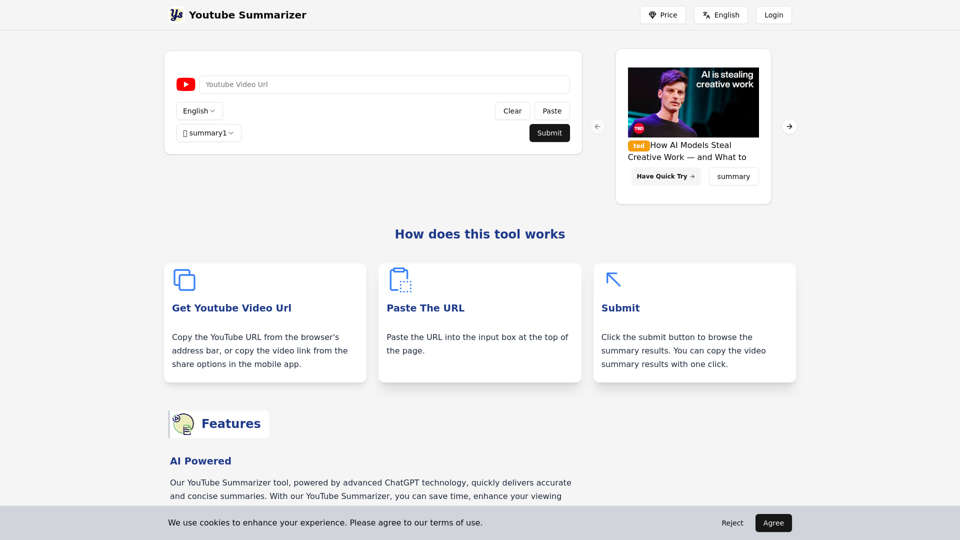
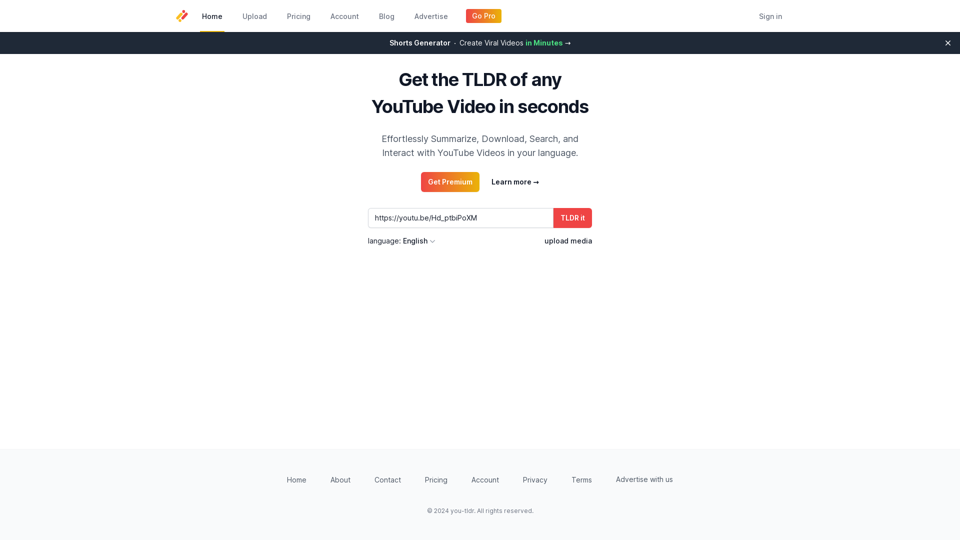
リンクを入力するだけで、動画の要約を素早く取得できます。視聴者でもコンテンツクリエイターでも、あなたのニーズに合わせた多様なオプションを提供します。
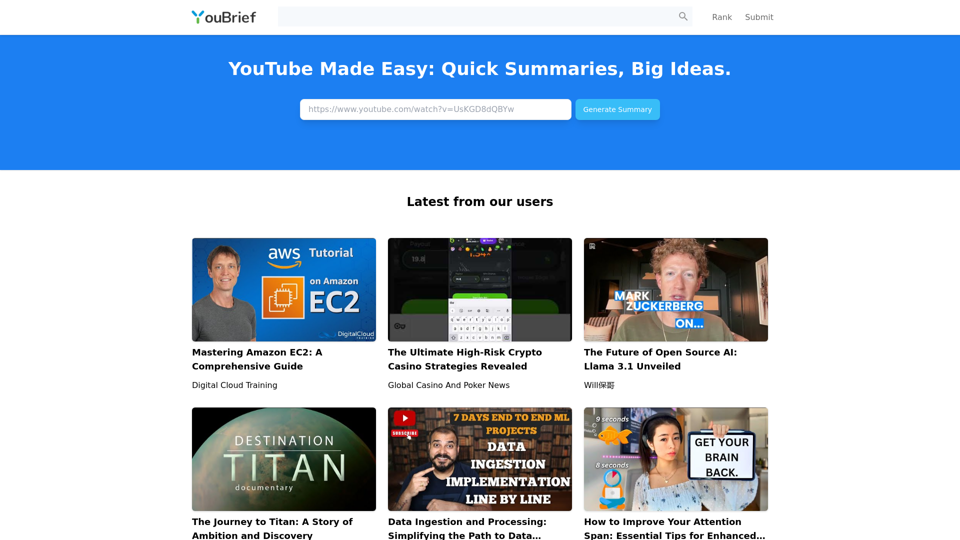

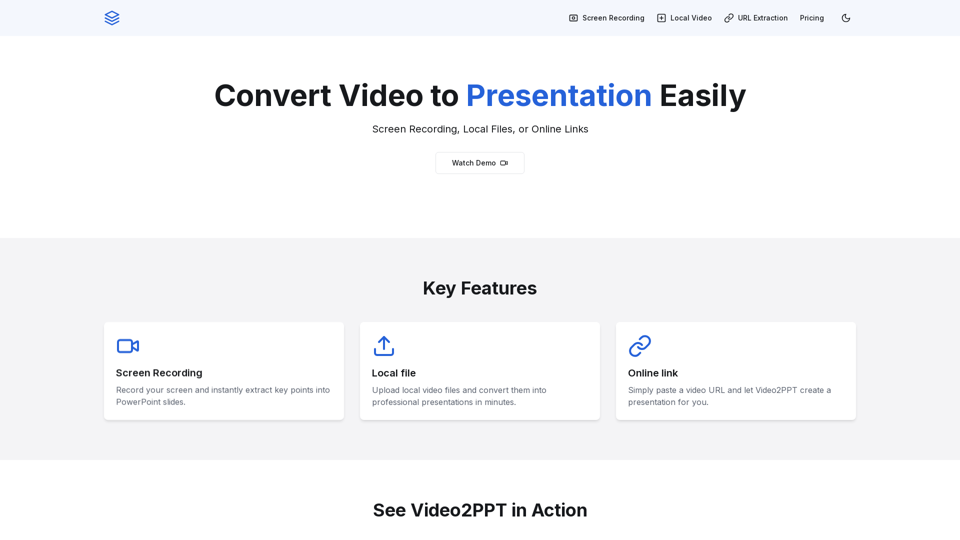
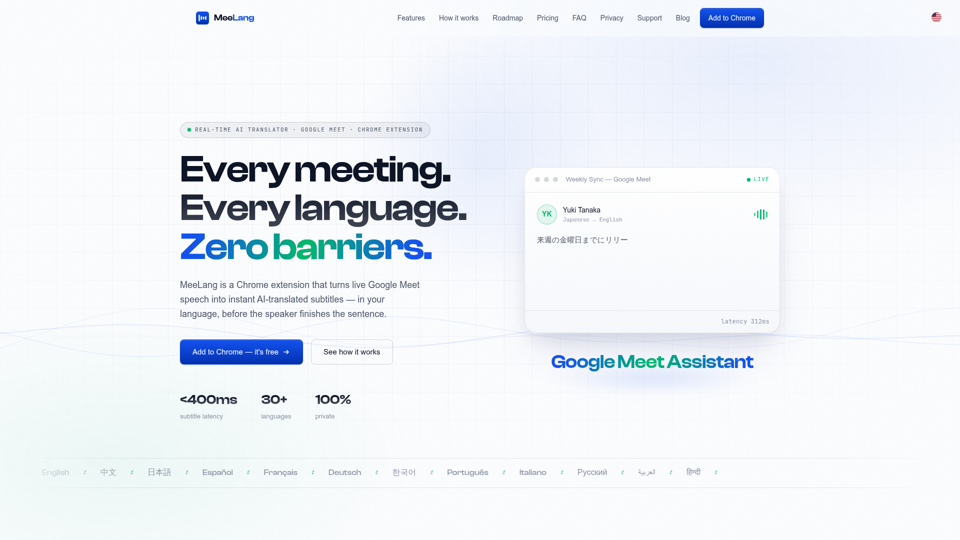
MeeLangは、Google Meet通話をリアルタイムのAI字幕に翻訳する無料のChrome拡張機能です — 30以上の言語、サブ秒レベルの遅延、検索可能なバイリンガルトランスクリプトを提供します。