What is GPT Hotline?
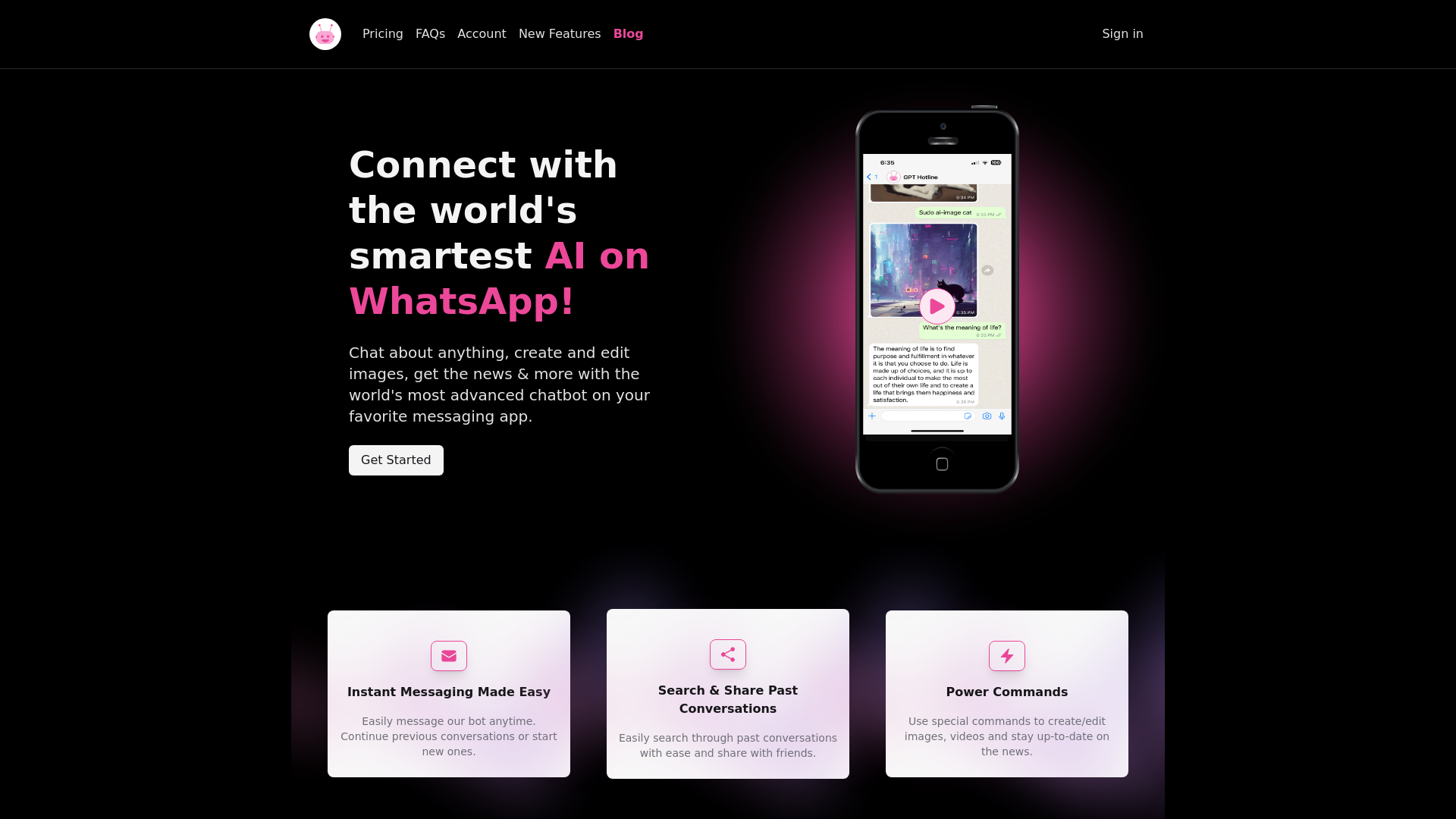
GPT Hotline is an innovative service that connects users with one of the world's most advanced AI chatbots directly through WhatsApp. This platform offers the convenience of instant messaging while allowing users to chat about various topics, create and edit images, access the latest news, and more, all within their preferred messaging app.
What are the main features of GPT Hotline?
-
Instant Messaging: Chat with the AI anytime and continue previous conversations seamlessly.
-
Chat History: Preserve and easily search through past conversations, allowing users to share insights with friends.
-
Power Commands: Utilize commands to reset conversations, generate or edit images, and receive the latest news tailored to your interests.
-
Voice Interaction: Send voice messages for a more personal connection, thanks to the Speech To Text functionality.
-
Image Editing: Forward images to the bot with instructions and receive back edited versions, complete with creative filters and effects.
-
Reminder Setting: Set reminders for tasks and receive notifications when it’s time to act.
How to use GPT Hotline?
To start using GPT Hotline, follow these simple steps:
- Sign up for the GPT Pro Plan.
- Register your phone number on the platform.
- Begin texting your AI assistant directly through WhatsApp.
What is the price of GPT Hotline?
GPT Hotline offers a subscription plan known as the GPT Pro Plan. Users can take advantage of a limited-time offer by using the code PHSALE to get 20% off the first month. The subscription is flexible, and users can cancel anytime through their Subscription Portal.
Helpful Tips for Using GPT Hotline
-
Use power commands to enhance your interaction, whether you need to reset a conversation or request specific content.
-
Explore the voice messaging feature to create a more engaging experience. Note that voice messaging is currently supported in English.
-
Utilize the image editing function to creatively customize visuals. Forward images to the AI and request specific edits.
-
Set reminders efficiently to keep track of important tasks without manual input.
Frequently Asked Questions
Can I access GPT Hotline through any messaging app?
No, GPT Hotline is specifically designed to work with WhatsApp, providing users with a streamlined and convenient way to interact with the AI.
Do I need a smartphone to use GPT Hotline?
Yes, since GPT Hotline is accessible only via WhatsApp, a smartphone capable of running this app is required.
Is there a free version of GPT Hotline?
While GPT Hotline does not offer a free version, users can enjoy discounts on the pro plan using promotional codes.
What happens to my chat history?
All your chat history is preserved, allowing you to revisit past conversations and easily share them with others.
Can I edit images that I send to GPT Hotline?
Yes, you can send images you would like to edit, provide the AI with instructions, and receive back an edited image based on your specifications.
Take advantage of GPT Hotline and experience the seamless intersection of AI and instant messaging today!

